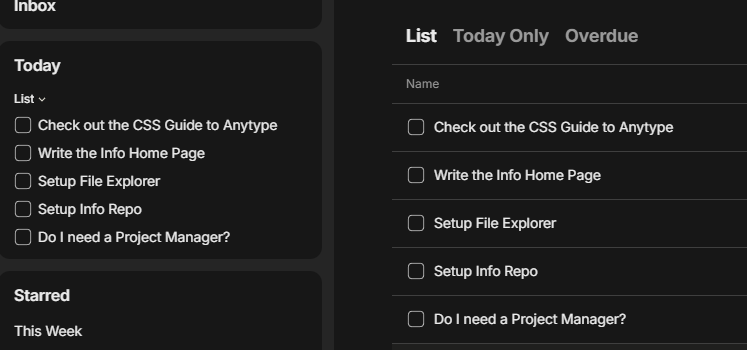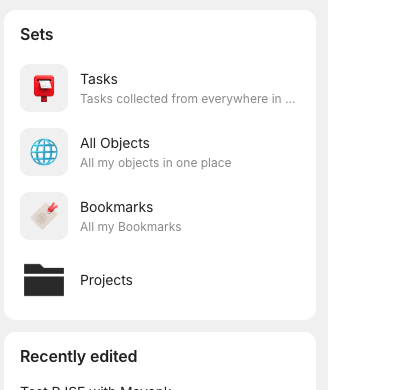
this is the collapsed view of a widget called Sets
This is the expanded view
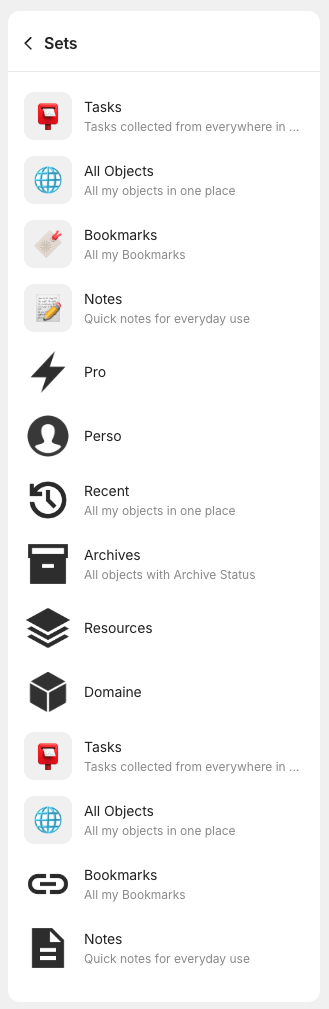
I am not sure how to reorder the elements in a widget.
Widgets take after the order of their respective set/collection. So in order to reorder the widget, you would have to go to the source set and reorder those objects.
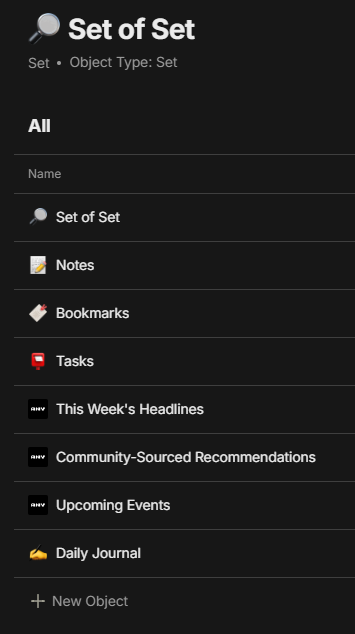
There are two issues we need to fix to do this. The first is the default Sets widget doesn’t take after any object in our Anytype space. However, we can make an object that copies this exact behavior.
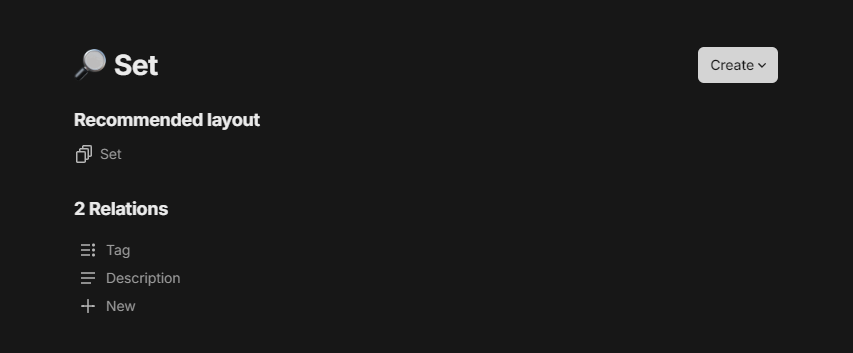
First go to Library → My Types →  Set
Set
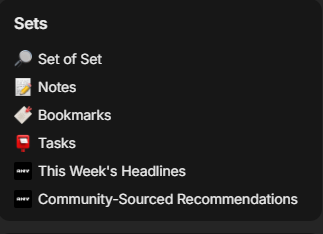
Now that we have this new set we can manipulate, delete the old “Set” widget by pressing right click and remove over its title.
Instead, replace it with our new set. Do this by pressing Edit at the bottom of the widget menu → Add → Choose a Source → Set of Sets (you can change the name if you want and it will reflect on the new widget). Make sure it is a list and not a compact list to get the same view as the one you have.
Ok, that solves the first issue. The second issue is sets have no manual sort. It is a feature request right now, but it is currently blocked. I would vote for it if you want it.
Instead what we have to do is make a new relation called “Order” which is a number and use it to sort our objects in the set. You can sort it however you like, but the order in the set should be what you see in the widgets menu, like this
Thank you, @Terit, for the excellent response!
We have an update to the widget view of sets coming in the next release that will partially address this. We’d also like to implement custom sorting of objects in widgets at some point as well.
Please vote for this request and share any feedback you have on it with us: