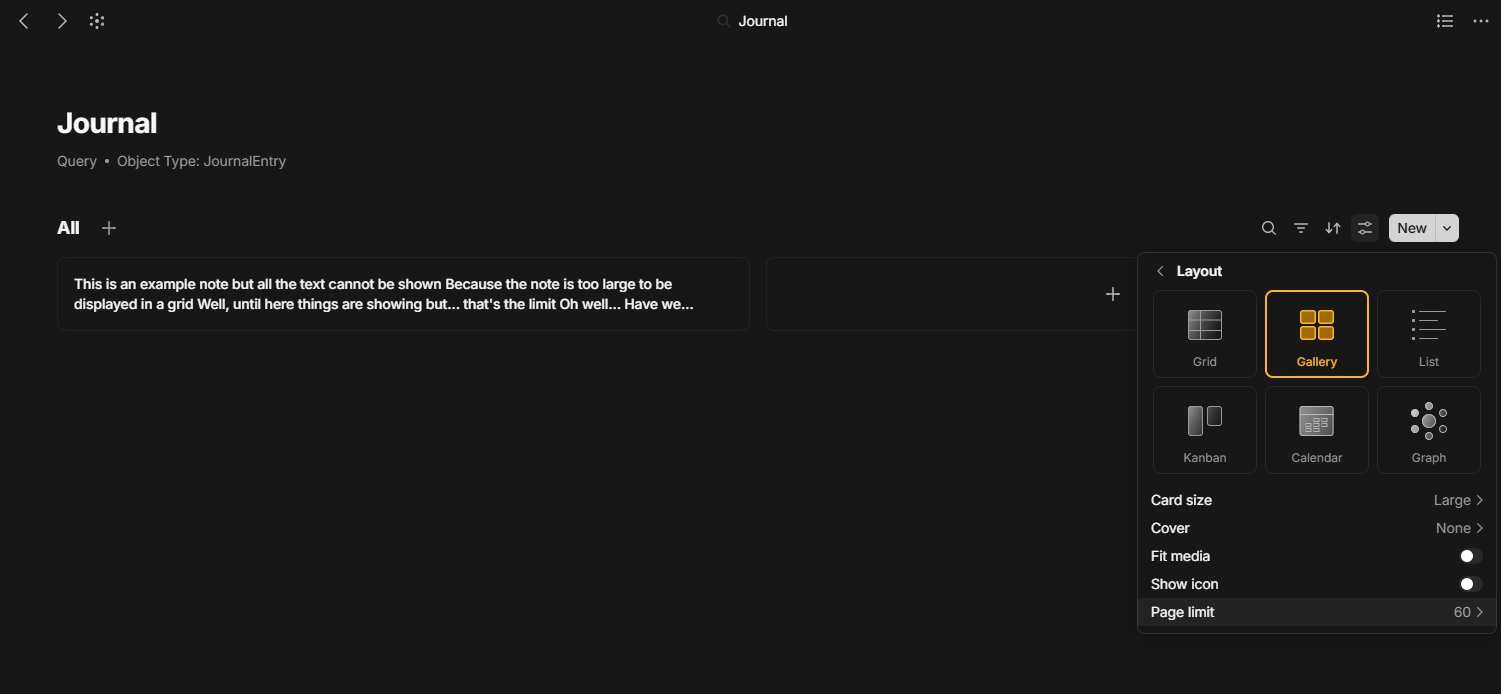
I have a Page where I write my Journal. What I do at the moment is that I do: @Today which embeds the current date
and then I indent whatever observations I have for that day.
I was thinking of transforming those to Objects. So each journal entry is an object with a creation date and the note contents.
I want to have a page to display all notes or a date range of notes, as I find it good to see the entire notes for each date all in a single page.
I could do a Query for those Journal entries, but there is no way to display the full object text content. Is there a way to do this?
Ah indeed, that’s what I’m looking for. I guess I’ll have to wait an indefinite time. Do you think something similar could be done using CSS styling? Probably not displaying the fully formatted objects with any type of content but just displaying the raw unformatted text at least.
No.
Each object return a “snippet”, with only a predefined maximum number of characters.
The full content of the object is not retrieved by the page, so it cannot be displayed.