What’s The Bug?
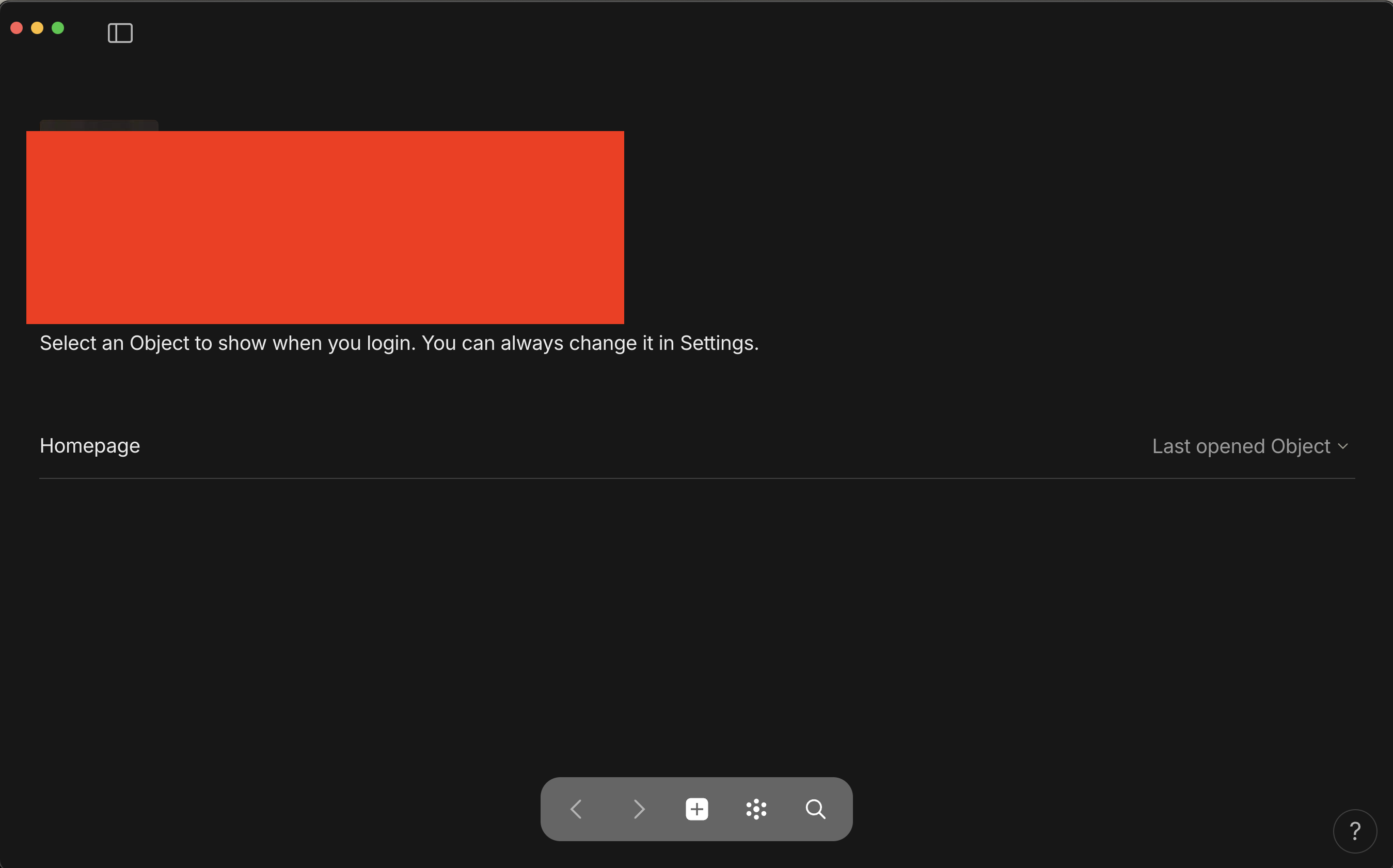
Selecting “Last opened Object” as my home page does not work. AnyType just starts on my “Homepage” rather than on the last opened object.
How To Reproduce It
Go to space Manage Space. Select Last Opened Object as Homepage. Close and open AnyType
The Expected Behavior
To open the last opened object
Device
Macbook Pro 2021
OS
Sonoma 14.5
Anytype Version
0.41.1
Network Mode
AnySync
Technical Information
OS version: darwin arm64 14.5.0
App version: 0.41.1
Build number: build on 2024-06-13 12:23:20 +0000 UTC at #48d85bd5470c4a6aaa6f38c2f37b04e7ce2fb637
Library version: v0.34.3
Anytype Identity: A7W1nmyQZYyYDxPJFQKVbNa8sQ4sz1R75dL3KVkZFARH4m81
Analytics ID: cfe5fb91-c6ec-49bf-8476-f440ee01d095
Device ID: 12D3KooWLsH2ERhMfP4ToebwFws8E149sffQXXjAShV59oFWJhZj
Angelo
2
This report has been added to our issue tracker and received by the Development Team.
Angelo
3
This issue has been fixed by the Development Team and will be implemented in an upcoming release.
What’s The Bug?
When the Homepage option is set as “Last opened Object”, the startup doesn’t bring to the previously opened object.
How To Reproduce It
- Go to setting of “Space”.
- Set Homepage as “Last opened Object”.
- The next startup brings to the page of “Select an Object to show when you login. You can always change it in Settings.”, with the name of the space.
Image or Video
The Expected Behavior
The next startup should bring to the previously opened object.
Additional Context
- The initial version with this bug is 0.41.0
Device
MacBookPro18,3
OS
macOS 14.6 (23G80)
Anytype Version
v0.42.0
Network Mode
AnySync
Technical Information
OS version: darwin arm64 14.6.0
App version: 0.42.0
Build number: build on 2024-07-31 08:28:58 +0000 UTC at #4a8c39e4e991d3e9d6819f5ff495c688415bc288 (dirty)
Library version: v0.35.0-rc12
Anytype Identity: AAHm5ZoYoYTwpURPKQSFaCinXnf4W5MysjoGVGsmiVFL7rVG
Analytics ID: 6f449def-8c43-4651-8f1e-e48bea4e2933
Device ID: 12D3KooWQKSe6omZczu6QUY9JhAT4MWSwmd42xVqNDV6fmEz6ngW
Filip
6
Are you sure this wasn’t fixed in 0.42.0 for you?
Yes, I’ve checked that, so I’m sure that still isn’t fixed. I even create a new space to check, and that exact bug also occurs.
Angelo
9
This issue has been fixed by the Development Team and will be implemented in an upcoming release.