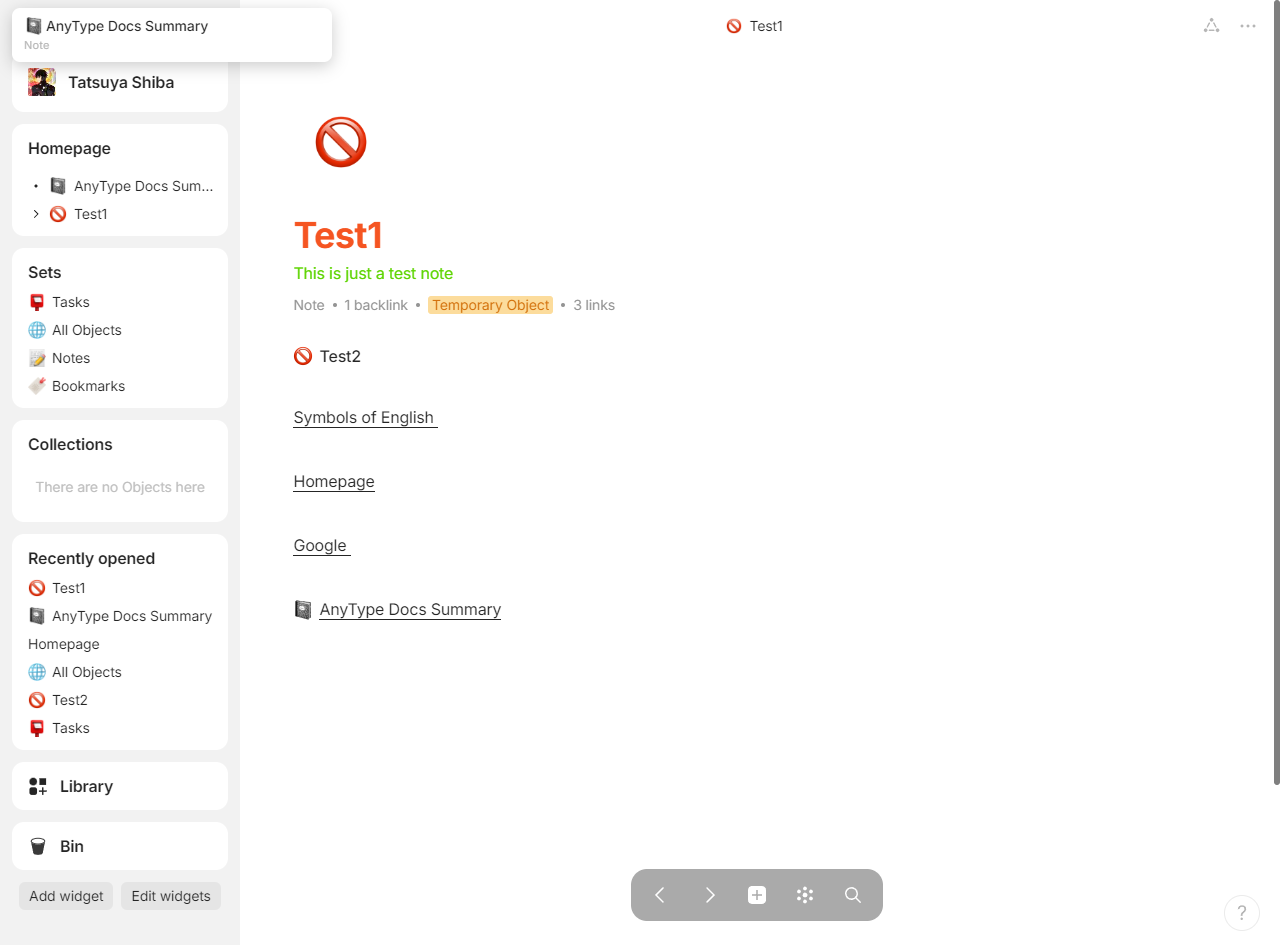
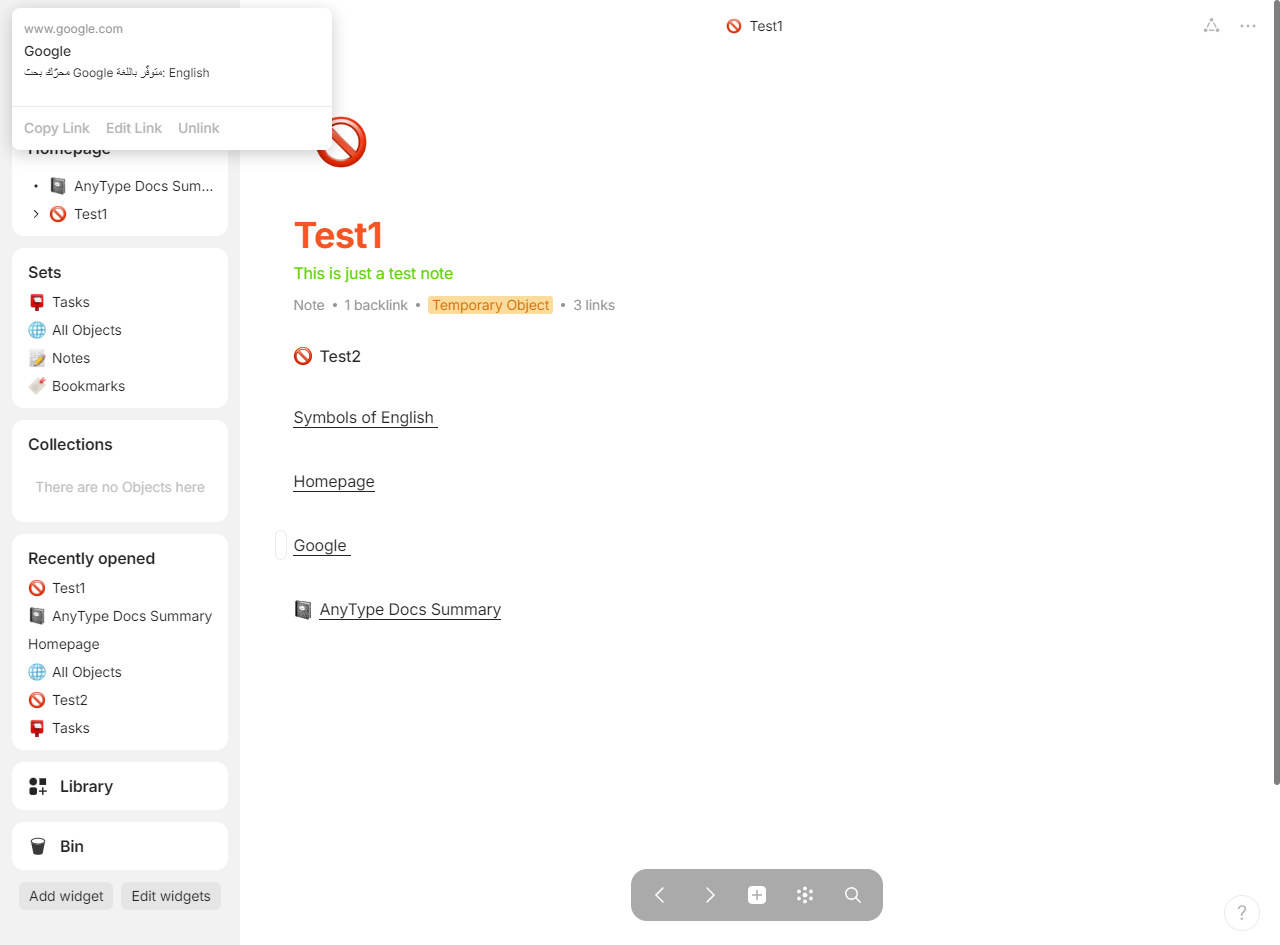
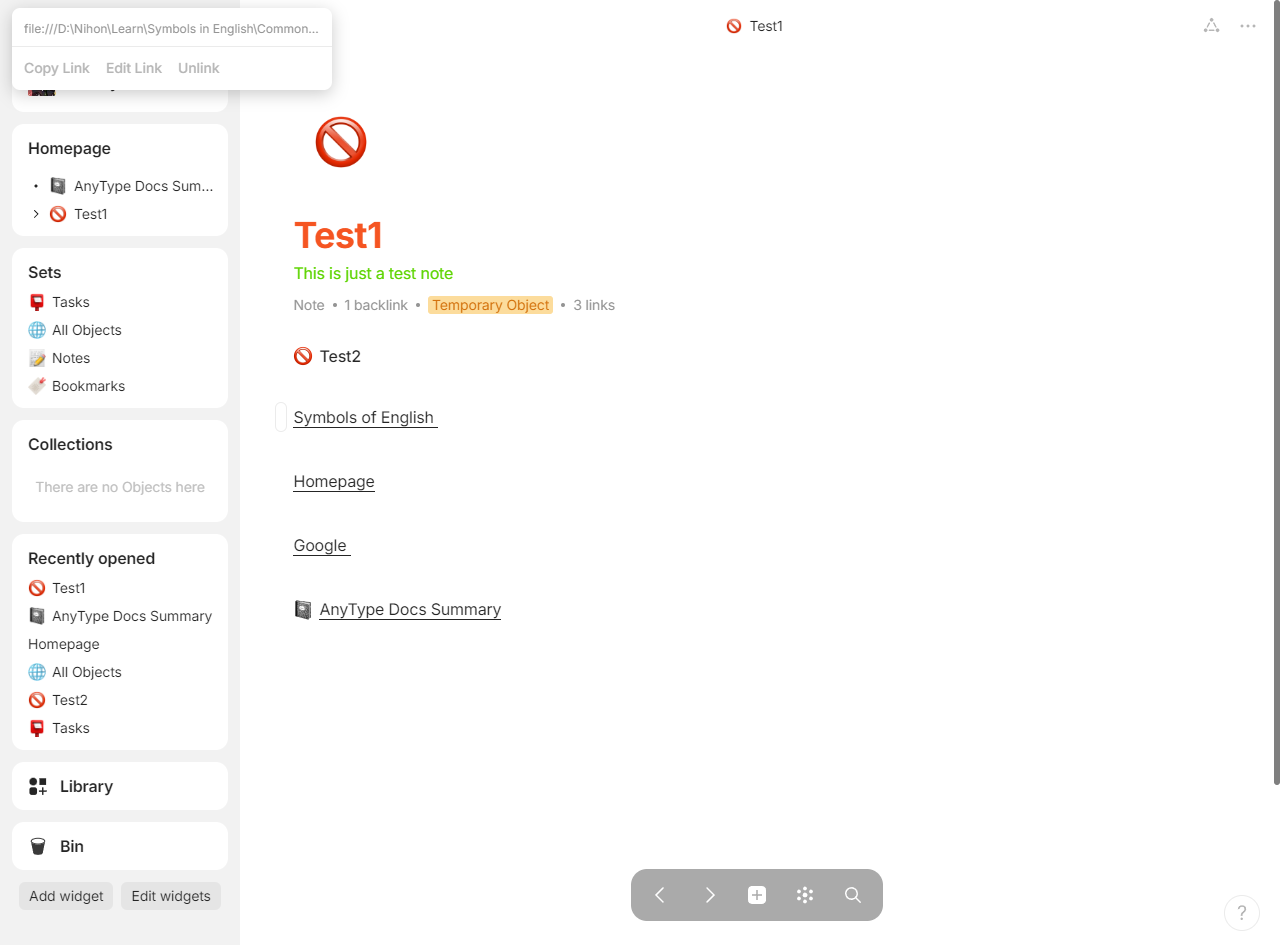
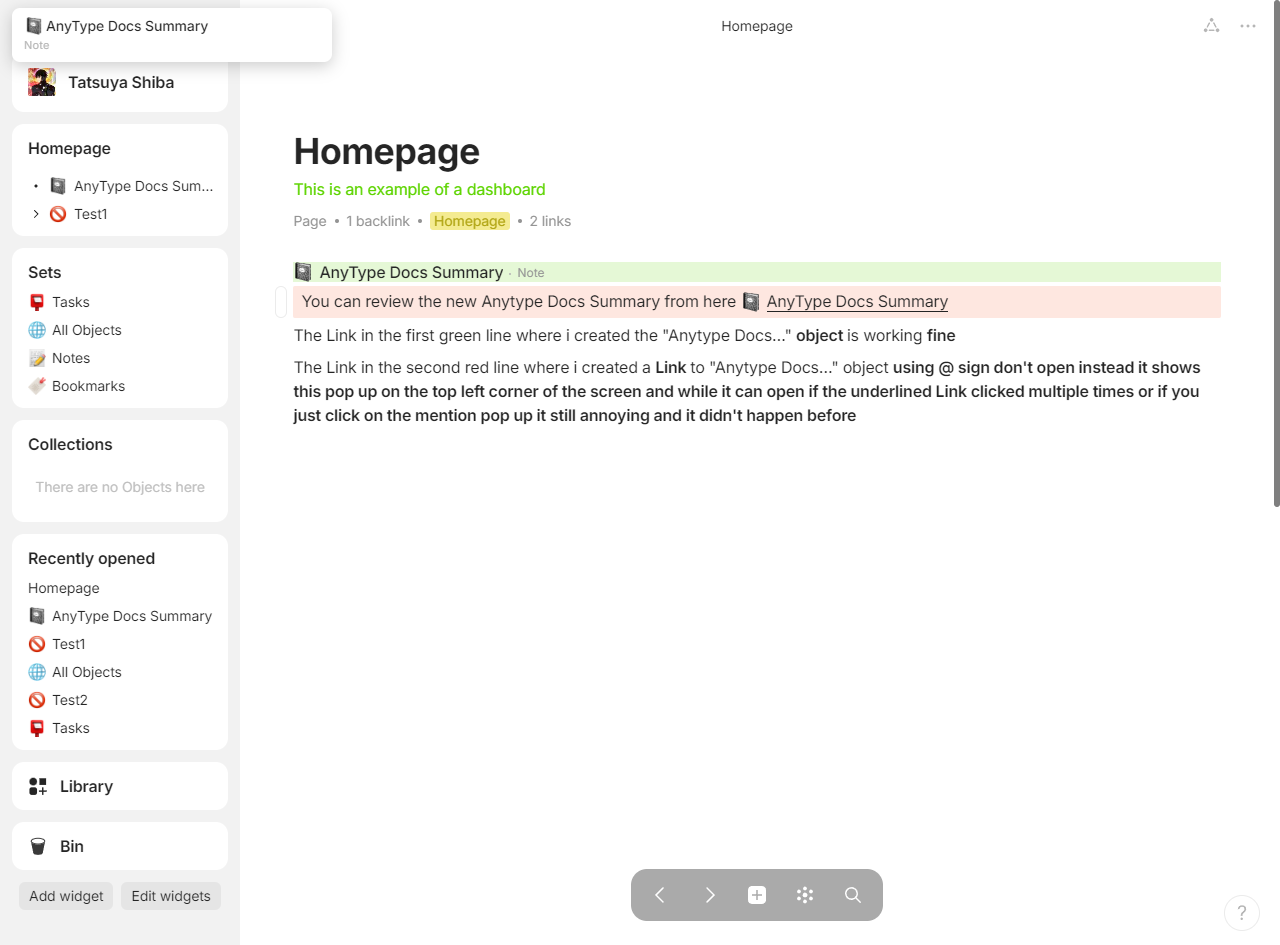
If I click on some inline link (created with @) before popup appears on hover, then popup appears in the top-left corner of the window and link does not work.
If I wait for popup to appear on hover then click works.
How To Reproduce It
Create test page 1
Create test page 2
On the test page 2 add link to test page 1 using @
Try to click this link fast before popup on hover appears (does not work)
Try to click this link after popup on hover appears (works)
Image or Video
The Expected Behavior
Link works even if I click it fast.
Device
Macbook Pro M1
OS
Sonoma 14.6.1
Anytype Version
v0.42.6
Network Mode
AnySync
Technical Information
OS version: darwin arm64 14.6.1
App version: 0.42.6
Build number: build on 2024-09-04 16:13:12 +0000 UTC at #7566ef7f4b24cb327746c4f0bedfaad55ef9fd94 (dirty)
Library version: v0.35.6
Anytype Identity: A7NAJjQc9P5u5dkVsZ33TzxCcykG9svhWbxTG39KCEpoq1Wq
Analytics ID: 722911a9-9f3a-4ce4-bdbd-d64a96e8bb13
Device ID: 12D3KooWGwtrXyDvjvkJC7ah2c9T8APZPkAt3tM2JBd1ZnJDhoTG
The problem has just arisen recently, any Link i create either using the shortcut [Ctrl + K] or @ sign if i click on any underlined Link a pop up will appear at the top left corner indicating type of Link ( e.g. name of object it linked, local file or webpage) and the link won’t open if i click twice on that link the cursor turns into blinking vertical line and i can select the text of the underlined Link, if i click on the Link multiple times it will eventually open. This didn’t happen before so it’s weird !. I am guessing it has something to do with the pop that appear on the top left side and if i click on that pop up it will open the Link
It’s so annoying because in the past one i just clicked on any underlined Link whether it be for a website, an object , a local file it opened without issues
There are times when it will open as it should but almost of the time it shows that pop up instead of opening the Link
Refer to the images i uploaded especially image no 4
How To Reproduce It
Create any Link using Shortcut [ Ctrl + k ] on any Text or by using @ sign to refer to any object
The Link will be created and underlined
If you attempt to click the Link to open it a pop up appear on the top-left corner of the screen and the link don’t open