Is your feature request related to a problem? Please describe.
I was trying to share a list / set of objects and apparently the only way to do it is via print to PDF.
Describe the solution you’d like
Would be good if we could export it to like a CSV / Excel file, keeping the same table (rows/columns) structure, and then I could just copy / paste it to somewhere else
To many people it will only make sense to invest time in AnyType if they know the data their dealing with can be easily exported/sent to other more accessible formats.
+1. I really like the database like functions of sets with the possibility to relate objects and display them in a grid. CSV export would be very useful to have these relations part of a structured export (there is currently no possibility to export relations).
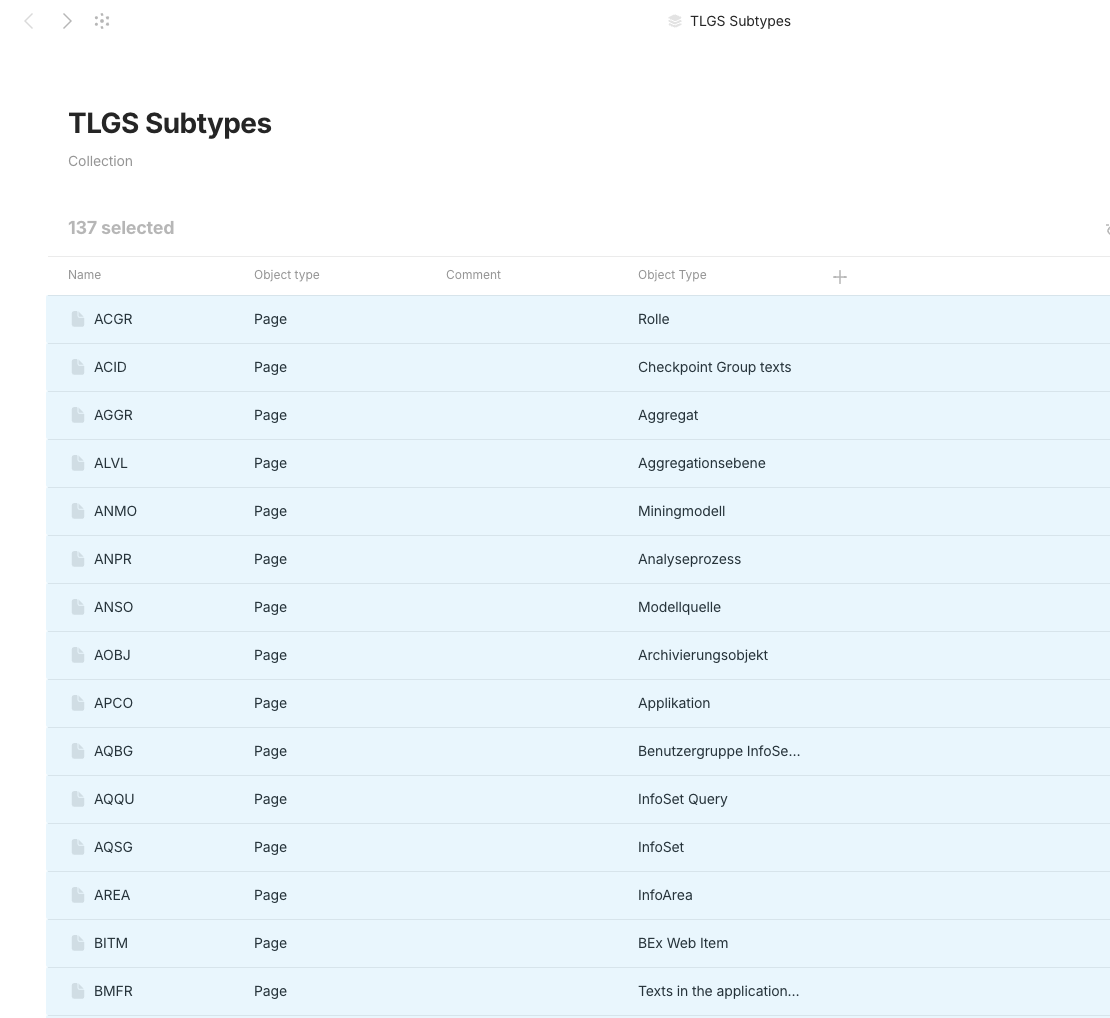
You can now export any objects you want from either a set or collection. You just need to select the ones you want to export, right click, and choose Export to open the regular export menu.
Since this part of the request has been implemented, I’ll rename the topic to a general CSV export since we currently only provide markdown and Any-block exports.
I just wanted to open a new topic about “CSV Exports” I absolutely need them – how far are you with that? Is that even planned? Thats the reason why I was using Notion in the first place.
My usecase: managing 301-redirects for websites, that pull their “source” and “target” value from other databases (of pages or external links) and I need to upload a csv. No way I’m doing this per hand all the time.
Notion does that really smart, by only putting the current view into that csv. Thats soooo handy! Because my csv file should only contain 2 columns: source and target and not any other tags etc
I can copy a table and paste it in excel/calc, but can’t go from excel/calc to a table in Anytype. Being able to copy and paste a table from excel or Libreoffice calc into Anytype is important for me. It’s especially important since Anytype tables are pretty limited. Having the ability to copy data into excel, operate on the data and easily paste it back into Anytype would be very useful. Bonus points for being able to copy and paste parts of an Anytype table.
We would love to have the ability to export and print content such as views, notes, sets, etc. This feature would greatly enhance usability for documentation, sharing, and offline reference.
This is a crucial missing feature for me, prevents me from wider rollout of anytype in my organization as things like a “mini CRM” are stuck inside and can’t be used for other processing.
Even a simple workaround like just copy&paste of the selected rows would be helpful.
In collections, from Grid layout, we need to get the content of the Grid exported to Excel.
HOW COULD IT BE DONE?
Add an Export button to Collections when in Grid view, and export all lines in the grid to CSV, ideally with TAB as separator.
REAL WORLD USE CASES
We frequently need to send customers data we keep in collections. Currently, we can only CTRL + A on the collection, the CTRL + C. While the content of the clipboard is pastable into Excel, only the lines the are visible on the screen at the time of copy are copied. We need to copy all lines.
There is also CTRL + A, the right-click and Export that brings up and export screen, but there is no CSV option, only JSON/markdown which export each object instaed of the content of the Grid view.
RECOMMENDED ALTERNATIVES
We currently have to copy the visible content screen by screen, paging down many times and copying each time
it would make me feel much safer in treating my enourmous markdown tables as collections and sets with specialized types
I have tables that are lifetime work, having them as one of the easily convertible tables formats is good for me, so i’m kinda worried that if i turn them into collections i won’t be anymore able to go back without writing one row by one via hand ^^
Basically saying that for data safety (also for the possibility to work with tables inside anytype and then exporting for other programs) it’s very important
I also felt the need to manage some data in AnyType in a spreadsheet : share tabular data to people not using AnyType (shame ), perform calculation on data, etc.
 ), perform calculation on data, etc.