Hi, have searched about an earlier entry from someone else. Hope I do not overlooked one. Otherwise sorry.
The ordering in Desktop and Mobile is not the same (not in sync)
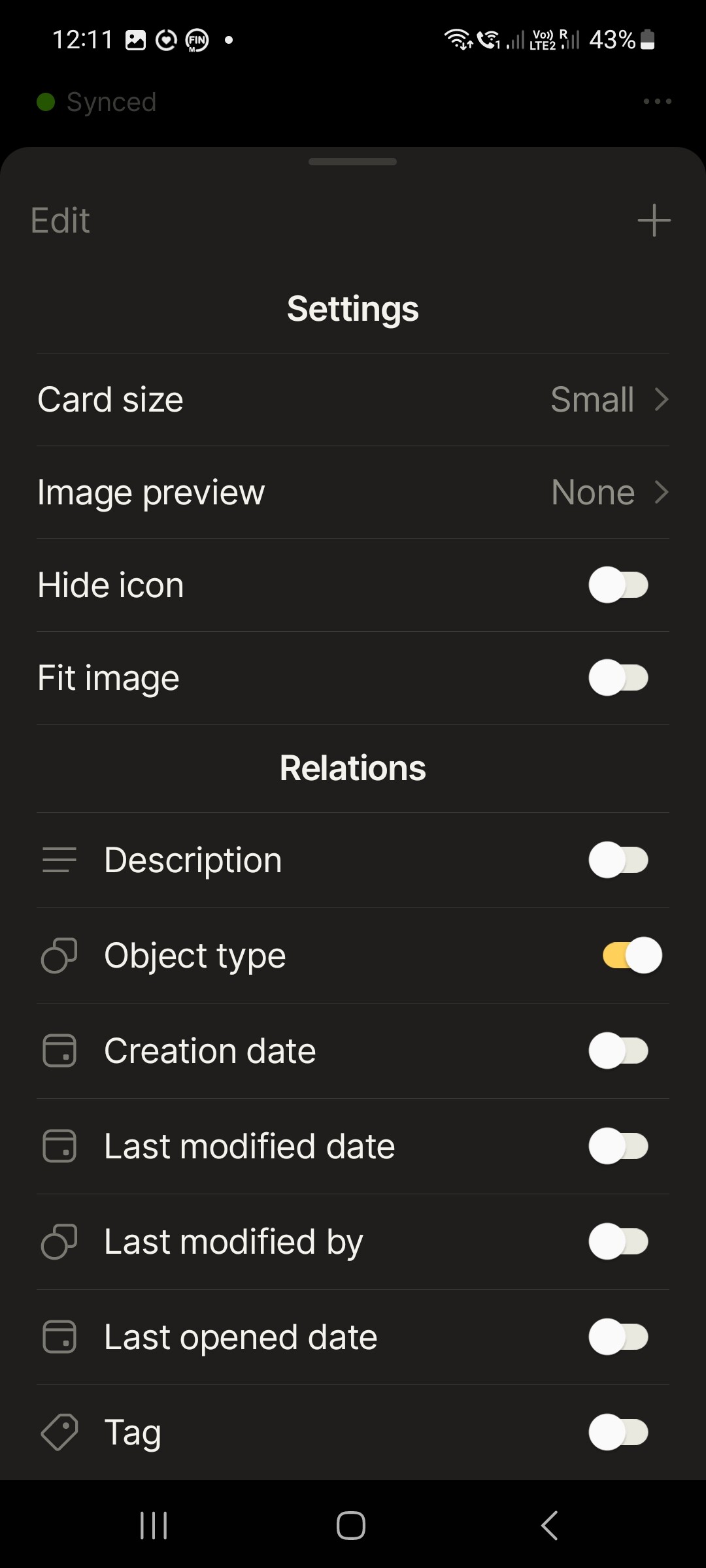
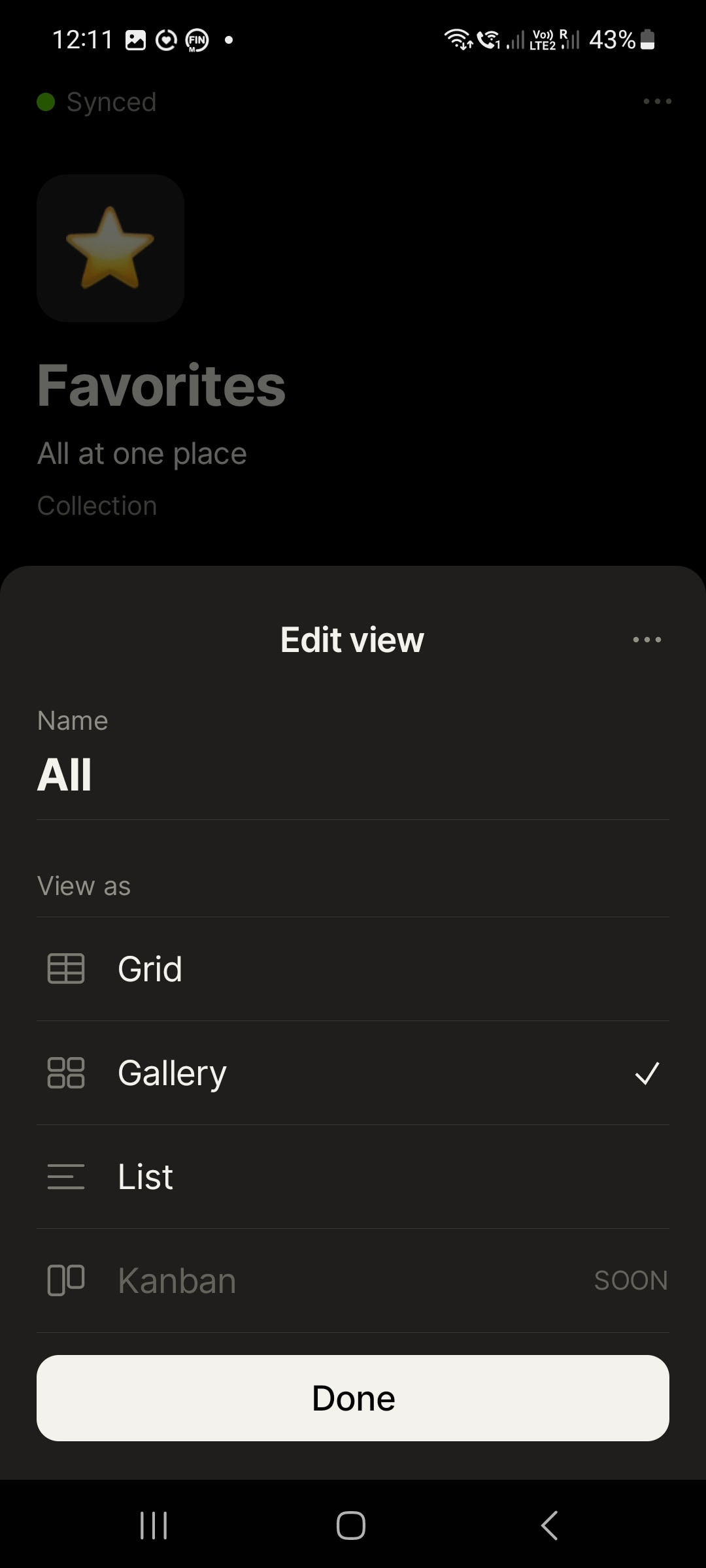
Because of the " cut without replacement" from the Legacy-Homescreen (Homescreen from Legacy App - #25 by _Martin) I have built a Collection named Favorites and Linked all my important Objects to this Collection view-setting “All” – “Show icon” – “View as:Gallery”.
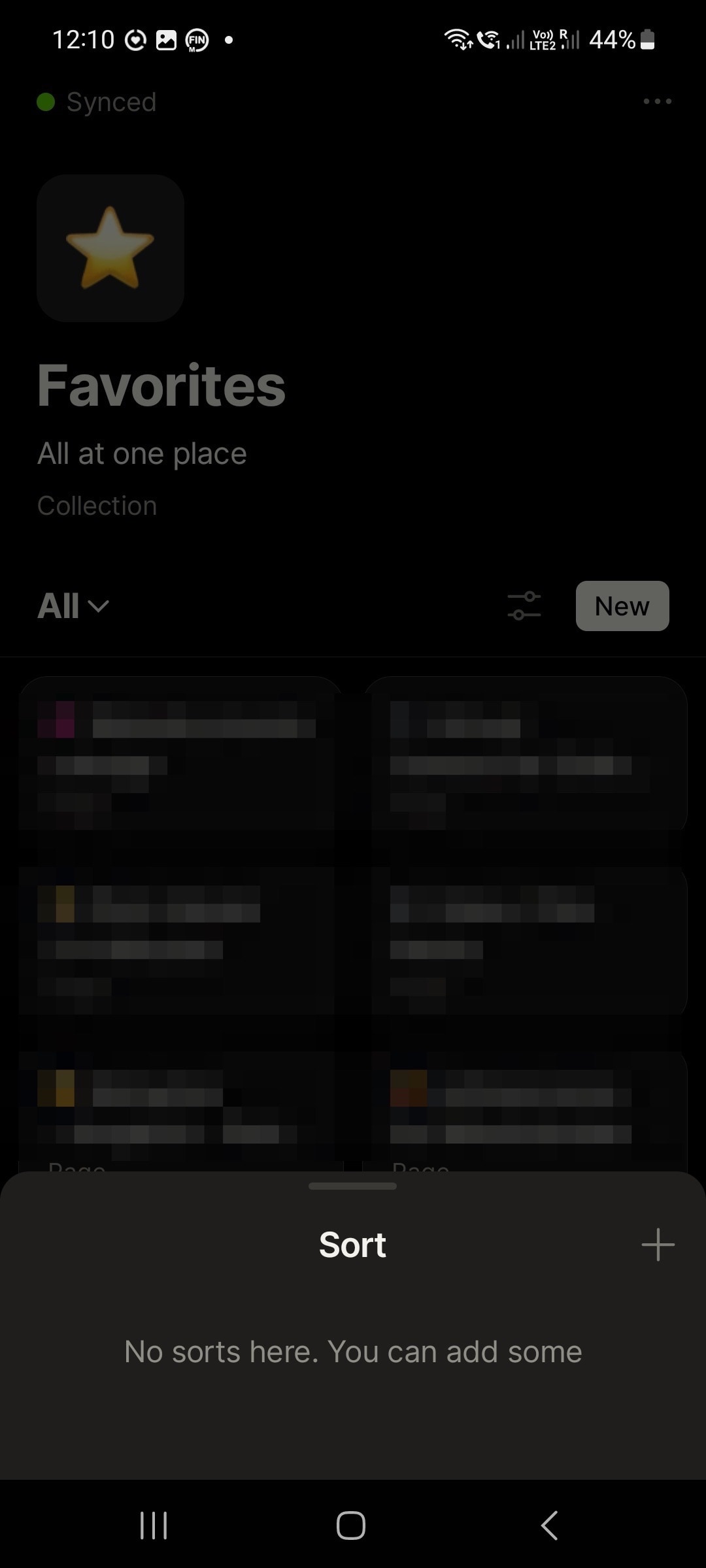
In the meantime I have also deleted all auto-sorting entries in Mobile Version.
Next I have drag&drop each of the linked object in Collection “Favorites” to the needed place in the row/columns view as gallerie.
First all was fine in all Devices (Desktop:Mac OS + Desktop:Win10 + Mobile:Android.
But in the meantime, the Desktop sorting is still in sync from Mac ↔ Win. But in the Android Version some Objects set to second and third place in Desktop is shown in the second pageing page from Android mobile.
HOW TO REPRODUCE IT
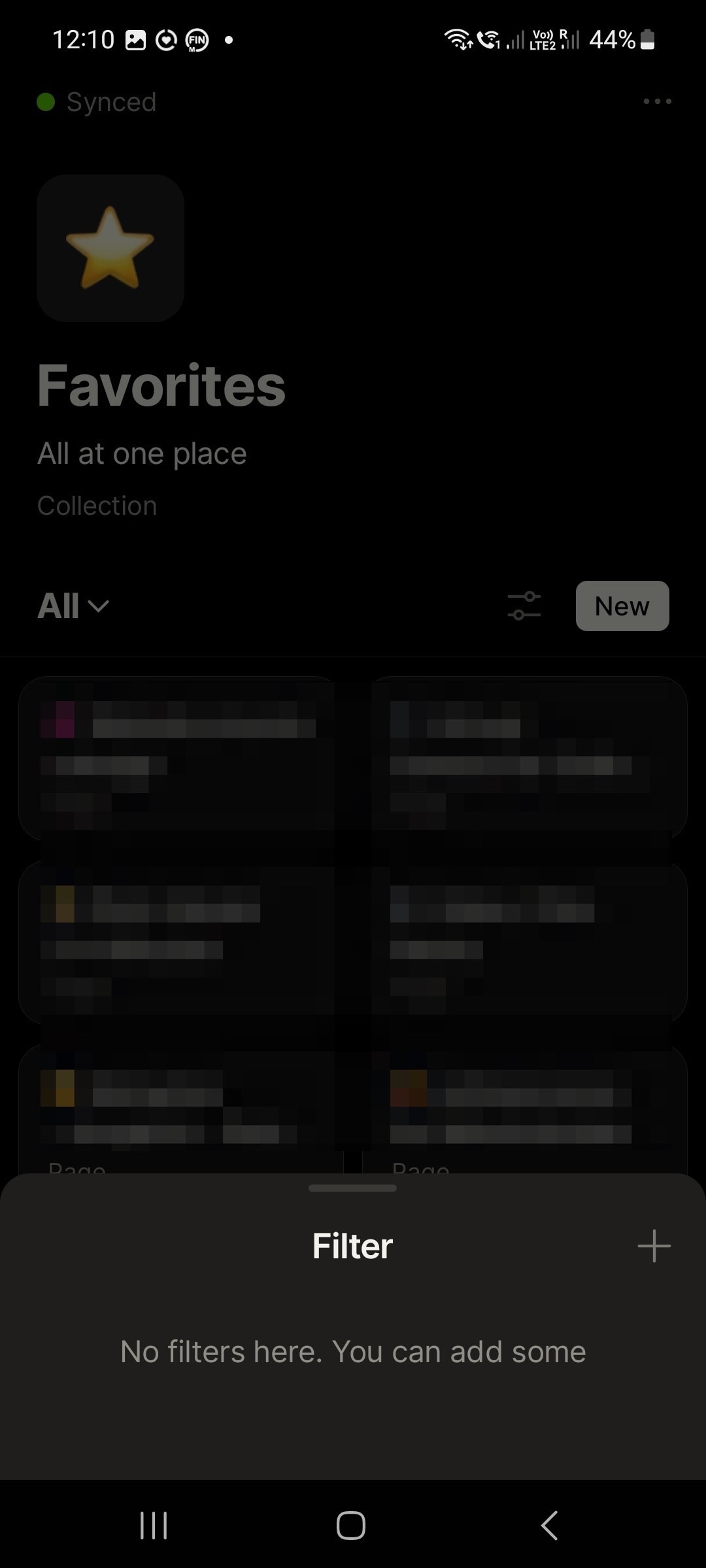
So I tried to find some setting problems. But also in Mobile there are no added/different sorting, filterung or showing settings.
#First
I tried also to create a new empty object, added with copy&paste all Data in the new Object, added to Favorites and clicked also the "Link to “Favorites”(Collection).
But the out of sync/sorting-order in Mobile is still there. The new filled copy in Desktop is in first place top left.
But in mobile still not in the first place top left, also not in the first paging-list. It is also in the second paging-list next to the original-object.
#Second
Then I tried to flush the cashe in Android. No change.
#Third
Then I deleted all data from Anytype App in Android.
Have the app connected new with the data over QR-Code and have waited around 1h. All Objects are back.
But it is stil out of order. And now after delete data, rebuild the App, the sorting is more crazy then before.
#Fourth
I tried to resort it in the Desktop. But the mobile seams to be not sync looking to sorting. When I change some title or data, all syncing works fine. But not the sorting order from the main Collection.
THE EXPECTED BEHAVIOR
I woild guess, the collection-sorting in mobile and desktop Version should be the same, when I drag&drop Objects in the Desktop-View.
And I guess about 99% first it was also in Sync. But I did not check until the last object in the collection.
SYSTEM INFORMATION
Devices:
Mac Book Pro 2018
- OS:
BigSur 11.7.8 13.2 - Anytype Version:
v.0.33.0
Eve V
- OS:
Win 10 - Anytype Version:
v.0.33.2
Samsung Galaxy A51
- OS:
Android 13 – One UI 5.1 - Anytype Version:
v.0.23.7
ADDITIONAL CONTEXT
Have checked tree time the settings on mobile, because there was first some auto-entry “name”–>
but now there is no sorting-entry at all in any of the devices:
Mobile: “No sorts here. You can add some”
Desktop: “No sorts appleid to this view”
 (this button to rearrange)