WHAT DO YOU RECOMMEND?
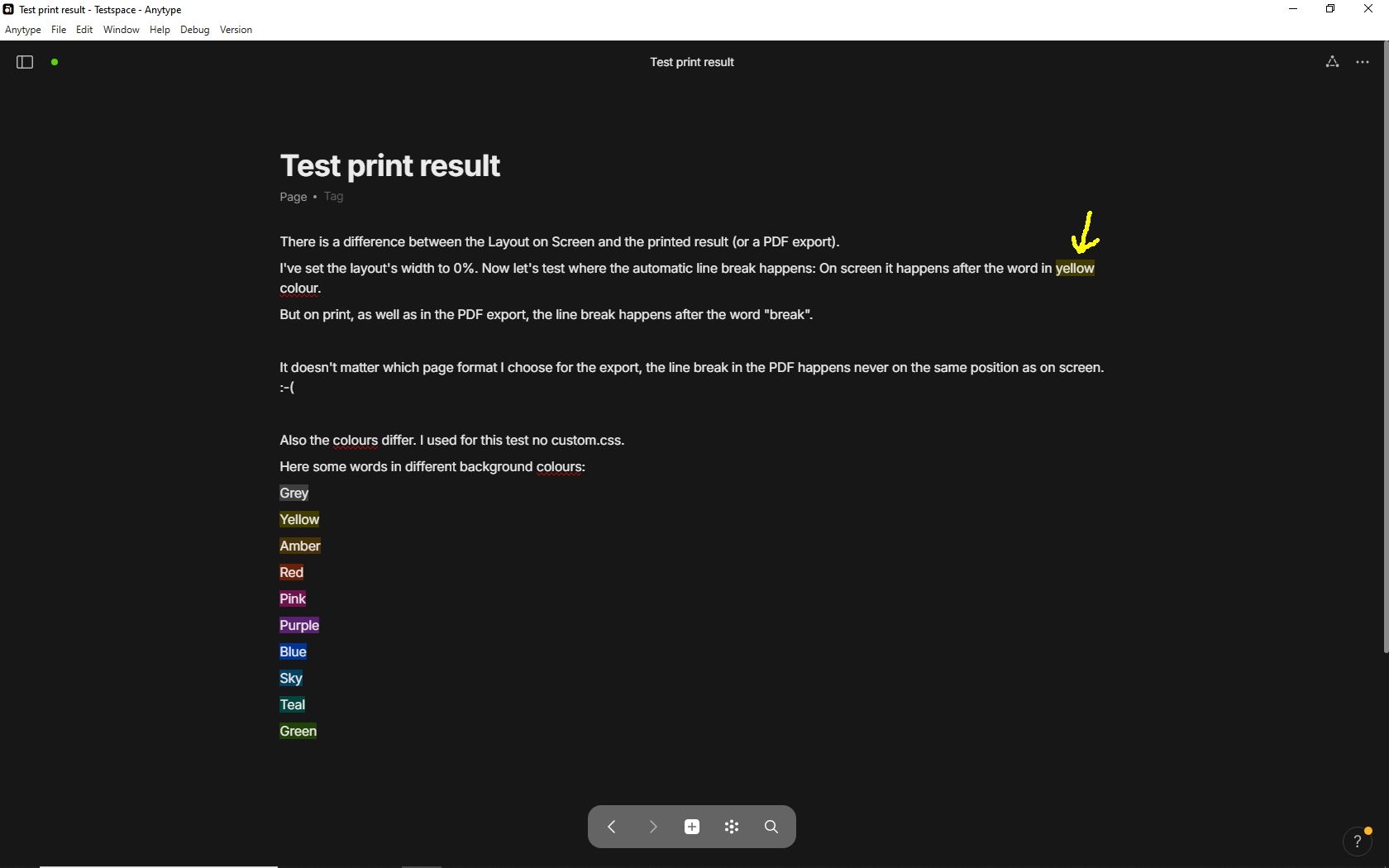
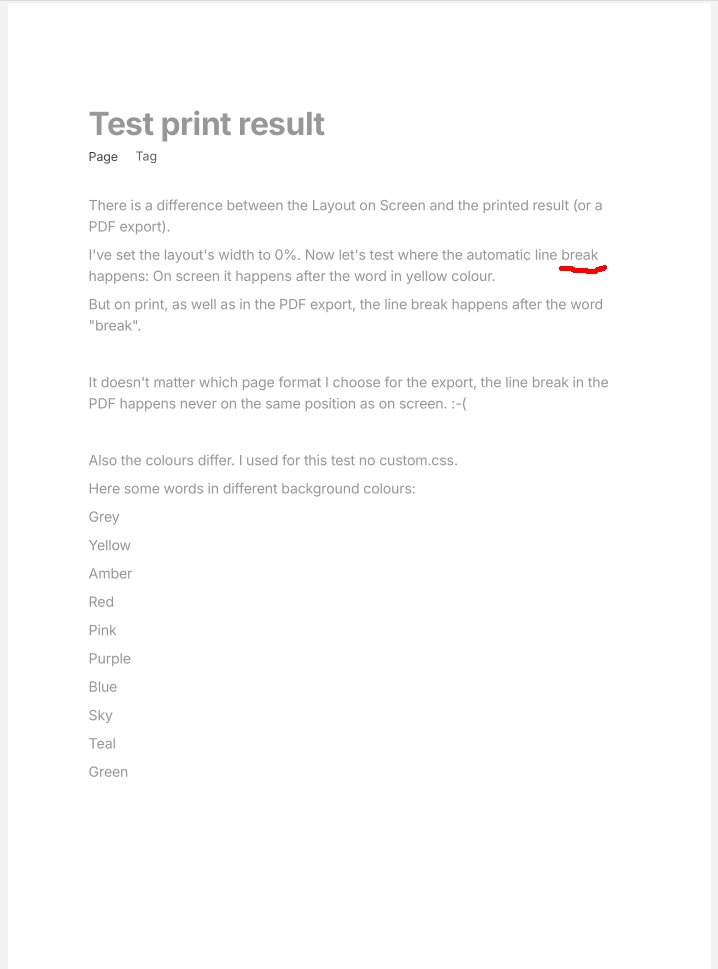
Right now the PDF export feature is quite basic and does not allow for almost any customization.
It would be nice to be able to configure things like:
- what fonts will be used in the exported PDF (I’m using a Latin Extended alphabet and had some problems with some fonts missing in the system)
- the font sizes of exported blocks, as for example the Title block is enormous after the export
- adjust the colour space or just be able to export in black and white (colours in syntax highlighting, mermaid graphs, and so on are not visible after they are printed on paper - but that may be a completely separate issue)
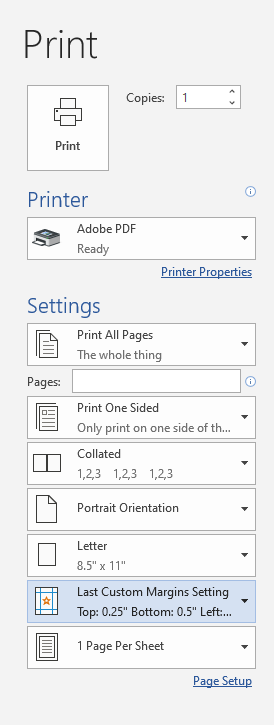
- margins, as a lot of space is wasted
- how informations are separated into pages
- enable auto page numbering
- remove the scrollbar exported as a black strip (it is not really necessary for it to be there)
- etc
Bulk PDF export would be handy as well, as right now I’m kind-of stuck with ~100 notes that I’ve to export one-by-one, and then merge using other tool.
HOW COULD IT BE DONE?
The PDF export prompt should be extended to include this features.
Some settings might be global, like for example font family, font sizes, margins, etc.
As for the bulk PDF export, this might be the an additional option when exporting a Set or a Collection.
REAL WORLD USE CASES
Current export functionality leaves user with a PDF file that is not usable, especially if the user is going to print it on paper. A lot of, both horizontal and vertical, space is wasted. Exported text is generally too big. The scroll bar is unnecessary exported.
In my case, I’ve noticed all of the issues with the PDF when I was trying to export my notes to print them in order to create a “book” for studying.
So one of the use cases is in the studying context: someone builds a base of notes from different lectures and then at the end have to export them to PDF in order to study/re-read everything.
I can imagine that actually anyone that uses blocks like code, LaTeX, Mermaid, etc might need to export them at some point in a usable way.
RECOMMENDED ALTERNATIVES
None, really. I mean, you can, if you really have to, export hundreds of notes one-by-one, merge them using other tool and print but the experience is subpar.
ADDITIONAL CONTEXT
None

 Page formatting
 Branding
 Tools
Tools Improvements