Some pages I cannot find do NOT include non-ascii characters.
do you mean r2d2? 
no.
ok, here’s another case of literally “bad indexing since the update”. The update in question is the latest v0.52.0 desktop.
I am looking for the information on drum tuning. I don’t really know where it is and I want to add to the topic.
Nowhere to be found, really.
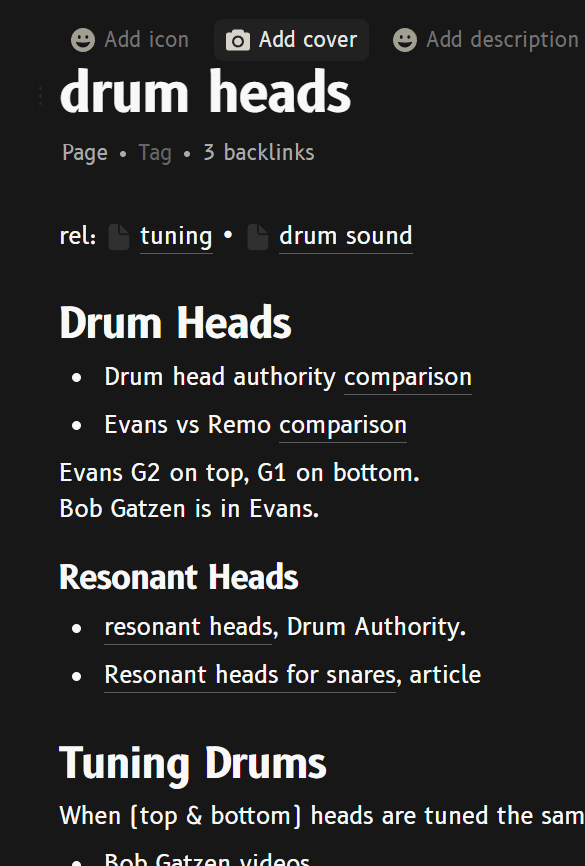
I managed to find it by navigating the links: drums wiki → drum heads, section Tuning.
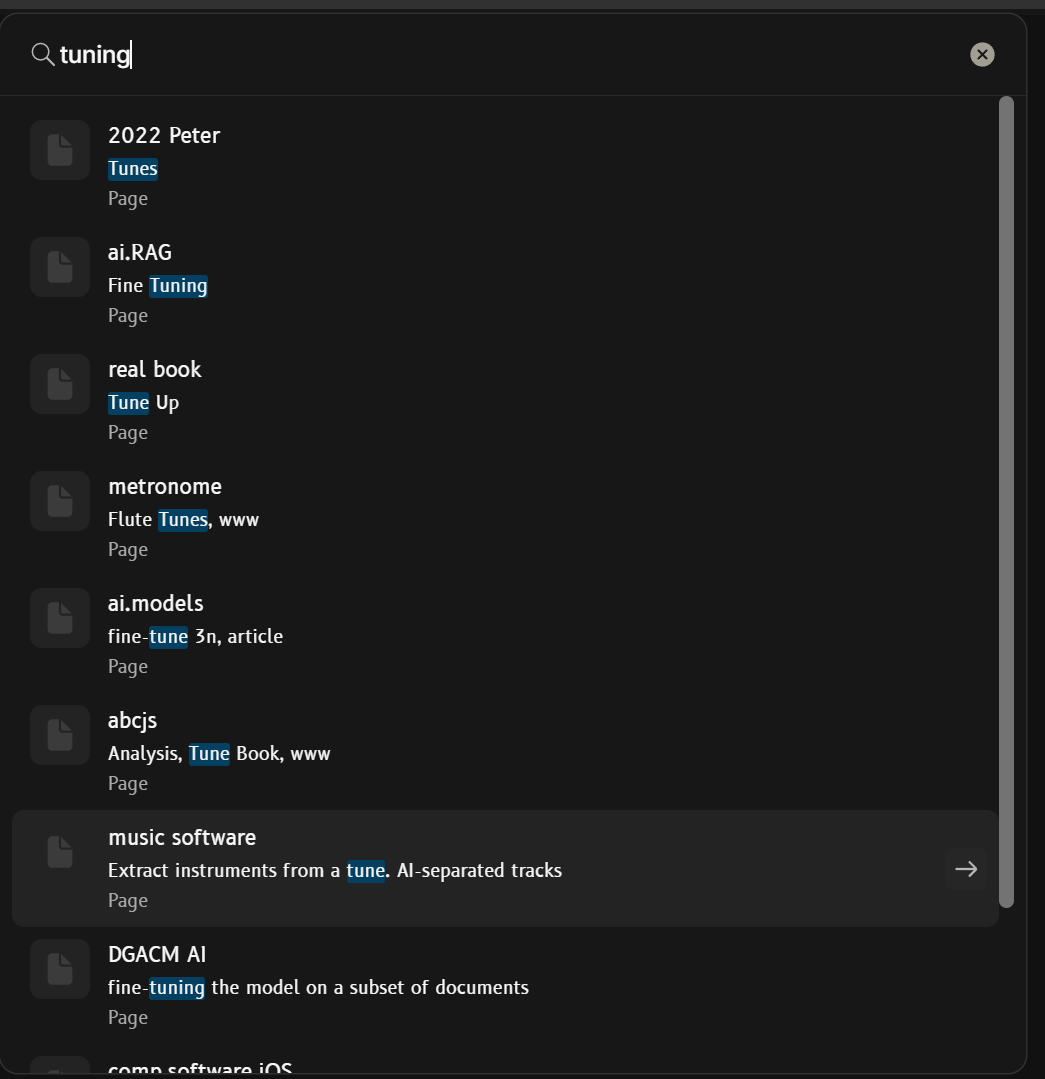
Paradoxically, I can’t find either “drum heads” nor “tuning” by searching (Ctrl+K).
And, if I want to link from another page, it’s also not found by searching. Fortunately, at least the last edited pages are there, so it is possible to add a link.
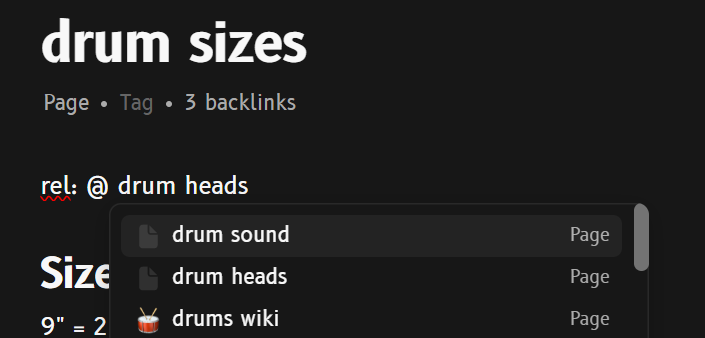
However, the good news comes at the end. After fiddling around these topics for a bit, both the Drum Heads page and the Tuning section started showing in the link search and regular search (ctrl+K). Since I put all the screenshots, I’ll post this anyway. At least to prove myself that I’m not crazy.
No animals were harmed and no errors were showing in the console during the whole time.
Edit:
I just realized that I have a whole separate page on Tuning. But, since it is not found in the index, I would not have even found it.
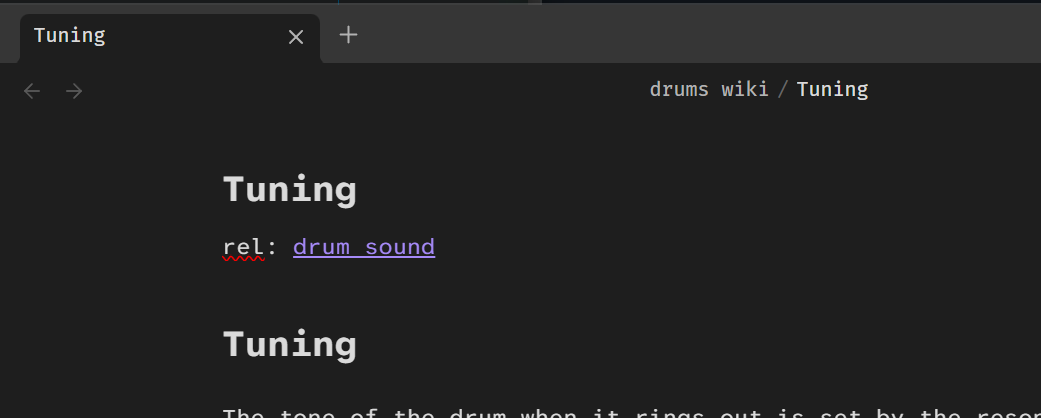
Fortunately, it is found in the Pages list and I hope it magically appears in the indices after fiddling some content around.
I seems to have completely ignored the link to it in the drum heads page.
Edit 2:
The drum heads page is gone from the search results and the tuning does not show up, either.
For some pages that I did not access for a while, they were accessible, meaning I could find those in ctrl+k.
After editing, they could not be.
Four months, no news on that matter. I can’t use a PKM that I cannot search.
I just added a separate post
Has anyone else noticed significant improvements in search in the last couple of versions? Currently on 0.53.1.
T
Unfortunately I had no different experience since last update…

I just had a look at the dev status.
They may be aware of the situation, but the current state remains unclear.
I am not an expert, but from a development-status perspective it appears that no one is actively working on this, and it is not even listed in the backlog. Under these conditions, it is difficult to understand why this is not treated as a high-priority issue.
As mentioned by @Alan71 A PKM system without a reliable search function is effectively unusable. The problem becomes even more severe when assigning properties to objects. In my case, I use a “Stakeholder” Object that contains more than 20 entities. When assigning this as a property to a meeting object, there is no way to filter or search within the list, which makes accurate assignment inefficient and error-prone.
In a system that is continuously fed with new input, the absence of a robust search mechanism becomes increasingly critical. Search is not an occasional convenience but a core function that is required multiple times every day…
They addressed it in the last town hall and as they put it they also think the situation is not good atm and it’s on their agenda for next this year.
Totally agree. Fix for this is crucial. At present I am using the android client search to find my way to stuff I want to look at in the desktop app. Hardly efficient
Exactly the same here. Running version 0.53.1 on Windows 11. The search function is working fine on iOS app. Just switched from other apps and Anytype seems to be ideally designed for my productivity process, hopefully the search glitch can be fixed soon. Really important.
Quick update: Team members are actively working on improving search, but we don’t have an ETA yet. Many of these issues stem from how we currently use Tantivy and the complexities of a local-first environment, so we want to address them systematically without impacting other users.
We also have search updates in the pipeline (including chat search). More broadly, search is something we continuously optimise, and we’re very aware it can be buggy right now.
After updating to 0.54 all my objects can be found. This was not the case with the previous versions.
I don’t know if it’s because some kind of reindex happened or if the changes in this version fixed but I am happy for now.
Hope it will stays that way 
I’ve also noticed way better search performance when using 0.54.x. I didn’t see anything in the release notes about it so I’m cautiously optimistic, but I’m really excited to hear more from the team.
I can confirm as well that 0.54.x has fixed most of the reindexing issues I was having. During certain times search can be slow but it is certainly better than it was previous major release.
I’m using 0.54.8 and the search problem persist.