We’re excited to announce the launch of the official Anytype API - built to help you extend, integrate and customize your Anytype experience.
To support this release, we’ve also launched a dedicated Developer Portal and our official MCP Server. These tools will help you create faster, collaborate better and push your workflows forward.
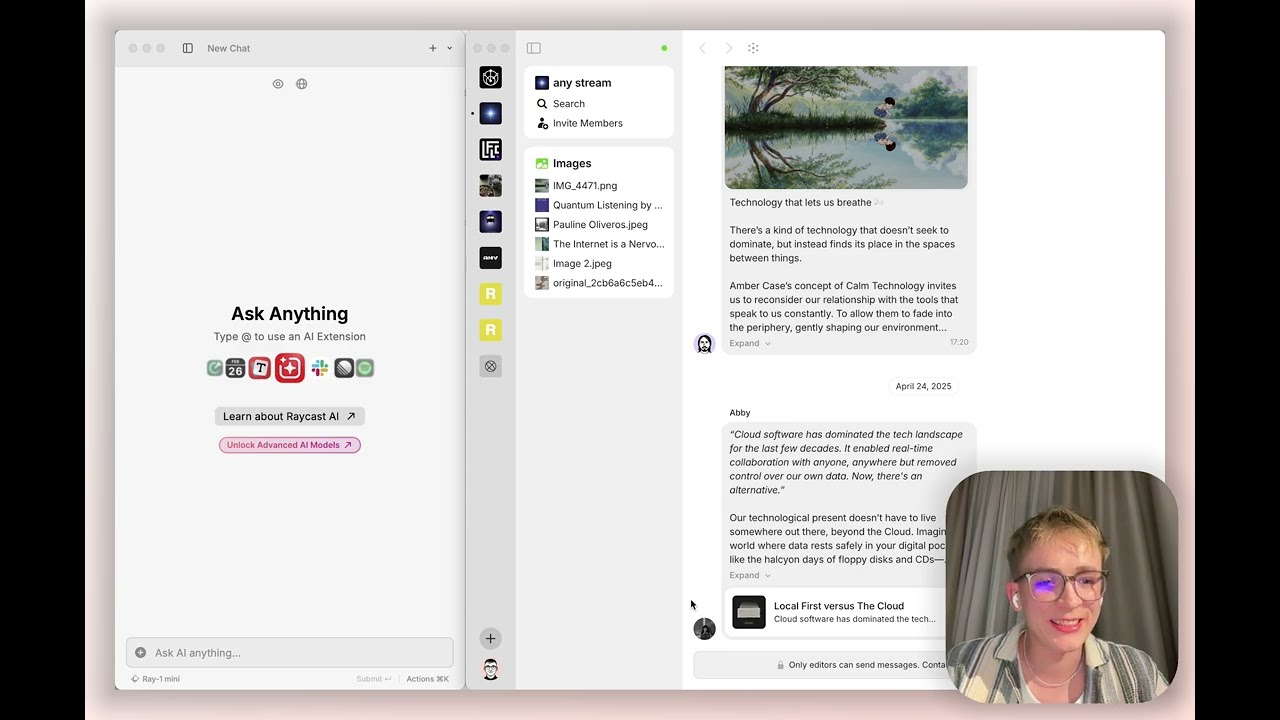
Check out the short demo videos below for a quick introduction:
I’ll be extremely grateful if someone extend projects ant tasks with reminder and repetitive functionality; also, a progress bar for subtask execution; import date from Goodreads and some movie DB…
There is so much room to expand the functionalities and add new ones!
hello Jannis! Thank you for your reply, which gave me hope. I know you care about AnyType as much as I do. I am using Windows 10 and the cursor version is 0.50.7. Below is my JSON. Can you help me find out what is wrong? This is copied directly from AnyType config.
This is amazing! Thank you team, I can’t wait to see what people do with this
Just as a side note for anyone else who has trouble following the Raycast MCP setup video: make sure you already copied the MCP config when you click “Install server”. It auto-fills if there’s JSON in your clipboard.
Thanks for the exciting release of the Anytype API and MCP Server! I’m already experimenting with the new tools and they look very promising.
I have a question about workspace management with the MCP Server. Currently, I’m working with multiple spaces in my Anytype setup, and I’d like to know:
Is there a way to configure a default space for MCP operations?
Ideally, when I don’t explicitly specify a space in my MCP commands, I’d like the server to automatically target one of my spaces as the default.
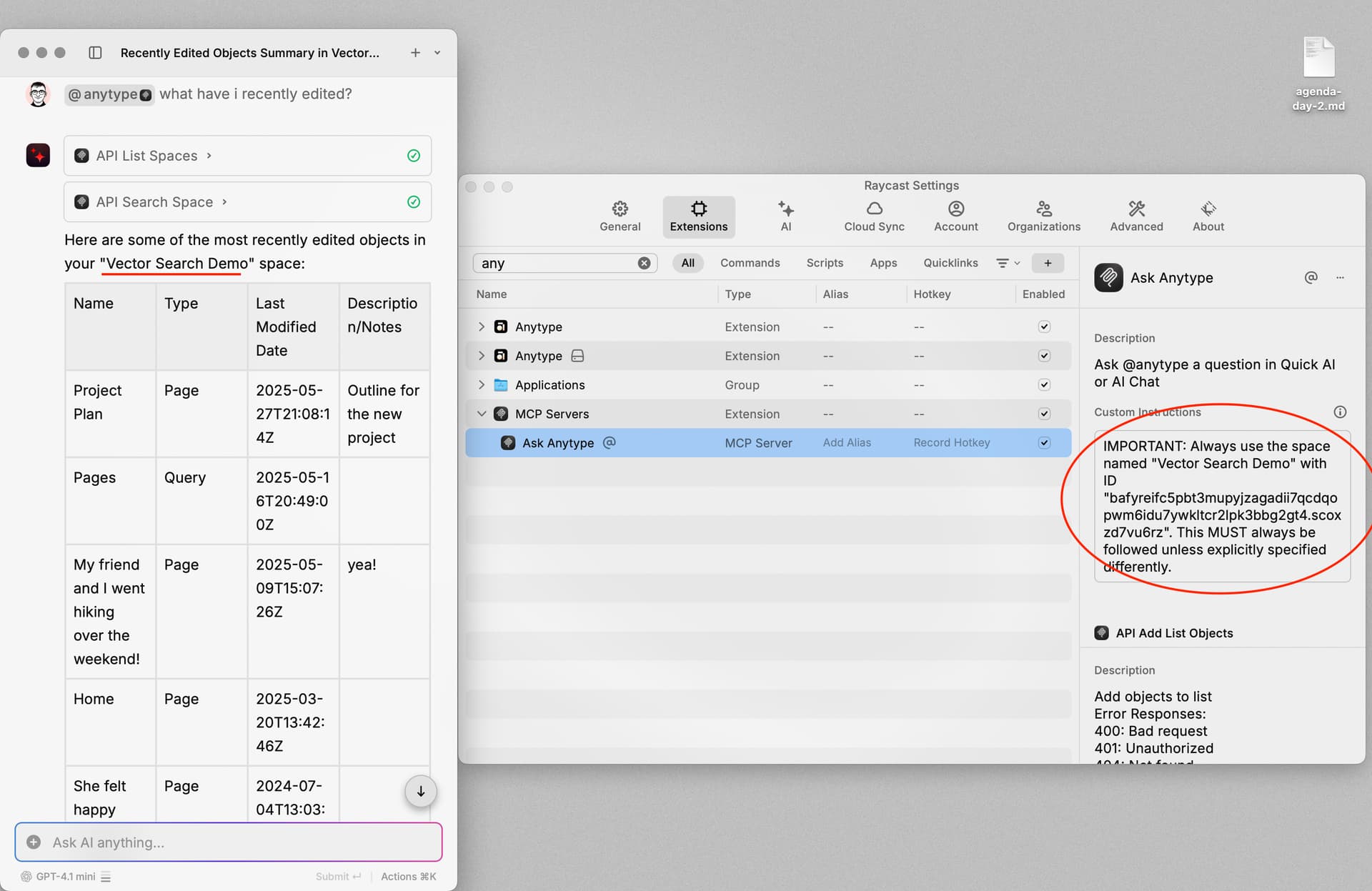
hi @langtind, this isn’t officially supported yet; however, it can be explored if there are more requests for this. as a workaround, you can achieve the behaviour to some extent by adding custom instructions in your mcp client, e.g:
IMPORTANT: Always use the space named “Vector Search Demo” with ID “bafyreifc5pbt3mupyjzagadii7qcdqopwm6idu7ywkltcr2lpk3bbg2gt4.scoxzd7vu6rz”. This MUST always be followed unless explicitly specified differently.
Hi, I’m trying to install MCP. I’m not a developer, but I think I’m getting close. I’m having trouble with the client: Error 32000 - Connection Closed.
hey @aldobrandao, make sure you have anytype v0.46.7 or later running while setting it up & connecting. try again by copying the config directly from the api keys settings
if it still doesn’t work, let me know which mcp client you’re using
@yuanbo128 hey again, the config itself looks alright.
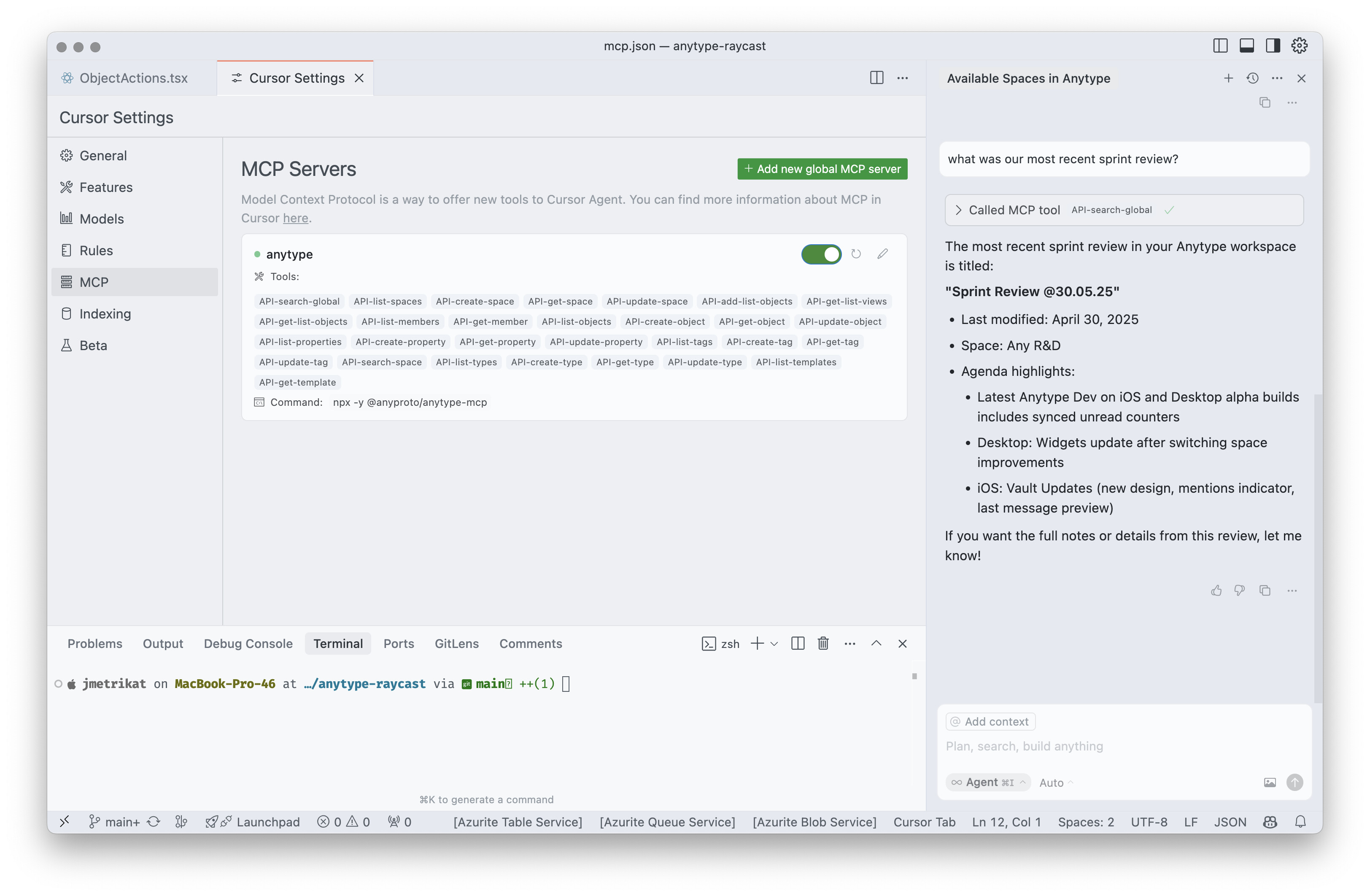
to debug this further, please share a screenshot of the same view i’ve posted in my previous answer, where we can see the available mcp servers. also, try with a chat on the right to ask something like “which anytype spaces do i have?”
This is copy/pasted from the API Keys section of the anytype desktop app.
Here’s the error log I’m getting from claude desktop:
2025-05-28T17:46:25.404Z [anytype] [info] Initializing server...
2025-05-28T17:46:25.495Z [anytype] [info] Server started and connected successfully
2025-05-28T17:46:25.527Z [anytype] [info] Message from client: {"method":"initialize","params":{"protocolVersion":"2024-11-05","capabilities":{},"clientInfo":{"name":"claude-ai","version":"0.1.0"}},"jsonrpc":"2.0","id":0}
(node:3208) [DEP0040] DeprecationWarning: The `punycode` module is deprecated. Please use a userland alternative instead.
(Use `node --trace-deprecation ...` to show where the warning was created)
2025-05-28T17:46:29.306Z [anytype] [info] Server transport closed
2025-05-28T17:46:29.306Z [anytype] [info] Client transport closed
2025-05-28T17:46:29.306Z [anytype] [info] Server transport closed unexpectedly, this is likely due to the process exiting early. If you are developing this MCP server you can add output to stderr (i.e. `console.error('...')` in JavaScript, `print('...', file=sys.stderr)` in python) and it will appear in this log.
2025-05-28T17:46:29.307Z [anytype] [error] Server disconnected. For troubleshooting guidance, please visit our [debugging documentation](https://modelcontextprotocol.io/docs/tools/debugging) {"context":"connection"}
2025-05-28T17:46:29.307Z [anytype] [info] Client transport closed


 thanks for making the demo vids for us!