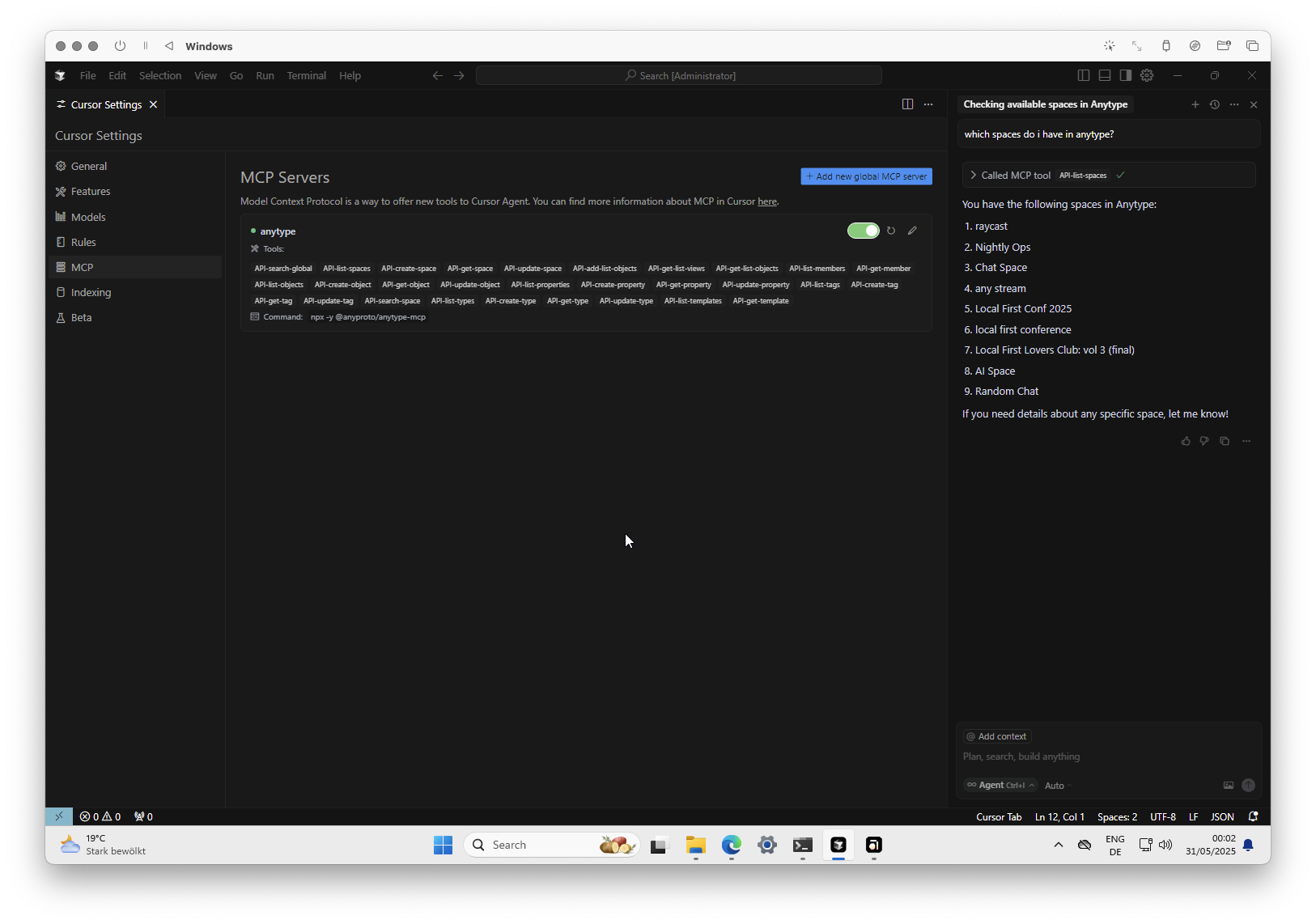
I’m at 0.48.8 - I already try with many clients. Claude, Witsy, 5ire, SeekChat.
This is the error in Claude:
2025-05-28T14:49:57.008Z [anytype] [info] Initializing server…
2025-05-28T14:49:57.043Z [anytype] [info] Server started and connected successfully
2025-05-28T14:49:57.048Z [anytype] [info] Message from client: {“method”:“initialize”,“params”:{“protocolVersion”:“2024-11-05”,“capabilities”:{},“clientInfo”:{“name”:“claude-ai”,“version”:“0.1.0”}},“jsonrpc”:“2.0”,“id”:0}
npm notice
npm notice New major version of npm available! 10.9.2 → 11.4.1
npm notice Changelog: Release v11.4.1 · npm/cli · GitHub
npm notice To update run: npm install -g [email protected]
npm notice
2025-05-28T14:50:06.539Z [anytype] [info] Server transport closed
2025-05-28T14:50:06.539Z [anytype] [info] Client transport closed
2025-05-28T14:50:06.540Z [anytype] [info] Server transport closed unexpectedly, this is likely due to the process exiting early. If you are developing this MCP server you can add output to stderr (i.e. console.error('...') in JavaScript, print('...', file=sys.stderr) in python) and it will appear in this log.
2025-05-28T14:50:06.540Z [anytype] [error] Server disconnected. For troubleshooting guidance, please visit our debugging documentation {“context”:“connection”}
2025-05-28T14:50:06.540Z [anytype] [info] Client transport closed
Hey @jannis , FWIW I tried the MCP server on my work laptop today (MacBook Pro) and it worked beautifully - seems like this might be a windows specific issue
thanks for pointing in the right direction! i’ve just released an update that addresses the issue. turned out to be specific to windows and related dependency handling. now it should be working fine. let me know:)
Do I need to deploy a local server for this, or can I just enter the Anytype JSON directly on the client side? I’m using Windows and haven’t succeeded with Cursor yet.
@yuanbo128 no need to deploy anything; the api is automatically running on localhost as long as you have the anytype desktop app open
the mcp config can be directly used on the client side. once set up in cursor (or other client), you only need to change the api key if it has been revoked or if you’ve switched accounts or version channels
I am selfhosting anytype using the docker compose repo.
Is the API only for the desktop client? Can I use it on the server itself?
If I develop and schedule some jobs to do different things on my notebook, do I need to keep a desktop client opened at all times?
It would be nice to make it possible to run this on the server also in future. I also notice the client listens only on localhost, so if I cannot use the API from another machine.
Hi, I have a question about one of the endpoints, specifically update-object: it doesn’t seem to have a parameter to update the contents (not properties) of an existing object? I’ve been trying to use MCP to add additional content to an object but it didn’t work. Creating an object does have a body parameter though. Thanks!
@Ashen updating object content isn’t supported yet. pasting markdown into anyblock is fully implemented, but going back and forth the other way around isn’t yet possible without loss - anyblock is richer than markdown.
however, we’re exploring options to find the best way to enable this: appending/prepending, or working with the actual anyblock representation.
what kind of update do you want to make? does it involve objects containing media, file, property, or embed blocks?
Appending/prepending would already be very good for these initial phases of the API, for example, I would use it for daily notes, being able to add thoughts, or anything quickly.
Another thing I miss is that there’s no way to change the object’s icon or banner using external URLs. For example, I’d like to add information about a book, and I’d like to use the book cover as the icon.
My main use case would be to do research in Claude for example, and using MCP to append that info to a relevant object in anytype. Just being able to append text would be huge for me.
Right now I’ve only been able to add markdown to the description field. I also tried to workaround it by attempting to create a duplicate object and append the additional content using the create-object endpoint, but there is no API endpoint to delete the previous object yet.
Anything planned for running code within Anytype/plugins? For example, I add a new movie object with name “The Matrix” and year 1999, that triggers some Typescript that has access to an API key for one of the movie DB sites, which then enriches the object with relevant info like director, poster, etc.