Hello Community!
In this release, we’ve included essential features to support multi-chats created from the Desktop. Upcoming releases will provide full support for multi-chats on iOS.
Note: This version now requires iOS 17 or later.
Multi-Chats in Your Space
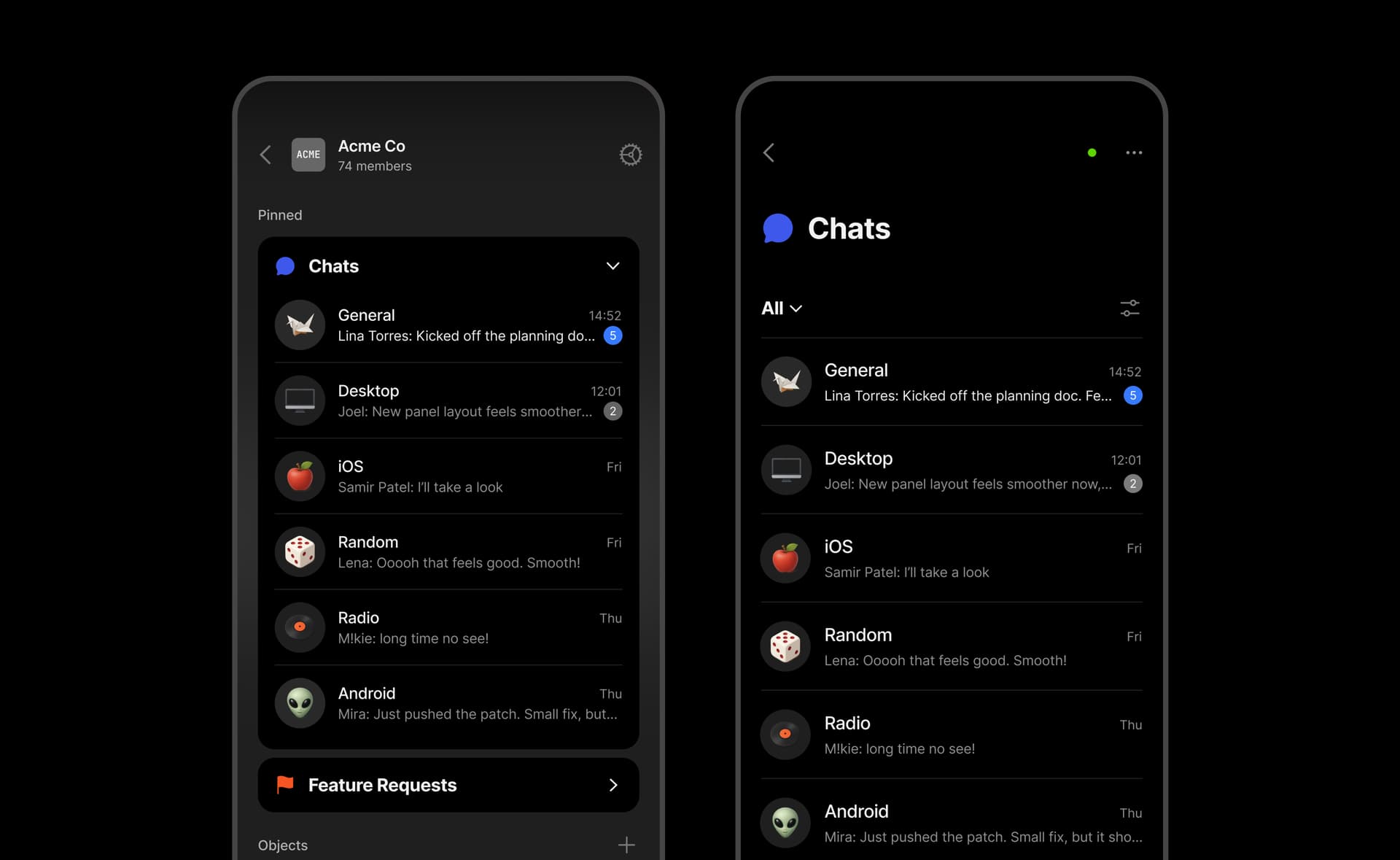
Chat as an Object Type
Chats now function as native Objects in your Spaces: you can organize them into different views, include them in Queries or Collections, and mention them from any Object for cross-referencing. As a system Type, Chat doesn’t support templates or layout changes.
Chats Widget
Pin the Chats Type to display unread counters and mention indicators right in the Widget (pinning individual Chat Objects for quick access is coming). To see the preview of the latest messages, adjust the Widget appearance (List).
Navigation Improvements
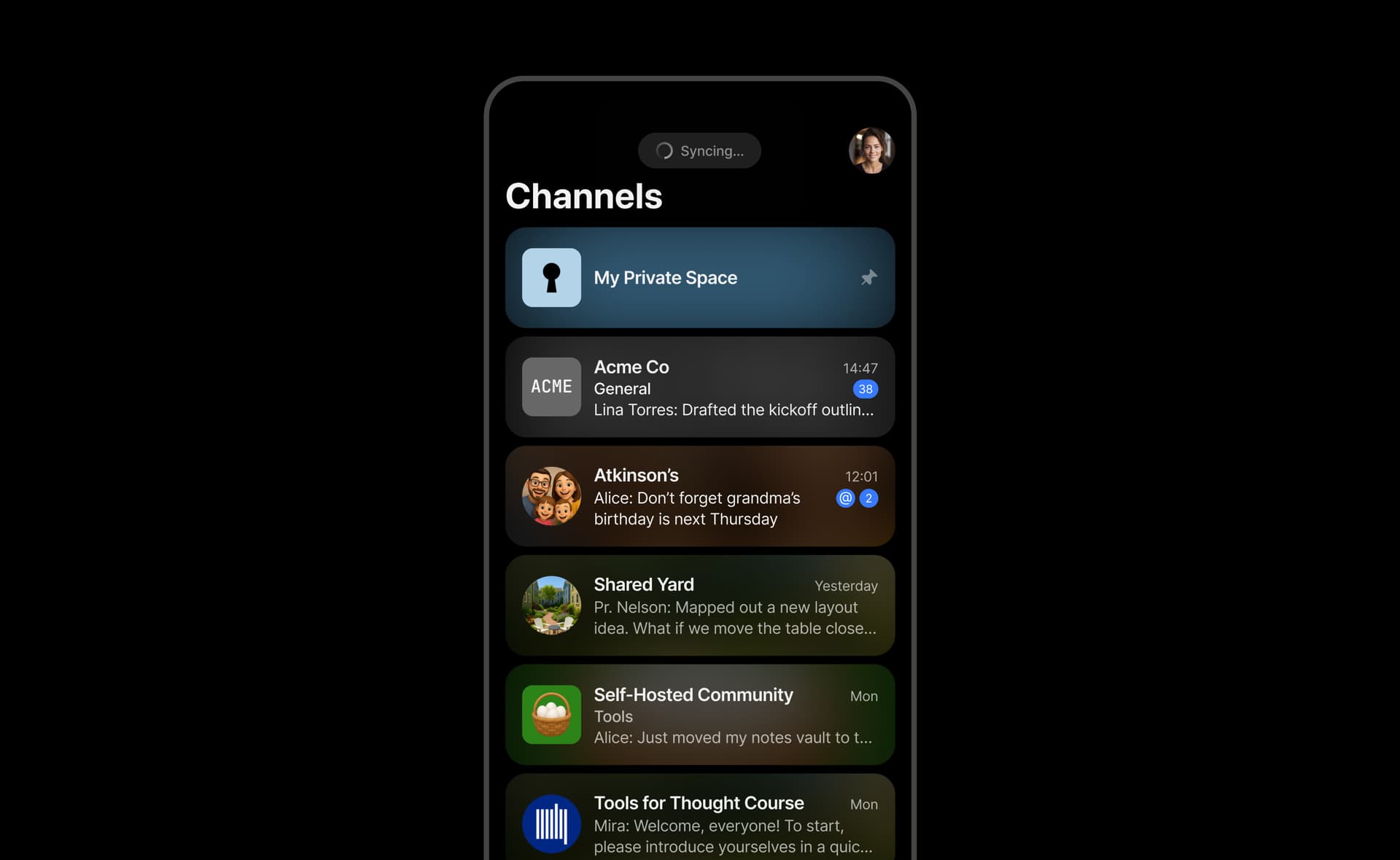
We’ve made a series of updates that make moving through your Spaces and Chats feel smoother.
-
Cleaner Layout: the Channels Hub now has a more consistent structure and updated label.
-
Improved Loading States: Spaces and Chats load more predictably, with smoother transitions when data is syncing.
-
Smoother Chat Entry: Chats no longer flash an empty state when opening – content loads without visual flicker.
-
Better Notification Navigation: Opening a Chat from a notification now scrolls directly to the specific message.
-
Cleaner Object Settings Menu: The menu has been reorganized for easier navigation, with clearer feedback when pinning or unpinning Objects.
Bug Fixes
-
Deleted messages no longer appear in previews.
-
Mention suggestions correctly mark only your own name with “(you)”.
-
Emoji picker no longer glitches when scrolling.
-
Divider colors in Query views update correctly.
-
Contextual menus no longer break layout when pasting links.
-
Fixed visual glitch with tree dots in widgets
-
Improved text alignment and text line height.