Anytype just made my day brighter. This is a statement update.
This update is absolutely amazing. I can’t believe we had so many features in just one update. Tabs are gorgeous and will be a game changer for many user. As a long term user, I’m also very grateful for Dynamic Filters and image backlinks.
Thank you and congratulations to the team for this fantastic release.
Great job! I am loving the Toggle Headings, Advanced Filters, and other improvements. Nice work!
I was waiting for an update… it’s like a birthday present, thank you so much!!
The unsung hero of this update! Now I can delete all my unused pictures/bookmarks!
Love these updates. Toggle Headers are so useful and the Tab implementation is great!
Though I still request an “Open New Window” toggle in the Dock icon. In the December Town Hall it sounded like this would be easy to implement. I use Mission Control with multiple Spaces, and without this option I have to slide over to where Anytype is currently open, open a new window, and then move the new window to the other Space…
Great update! Really happy to see Tabs implementation. It’s a huge deal for me since I can’t work in just one context and need to switch between different pages most of the time. It’s easier to navigate with tabs for most important information.
There are a few issues though:
- Pinned tabs doesn’t display user assigned/uploaded icons. I specifically assign icons to pages so it’s easier to spot the right pages at a glance. This is especially important for pinned pages since there is not text to recognize the page.
- When you open a lot of tabs that entirely fills the top bar the UI doesn’t handle such case graciously. The extra tabs just disappears and there is no way to scroll them or use a dropdown menu to see the complete list of opened pages. I like how Firefox handles such a UI case.
- I couldn’t find an easy way to navigate between the tabs with hotkeys. The standard scheme of move back and forth between opened tabs with Ctrl + Tab, Ctrl + Shift + Tab didn’t work. This is a bit confusing. I’d very much like to this implemented.
Thanks for the release.
Ad point 3.: You can navigate between tabs with ctrl + alt + arrow left/right. You can also change the hotkeys in the hotkey menu (ctrl + space)
Ahh… Much better. Changed the hotkeys. Now it feels just right. Thanks!
The team is on fire! 
Dear @Geladariia there is another important new feature that wasn’t mentioned in the start post:
The Grid View is now able to wrap the content in the cells.
.
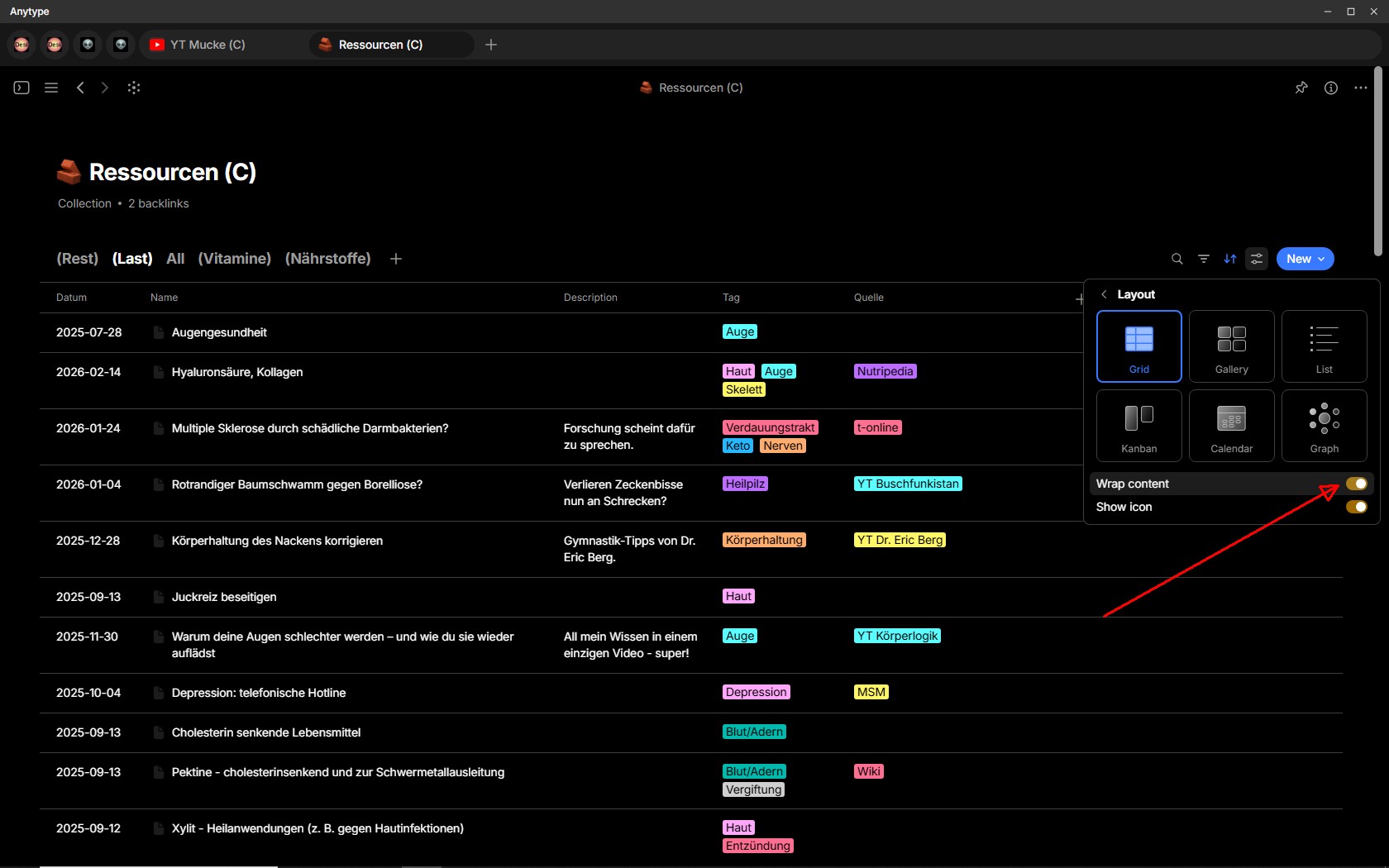
Dear @Code-Jack, thanks for your sharp eyes and for always being on bug detective duty 
Added!
As I commented before, about updates going the wrong way and not focusing on what is important…
I have to say, this update is amazing and the correct points to focus on. Very happy to see the change and reroute on how to handle Anytype moving forward!
Amazing job, really. 

I have to agree. Very meaningful update that the vast majority of users will benefit from
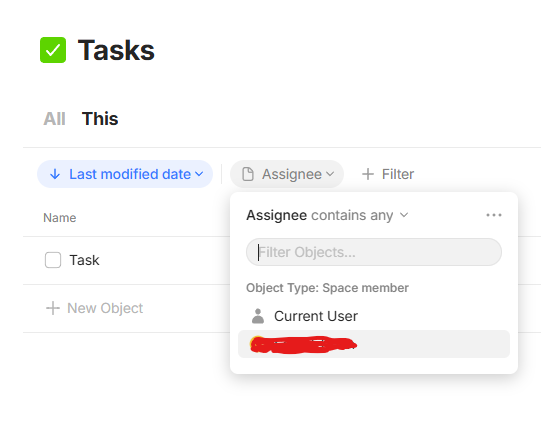
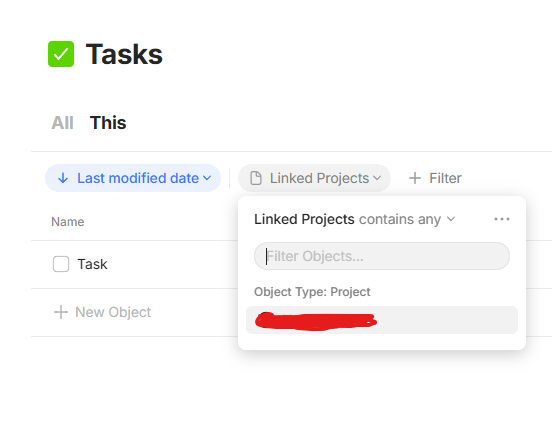
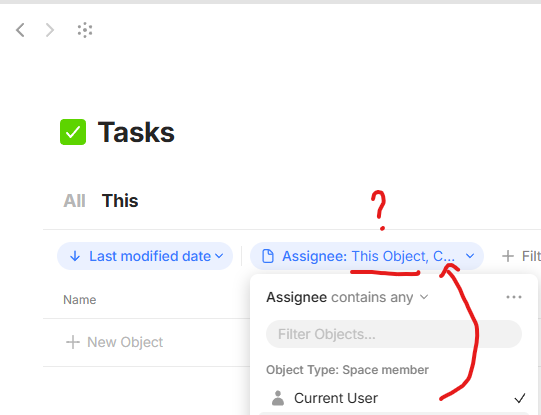
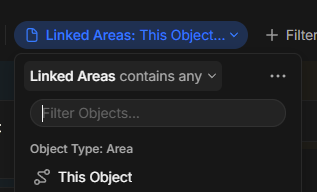
Hi @Hexara! I was able to see “This Object” when using an inline query or inline collection on an object. Your screenshot doesn’t look like inline.
I see! I have just created an inline query and the option was there for both properties, I guess it’s a bug because:
In inline queries, both “Current User” and “This Object” are there and selectable.
In queries/type pages, only “Current User” is selectable, there is no “This Object” for Object type properties.
I was also wondering about the use-cases for both this option. 
Maybe it has to do with formulas eventually?
in inline case this object is an object where inline set is, so you can for example make inline set of Human Resources inside a Company object. In case of a full set we have removed this option as it did not make much sense since this object would be an object of the set itself and we could not think of a proper usecase for it to exist.