Hey, Anytypers!
Our marvellous dev team couldn’t let August slip away without another monster release  Hold on tight, ‘cause this one’s packed with updates that we hope will make your workflows feel all grown up.
Special thanks also to our @Nightly who relentlessly tested this update over the past couple of weeks to help us squash as many bugs as possible pre-release.
 Highlights of this Release:
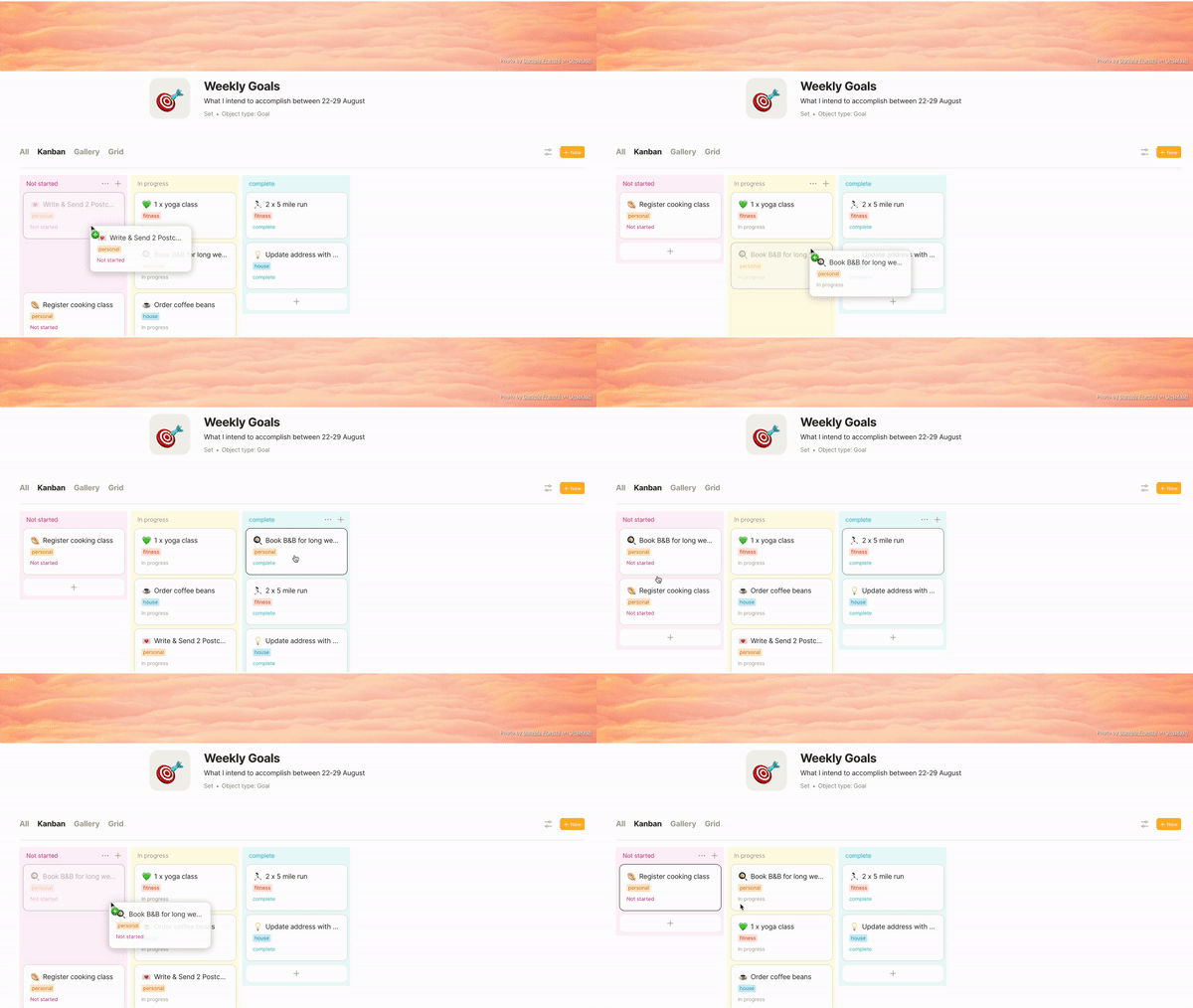
- Kanban: Task management just got way more fun with Kanban views for Sets. In this first iteration, you can group your Objects according to Relations: Status, Tag, or Checkbox.
Dragging Objects between columns will automatically update the Relations.
Edit: Auto-update of relations by D&D is not yet released to the public due to technical limitations.
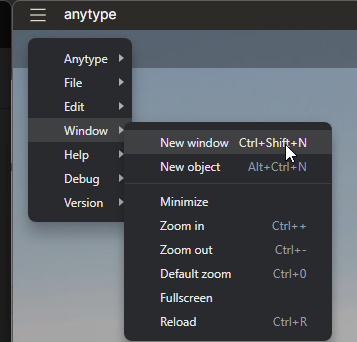
- Multi-window display: By simply holding
Cmd/Ctrland clicking on any Object in your workspace, you can now open it in a new window. Even better, drag and drop blocks between windows for some seriously efficient workflows (UseOption/Altwhen dragging to copy)

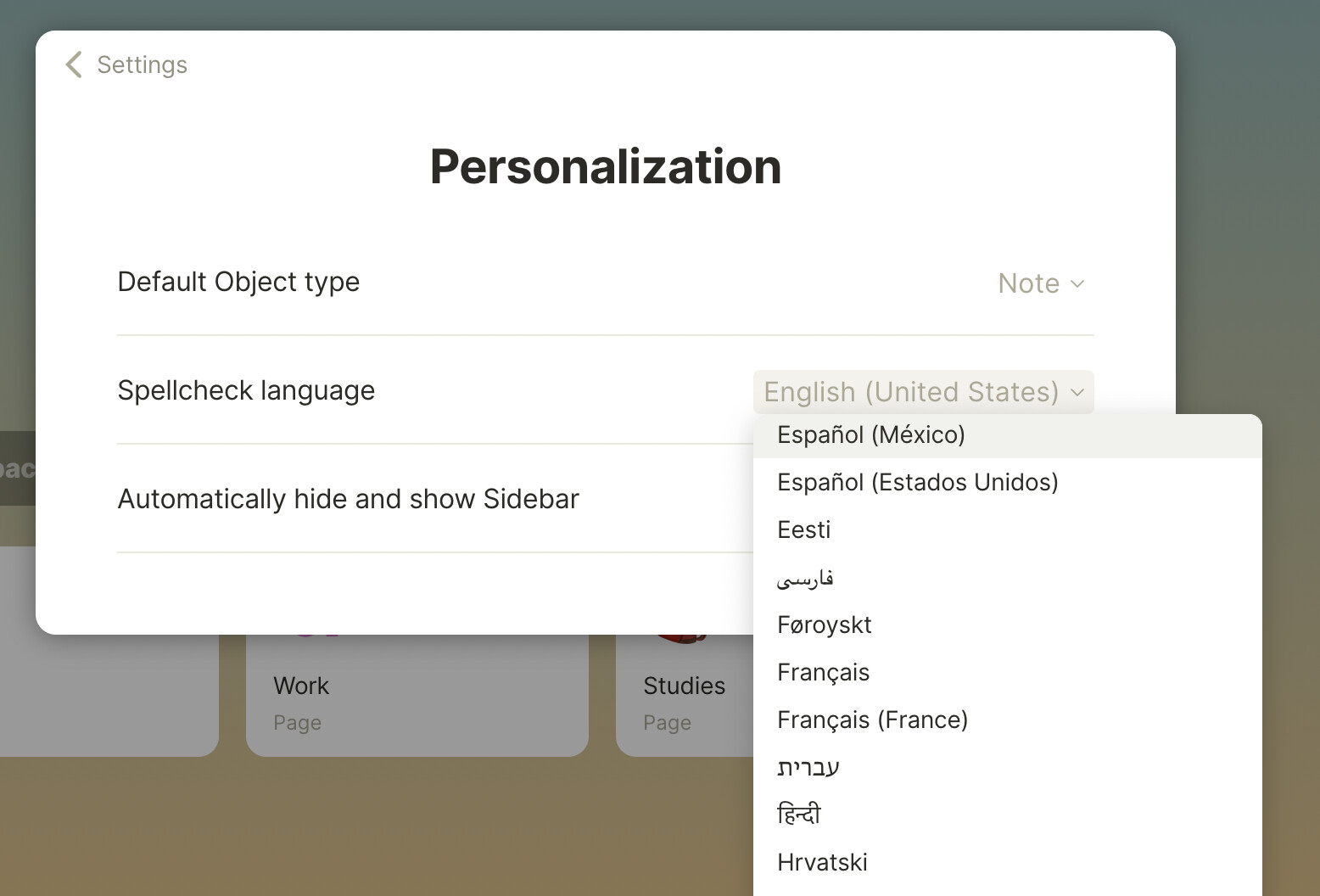
- Spellcheck: The perfectionist in all of us can now breathe easy - spellcheck has been introduced in 39 languages! More to come in the future. Choose your input language by heading to Settings > Personalization > Spellcheck language, and say goodbye to spelling errors. If red underlines everywhere give you the shivers, no worries - you can also disable spellcheck in your Settings.
 Quality-of-life Improvements:
-
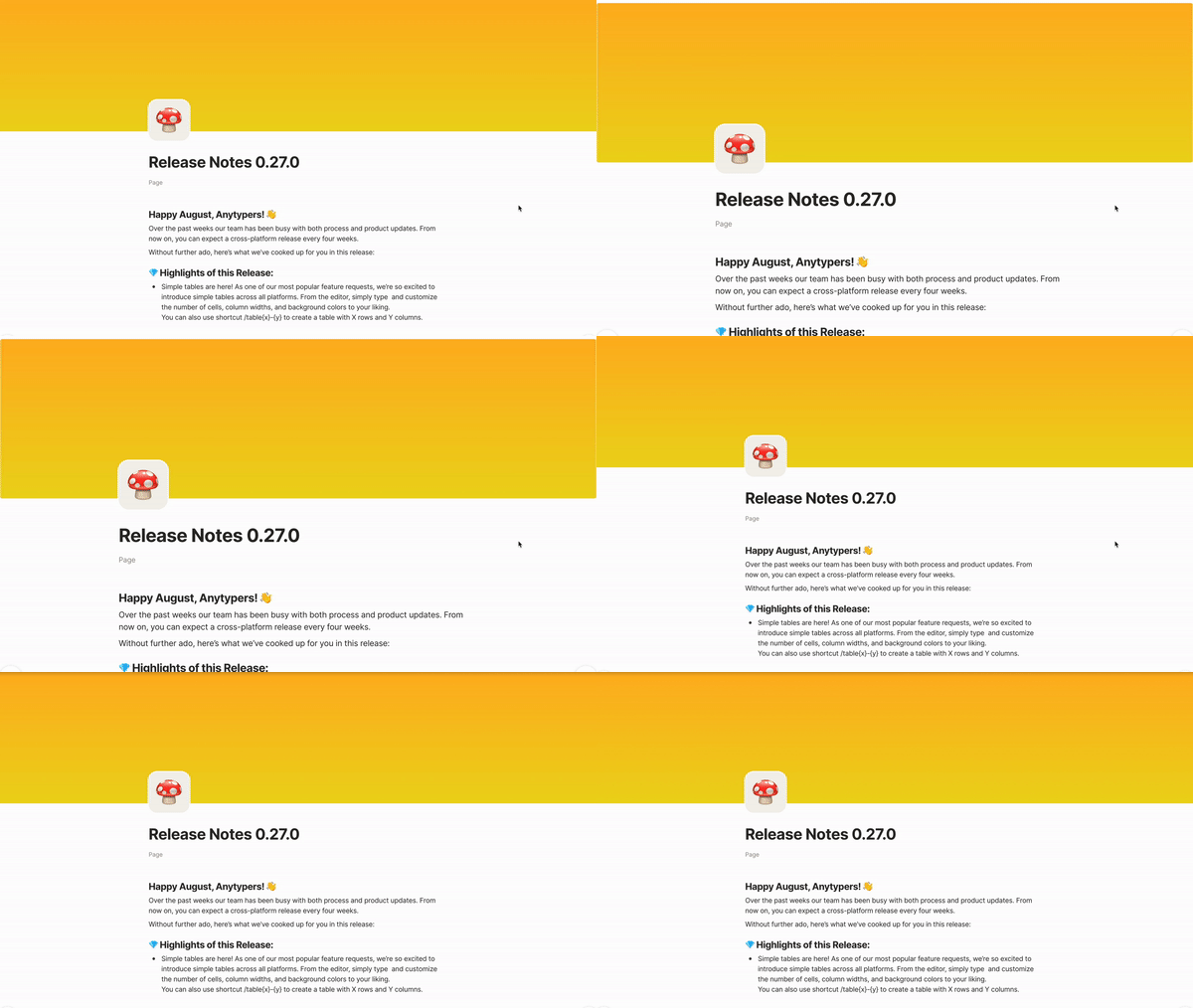
Previously-uploaded images now saved in Image Library: When selecting Object covers you can now choose from a library of any images you have uploaded to your workspace
-
Delete block shortcut added: Simply press
Backspacewith your block menu open (orange three-dots menu), and you’ll delete the whole block -
Copy Recovery Phrase button added to Settings: To reduce the number of lost recovery phrases, we introduced buttons in our Recovery Phrase and Logout screens to show and automatically copy your phrase
-
‘What’s New’ window optimization: For faster performance, the ‘Whats New’ window was optimized and now shows the previous three releases. Older releases can be viewed by clicking the ‘Older Releases’ button at the bottom of the window
-
Settings keyboard navigation introduced: Navigate back in Settings using keystrokes
Cmd+ \[orAlt + arrow left -
Emoji group icons introduced: Search for emojis more quickly using the group icons at the bottom of the emoji picker
-
Emoji skin tones added: Right-click emojis from the picker to change the skin tone
-
Scaling introduced: Scale your interface elements from any open window.
Cmd/Ctrl+to enlarge ,Cmd/Ctrl-to minimise.
-
View creation process in Sets has been updated to include ‘Duplicate’ and ‘Remove’ views
-
Context menu when pasting URLs updated: A more user-friendly context menu includes options to ‘Create bookmark’, ‘Paste as Link,’, or ‘Paste as Text’
-
Button to create new Objects from Set view has an updated design clearer workflows
-
Bookmark Objects are now fully editable: Open bookmarks option to reload bookmark from source was moved in Object menu
-
Linking to bookmark Objects now creates Bookmark blocks rather than Link blocks
-
Application size is now 250MB less when unpacked
-
Image preview modal window has been re-introduced
-
History tab on dashboard and sidebar is now changed to ‘Recent’ and sorts Objects by last modified (rather than last opened) date
-
Pin-code prompt window now correctly restores focus when application window is focused
-
Shortcut added for underline markup:
Cmd/Ctrl+U
 Security
- Electron part of the app was completely re-written, resulting in huge security improvements
- Libp2p upgrade
 Bug Fixes
- Fixed: Objects can no longer be glimpsed before entering pin-code
- Fixed: Block links are now opening correctly from modal window
- Removed: Onboarding video popup was causing application crashes for new users
- Removed: Update progress bar from print version of Objects
- Fixed: Bug that was preventing Shift + Space combination from working
- Removed: Temporary files that were saved in .tmp folder inside application data, when pasting media or exporting files in external applications
- Fixed: Number-of-days filter in Sets no longer prevents value removal
- Fixed: Simple tables within columns are now being resized correctly
- Fixed: Tab key while editing simple tables is no longer causing the cursor to jump two cells

 . On Linux, the dragging objects option is, unfortunately, not working for me in the Kanban View.