New Features & Enhancements 
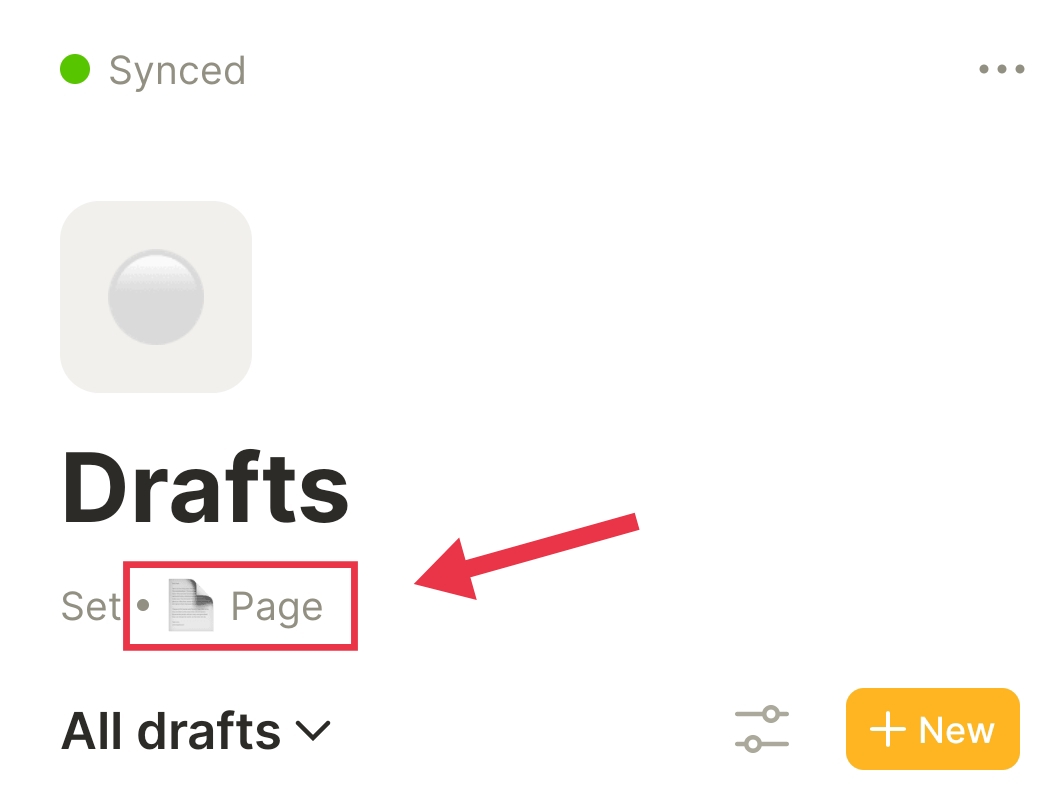
Editor | Set creation is now possible on Android!
You can now create Sets on your mobile device by clicking the + button and selecting Type: Set. From within Set view, select the Object Type for which you would like to create a Set
Editor | Enhanced link markup menu
To simplify workflows between your web browser and Anytype, URL links you’ve copied from the web can now be directly pasted from the clipboard in the text select menu
Editor | Opening of PDF files is now supported with all default apps from your device
Some of you have noted that PDFs can not be opened from Anytype using any app of your choosing; with this update, you can now select any of your pre-installed apps to open these files.
Editor | Loading state for Bookmark blocks introduced
We’ve introduced a loading state interface for bookmarks, so you won’t need to wonder what’s going on in case of slight delays during the bookmarks addition process.
Fixes & Tech 
- Editor & Sets | Clicking on Object covers and other navigation actions are no longer causing crashes
- Editor | Fixed inconsistent state of link markups when switching between read and edit modes
- Editor | Navigation to @-mentioned Bookmark Objects is now working
- Editor | Clicking on empty space above the title block is no longer triggering multi-select mode
- Editor | Bookmark block images are now displaying correctly
- Object | Titles of Objects created in Set view are now being saved properly
- Sets | Adding large numbers to Sets are no longer causing crashes
Design & UX 
- Set | Group button has been removed from the Set menu
- Editor | Default size for simple tables when creating via the slash menu is now displaying
- Editor | Redesigned error state for Bookmark block
- Dashboard | New icons introduced for Bookmark objects
Thank you for being part of the alpha program 
— Anytype Team