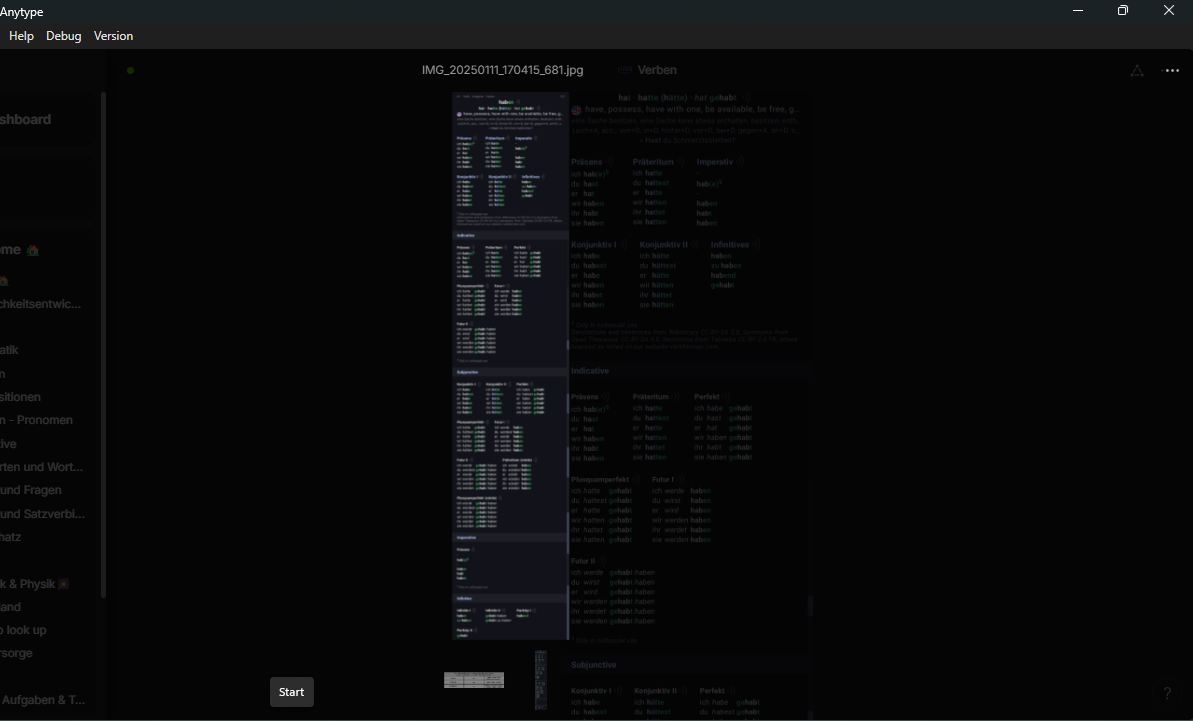
It would be great if users can zoom in/out the images in preview window, through mouse with “ctrl + scroll”, or sliding fingers on the touchpad of macbook.
HOW COULD IT BE DONE
Not sure
REAL WORLD USE CASES
Sometimes users want to jump into the local details of an image for researching or just enjoying them , especially the image is a little bit large.
RECOMMENDED ALTERNATIVES
Download the image and view it in system or third-party apps.
ADDITIONAL CONTEXT
This is supported on iOS, in which I can zoom in/out through fingers, while I don’t know whether it is implemented on Windows or Linux.
Btw, I remember I have ever seen this topic before but can’t find it, if there was one, please close or merge this.
Support image zoom feature
When opening an image in anytype, it is displayed at a fixed size, which often makes it difficult to see the image clearly. It can be quite inconvenient to download the image every time just to open it.
HOW COULD IT BE DONE
Just supporting the most basic image operations can greatly enhance user experience, such as zooming in and out.
REAL WORLD USE CASES
It is clear that sometimes we need to examine every detail in large images. For example, mind maps, flowcharts, manuals, and software screenshots all have a lot of details, and these images are also an essential part of notes.
RECOMMENDED ALTERNATIVES
As shown in the GIF above, I tried to enlarge the image using screenshot software, but the result was not satisfactory. Otherwise, I can only download it locally to view, but this is too cumbersome.
Allow Zooming in and out on image previews when clicking on an embeded picture:
HOW COULD IT BE DONE?
both scrolling up and down with a mousewith the mouse cursor on the picture or double clicking on the previewed picture
REAL WORLD USE CASES
Zoom in and out on sentences to be able to read and comprhend them without having to open the image as an object on PC.. this works flawlessly on the android app version.
I added an image to express how this could be a very important feature in certain projects.
Desperately need this. I was just about to make the same request.
Notion does it really well. The only thing I’d want improved is their zoom, letting users zoom in up to 300% (maybe even more if the picture is longer in height like @M.J’s example above therefore requiring more zoom); this will be good for situations where we want to zoom into an image to see a close up or fine detail and would like to zoom in up to 3x.
In the video below, I’m using the trackpad and my index and thumb to pinch to zoom out, and spreading out my two fingers to zoom in. When moving the image around the image, I’m using two fingers to move on the trackpad.
Voted! Hopefully they can add this as I have lots of large image attachments.

 , especially the image is a little bit large.