Could anyone in the team comment on this?
Creating a new post for it, since the previous one is from 1y ago and locked.
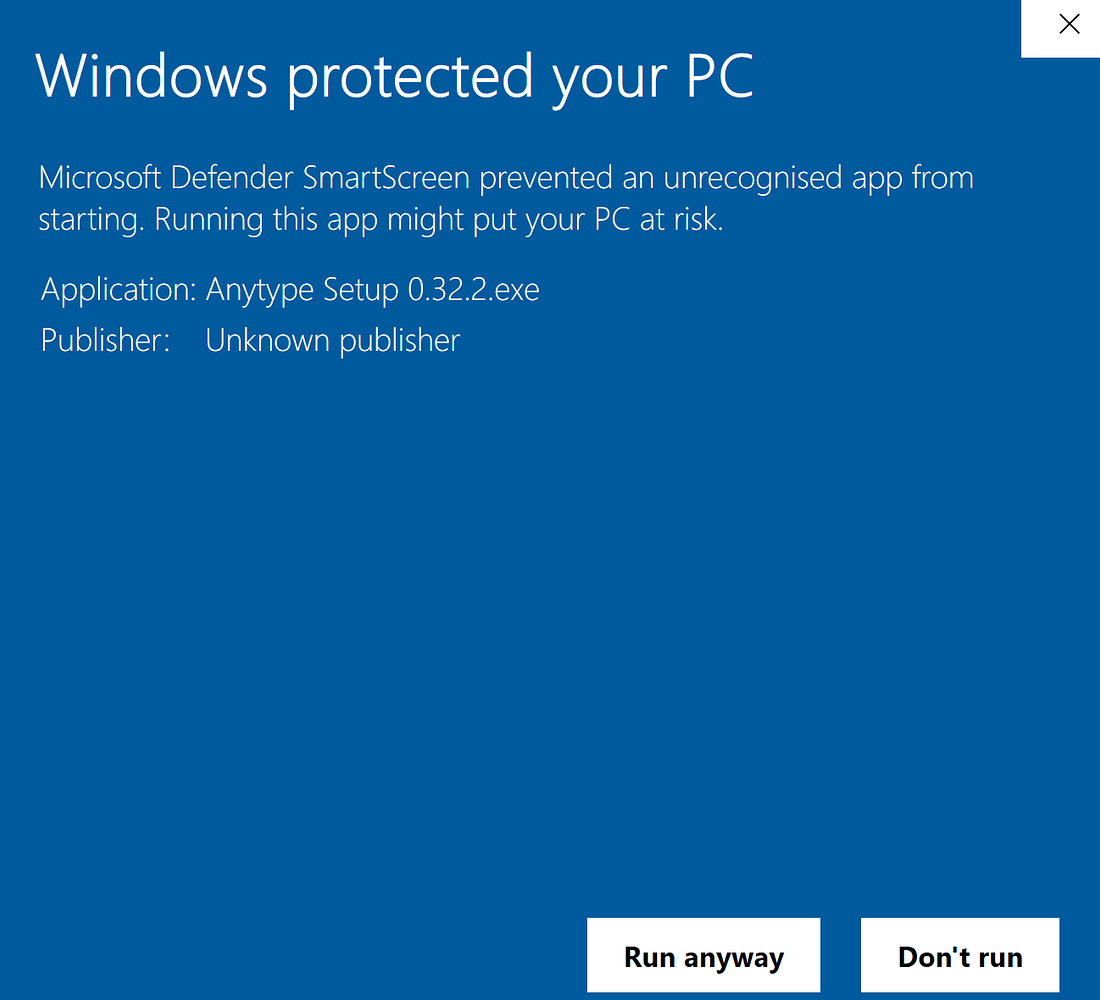
I’m getting the following warning while installing Anytype. It would be great if the devs could get the app verified!
[image]
The following splash screen appears while installing Anytype with the Microsoft Defender active (Windows 10), which makes the installation process one step longer. To reproduce, simply install the provided Anytype .exe file, you’ll get the same warning.
Expected behavior
The setup should progress in a standard fashion, with the splash screen showing that it is a veri…
A while back a mod posted a comment on this, but still would be good to get an official comment from the Anytype team.
Describe the bug
When I have tried to open de .exe file, Windows Defender blocks the execution. It is easy to continue but it is neccesary to click on more information and select execute.
To Reproduce
Steps to reproduce the behavior:
Download .exe
Execute .exe
Expected behavior
Windows Defender blocks the execution of the executable.
Desktop (please complete the following information):
OS: Windows 10 LTSC 1809
Device: Desktop computer
Version: 0.18.59
Additional context
[ima…
Hi @qualquertipo , you can refer to the dev reply in the topic you linked first: sometimes when pushing updates they have little time to sign the build and that results in windows warning you about it, you can safely proceed or wait for an update with a valid signature.
Sorry for the inconvenience.
There’s one dev reply from 1y ago. Are you referring to that one?
I think the current version (0.32.9-beta) is signed and should not show this error anymore.