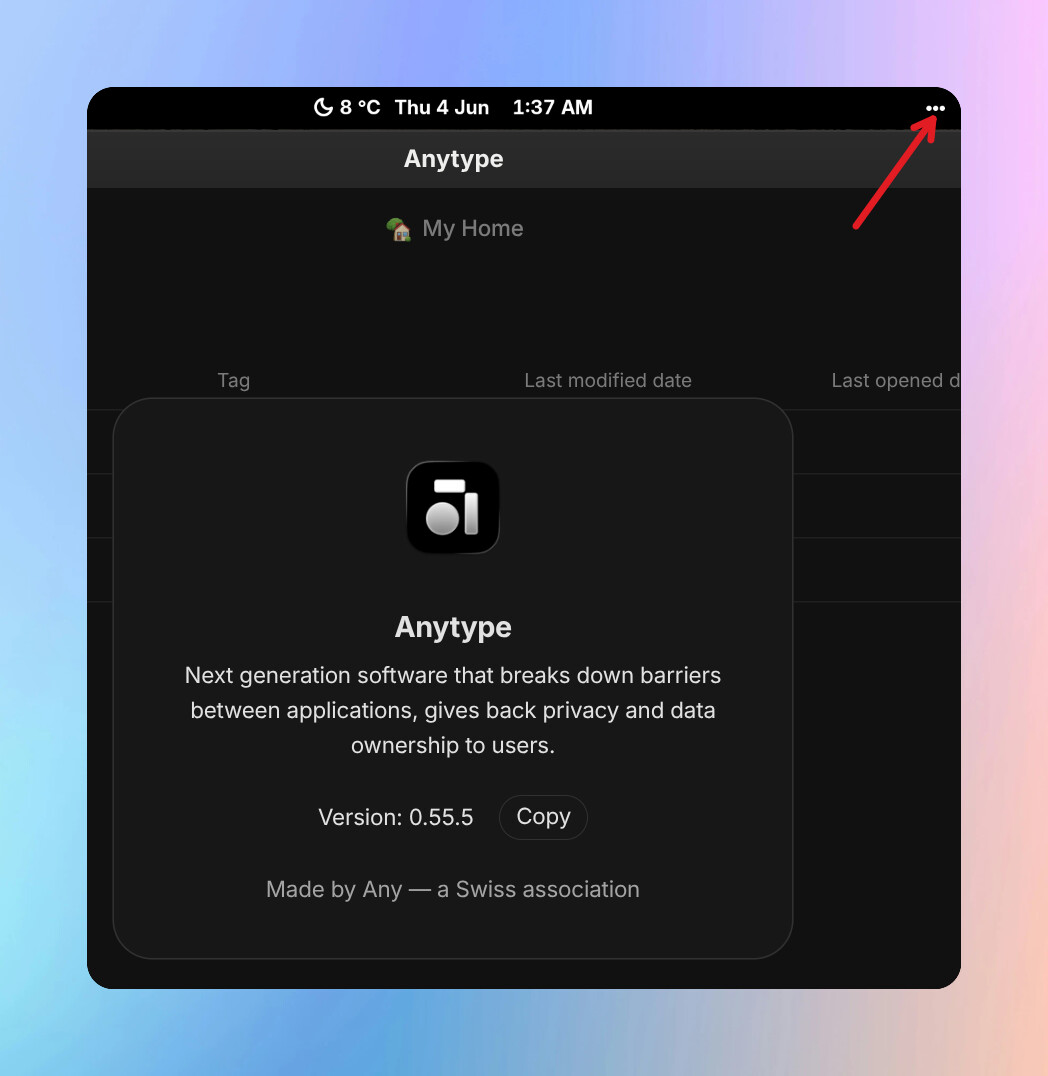
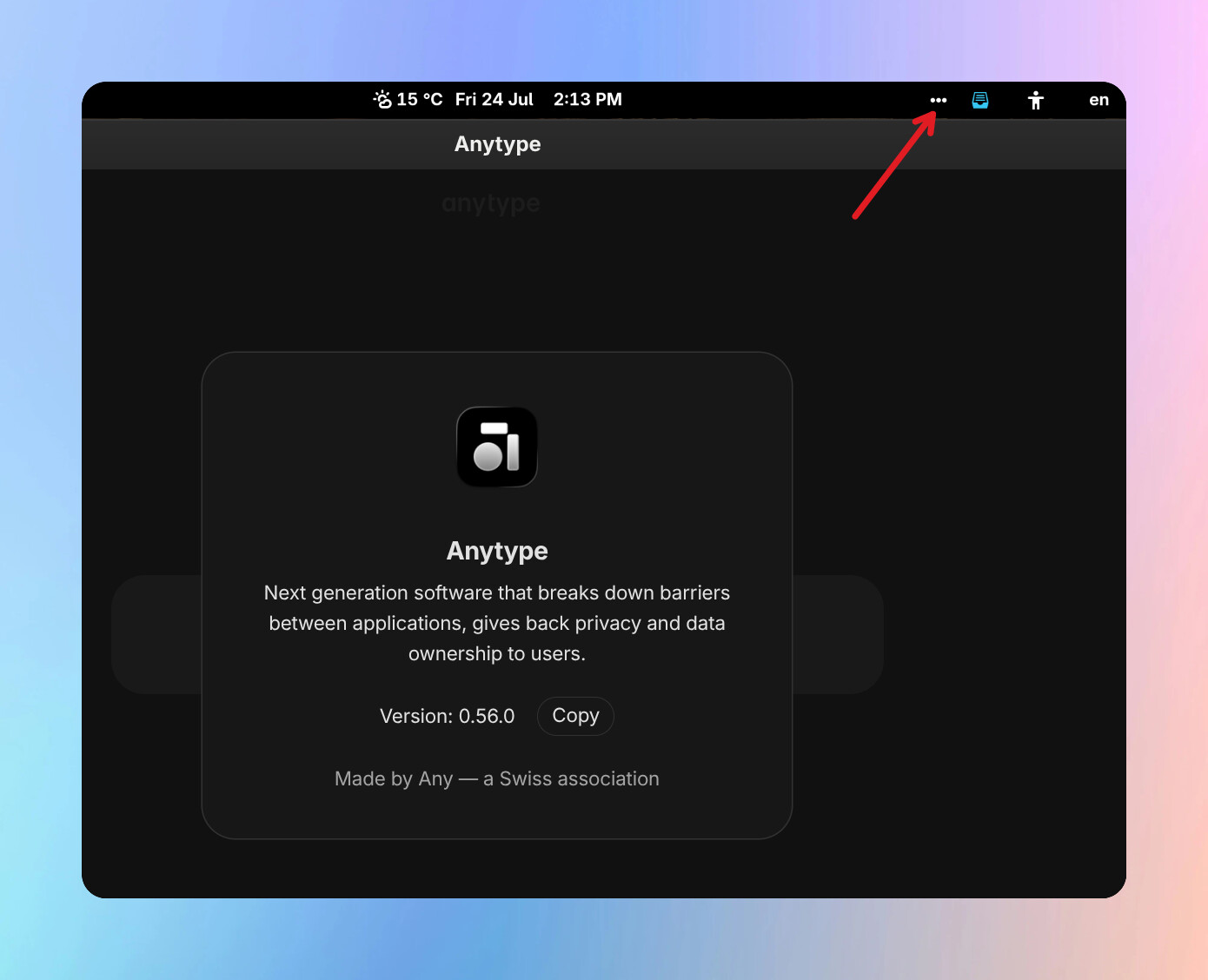
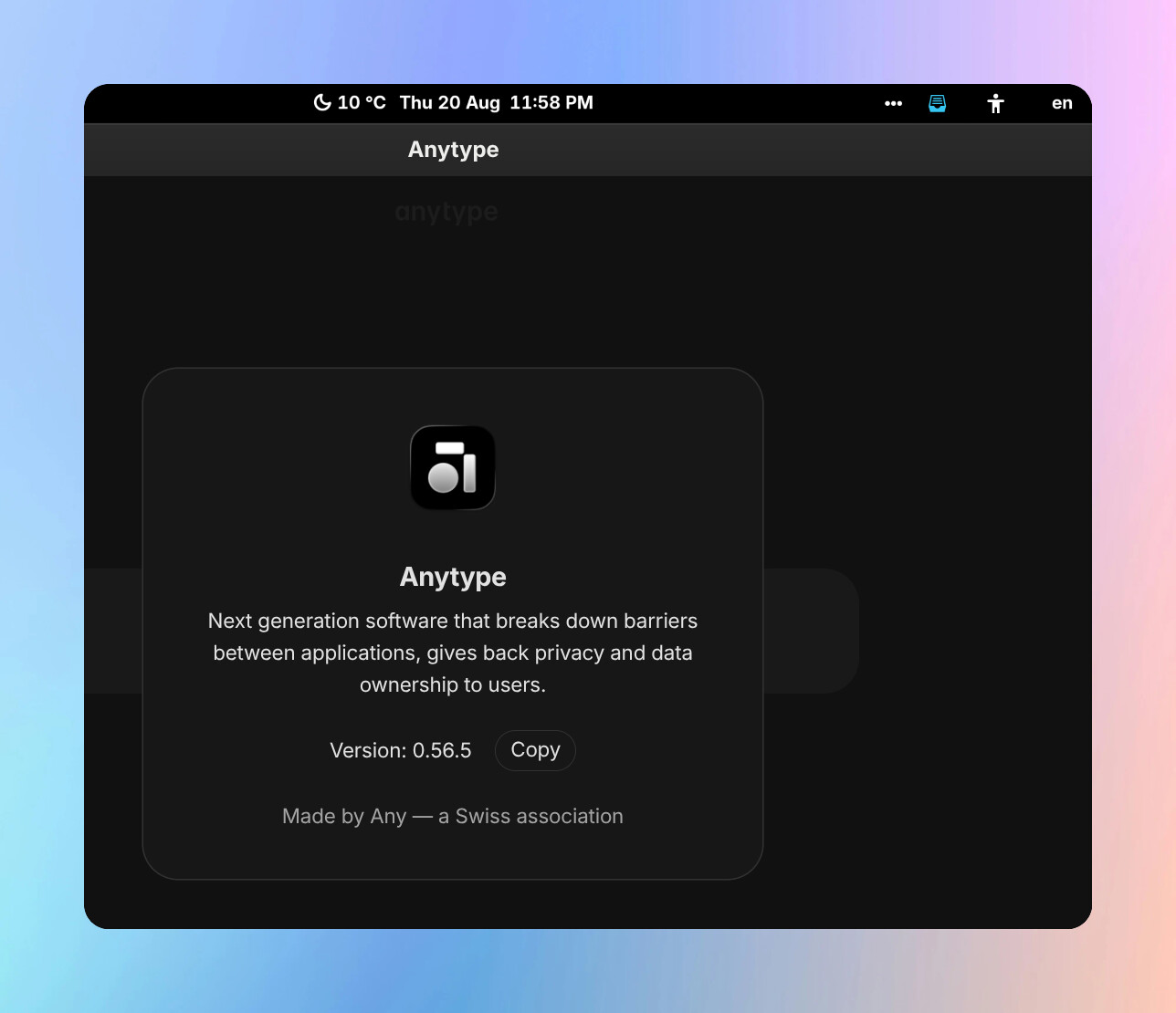
WHAT IS THE BUG
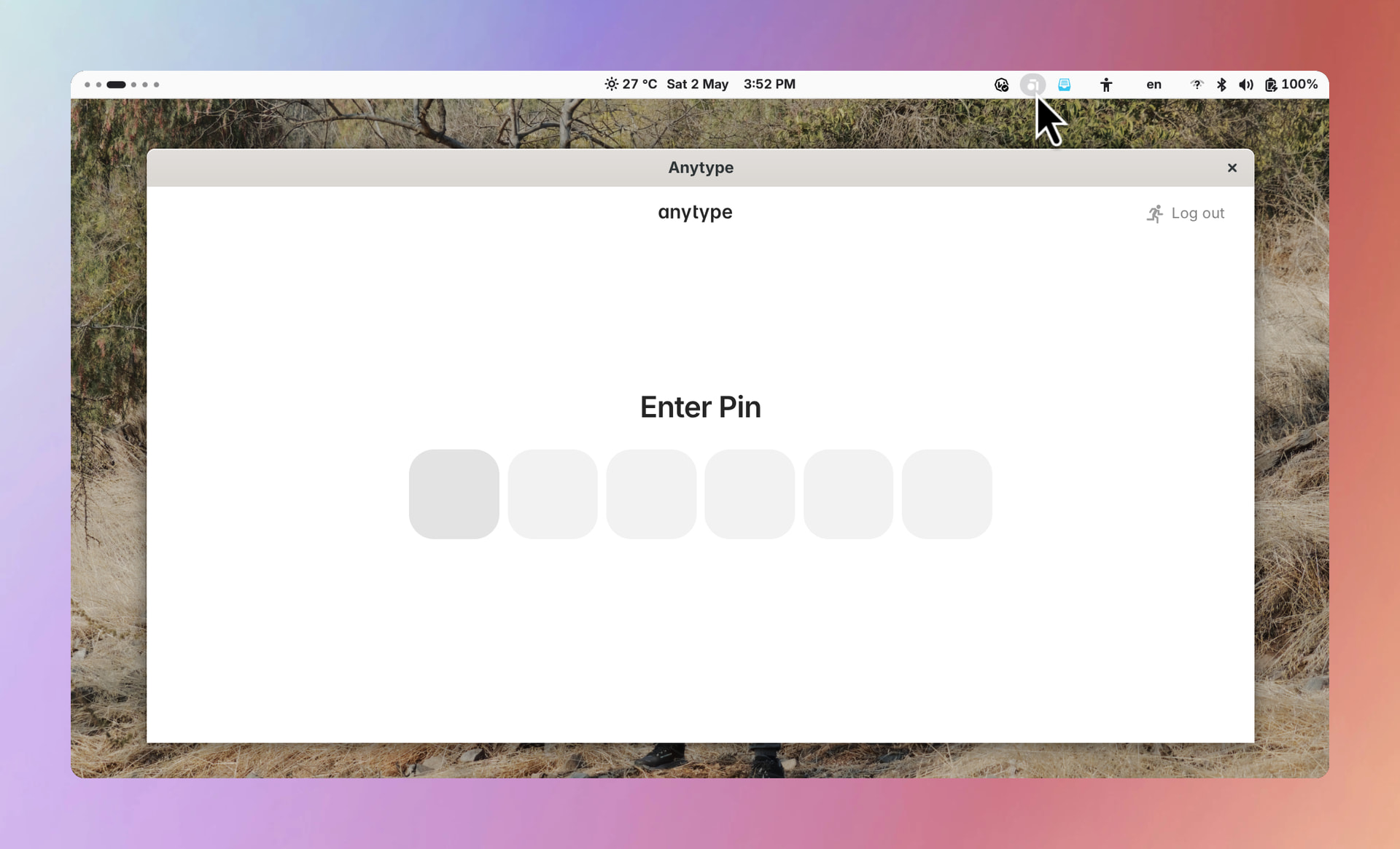
The system tray icon is not showing Anytype icon. It used to work correctly in v0.54.x.
HOW TO REPRODUCE IT
Outline the steps needed to reproduce the behavior in sequence:
-
Open Anytype
-
Make sure that in Anytype > Settings > Vault > Preferences > Show Anytype in system tray is turned on.
-
For GNOME, also make sure that the AppIndicator and KStatusNotifierItem Support extension is installed.
-
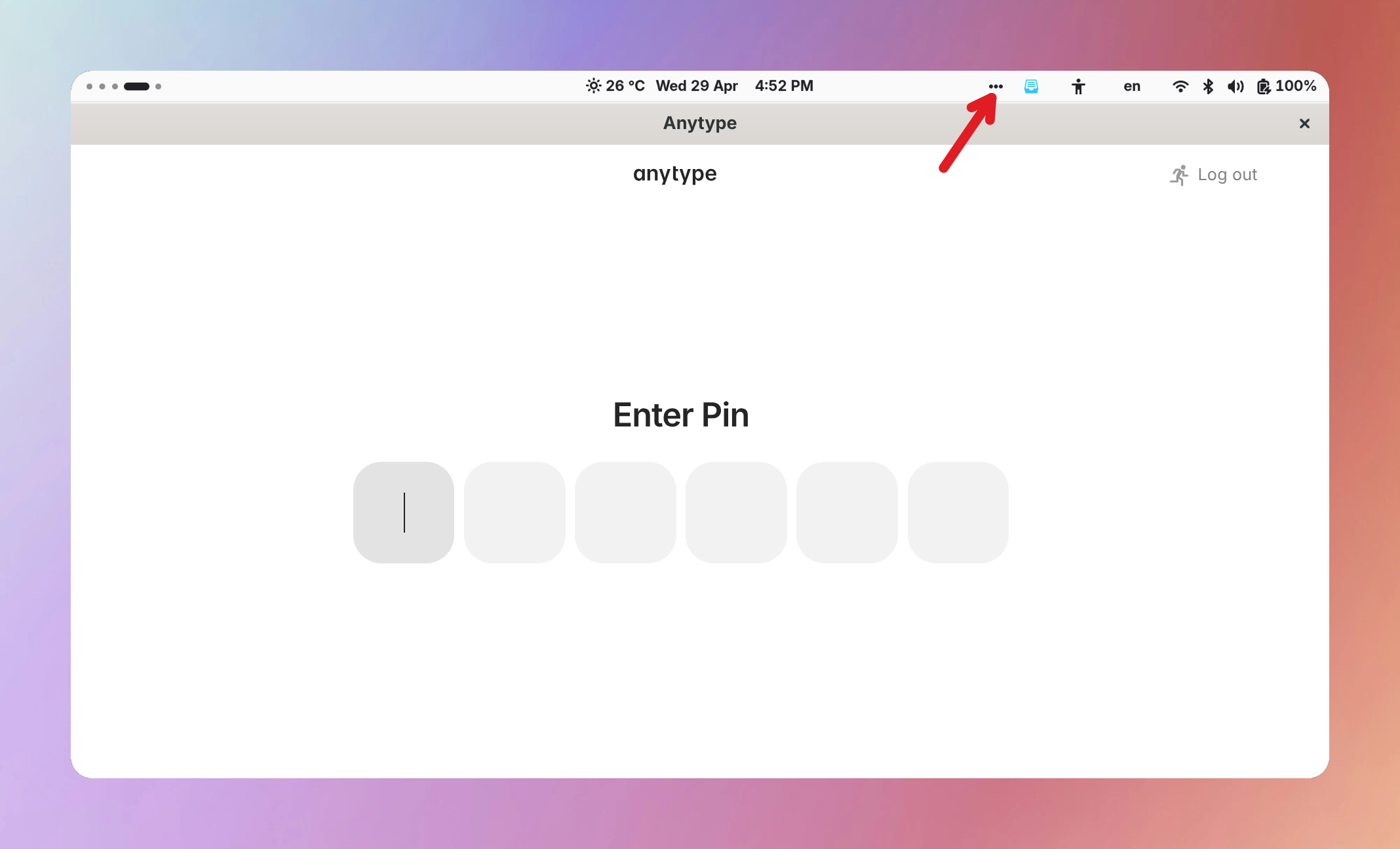
See a generic icon instead of Anytype’s icon in the system tray.
-
I was able to provide a video capture (or screen-shot) of the bug, here it is:
THE EXPECTED BEHAVIOR
Anytype icon should be shown correctly in the notification area.
ADDITIONAL CONTEXT
-
The notification icon only appears correctly on the first launch after the system’s reboot. After that, if you quit the app completely, subsequent launches will only show the generic icon as shown in the screen shot.
-
This issue also affects the icon theme on light system scheme that used to work correctly before v0.55.x.
TECHNICAL INFORMATION
OS version: linux x64 6.19.14-300.fc44.x86_64
App version: 0.55.0
Build number: build on 2026-04-29 14:10:53 +0000 UTC at #01df9ca47ab69cf2d4764332cafd8b6a3b382e42
Library version: v0.50.3
Anytype Identity: A7vbqLZXMneoS25NXW6SEcX45sSCU36AG4UDBUSZHz816gLW
Analytics ID: 9ee5e932-09e9-4059-a9cc-7c73b960d4ae
Device ID: 12D3KooWPWfinAcpZKAQ6Tcrequxx8CPHeicpQfifMNPAxK9dFxM
Ethereum Address: 0x8d856908A11a6563fa8321A99cB9DA047Fb8CD28