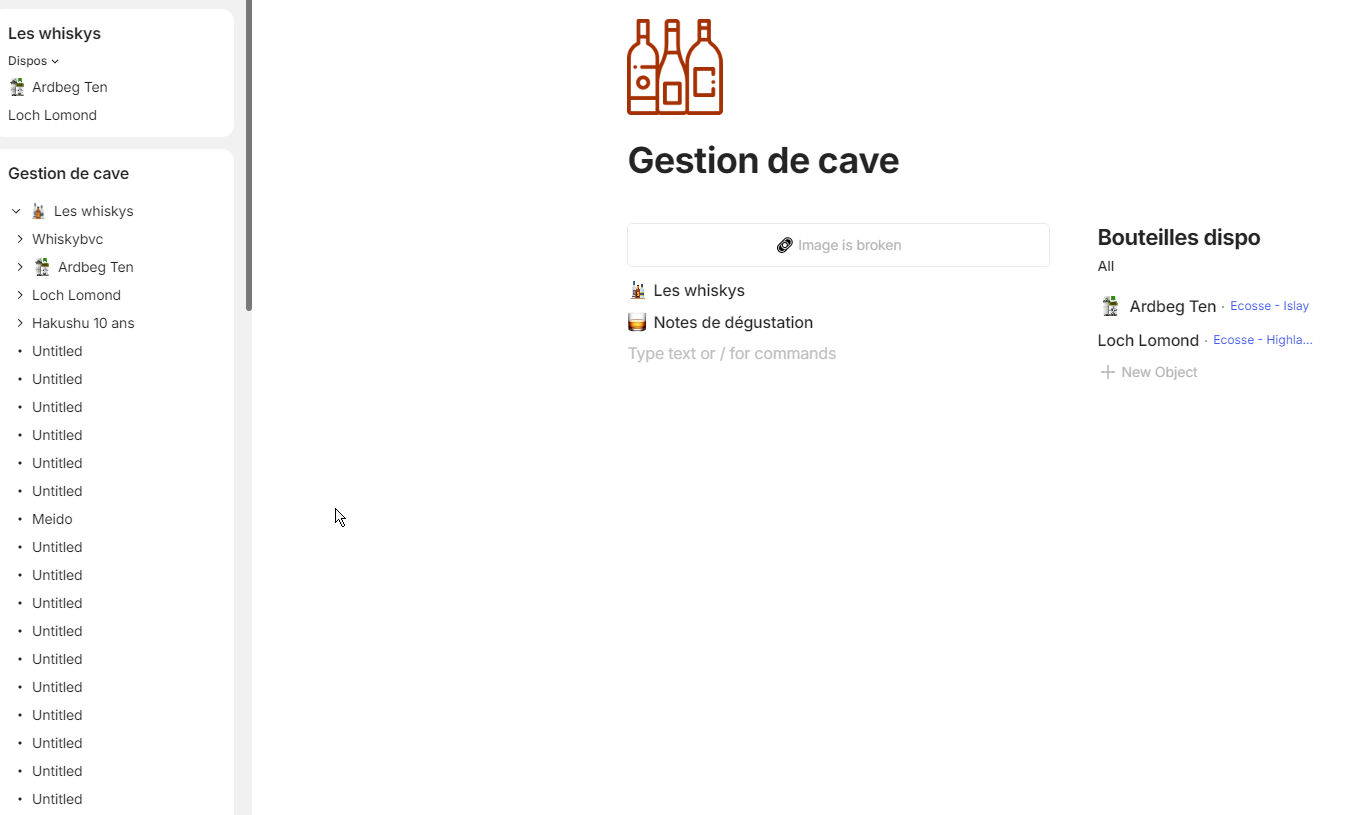
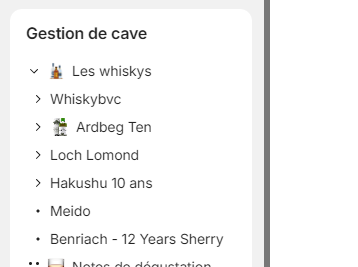
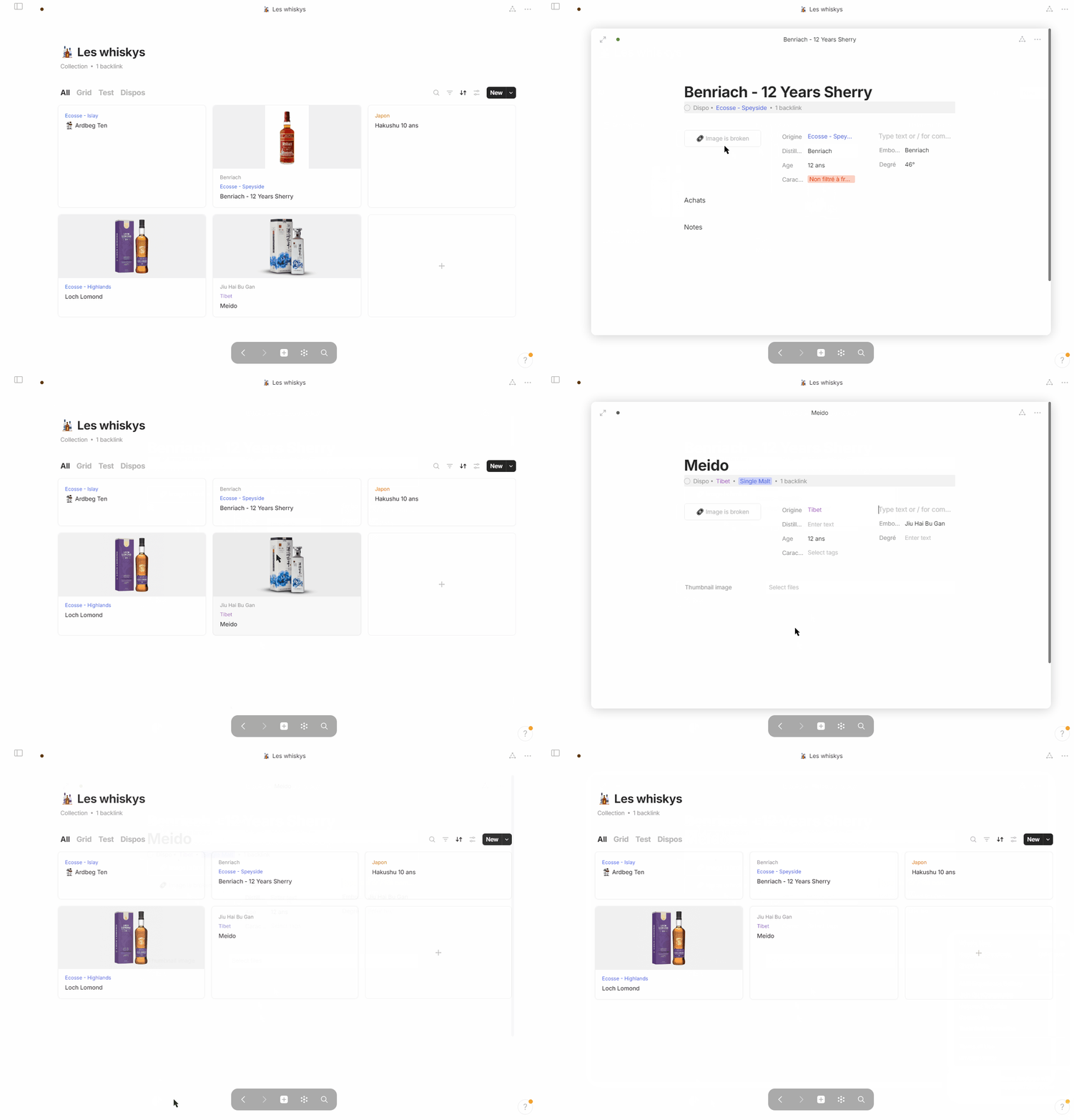
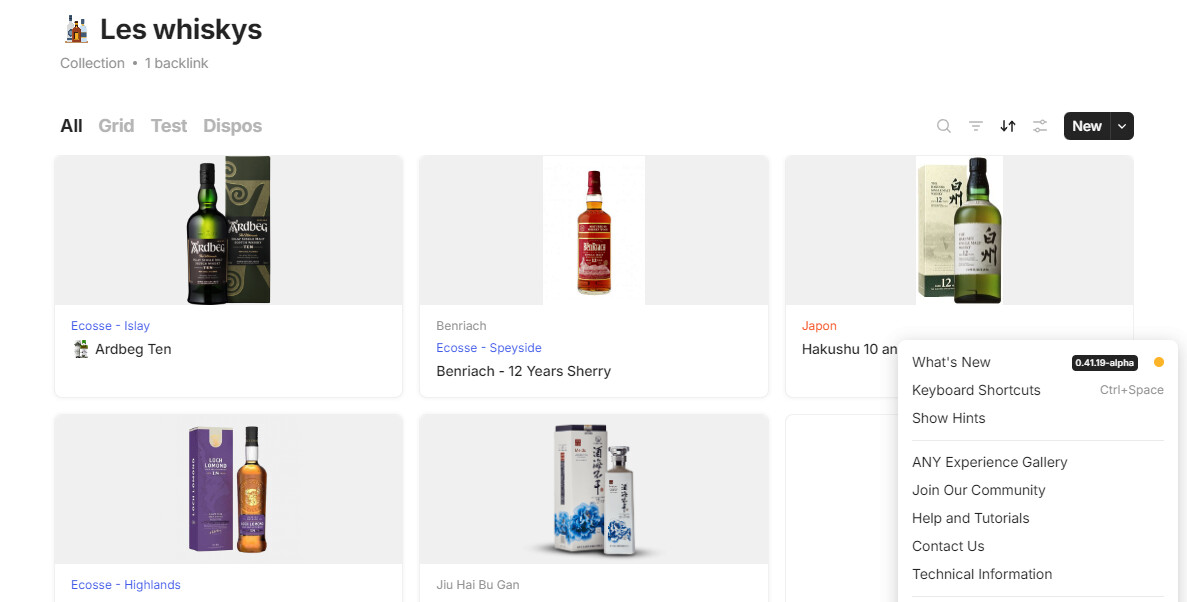
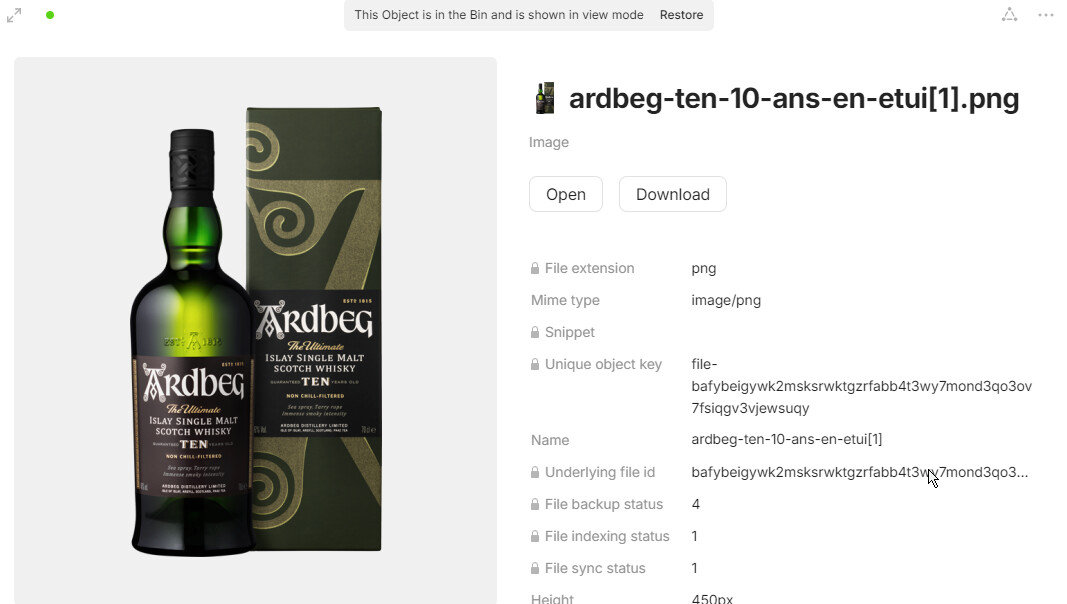
Interesting, is there a chance that you added these images using import? I see Unique object key relation, the only way it to be appeared is file migration, which can be triggered by import (there was a bug, I fixed it in one of the recent version).
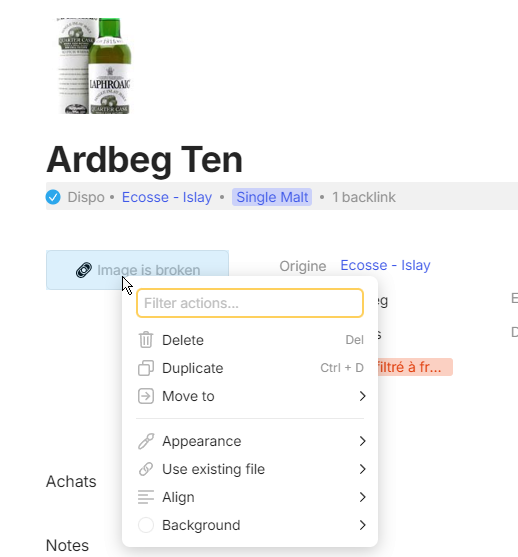
And please check your Bin in the latest version, I bet your broken images are there
Thanks, it was long-living bug with unnecessary file object migration that showed itself only in one of the recent versions, because I turned this migration off and created script that put all these duplicated files to bin, unfortunately it affected your objects. Intention was to clean up mess the bug produced, I’m sorry that it’s affected your objects.
If you see any other Broken image blocks, please, tell me about it
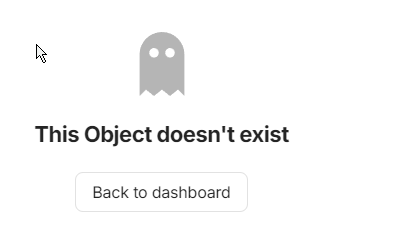
I’m not sure you guys also encountered this or not. But similarly I encountered this issue but I can’t pinpoint why is this happening. I have a pinned widget for my tasks and as you can see from the video, the task object itself is intact and I can interact with it. However, when I try to add an object with the plus button from the widget, I am faced with the ghost object screen.
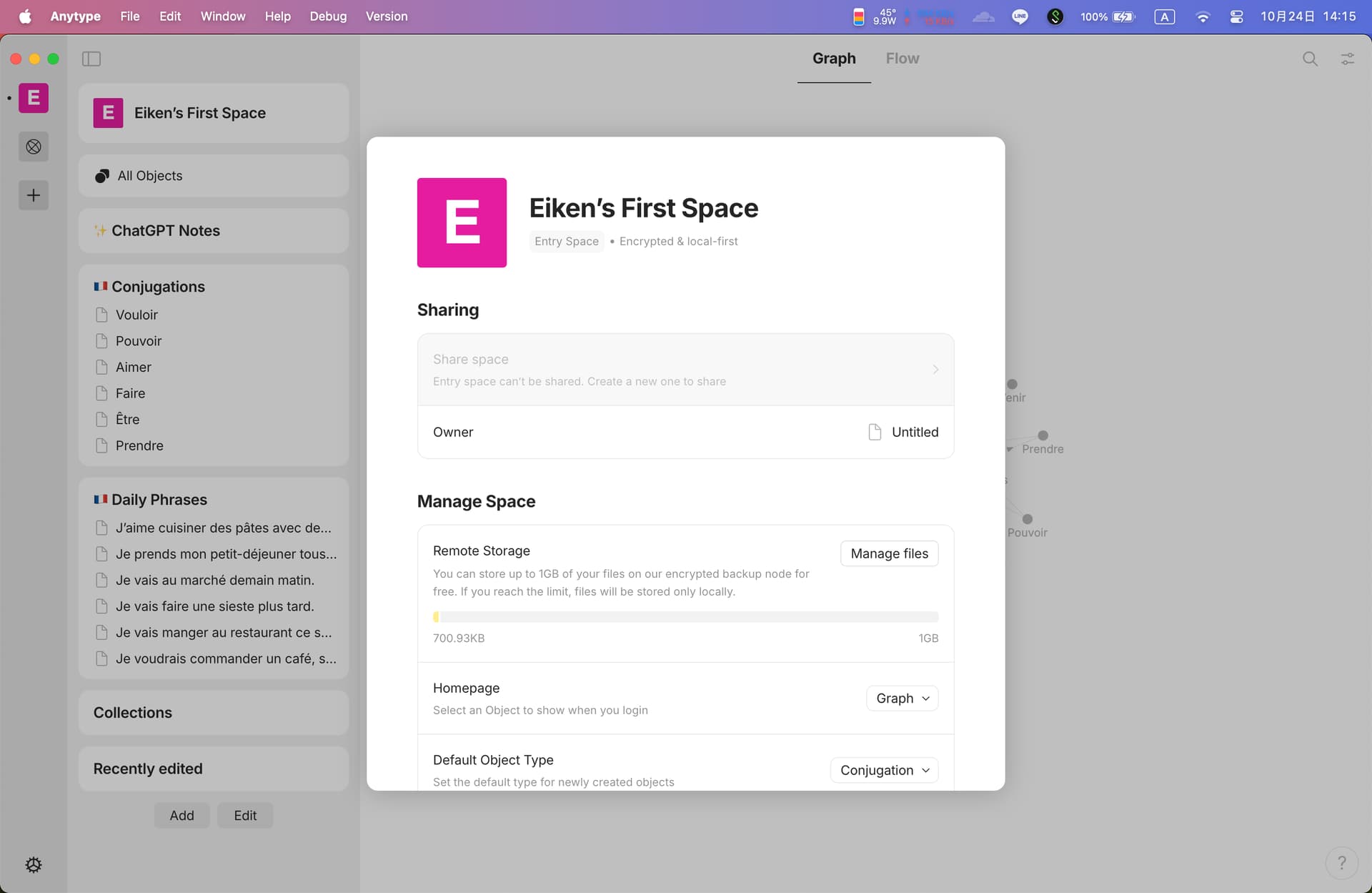
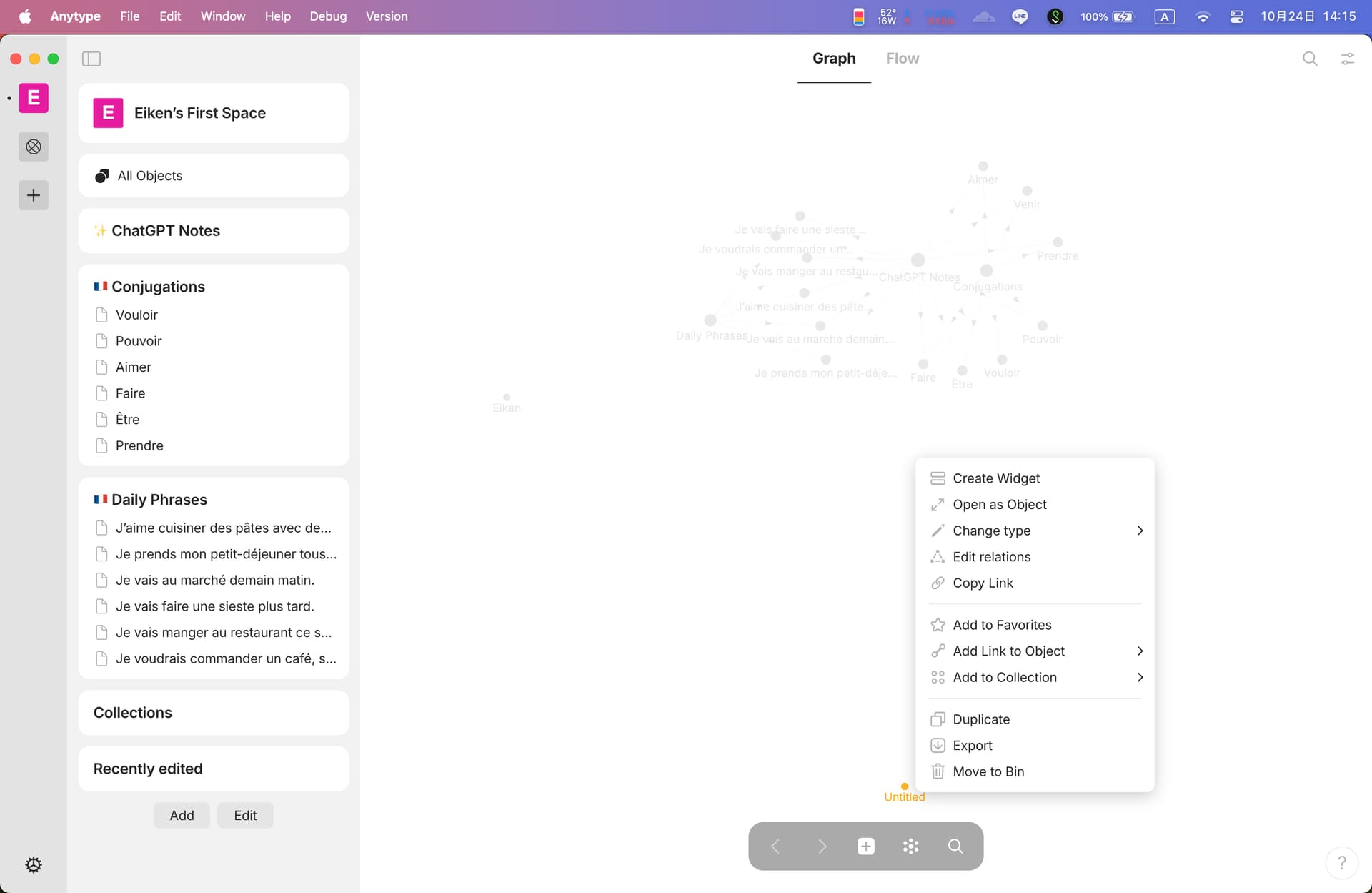
I have a similar problem. My problem is that after the update (now it is 0.34.0), the owner of my personal (also the very first) space becomes “untitled,” and I can see an object with name “untitled” in my object list.
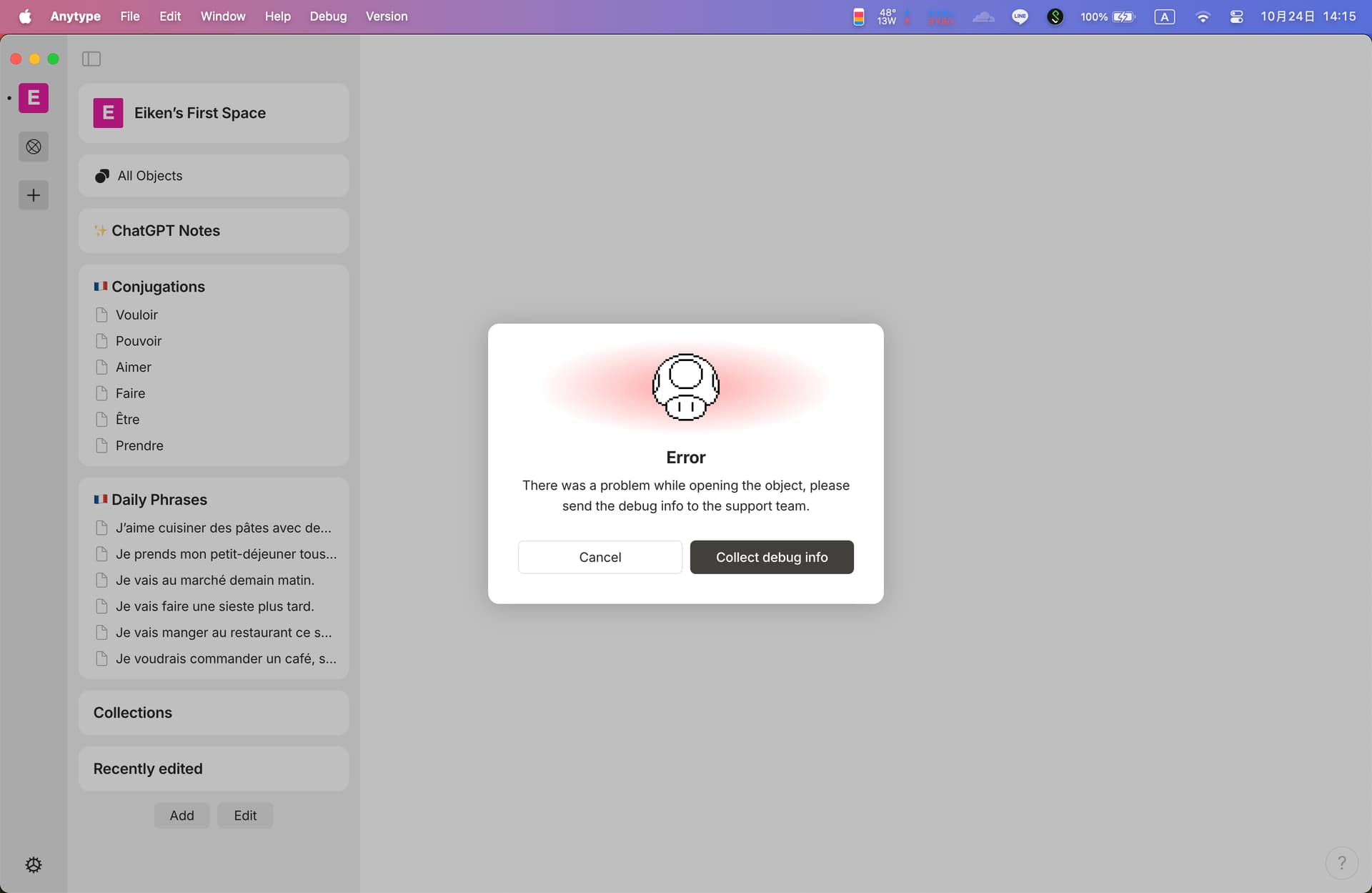
[Update UTC+2 10/25 21:46] The owner has been set back to myself, but the untitled object still exists and the error still occurs.
@Eiken How did you get your Untitled space owner back to yourself?
I have the same problem (pre-release 0.43.1): The space owner of all my spaces is Untitled, and it is not editable at all.
UPDATE: Never mind, I found out I simply need to edit the Personal information page in the preferences (I did not even change anything, just added and deleted a space character), and the space owner is now restored.