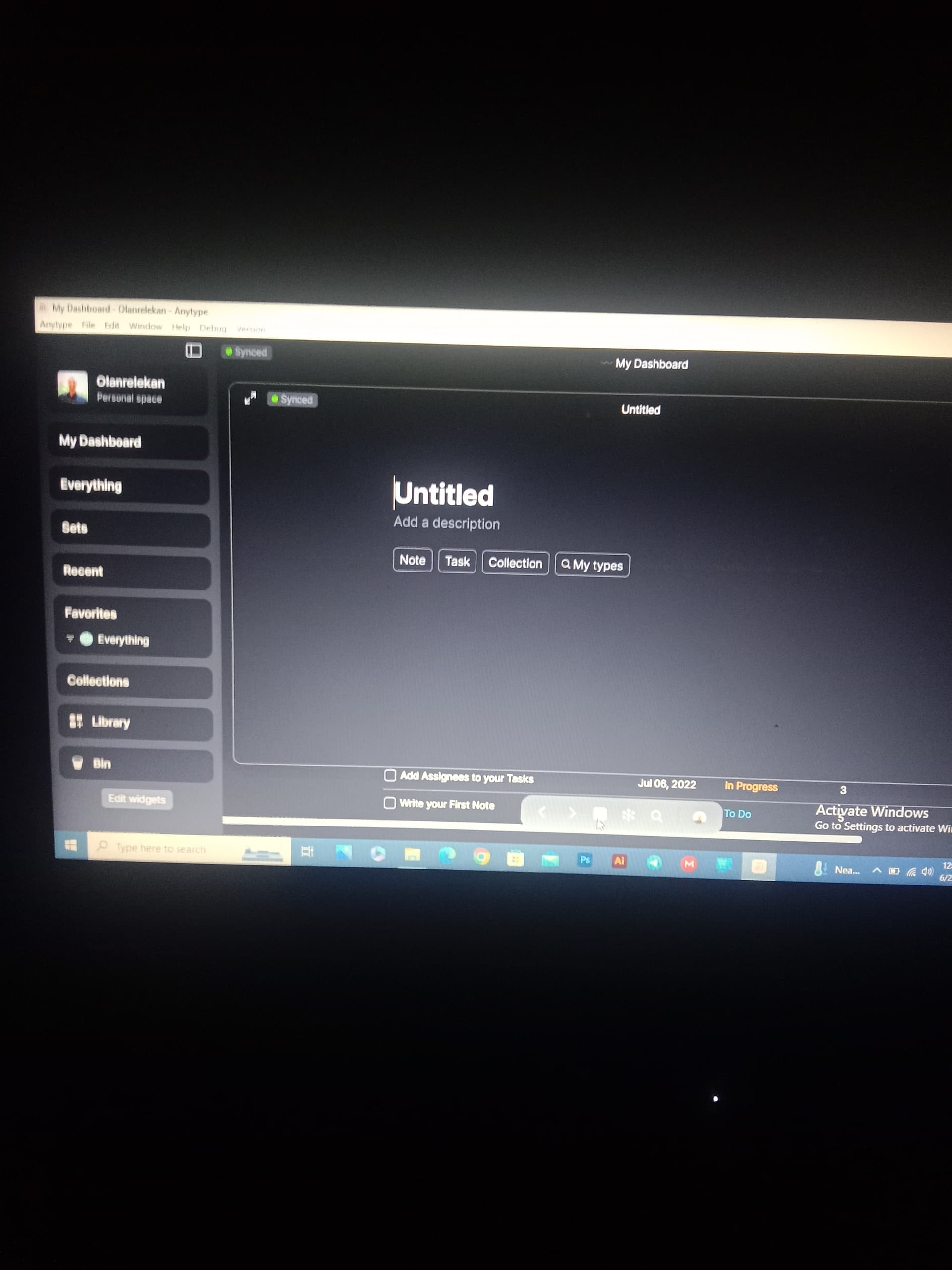
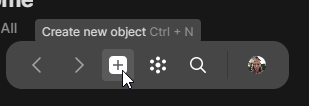
Can confirm this is also happening for me on MacOS Ventura 13.4.1 using 0.32.3. I’ve set my default object to a new note type I’ve created which has 2 templates to choose from. Clicking the + button at the bottom creates a blank page with Title, Description, and 4 types to select from.
Anytype DOES however register it as a note, since my Notebook (a set), which displays all note types (not the stock note type but my own custom one), is populated with the new note.
Can’t fully approve it on AnyType 0.33.2 (Windows).
After clicking the “+” button, you need to start entering data (for example, the description of the object or the text in it (not the title)) and then the type I set by default is automatically selected.
@Jed thanks for clarifying. I think this behavior is by design.
You either click the + to create a new Object and you start typing to populate the Object
Or, you click the + to create a new Object and you change the Object Type (or, you select the Object Type that is your default) and then you get the question to select one or your templates if you have any for the selected Object Type.
I have in mind that this workflow is done this way to set you up with a new Object with as little friction as possible. There are a couple of things I can think of to improve this:
A. Add a row of buttons and/or hotkeys to select a template if there is any, like this
B. Allow the user to right click the + button to show the same little menu to select a template as when clicking “New” in a Set
This might be partially solved by this FR, but I think they can complement each other:
Disagree, unfortunately. It creates more friction for me. My default type is a custom note (with two templates) - One with a title, one without, BOTH WITHOUT DESCRIPTION. I am unable to create this default note type by the method you suggested. Populating anything (title, description, text field) will leave title and description in the object. Not once am I asked which template (unless I go into “My Types” and select my note, defeating the entire purpose of having a default set up in the first place.)