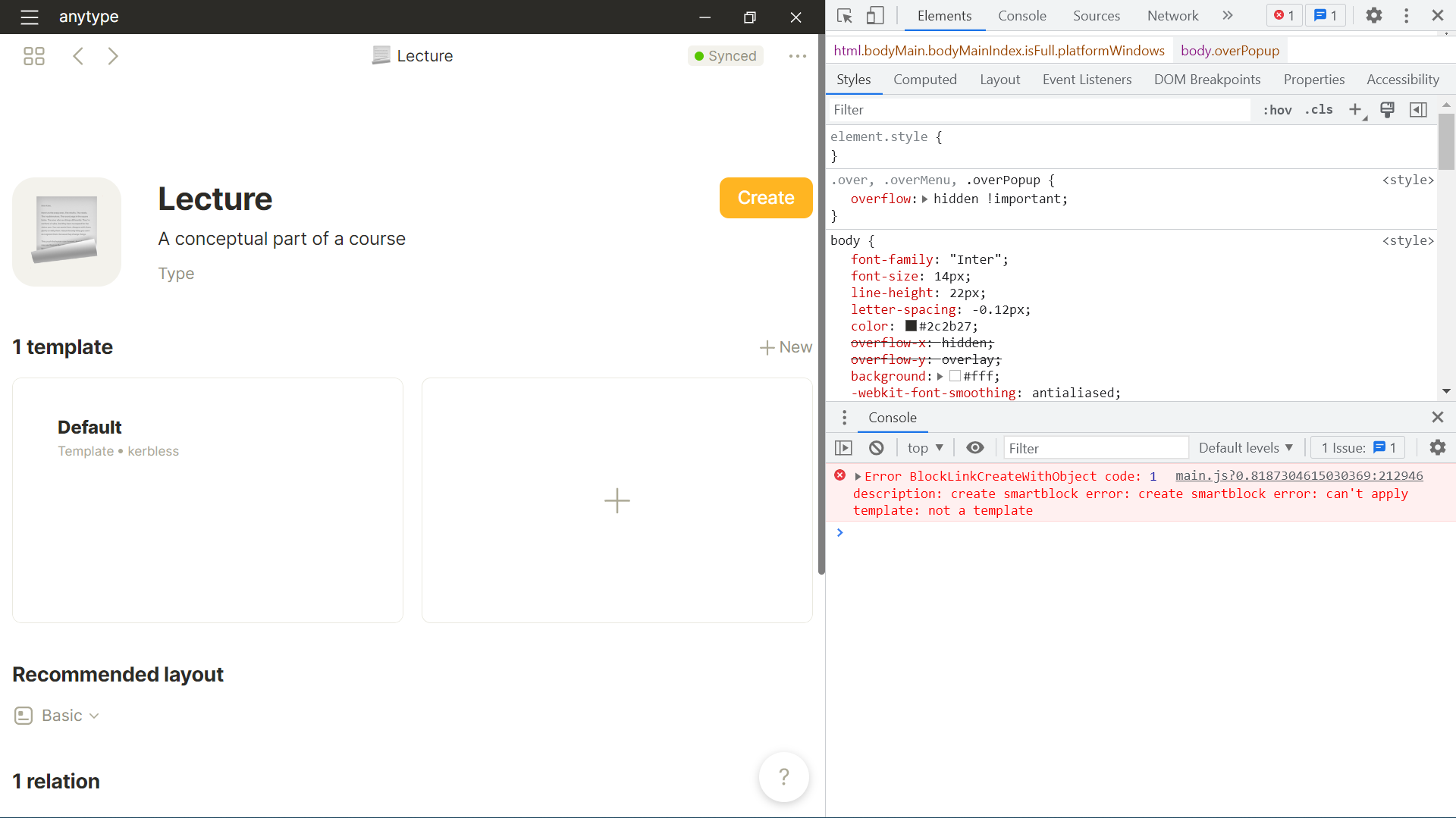
I just added a new template to my lecture object type and tried to create a lecture object. When I click on the create button and on “new object” nothing happens and I get the error shown in the screenshot. This also happens when I use the + button and try to change the type to “lecture”
I can confirm that this happened to me too. What I did was I deleted the object type that I created, removed it from the bin, closed and reopen the anytype and attempted again to create a new object type and set and it works as intended.
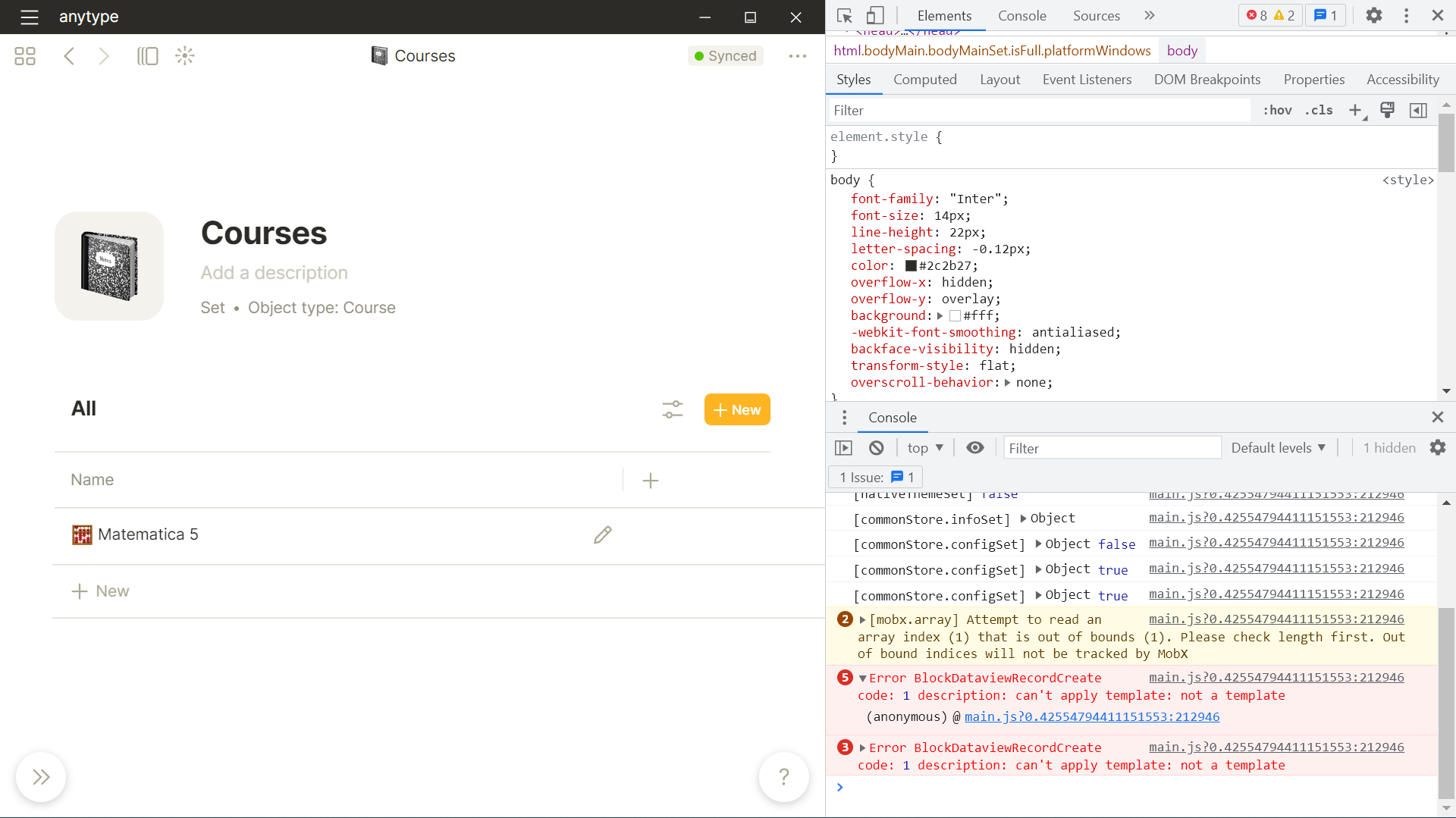
I also get the error Error BlockDataviewRecordCreate code: 1 description: can't apply template: not a template when I try to create a new object in my kanban board which I applied a template to. If I remove the template I’m able to create new objects.
I can’t make a new Human Type, inline with slash commands or from the library where I press to create a new object they don’t work… it seems to be only for the human type.
HOW TO REPRODUCE IT
Go to any random page and type in “/human” to create a new human
try to create the new human object
Blank space, no redirects to the new object to edit or text on the page to say that the object exists
Video capture of the bug:
THE EXPECTED BEHAVIOR
To open the new object I have created so that I can edit it
SYSTEM INFORMATION:
OS:
macOS Monterey Version 12.6
Device:
MacBook air m1 2020, base version 8GB RAM, 256 GB Storage
Anytype Version:
0.29.0
ADDITIONAL CONTEXT
I made a template with the relations, as shown in the screenshot
I managed to create one human object, and then after that, I resorted to duplicating the humans to get new humans, so the type works but creating another object of that type from scratch not so much…
You can try to delete the template and create the object again, otherwise try to enable developer tools and see if you get an error similar to “Error BlockDataviewRecordCreate code: 1 description: can't apply template: not a template” in the console.
I’m having the exact same issue (on the desktop app for Windows). Today I just created a unique type and associated template based on the Book type, but I cannot use the “Create” button on the type page OR the “Change Type” feature on the “New Object” landing page. (You can see me try both approaches in the video below.)
Similar problem. I cannot use any custom Template to create objects, no matter custom Type or internal Type. But internal Templates work fine.
If I create a custom Type…
…and do not create Template for it, I can create empty objects normally for this Type;
…and create a custom Template for it, I cannot create any object for it.
Or if I work with an internal Type…
If the Type do not have any internal Template…
I can create an empty object normally for it;
If I create a custom Template for it, I cannot create any object for it.
If the Type have some internal Template…
I can create an object with the internal Template automatically applied;
If I create a custom Template for it, when creating an object it asks me which template to use. If I choose the internal Template, everything is fine; If I choose the custom one, nothing happens and the object is not created.
Thank you, I think mine is the same issue as the one you brought up. If I delete the template, I can create the object just fine. For now, I think that I will just duplicate the object when I wish to create a new one until the bug is patched.
PS, I have no idea how to access developer mode on mac for Anytype.
Just wanted to let you all know that I’ve red flagged this and related topics/issues in a write-up for our middle-ware team and will be updating the status accordingly. Hopefully the fix will be delivered swiftly.
Thanks everyone for your reports, additional details and confirmations!