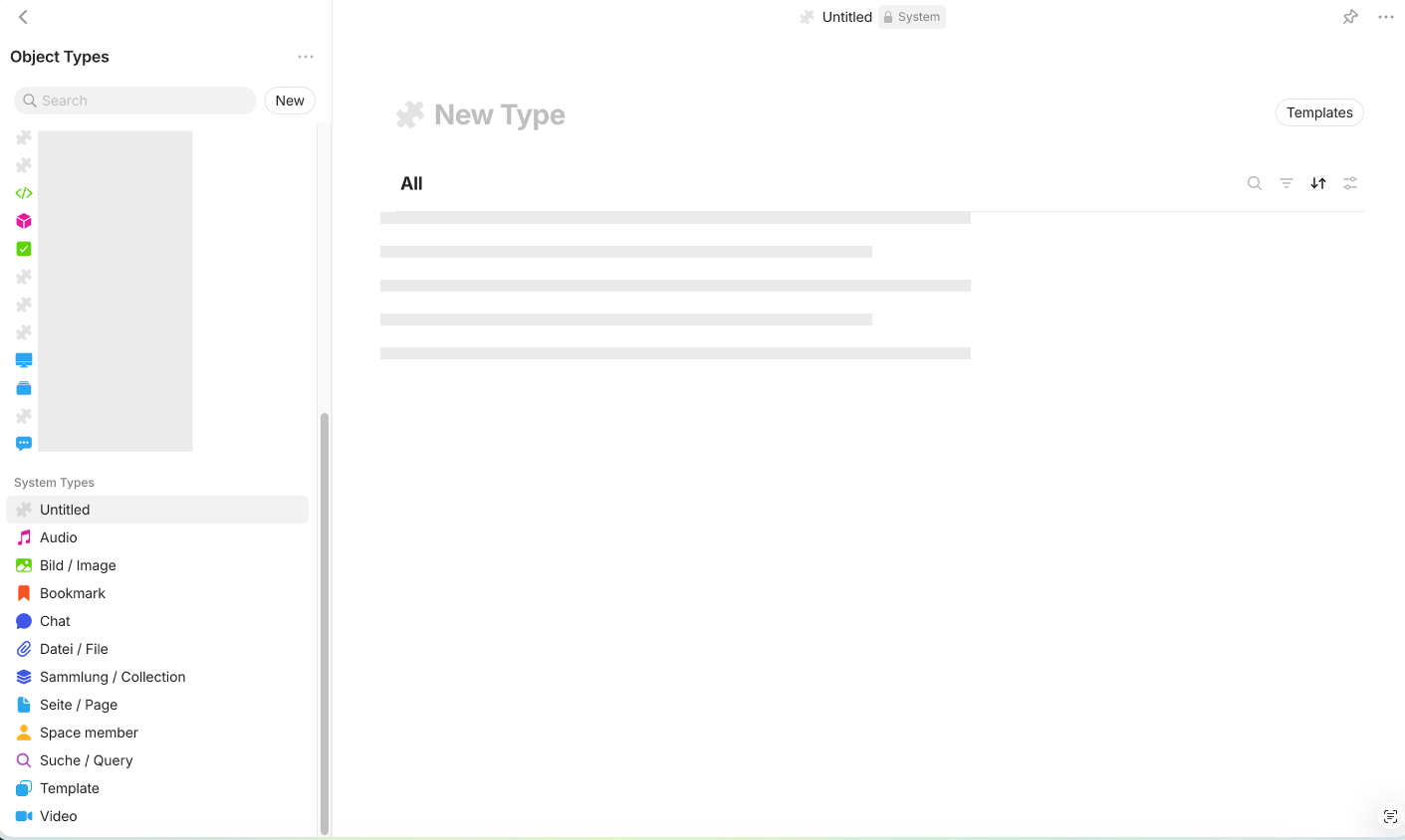
My Graph view shows countless “Untitled” Object Types, and even when I try to remove all of them manually, after a restart they come back. Some of them even dont disappear after deletion! The rest jiggles back in place, but some stick exactly where they are and will not even go away temporarily.
They somehow broke a few things… I can no longer view the Property “Backlinks” - Anytype would just go blank and stop working.
Edit: even a newly created space, with just the clean export of my main space, will re-create all those broken/untitled types, that destroy my graph view and my Backlinks property.
HOW TO REPRODUCE IT
Create a second Space,
do some things there,
export the space and import it into your main one…
ADDITIONAL CONTEXT
I did a bunch of deleting, cleaning up, etc. I guess this has destroyed something.
I have set my Homepage to “last opened object” … and now when I click on the property “Backlinks” I get a blank page, and cannot even restore Anytype by rebooting, because it just opens “Backlinks” again.
I tried to create a new object, or click any other option from the drop-down-menu, but this doesn’t work. It seems that Anytype is completely frozen in the property Backlinks view. (because of the bug I mentioned above)
Question: is there any way I can tell my local Anytype application to forget what the “last” object has been? Like deleting the logs or something? Which folder do I need to delete?
Solution: I just reinstalled Anytype…
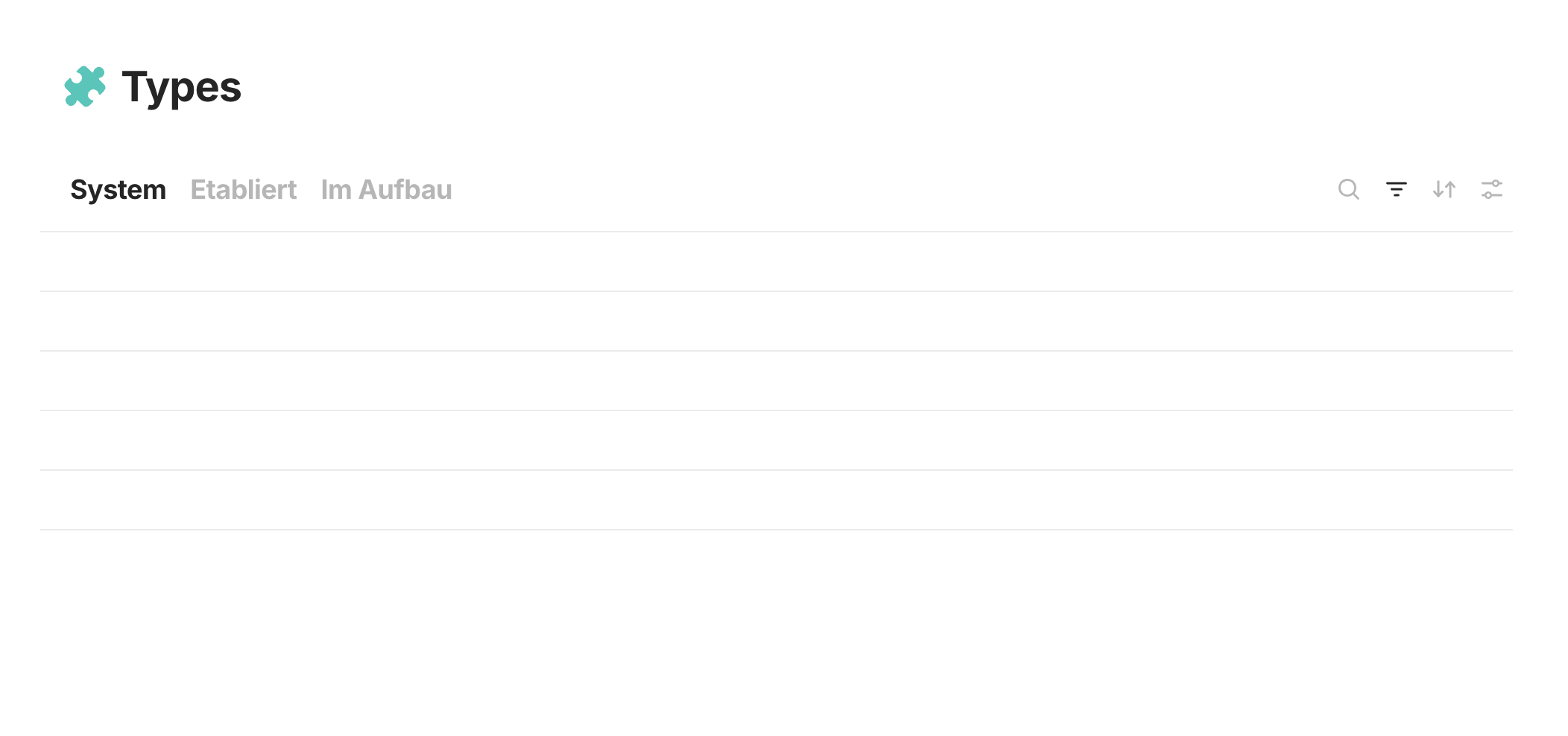
Btw my Types List also shows nothing, and is also not working… so basically, I have destroyed my entire Space, and even exporting and re-importing into a new one won’t fix the issue. Great. How do I proceed?
I don’t wanted to share my logs – they were quite long and going just briefly over everything I saw clear text of my notes…
You have marked this as closed. Could you replicate/fix it?
Another clarification if necessary: just messing heavily around with two spaces, giving Types in both Spaces the same Name, exporting one space and importing it into the other… thats basically what I did. Why I did that: I imported from other sources (Obsidian or Notion) and dont wanted to do that directly into my main space - so I created an “Import Space”.
Ah, and how I accessed the Types Type (super easy, and I think you should open this up, because its nice to see all your types like that - i even gave my Types tags! :D):