WHAT IS THE BUG
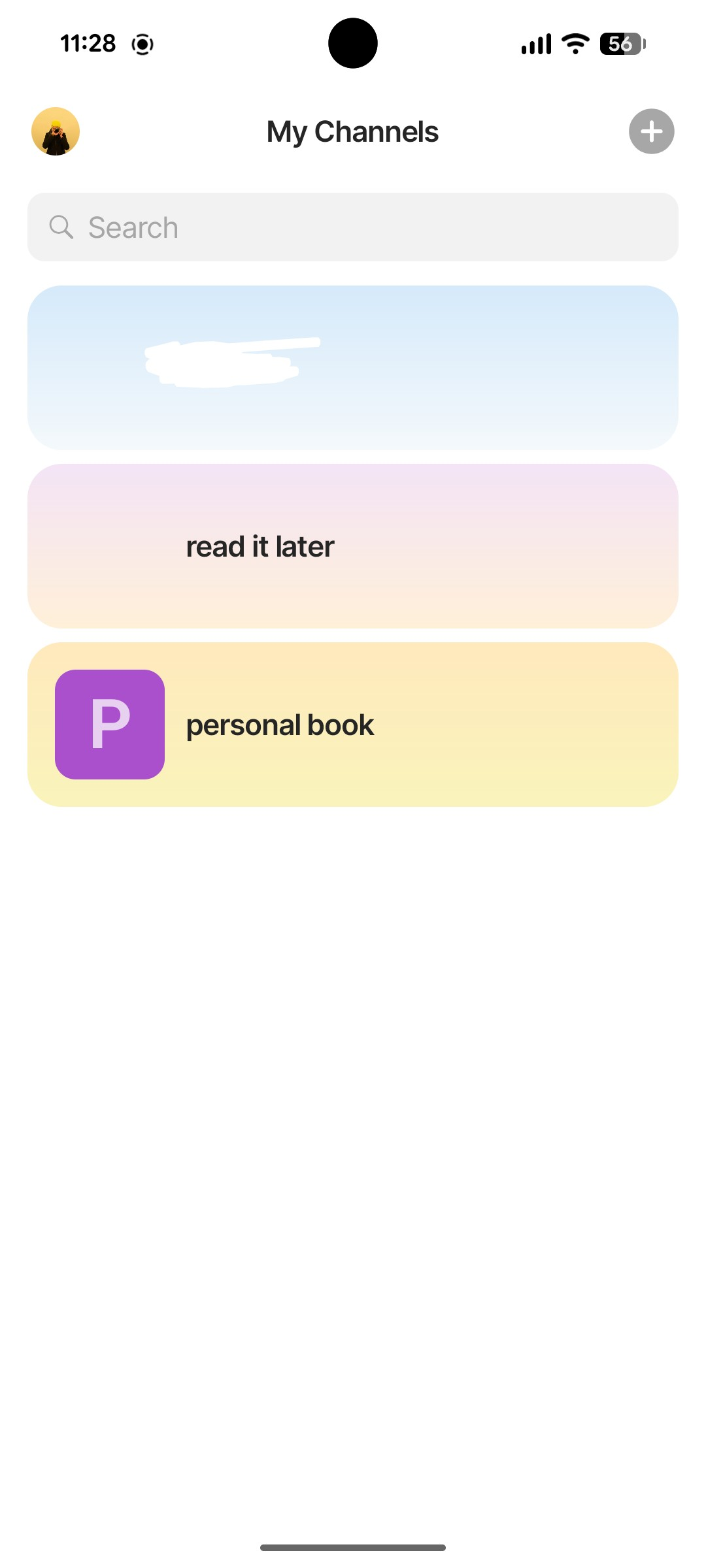
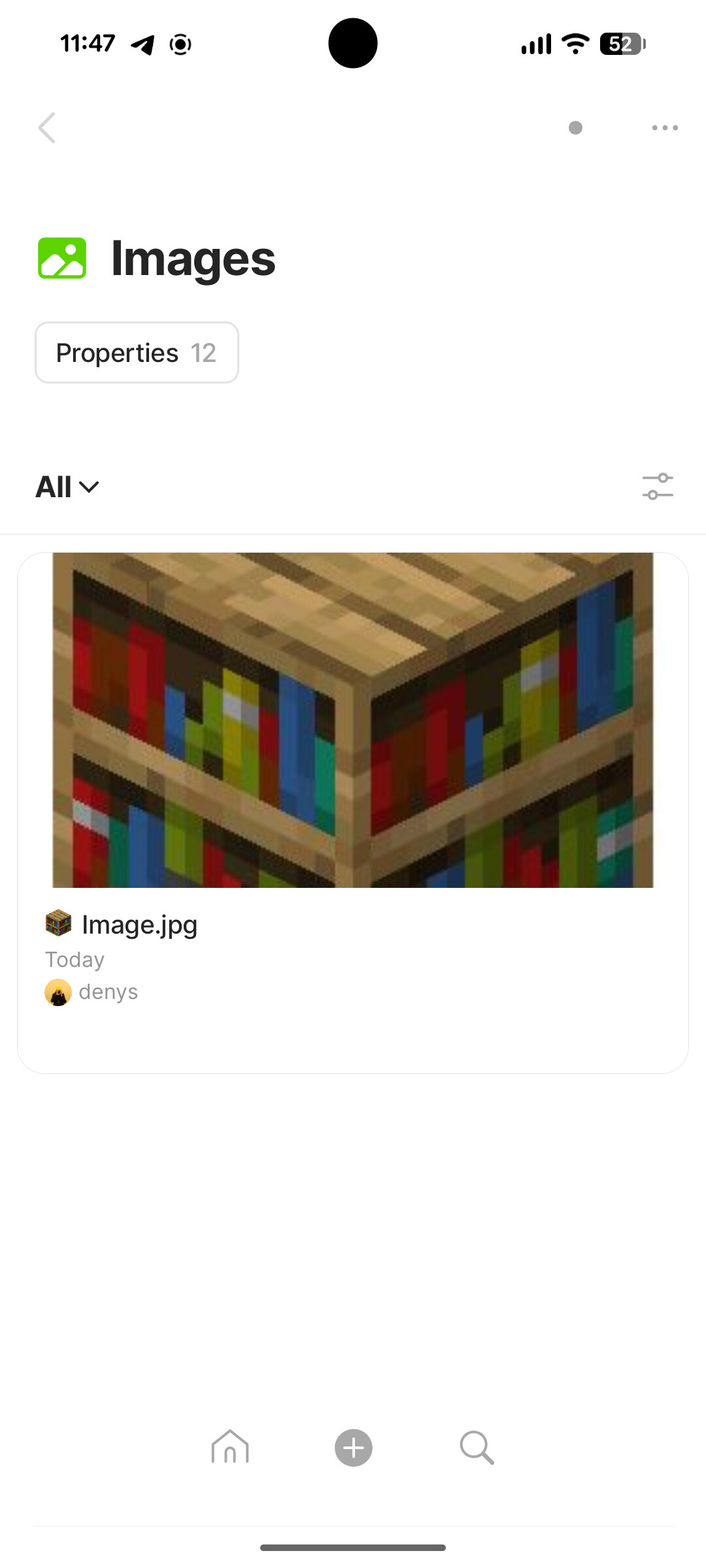
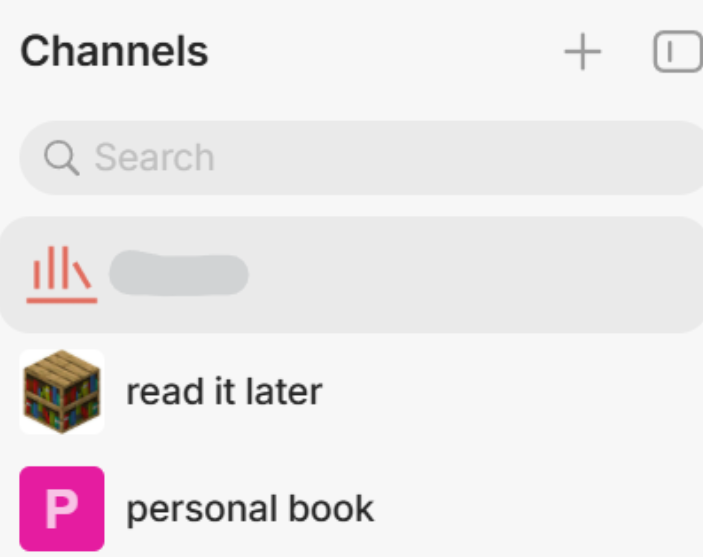
When assigning the space/channel icon on one device it appears on another one briefly, but eventually vanishes, leaving blank space (e.g., on android it vanishes after app re-opening). The devices where the image was originally uploaded and assigned keeps it. Images themselves are synced - you see it in the space vault on both devices. Does not matter if it is a png with transparency or a jpeg.
This has been happening for months, both with cloud sync (free plan after exceeding storage) and separately created local only sync vaults.
HOW TO REPRODUCE IT
Outline the steps needed to reproduce the behavior in sequence:
-
Go to channel settings
-
Upload image
-
Make sure image synced to another device
-
Restart the app
-
See the icon missing on other devices, while it persists on the original device
THE EXPECTED BEHAVIOR
The new image should persist on all devices after sync and relaunches
ADDITIONAL CONTEXT
TECHNICAL INFORMATION
Provide your setup info:
Network - P2P, 2xWindows + 1xAndroid
Desktop: 0.54.5
Mobile: 0.45.7