Hi,
I’m not sure if this may be of interest to others…
I use simple tables a lot (whenever I want to compare values: purchases, accommodation when traveling, etc.). I need to include text, links, images, and colored backgrounds, and I want everything to be displayed very clearly. Collections don’t meet my needs at all…
I did a little hack in custom CSS to get this type of display.
Be aware that it’s still less practical than it should be, as it only modifies the display of blocks!
It can’t replace real simple tables that are better integrated, but it does the job. Hopefully we’ll see version 2 of the simple tables one day!
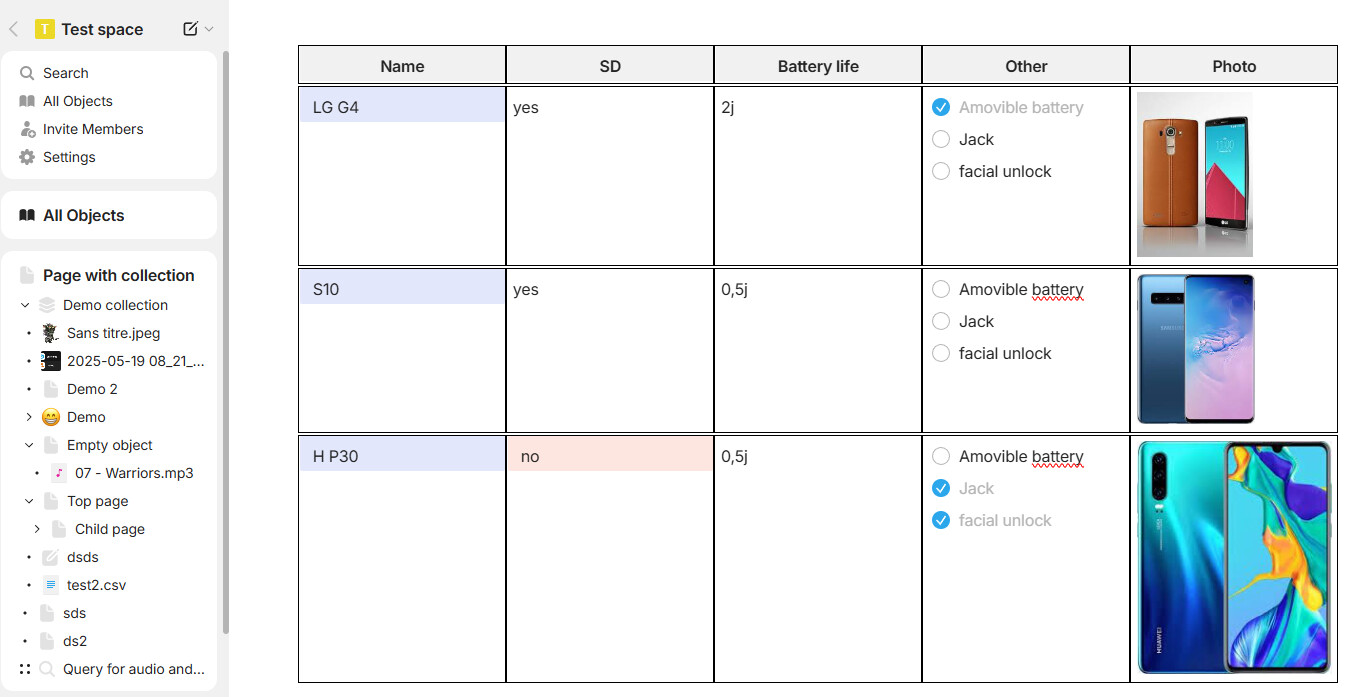
How it works :
- create a callout : this will be the container.
- Set the background color to yellow or change it to the color you use the least : this will be the trigger for the CSS
- Add block into your callout to create multiples columns, multiples lines

Of course, you can “fusion” cells (just create less block in a row and resize them), add multiples images, add files,…
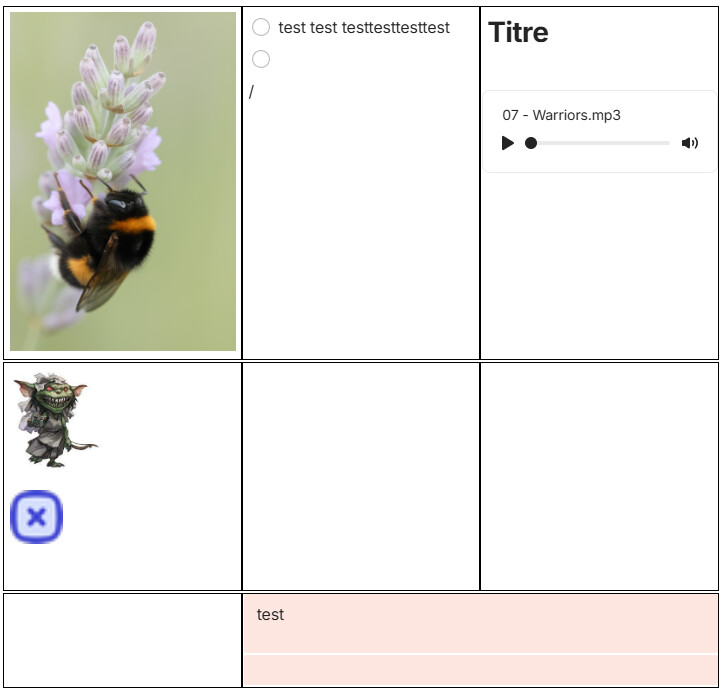
Here is the code if you want to try :
/***  Simple table custom***/
.textCallout .bgColor-yellow .layoutColumn
{
	border:1px solid black;
}

.textCallout .bgColor-yellow{
	background: var(--color-bg-primary) !important;
}

.textCallout .bgColor-yellow > .selectionTarget > .first
{
	display:none;
}

.textCallout .bgColor-yellow  .block.blockLayout.layoutRow
{
padding:0;
}


.textCallout .bgColor-yellow .block.blockLayout.layoutColumn>.wrapContent
{
    margin-left: -47px;
}

.layoutColumn > .wrapContent > .children > .block > .wrapContent {
    padding: 0 5px;
}

.layoutColumn > .wrapContent > .children > .block.first > .wrapContent {
    padding-top: 5px;
}