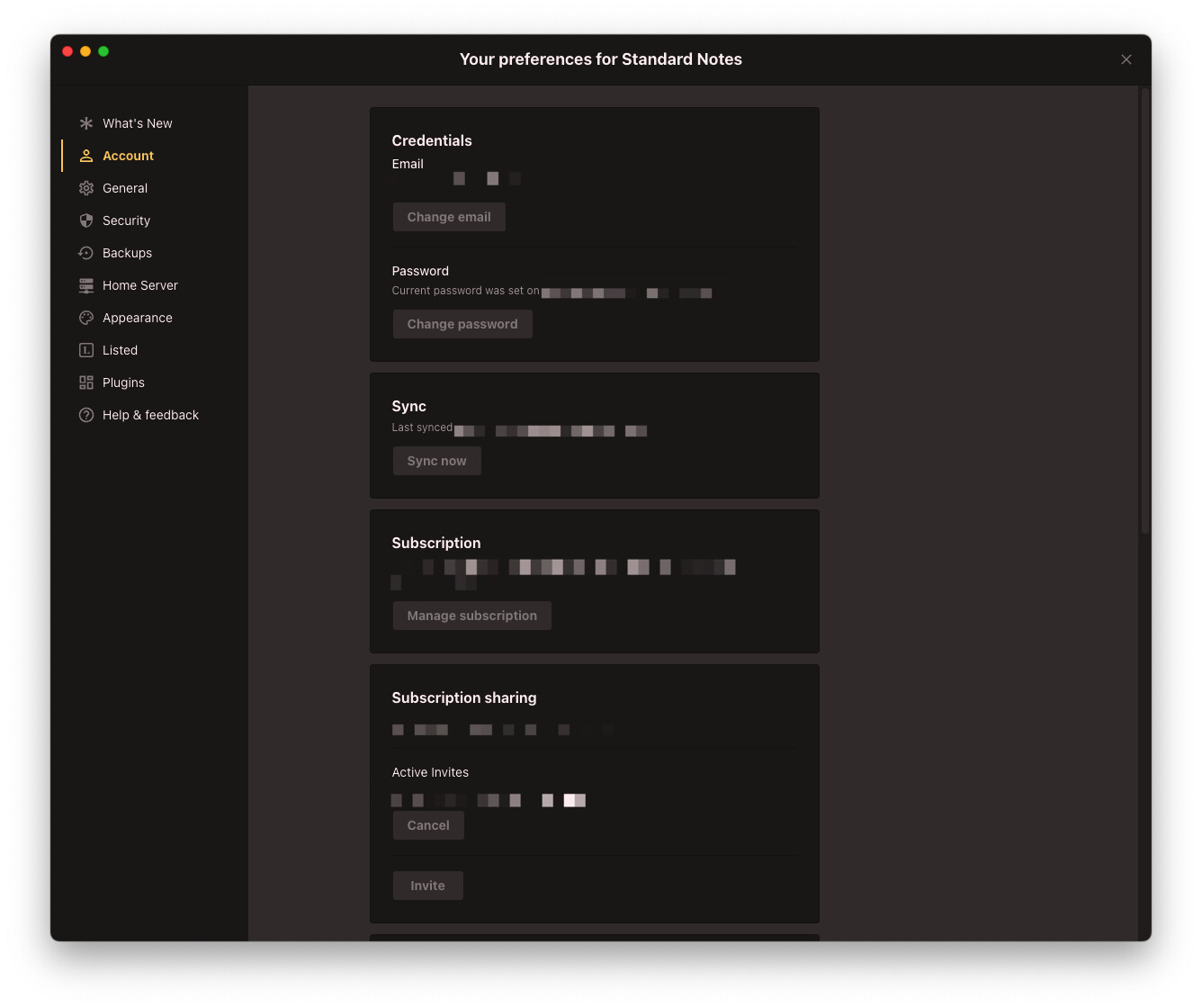
Sidebar closed, open preferences, sidebar doesn't show up

What’s The Bug?

When the sidebar is closed (auto or manually) and I open the preferences, it uses the same sidebar as the widgets and I can’t navigate through the preferences as long as I don’t show the sidebar.

This is not obvious to a regular user.

Either the preferences are independent from the normal sidebar or it should at least automatically show up.

How To Reproduce It

  • hide sidebar
  • open prefs

Image or Video


The Expected Behavior

preferences should be navigable when opening them

Device

macbook

OS

latest stable

Anytype Version

0.46.4

Network Mode

anysync

Technical Information

.

As the settings are displayed in the sidebar, they logically cannot be independent of the sidebar. The same applies to the widgets. If you hide the sidebar, you will not have access to the widgets. I actually can’t see any problem with this behavior.
On the left is the navigation (Spaces bar, Widgets bar), on the right is the content.

this might not be a bug in a literal sense but it is a not thought through UI/UX aspect

the problem to me is that it is not necessarily logical that the preferences navigation uses the same sidebar as the widgets.
this is a behaviour a user is not used to from any other application.
the preferences is a different context and should be navigable when I call them.

when the user hides the sidebar from the content it’s usually for concentration purposes or when presenting something.
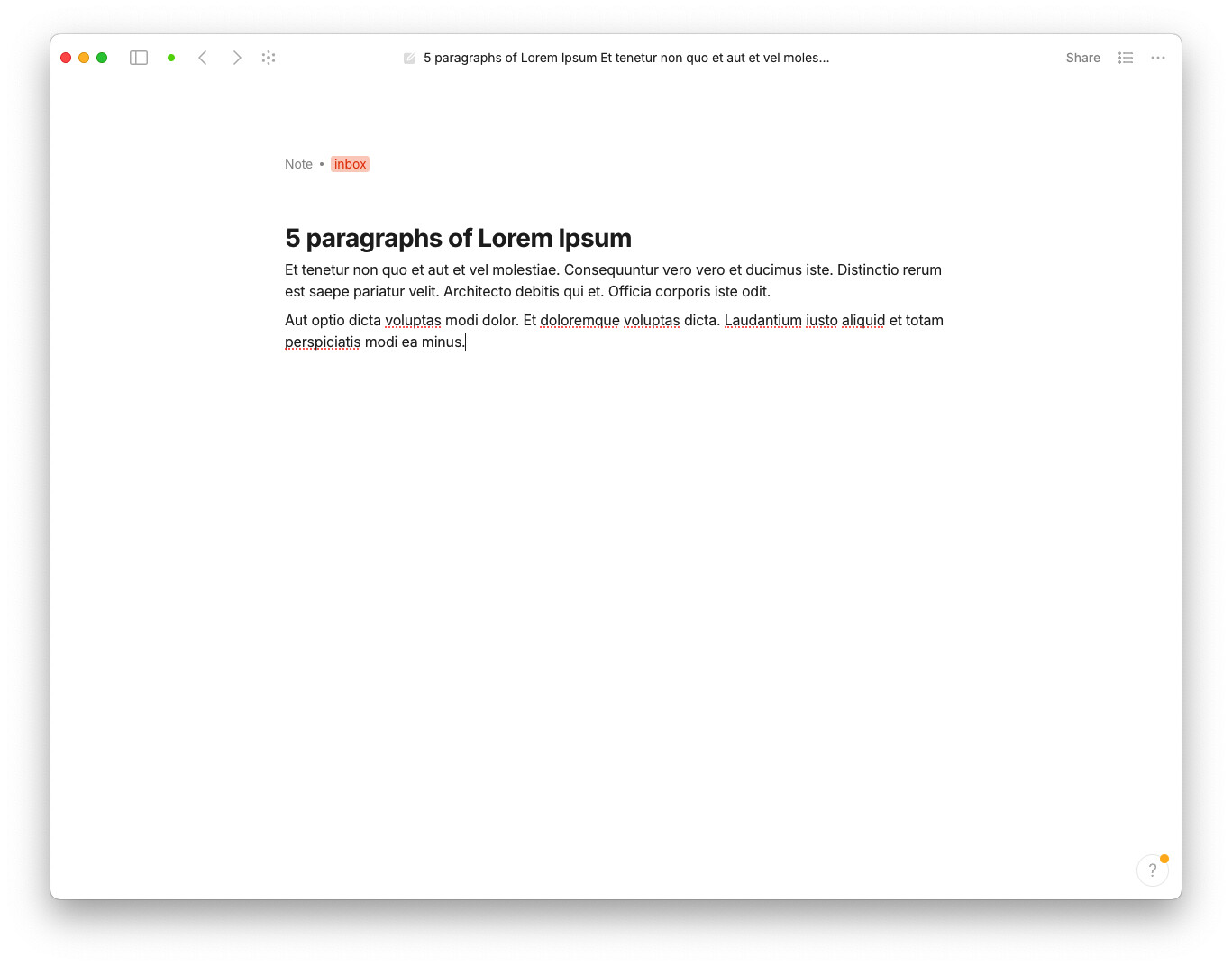
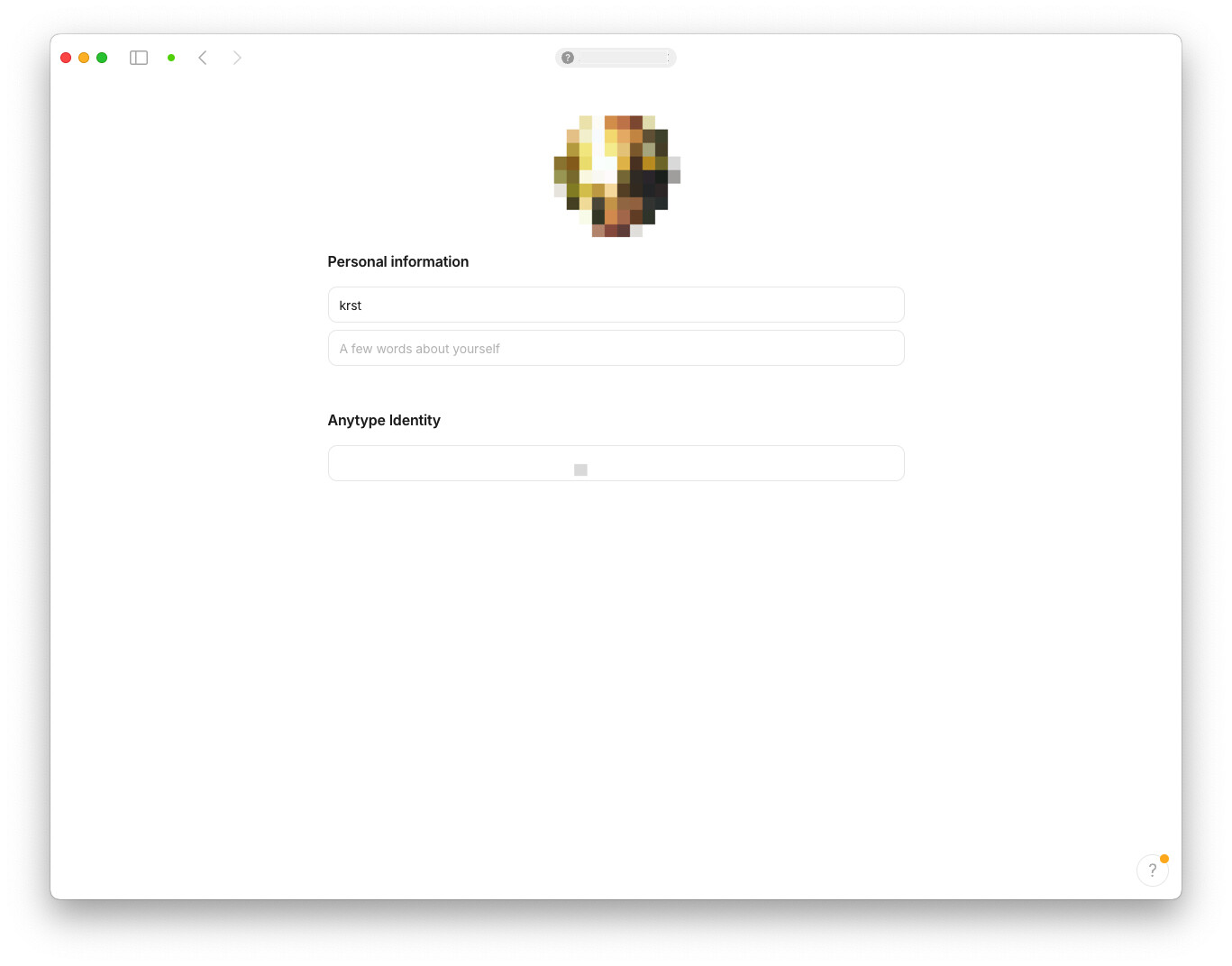
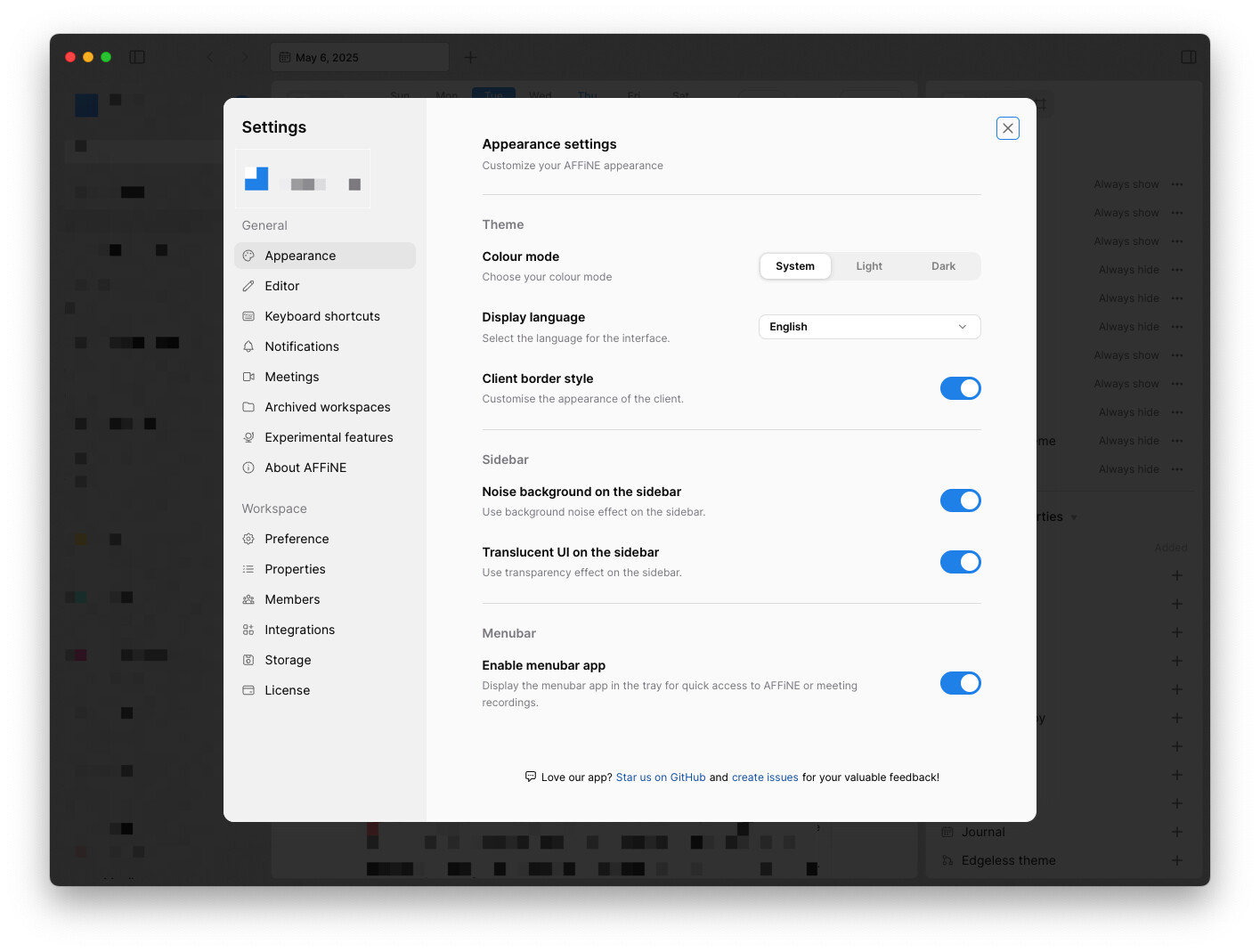
Affine (modal window):

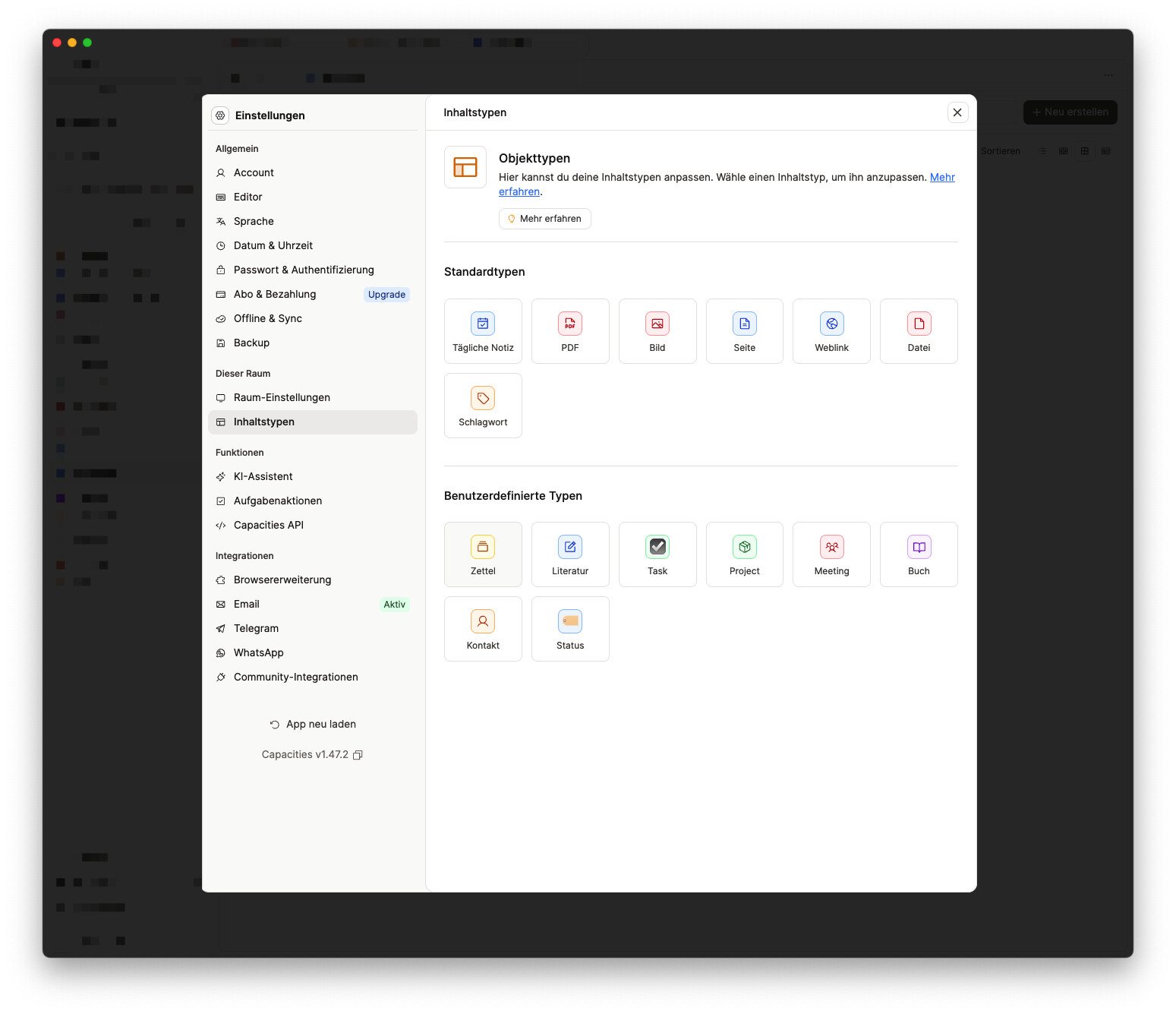
Capacities (modal window):

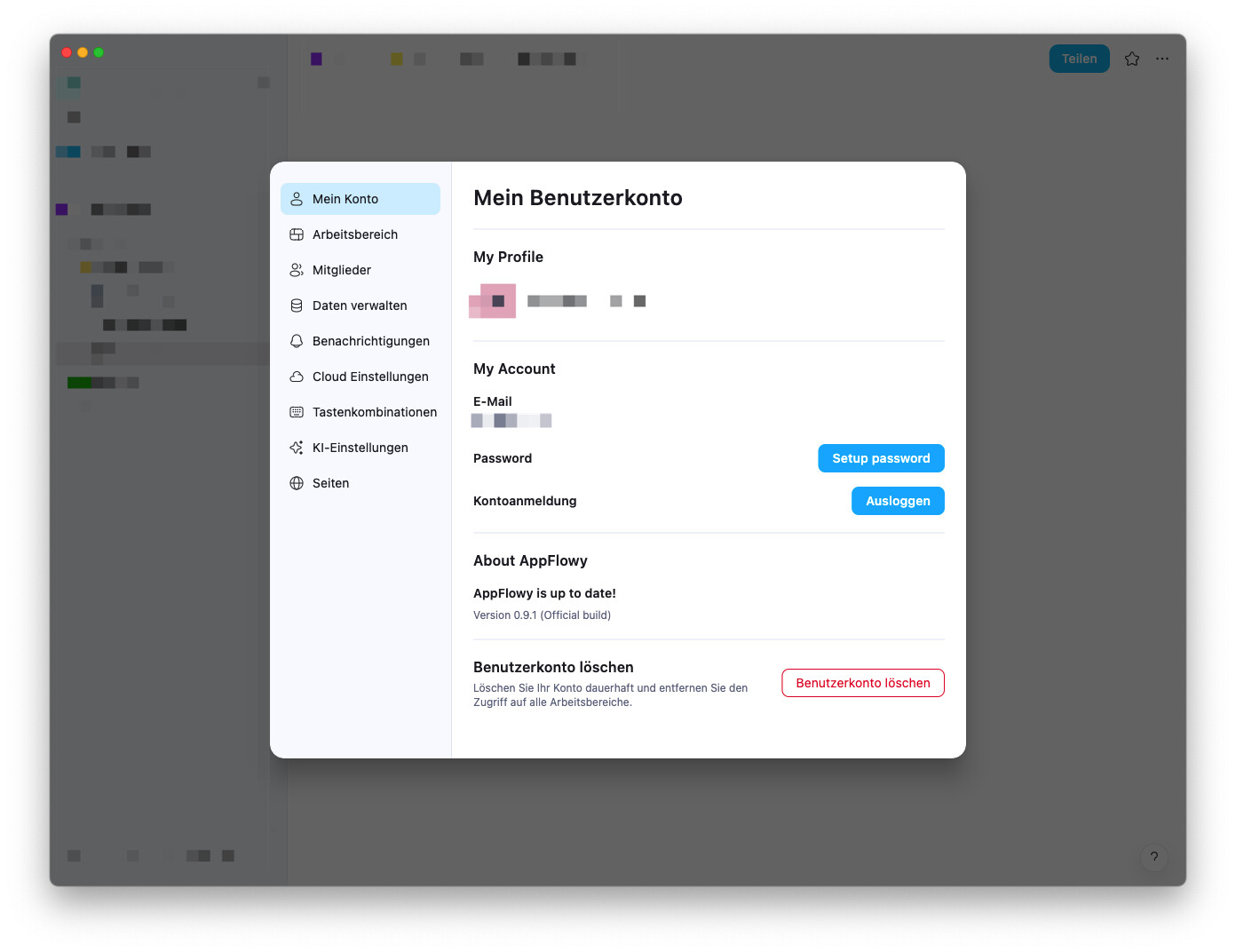
AppFlowy (modal window):

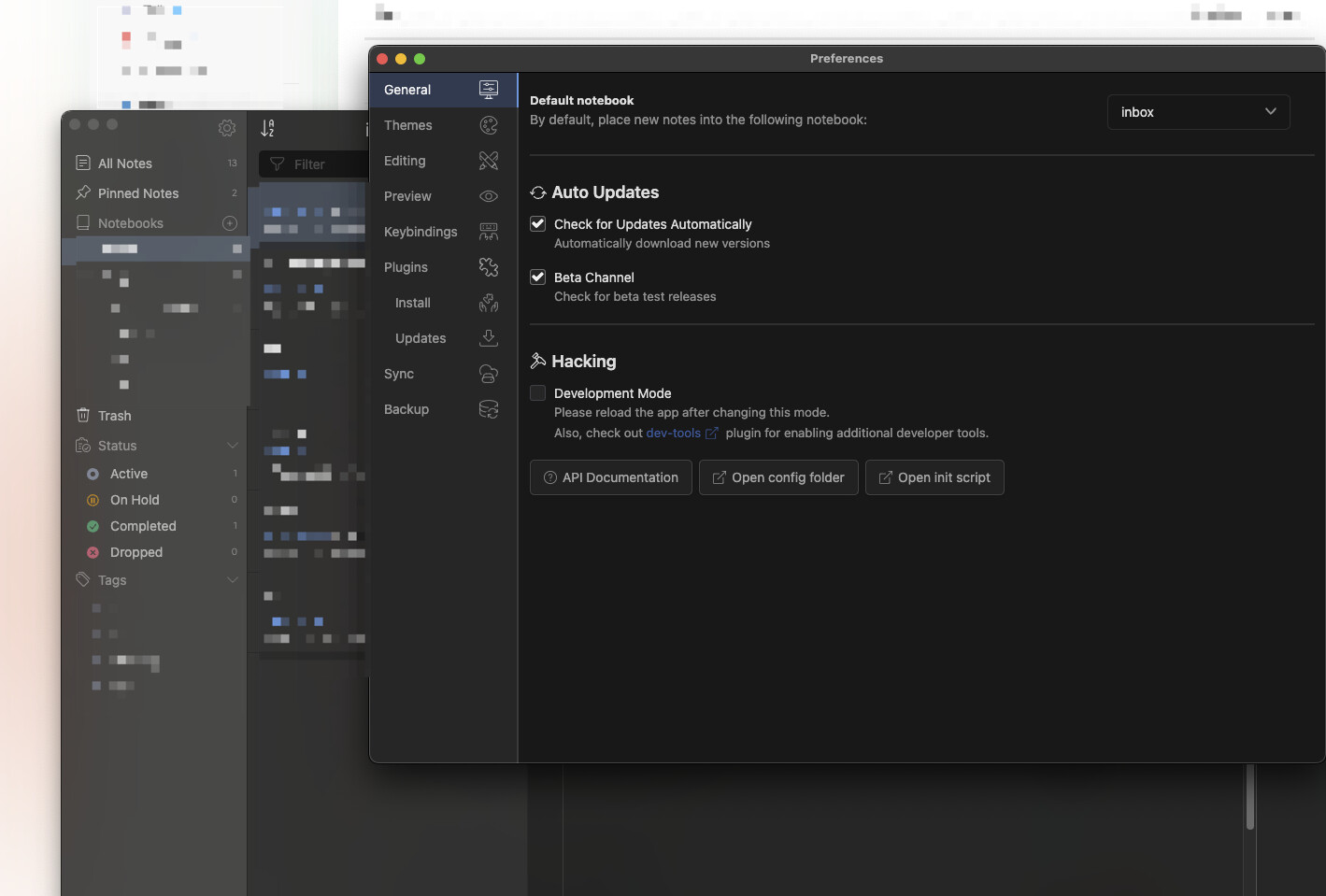
Inkdrop (new window):

Standard Notes (app context changes as a whole):

Fixed, thanks

with all those screenshots I realize now that I have too many dishes on the fire

This is not fixed yet, at least not with version 0.46.17-alpha. I was surprised that that happened so quickly, I believe it would take much longer.

But what has been fixed with version 0.46.17-alpha is this bug report from @krst today:

Seems to be a mix-up.

Yeah, sorry, I had 2 windows open and answered in the wrong one. I did not check this bug report yet.

@Filip the issue got closed, meaning it’s not considered as one?

I think there was a misunderstanding.

Sorry, I guess I somehow missed the reply from VisualNotes.

This report has been added to our issue tracker and received by the Development Team.