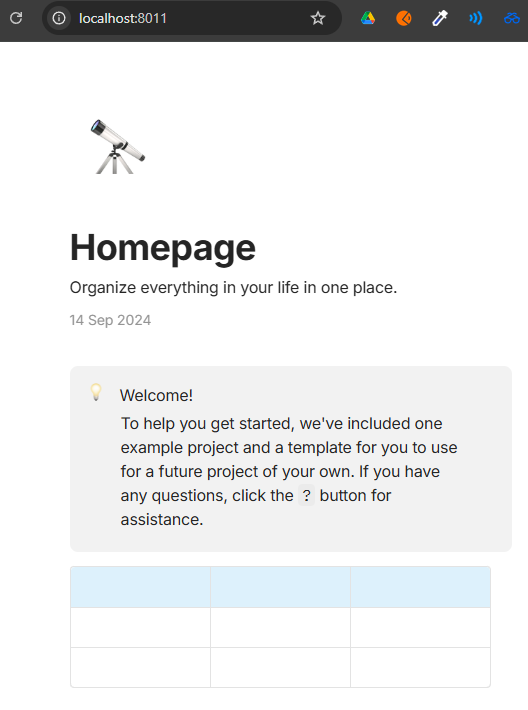
It would be nice if we could have a self-hosted publishing server. Currently, when exporting, it uses the Anytype server.
We could maybe have this in the config.yaml or another option in the client to define the web publishing server.
Even though publishing to the web makes information public, it is better to keep it on your side. This is not my use case, but if your network is private and you want to share a note with someone else, you are currently forced to make your data available to the whole web using the Anytype server.
Additionaly it adds the benefits of using your own domain wich is cosmetic in itself but nice to have.
It would be awesome. Sounds really nice for companies who uses the tool too, they would be able to share a documentation page or contact information via a simple link in their own network and domain ; sounds a must-have for company tool !
Found a possible workaround for it.
You can run your AnyType client locally with `ANYTYPE_LOCAL_PUBLISH_DIR` environment variable as described in GitHub - anyproto/anytype-publish-renderer
This makes AnyType to publish your page locally into the specified folder. Look at the following source code:
For my own purpose, I see two possible publishing pipelines as:
Export as MD file, store to a GitHub repo, run a GitHub action that renders and publishes the MD file.
Publish into a local folder with ANYTYPE_LOCAL_PUBLISH_DIR, run anytype-publish-renderer that creates an HTML page, add it to a GitHub repo, run a publishing GitHub action.
Can you please help me with what i need to expose on the publish server through a reverse proxy? Does this also communicate with plain TCP/UDP? I dont know if the any.coop is all i need to change prior to rebuilding, and connect both 8380 and 8383 through internet. I am not sure if i am right, and there is no documentation that i could figure out for the publish-server.
You need to run mongo and redis server to make this service work. I added a Docker compose file and described how to run the web publish server locally here: GitHub - dobromyslov/anytype-publish-server
Thank you so much! I managed to host it now. I would assume it is impossible to remove the 48 character unique id that appears on the path? It would be quite nice to have a vanity url for the selfhosted variant
You are welcome. I had not enough time to look into it closely because I use an MD-file rendering pipeline currently, however, a custom anytype-publishing-server looks promissing.
I would appreciate if you share your findings. Maybe, I will manage to find some spare time this weekend, but no guarantee.