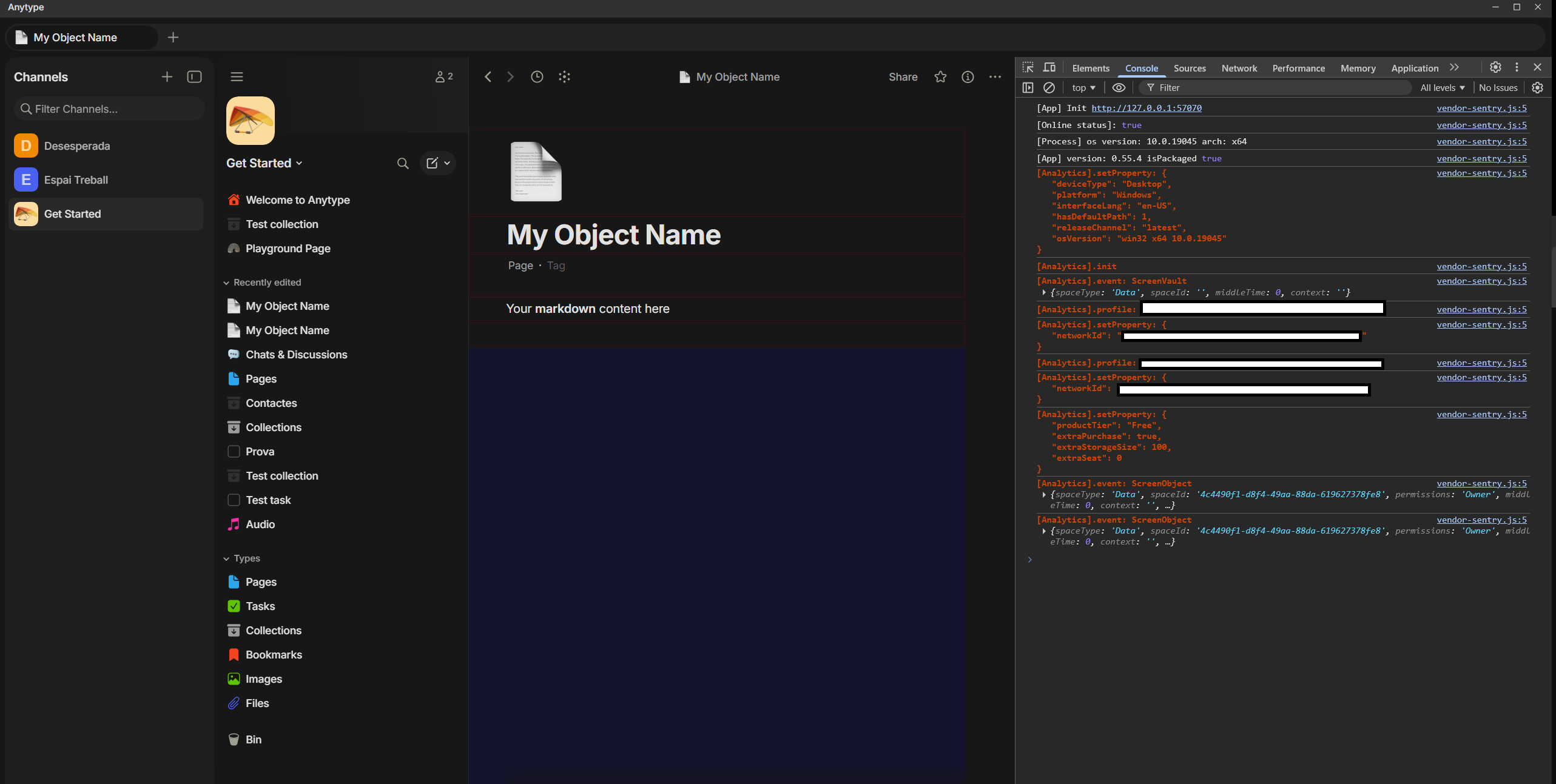
Right-clicking on sidebar widgets (Recently Added, etc.) produces inconsistent behavior. Sometimes nothing happens, sometimes it acts like a left-click and opens the item, and sometimes it correctly shows the context menu.
HOW TO REPRODUCE IT
Open Anytype
Right-click on any sidebar widget (e.g. Recently Added)
Repeat several times and observe the inconsistency
Note: Ctrl+Right-click always works correctly — it opens the item in a new tab AND shows the context menu.
THE EXPECTED BEHAVIOR
The context menu should open every time on right-click.
I’am having this issue myself and was about to create a new bug report topic .. This was posted 6 days ago? kind of surprising it has gone on this long. I first thought the issue was due to something on my PC or mouse, I even replaced my mouse temporarily. Glad that wasn’t the actual issue. Because of the fact of the workarounds I was confused with , I would say this is a pretty important issue that needs to be solved soon. Just when we were excited about the new feature of being able to right click> open in new tab.. I will try to bump this as often as possible
Man, thank you for replying, I thought I was the only one with this problem.
I have been reading this bug reports and there are a lot of very strange problems. I don’t know why but I am getting the vibe that this app is a vibe code mess.
I am equally grateful to have found your post, it helped rest assure it wasn’t just me as well. I’m surprised a fix wasn’t including in the latest update.. Looks like they have not even acknowledged this post yet. A little disappointing but as long as it doesn’t last months it’s all good and I am still grateful for all the work involved.
Team Anytype has my gratitude! May they keep up with the awesome frequency of updates and fixes! May this issue soon be fixed as well.
As a temporary work around I am using the ‘right click’ type function button on my keyboard. (to the left of the right ctrl button, often between Alt/Ctrl or Fn on the right side from the space bar; looks like a list).
I encountered this issue as well, and it has been present since version 0.53. Even after updating to 0.55.4, it still persists. I wonder when it will be fixed
We’ll take another look into this. It’s a little tricky to reproduce. The next time this happens, if you could open up your Dev Tools and Console and share a screenshot, that’d be helpful.
I followed up on your request, but I don’t think any helpful information can be extracted from the screenshots. I turned on every debug option I found.
 cheers
 May this issue soon be fixed as well.