it also highlights “Person” and “personalize” when I type “persönli”, which it is not an occurrence in those words at all
and where it highlights those wrong words the phrase “persönli” does not occur in those objects entirely
It’s full text search. You can see it in the second screenshot in this reply:
It felt very personalized and tailored to my needs.
The problem still exists for me when searching for an existing image with a German umlaut in its name, in a slightly modified form from the initial issue (Anytype desktop 0.44.0 on macOS):
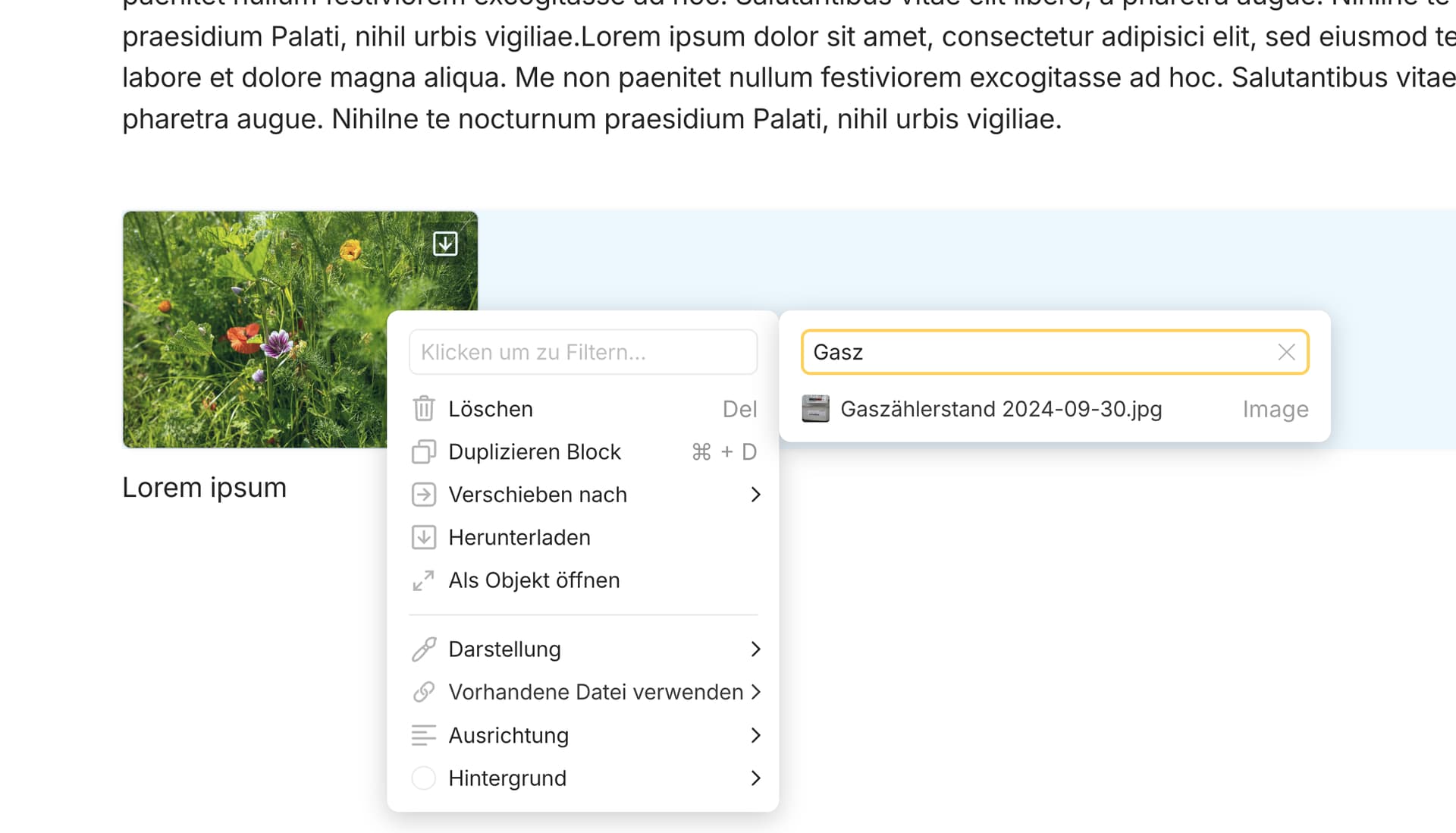
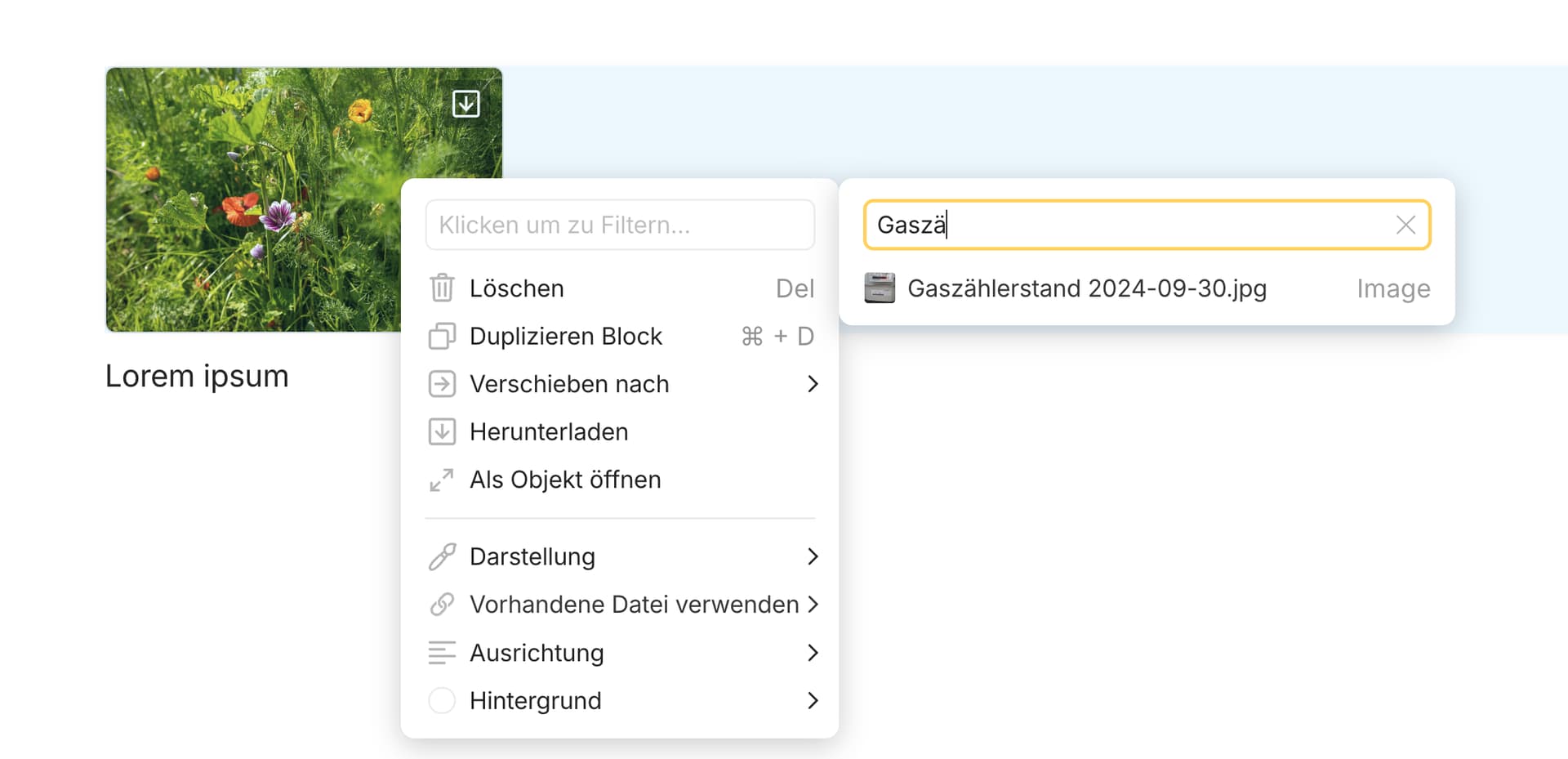


UPDATE: This issue still exists in Version 0.44.15-beta. As soon as you enter the character following the umlaut, all previously displayed relevant results disappear.
This issue has not been solved. Searching for images still does not work as expected (please see video):
- Input string “Bö” should not list “Bo…” results.
- Input string “Böc” should list “Böcke…” results.
This behavior has not changed as of version 0.45.0
The issue still exists in version 0.45.12-beta.
What does  Blocked status means for this bug?
Blocked by what?

@VisualNotes Did you write the term “Gewürzmühle” in the Page by hand, or did you insert it from the Internet by using the clipboard?
I ask because I have much less problems as you with the Umlauts and I suppose it has to do with the used code page for the characters.
I’m on Windows, you are on Apple.
There may be a difference in the used code page. But if you copy something from the internet it may be that we both would get the same result.
In difference, if you type a term by hand, we may get different results in search, because our operating systems use different code pages.
I always name pages and files (mostly PDFs) manually in Anytype, I do not insert titles as text from the clipboard.
The titles of the images are created internally from the file names by default. I usually edit the title of an image manually, but here too I do not use the clipboard. So both are done internally in Anytype.
I can hardly imagine that this is a Mac-related issue, I think that the search function processes search strings differently for the object type “image” than for other object types. By the way, the search for files behaves in the same way as the search for pages, no problem here either.
Blocked by a different Linear issue.