Call it a bug or call it a missing feature (@Razor begged me to write reports about the problem): we don’t have WYSIWYG.
That means: you can never know what you get on paper if you print a Page.
The same applies also for PDF export: the result is not foreseeable.
Without a WYSIWYG mode it is nearly impossible to design moderate complex forms for invoices etc. – because every small edit could cause to page breaks on paper and other unwanted effects.
How To Reproduce It
Simply Print a REAL Page that contains more content then “hello world”! ;-)=)
OK, that was a bit cynical. Therefore: see my video.
Image or Video
The Expected Behavior
There should be a mode in which we can see on the screen the same what we will get in the printout on paper.
Additional Context
See actual discussion here:
And @Angelo : there is no Tag for print problems in the BR form.
Device
Desktop PC
OS
Win 10
Anytype Version
0.44.0
Network Mode
AnySync
Technical Information
OS version: win32 x64 10.0.19045
App version: 0.44.0
Build number: build on 2024-12-16 16:53:50 +0000 UTC at #c04d64d52304c0fe8800032e74e49a7159abdbad (dirty)
Library version: v0.38.7
Anytype Identity: AAtt6aReARByswg2CbvZhveoJEEcnydfDu7U2VAkgJALsE7D
Analytics ID: 8a514008-4f5d-40d3-970f-a0d241b63af2
Device ID: 12D3KooWGqd6JSafCCcEwvnke5JAVgBNnuR9gGQeSBQ5HdUboWtG
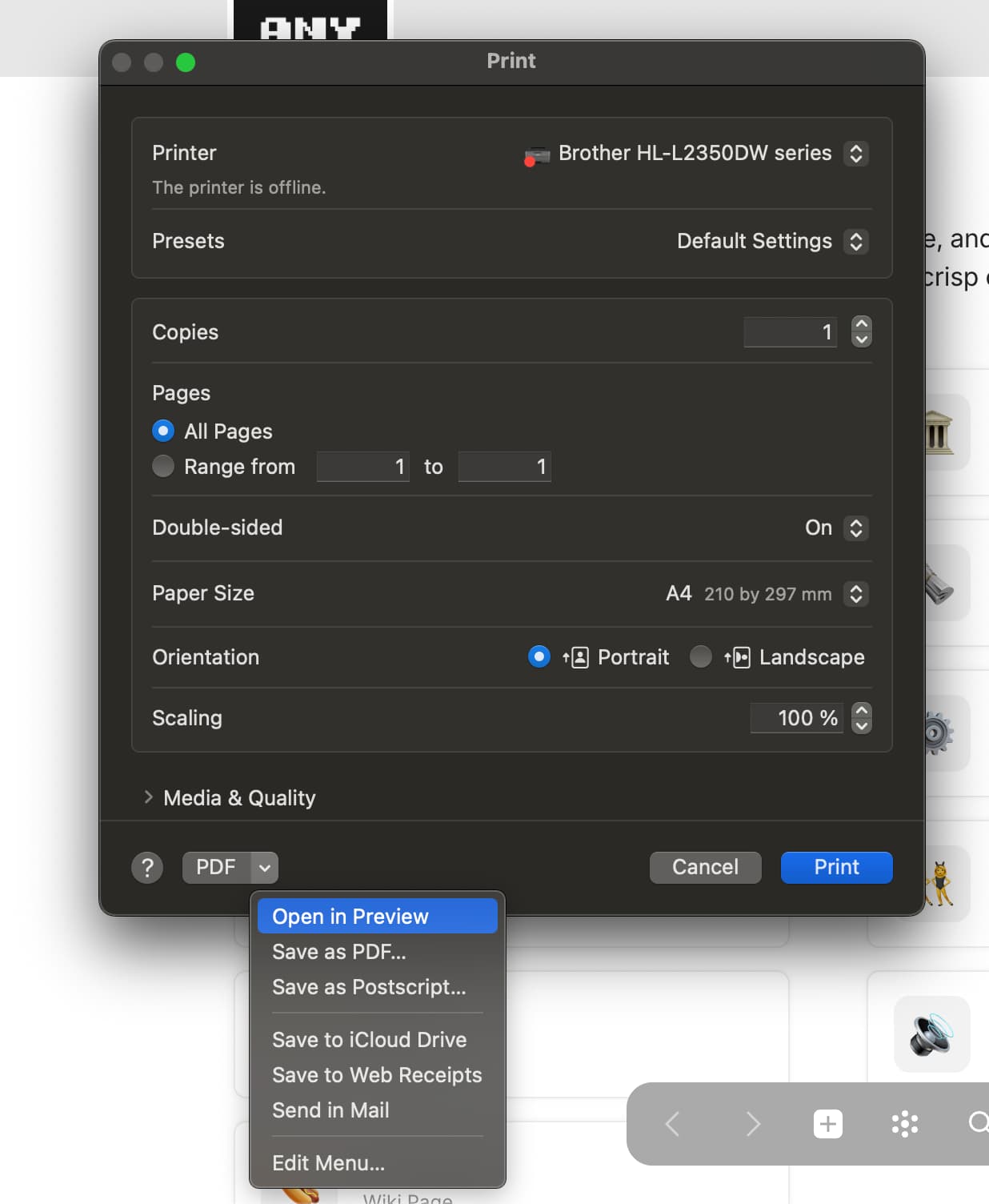
I don’t have such a preview feature in my print dialogue on Win 10.
– But that’s not the point.
I want to get on paper what I see on Canvas. – That’s the point.
My video shows the effect, sure you have the same.
The layout looks different when you open it firstly an non fullscreen, then expand it to fullscreen.
And the print result (or PDF export) differs from both layouts.
The result should look as the blue Block in my video.
The Block needs three lines on screen if the Page is not in full screen mode.
If the Page is open in full screen, the Block needs only two lines.
But printed on paper, or exported as PDF, the Block occupies FOUR lines!
Everything depends from the width of the window on screen.
If your window width is smaller then mine, your result may better correlate with the print result.
IDK what you are talking about, you can print on various paper sizes. Either you should setup your paper size and be able to work with editor in this mode, otherwise I do not understand how it can work. Anyway it’s not connected to the statement regarding the bugs which “your friend developer can fix in no matter of time”.
Do you use another paper format then DIN A4?
In Germany it is the bread & butter format for everything. Invoices etc. etc. are all on DIN A4.
Therefore this is of course my paper setting and it wouldn’t make sense to change to another format.
The Canvas’s size needs to fit to the chosen paper’s size for WYSIWYG.
“Bugs” is the wrong word here.
Anytype simply doesn’t have a WYSIWYG mode.
(In my opinion Anytype’s biggest disadvantage, btw.!)
And I believe it would be a bigger project to implement it. Otherwise it would appear on the roadmap.
This is why I believe a third programmer would make sense.
And my friend is extraordinary competent and fast.
@Code-Jack Actually I don’t understand what you mean. Print and screen are completely different media. Screen is relative, print is absolute. So how should a fixed connection be established between the two? A page break requires fixed dimensions of pages, how should these be derived from a screen view?
He means showing pages like in Word with page breaks and other stuff. It will take considerable development time. No matter if there was third, fourth or fifth developer available this still would not be a priority.
And move it from bug reports to feature requests pls.
No, preview is MacOS specific app, I don’t think it’s possible. Other options can be passed as default values and system dialog can be turned off with silent mode: webContents | Electron
This is what I’ve already supposed, yes.
Therefore I suggested to @anton to make a project out of it and give it to a third programmer.
Allow me to point out the importance. I believe it is underestimated.
If I’m not wrong, the company looks for ways to establish Anytype in business environments. Multiplayer is one of the pillars for that.
As a one man company since 20 years I can tell you, that a solid print function where you get what you see is elementar!
EVERY company needs to write invoices! (And other forms.)
Anytype misses two key functions to be ready for uses in business:
Real Relations (whatever you call them) that also can do math.
WYSIWYG so that you really get what you see on screen, without bad surprises.
These two key features does really each company needs, no matter of it’s size or if it’s a one man show.
If not only a one man show, then becomes also multiplayer interesting. It could be a third point in my list. But the first two are most elementar.
I suggest two little “hacks” to get closer to WYSIWYG:
Allow that the user can use the slider for the layout’s width also in the other direction (to make it smaller, instead of wider).
Implement at least page breaks that the user can set manually.
I know, Markdown doesn’t support page breaks.
But HTML and CSS are able for that.
Page breaks are the ultimate most important thing from all of that.
I asked Google AI Studio whether it is possible to export a page inside an Electron App through the developer Tools as a HTML including all the pictures. This was the answer:
const html = document.documentElement.outerHTML;

// Create a Blob object with the HTML code
const blob = new Blob([html], { type: 'text/html' });

// Create a temporary URL for the Blob object
const url = URL.createObjectURL(blob);

// Create an invisible link element
const a = document.createElement('a');
a.href = url;
a.download = 'output.html';
document.body.appendChild(a);

// Simulate a click on the link to start the download
a.click();

// Clean up by removing the link and revoking the URL
URL.revokeObjectURL(url);
a.remove();
I’ve manually entered the code inside the DevTools in Anytype and in the end I got a properly working HTML which I can open in any browser and change the formatting through css if needed.
Maybe this could be a workaround to get proper formatting and print documents as PDF.
Images that are not embedded into CSS are not copied into this HTML automatically as they are considered separate files, ie emoji
Videos are not copied
Embed blocks won’t work as they require iframe to be embedded
And there is plenty other stuff not working correctly. I have made experimental version of HTML export years ago but it’s a dead end since it will take huge amount of effort to make it production ready.
Regarding printing mode:
Implement fixed page sizes based on paper size is feasible, it needs product and design process.
Implementing page-breaks is not very feasible as it will require to fake browser logic of page breaking. Currently page-breaks are automatic with minor exceptions, like inline set is trying to avoid page-breaks, these are customisable via CSS.
I still think that our editor is not suitable for correct form construction and such solutions can be managed via API.
That was an honest answer.
Although I believe page breaks (at least for the print, not on screen) should be possible.
I’ve found some possible tricks when Ive searched for page breaks in Markdown.
Result was, that is isn’t possible in Markdown, but in HTML and CSS.
Put by side the idea of true WYSIWYG.
Simply think on a special block that consumes one line on Canvas.
This Block (or line) contains code for the printer driver (or the PDF export) to perform a page break.
Yes, that’s different from WYSIWYG, because it has no further effect on screen.
But if you have an Object that needs 30 sheets of paper in the print, you become mad if it should look reasonable good and you print it in our recent version.
If for some reason the first page needs one line more, it can happen that all following sheets are printed for trash.
A page break feature could rescue a lot, by forcing breaks before they normally would occur.
That’s not the most elegant solution, but it would already ease the pain a lot.
On long term we need a better solution.
You mentioned the coming API. I wonder, if the API can make that happen, why does the core App not can?
Someone would need to write a separate but well included WYSIWYG editor that uses the Anytype’s file format.
(I still fully believe in my friend Hubert, the programming superhero)
@Filip what does the flag “Product” mean that you gave this thread?
– I have the bad feeling that it means, we must wait nearly “forever” until it becomes implemented???