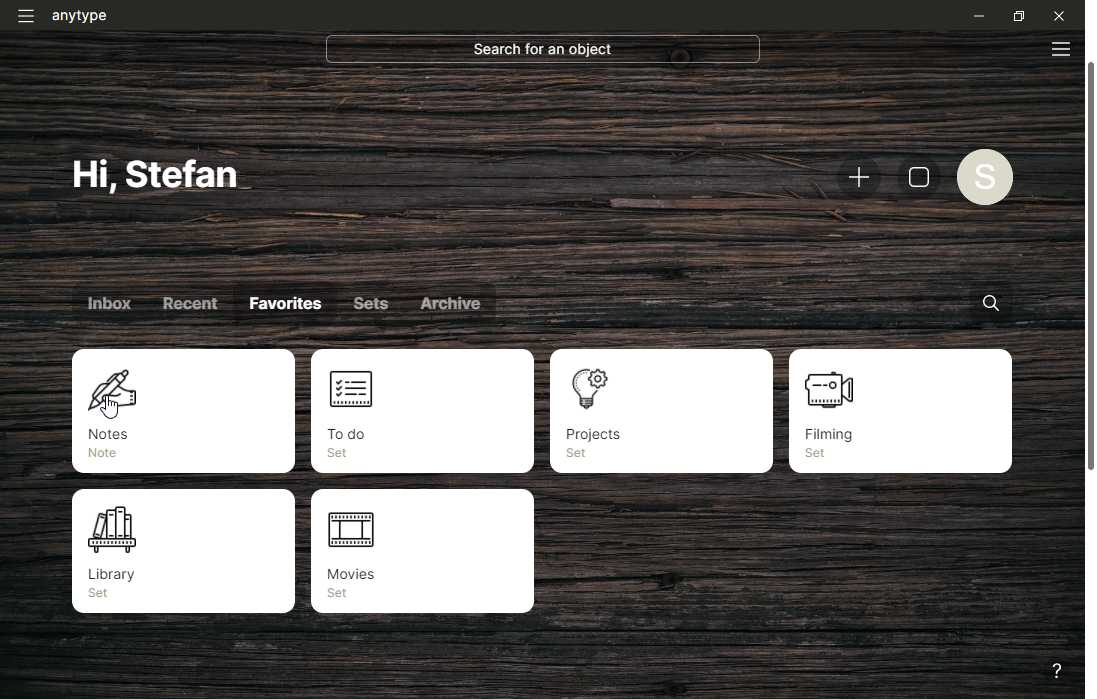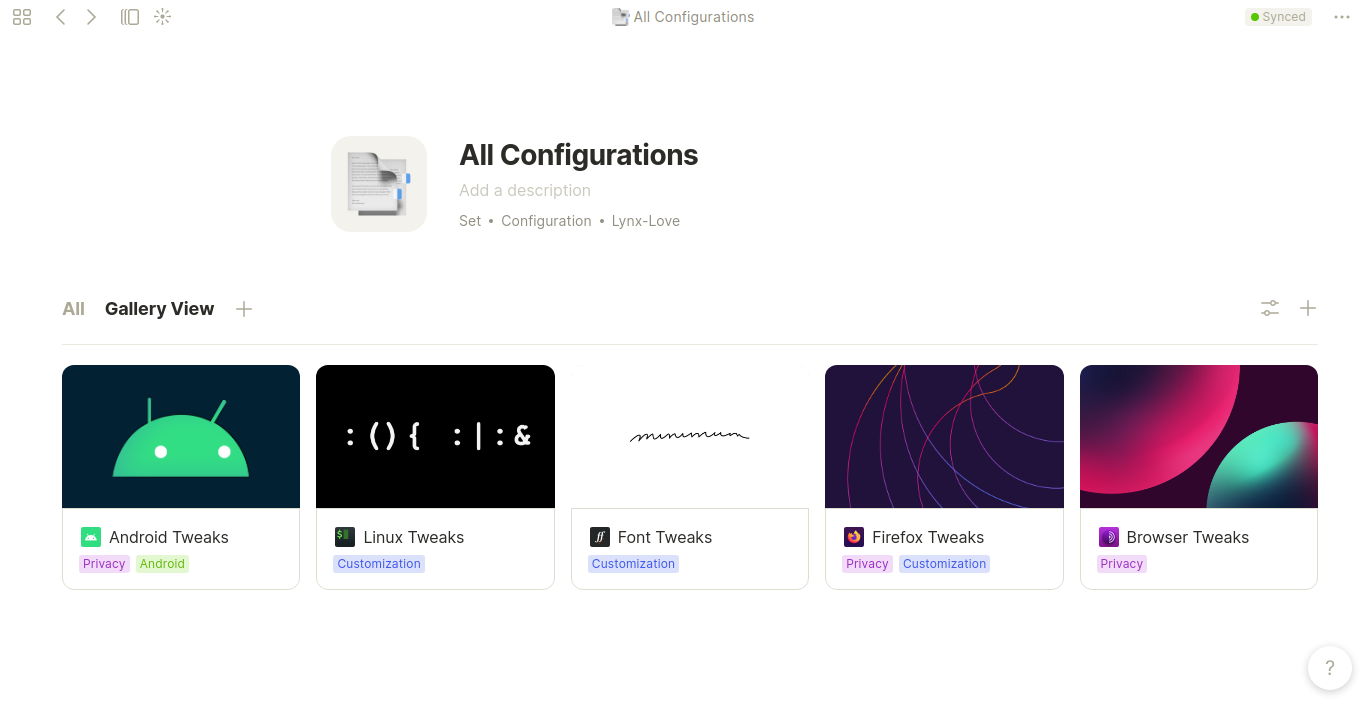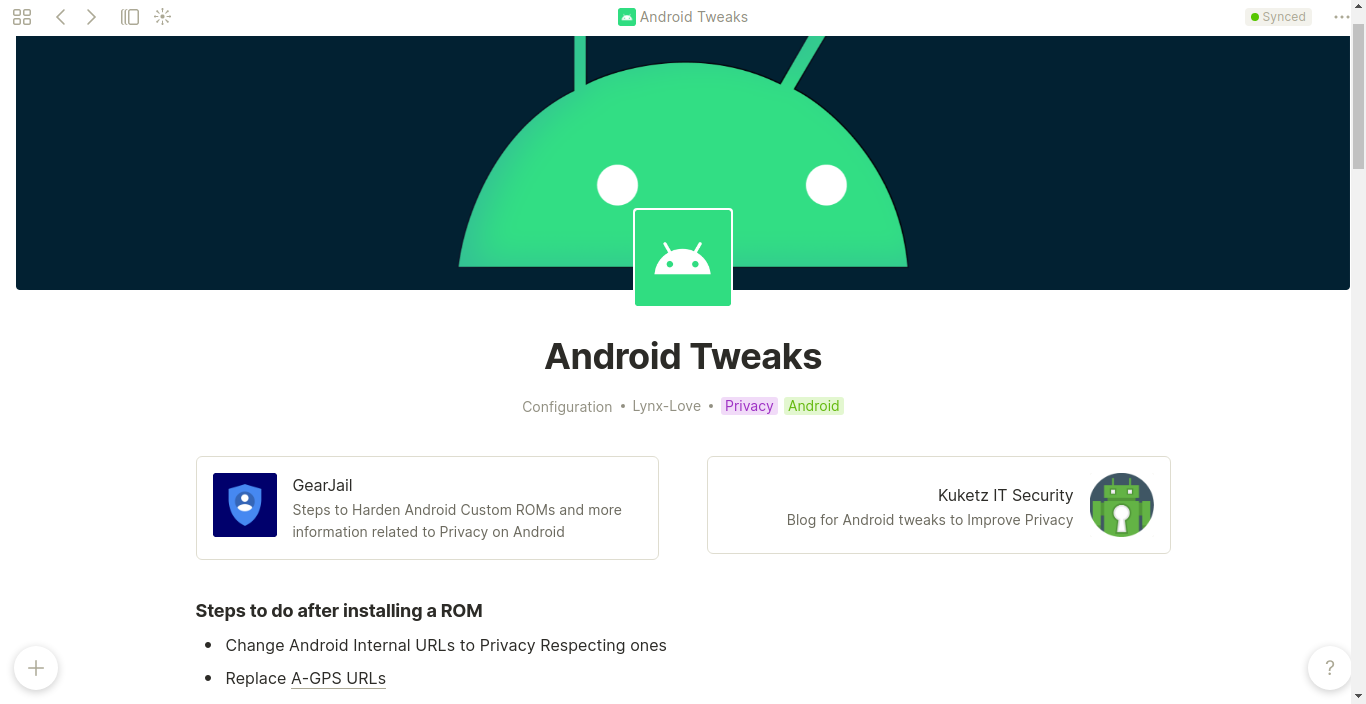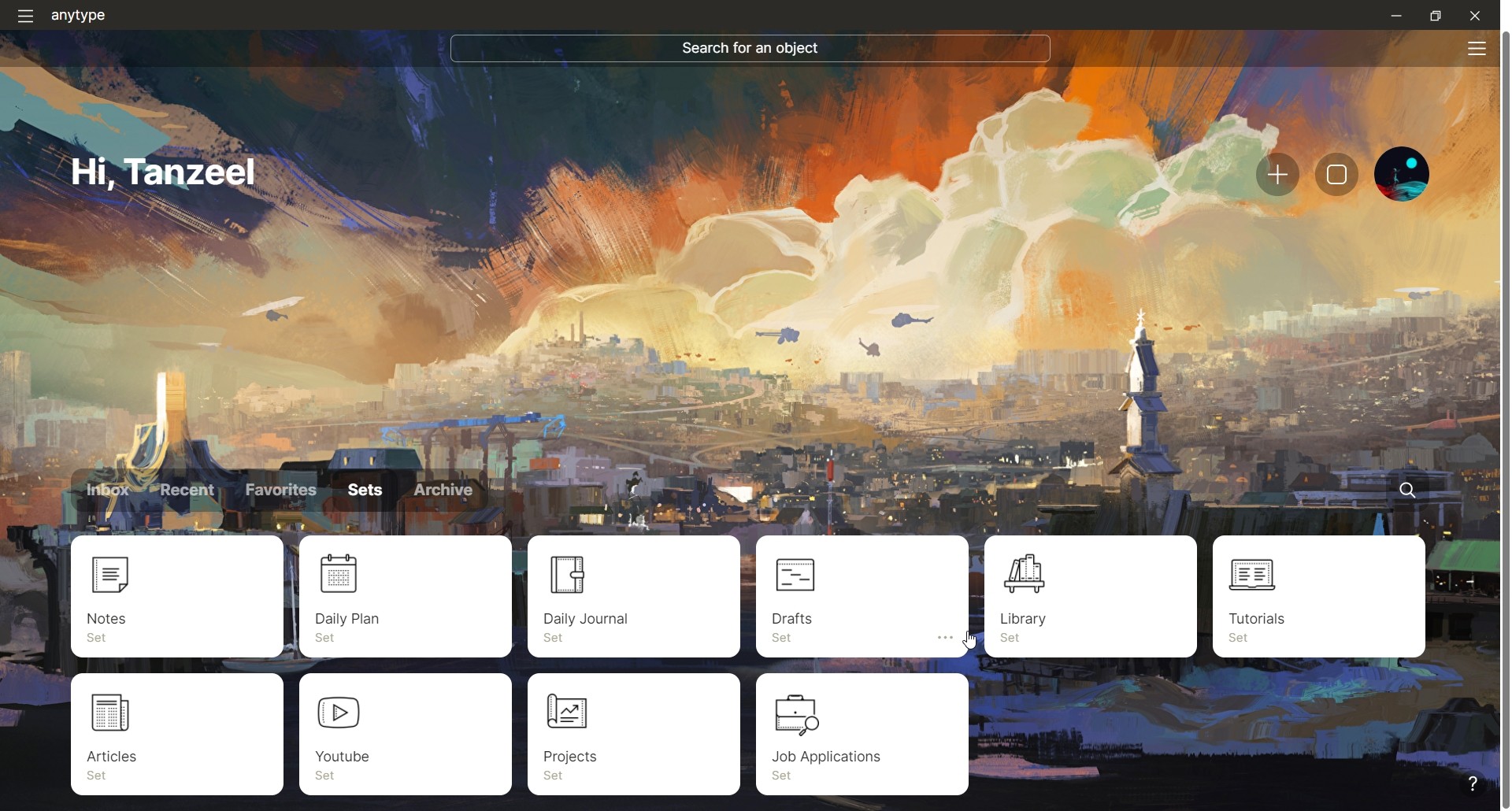
My current setup
Quick notes, captures go into draft
after they are processed they go into articles/youtube/notes
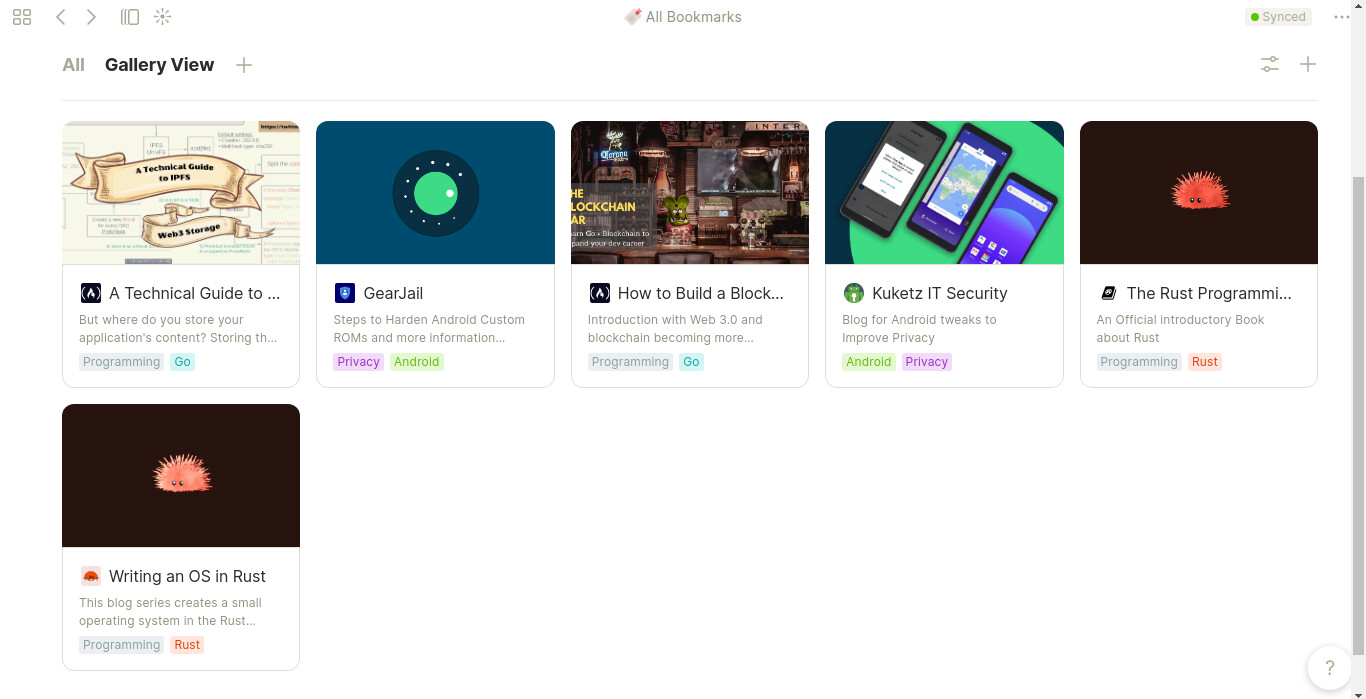
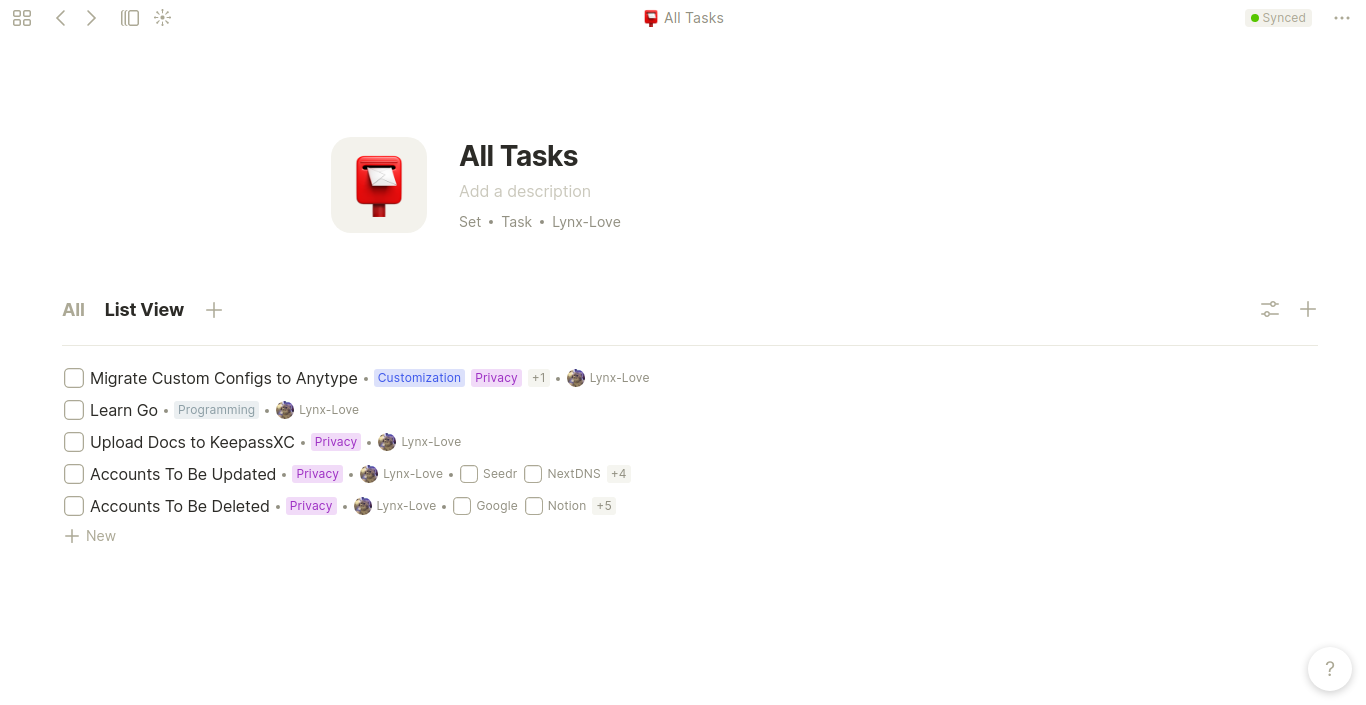
Other sets for respective needs
@allie thanks for reporting - we will fix it
@manu like how you use different templates for the same type
@Tanzeel098 What does your YouTube set look like?
@Tanzeel098 Nice
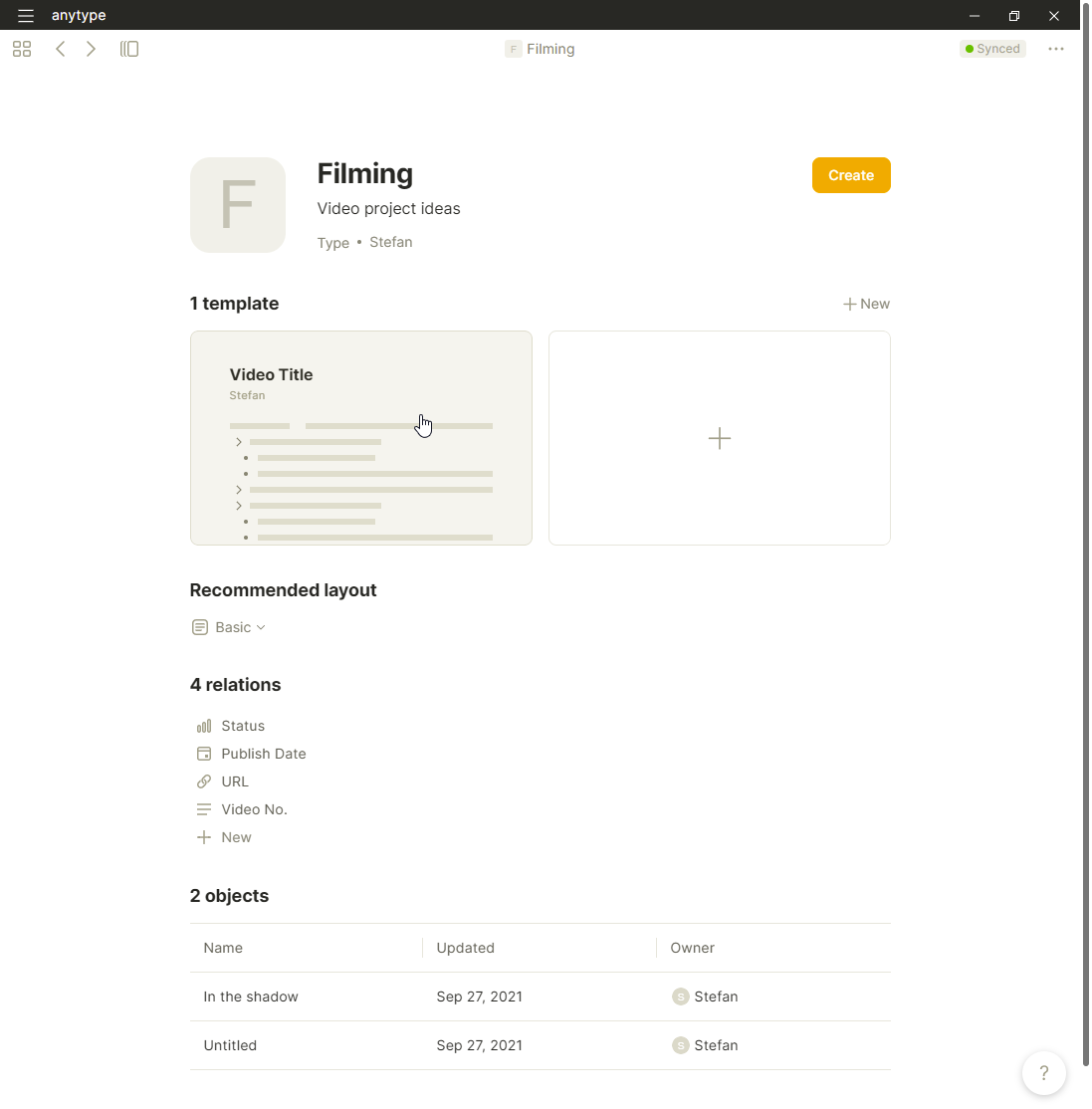
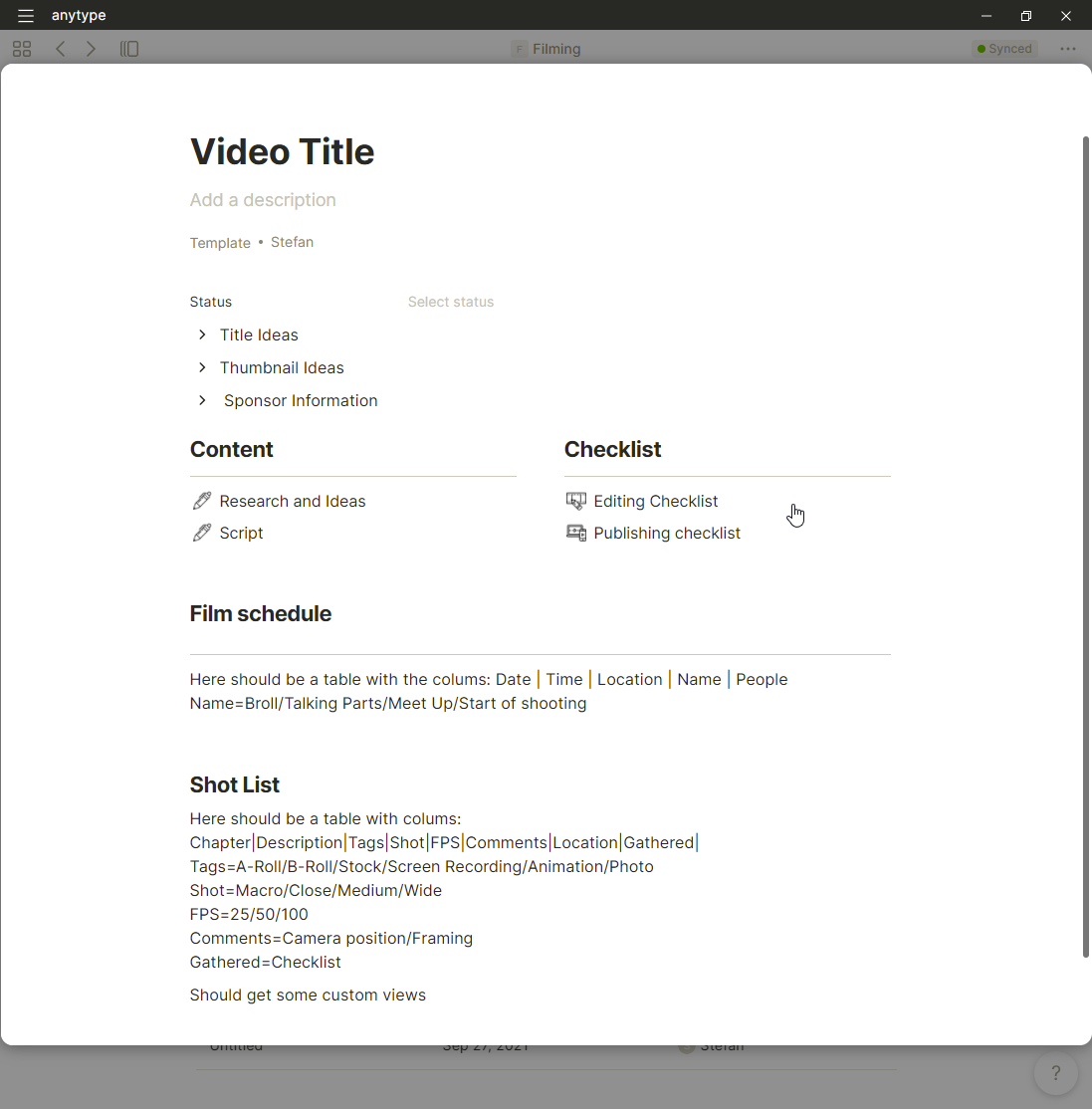
A random wallpaper from unsplash, icons from icon8 and the ‘idea’ for filming is copied from an youtuber, Niklas Christl with his notion workflow. But i haven’t figured out on how i could add another database in the film itself.
@natrius Template looks awesome !
@natrius we are working on in-line sets. would love to see the updated template when we add them. looks awesome!
@natrius How did you get that layout with the Checklist and Content?
@endac How do you get a layout like this? Is there anyway we can share templates or types?
@cryptojoe You can just drag&drop one thing besides the other one. And, no, its not yet possible to share templates or types.
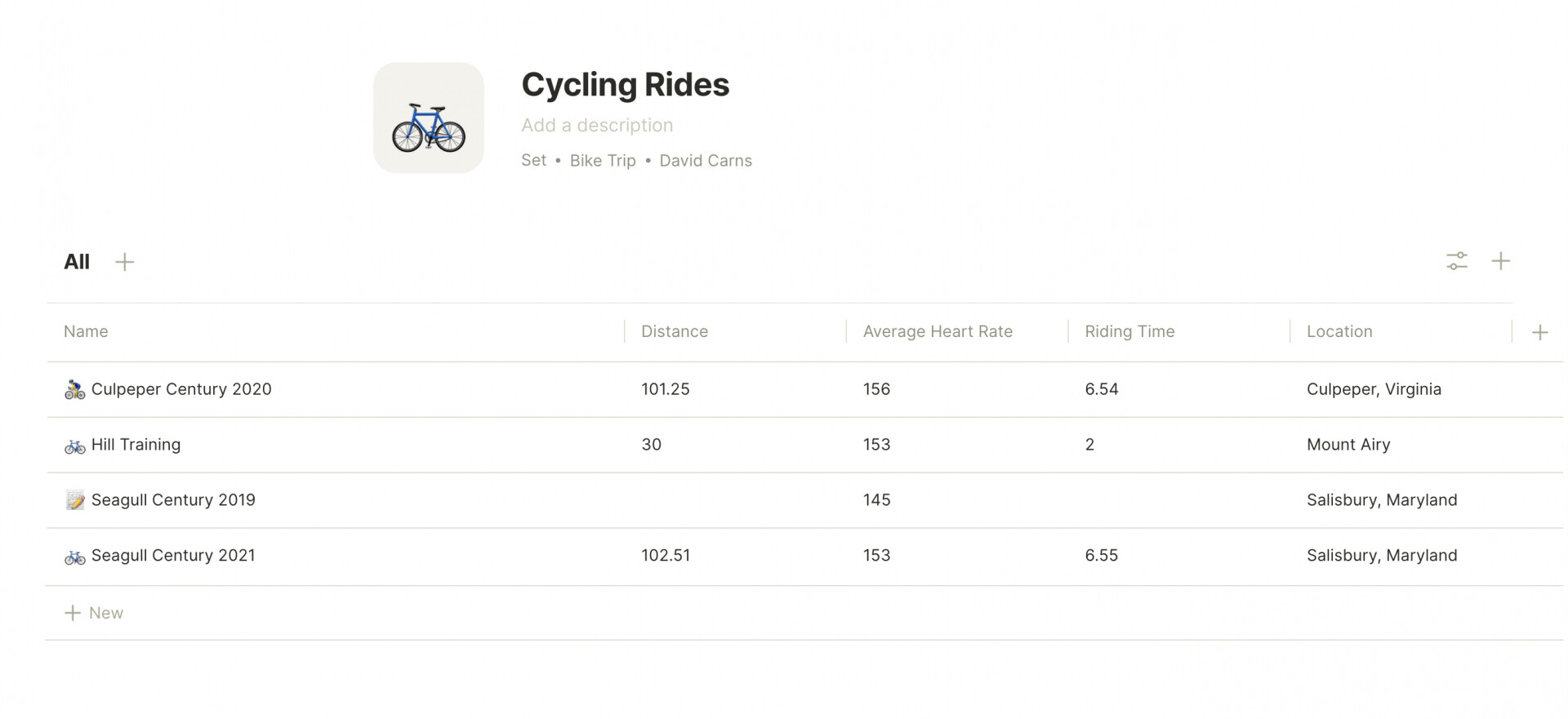
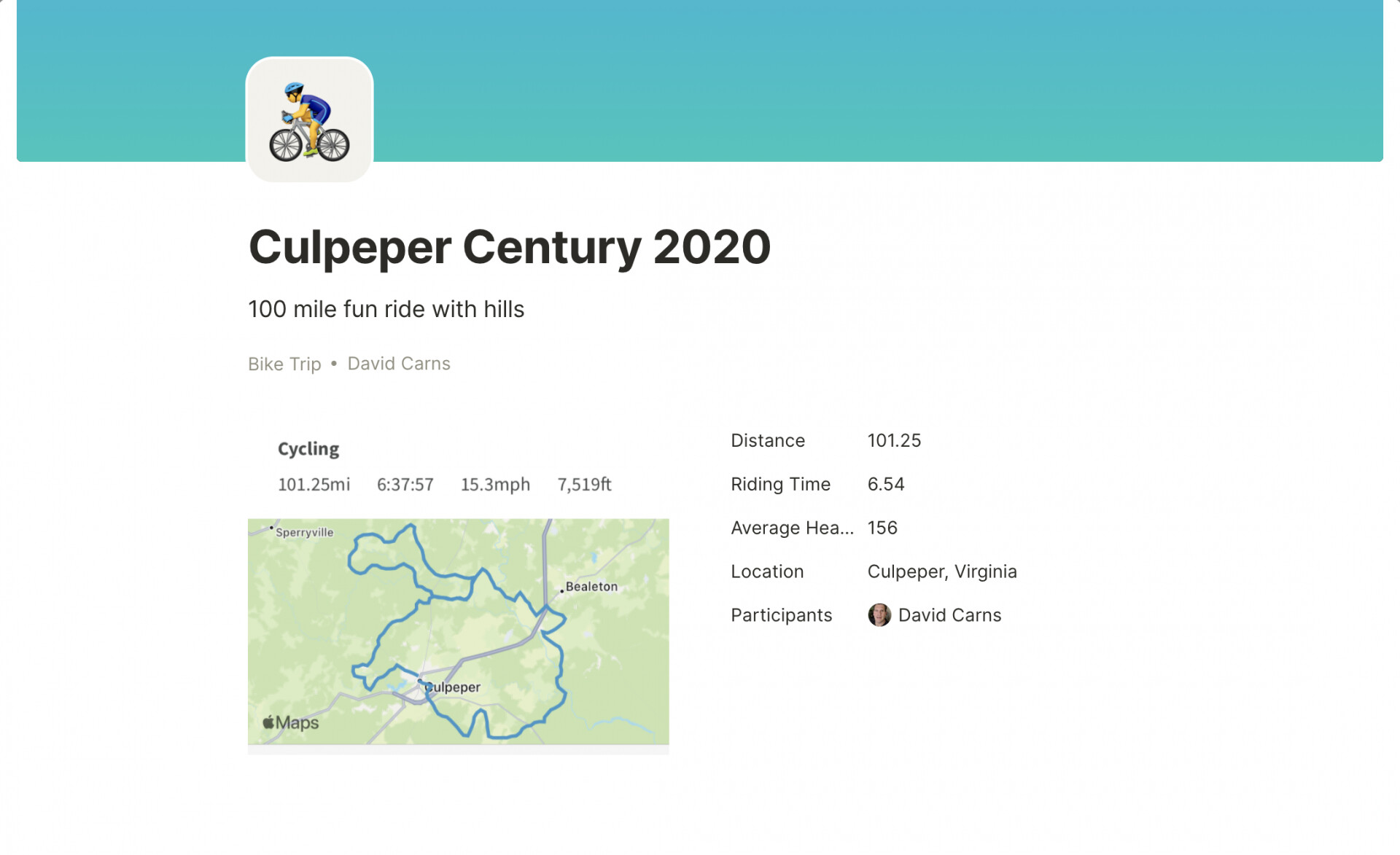
This is cool! I like how the fields show up from the single page and can be viewed with all your runs on one page. Letting you compare them. Im going to see if I can figure out how to make that for myself. 
@natrius I guess I am missing how to get columns.
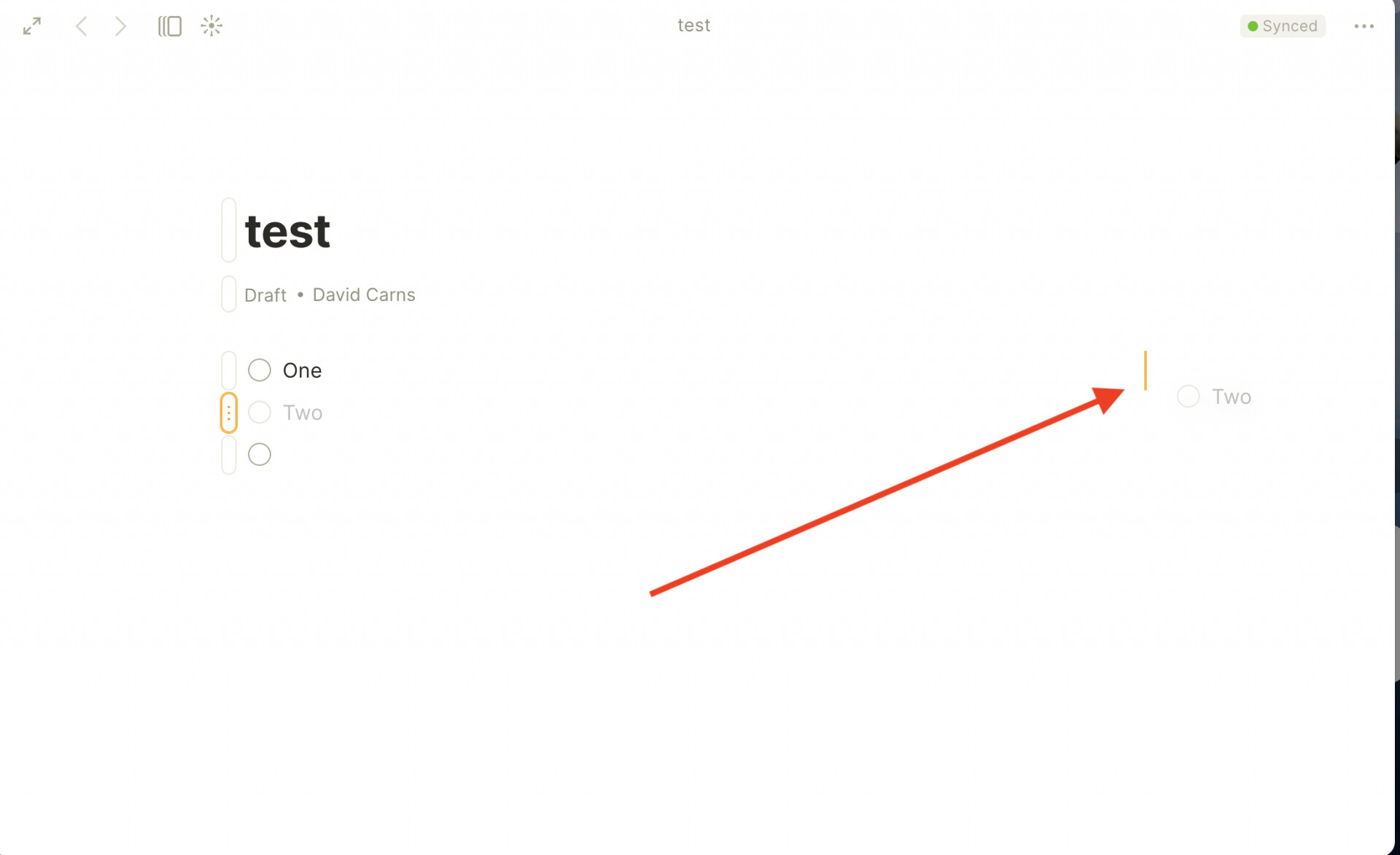
@cryptojoe getting the columns to “trigger” is a bit awkward, but since I am coming from Notion it is very similar. You need to drag the block you want in an adjacent column waaaay over the right and then it will snap into a column. It will show a vertical bar once you drag far enough to the right.
Hopefully the screenshots will come through, below.
@davidcarns Ok. I finally got it to work on my Mac. I did have to restart the app, then I could drag and drop. Thanks for that, I was losing my MIND!