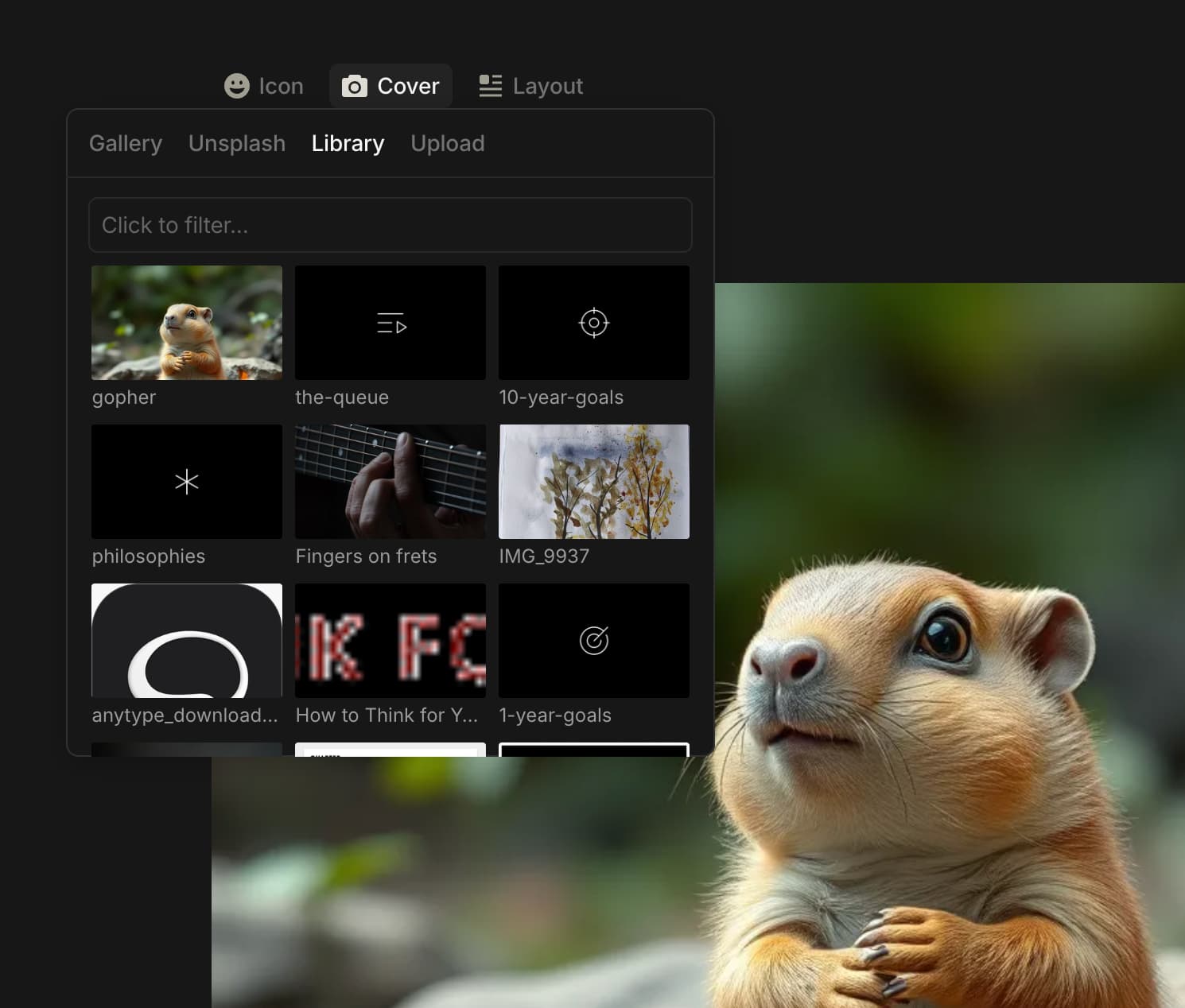
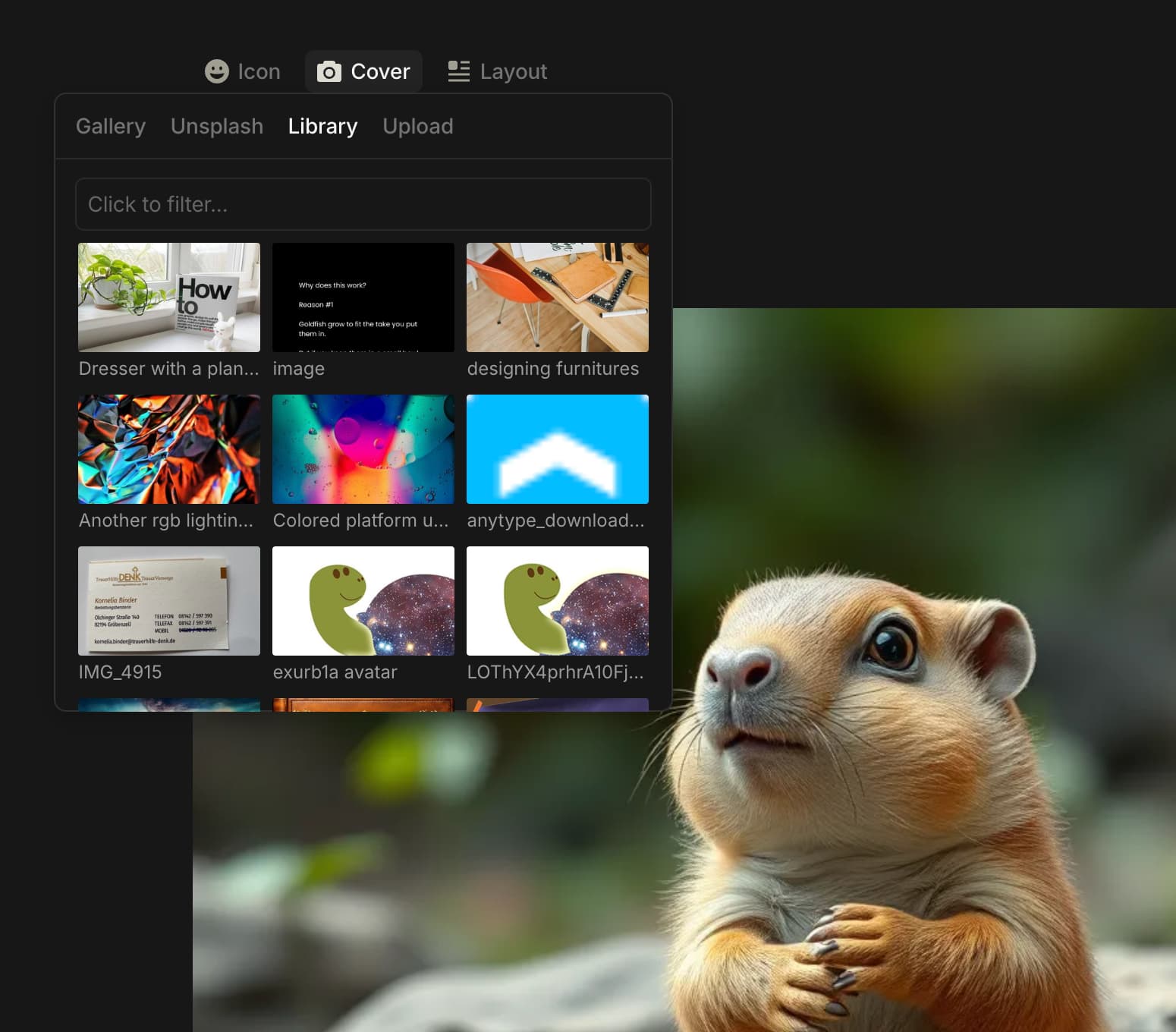
What do you need help with?
Since a while, images I copy&paste into Anytype do not show in the image library anymore.
How can I troubleshoot (and ideally fix) this?
Additional Context
It definitely worked before, and I cannot tell at which time this exactly stopped working.
Another observation: The issue happens in one specific space only.
Steps:
- Paste image into an Anytype document, e.g. Page or Human
- Edit the doc’s cover image or icon
- Try to find the image pasted to the document
Observed: The image is not in the library.
Expected: The image should be in the library.
OS
Sonoma 14.7 (23H124)
Anytype Version
0.44.0
Network Mode
AnySync
Technical Information
OS version: darwin arm64 14.7.0
App version: 0.44.0
Build number: build on 2024-12-16 16:53:50 +0000 UTC at #c04d64d52304c0fe8800032e74e49a7159abdbad (dirty)
Library version: v0.38.7
Anytype Identity: A8VWA9DW6qDj7r6RZMVmPTNEt2YRyQsFq1HGWmhp93YdRsVb
Analytics ID: A9BF6q2PGCjqMYv5qUM1iP8az1aMhH7ZR9s4sD77r7azUXHs
Device ID: 12D3KooWP7ZE8RzyDYHfUNMnruxFrr1fs9mSjA1sctkZv3J4DQUf
For me it works (on Win 10).
Are you sure you’re not in the Emoji Tab but in the Library Tab of that dialogue box?
– If yes, could you please provide a video?
I discovered that the images show up in the library if I enable the debug flag “Hidden objects”.
Good information! 
Strange, for me it works also when I switch “Hidden objects” off (have it on normally).
Another observation: The issue happens in one specific space only.
Working space:
Failing space:
Now things are starting to become interesting.
After disabling the Hidden objects flag again, I can see pasted images in “All Objects > Media”. (Previously, pasted images did not show there.)
Now, when I searched for the image name in the image library popup, the image was found. It was a few rows below the fold. I cannot see a particular sorting.
Fiddling with the Hidden Objects flag seems to have changed something. New images still don’t show at the top left of the library popup (which they do in other spaces), but at least they can be accessed.
It kind of works again now, but I would be much more confident about Anytype’s reliability if I knew what was/is going on with the image library in this particular space.
More on this: It seems that Anytype intentionally sets a “Discovery hidden” flag on certain images:

I found this flag on images I copied & pasted from the browser, as well as on images that were downloaded as part of a Bookmark object.
Anytype surely sets this flag on purpose. However, this hiding mechanism makes it impossible to fill a Human’s avatar/icon through copy & paste:
- When I drop an image directly on the avatar, it gets inserted into the page body instead.
- When I try to select the dropped image in the avatar’s Library popup, it won’t be discoverable there.
That’s an ongoing nuisance for me, as I frequently add authors from the web as Humans to Anytype.
Very helpful thread. Just started using Anytype today and was very confused why my copy/pasted images weren’t showing up. Thanks for sharing this.