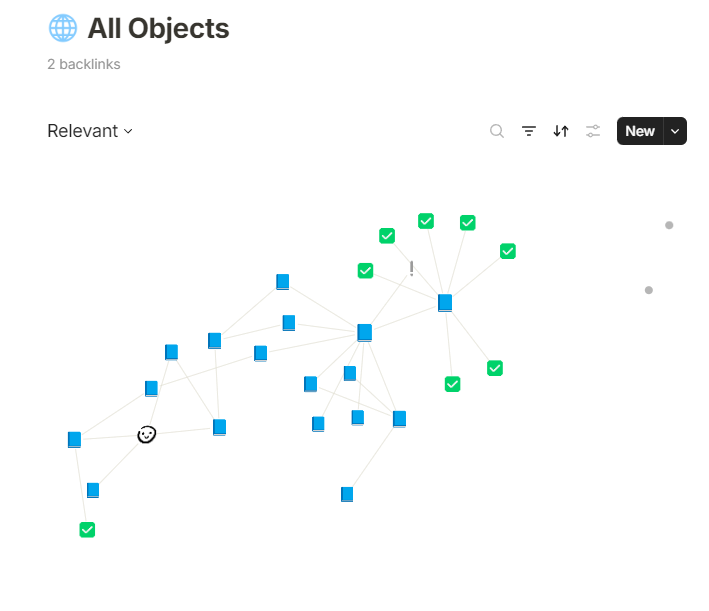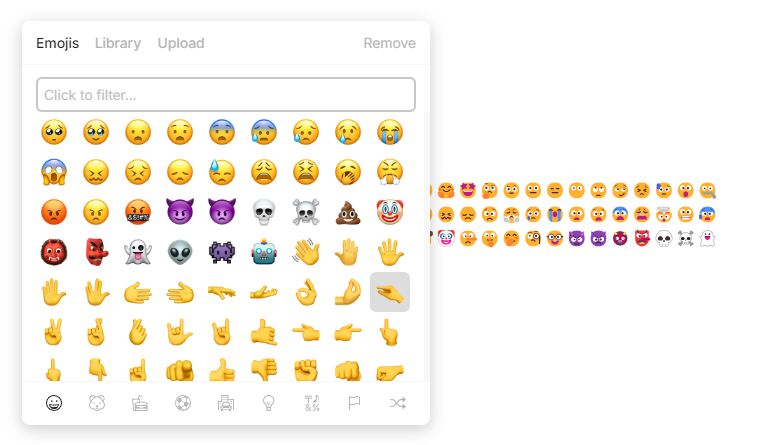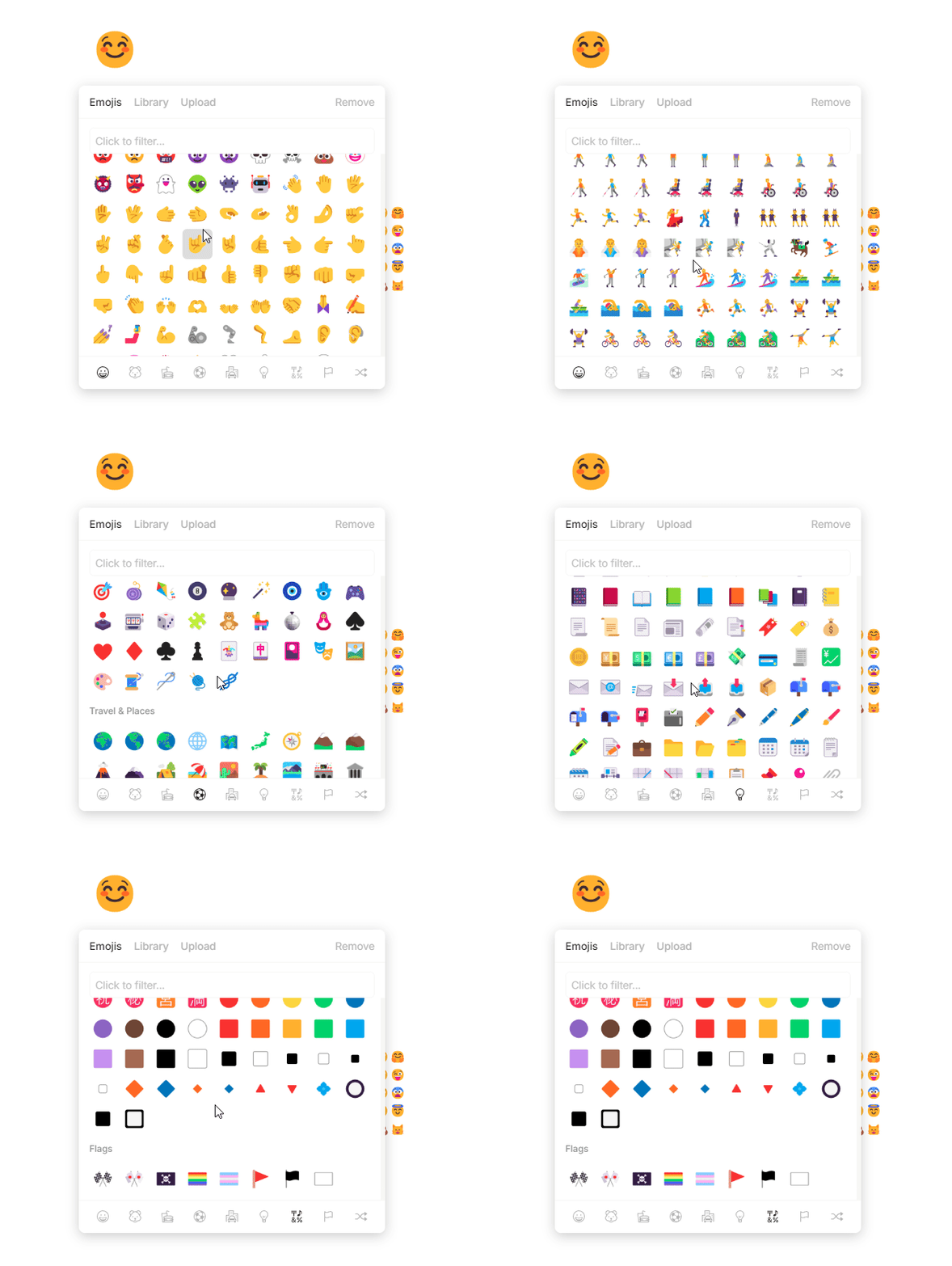
not all icons are replaced, but a lot of them
TUTORIAL
go to
“C:\Users\user\AppData\Local\Programs\anytype\resources”
there you will find app.asar
replace it with new one
don’t forget to restart the app
OR in case you just want to replace emoji folder
Replace images in Electron.pdf (46.7 KB)
here’s instruction how to unpack and pack app.asar
go to
“C:\Users\user\AppData\Local\Programs\anytype\resources\extracted_app\dist\img\emoji”
and paste with replace new emojis
again, don’t forget to restart the app
DOWNLOAD
NOTE
i’m not a programmer, most of the work done with the help of AI, so in case you know a better approach, you’re welcome
thanks a lot for your work! so is there any difference between replacing the .asar file or the electron .pdf?
honestly i don’t really know what electron pdf you are talking about. and yes, since .asar here contains new icons, you should do app.asar from archive
ahh you mean the guide in pdf.
no, i added more detailed option because i’m not sure if it will break something with updates, so instead of replacing the whole app file, you can replace emojis exclusively
Yeah, I let you test if it breaks between updates. Isn’t it possible to edit the Emoji set from the custom .css file?
no, because these emojis are not actual symbols, but a bunch of images
i guess it was made for consistency across all devices (and (possibly) ability to easily put your custom image from the library)
you can see that in the actual page it displays native system (windows in my case) icon style
Yeah but does this “app.asar” file only contain the emojis? I don’t think so, so the file me be updated during each upgrade, don’t you think?
I guess we’ll befixed sooner or later anyway.
Contrats again for the work as it certainly took time.
yeah probably, but replacing icons is a matter of a few minutes, so it’s not a big deal, considering updates coming out every 2 months or so