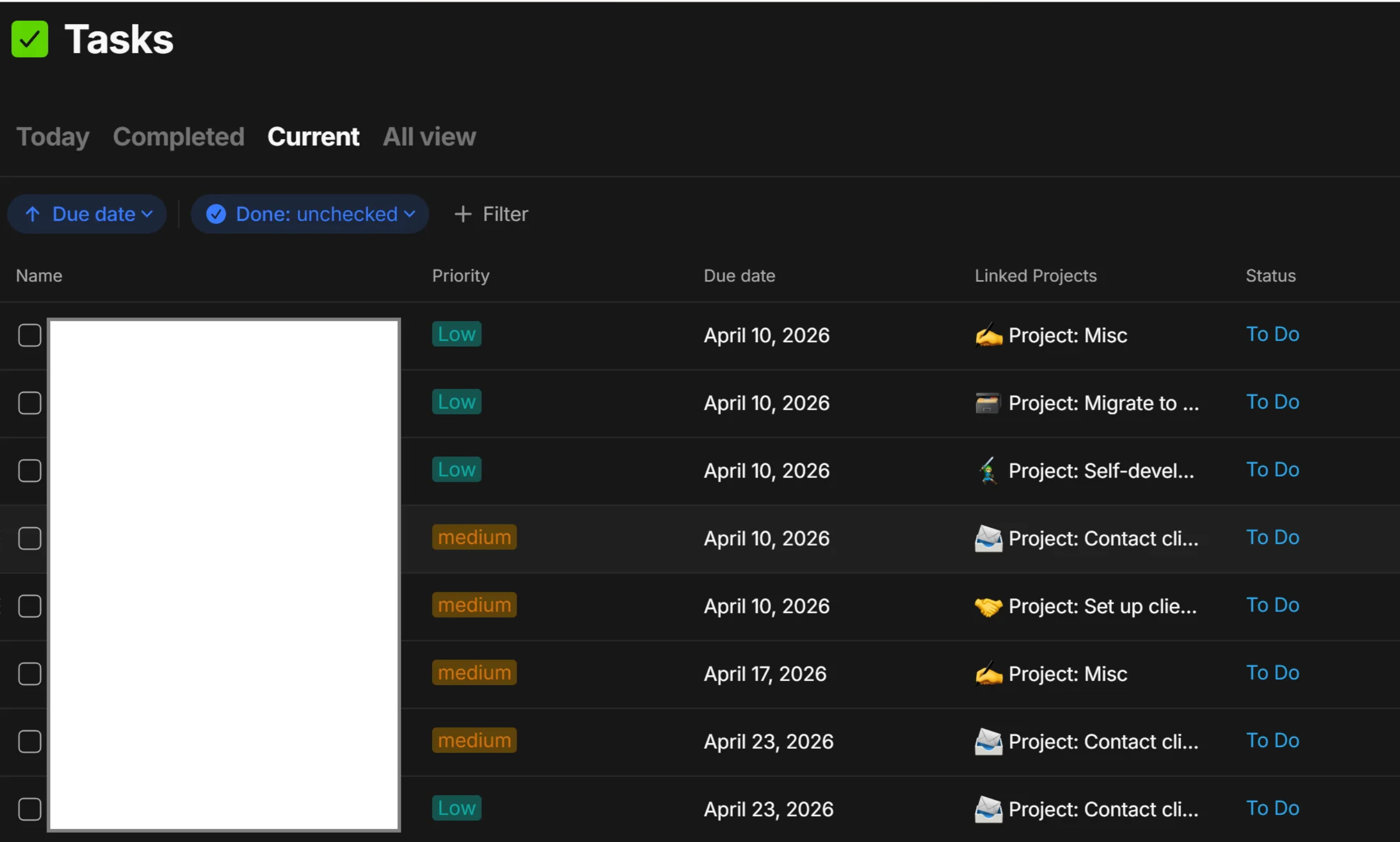
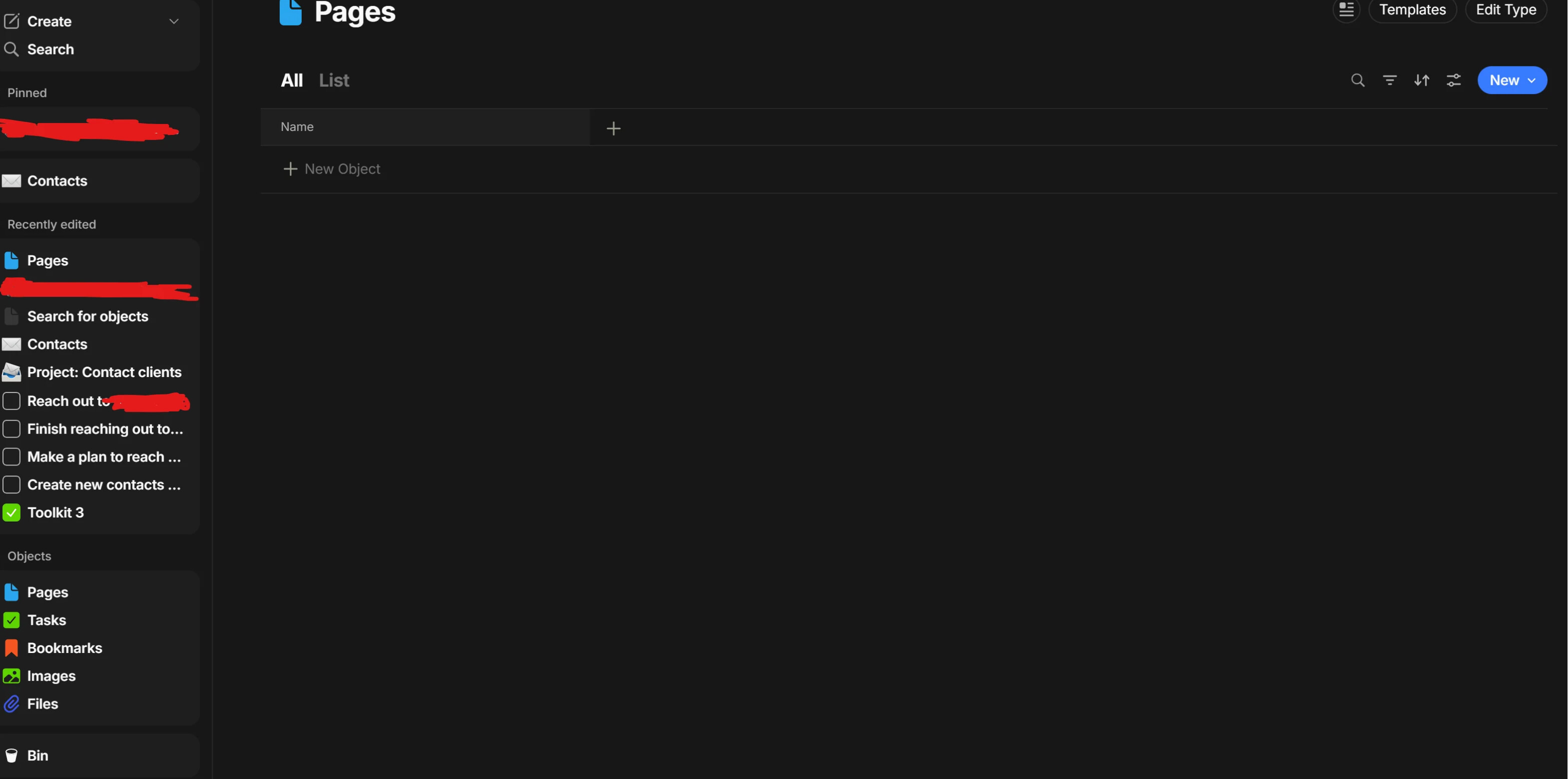
I am fairly new to AnyType. I have been importing a CSV files for some contacts and I have somehow messed up the in-built pages view. No matter how many filters or such that I use, the view no longer lists any of my pages - which is strange as I have a bunch, and it showed them until the CSV file import.
Can someone suggest what I am doing wrong? The other views still work as normal like task or bookmark.
It’s not clear for me what you mean. You wrote “the view no longer lists any of my pages” but your image does show Pages …
Please clarify: what do you really miss?
Do you really miss ALL Pages (that would mean that the image doesn’t fit to your description).
Or do you miss only your freshly imported Pages?
Although I don’t understand your problem, here some general tipps:
If the search field has the focus, it can happen that the View becomes empty, because there is nothing that matches. Make sure that the search field isn’t active.
In case yo miss only your freshly importet Pages, try it with no filters in the View. Because the more filters you have, the less Objects do you see. To see ALL Objects, simply remove all filters.
It’s not clear for me if your View belongs to a Collection or a Query.
In case it is a Collection: are you sure that your missing Objects belong to that Collection?
In doubt, use a Query that shows ALL Objects, then restrict it with filters.
Also try if you can find your missing Objects by using the global search (keyboard shortcut: Strg + k).
If you re able to find them this way, you’re maybe able to figure out why your View doesn’t show them.