CURRENT PROBLEM
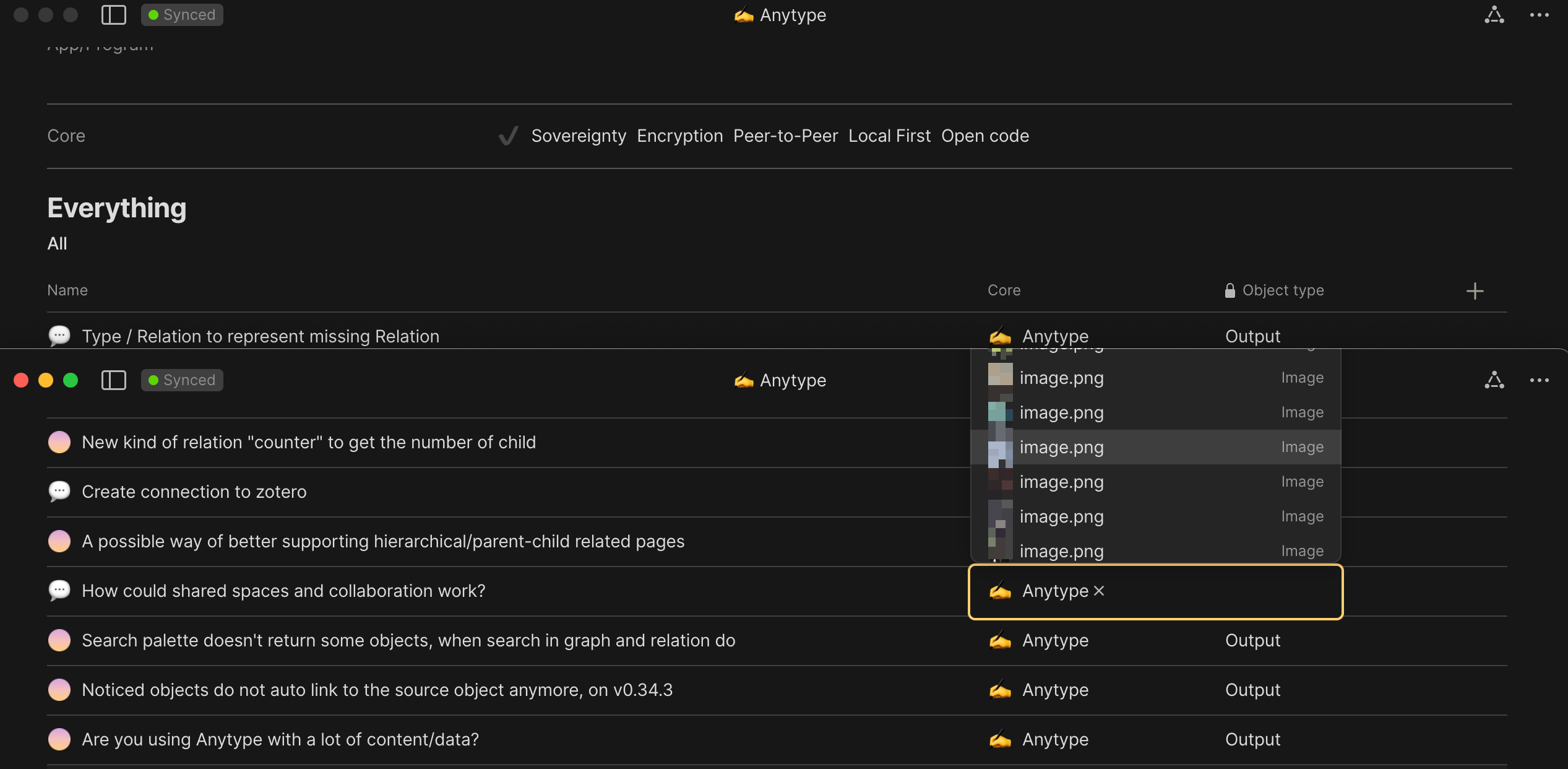
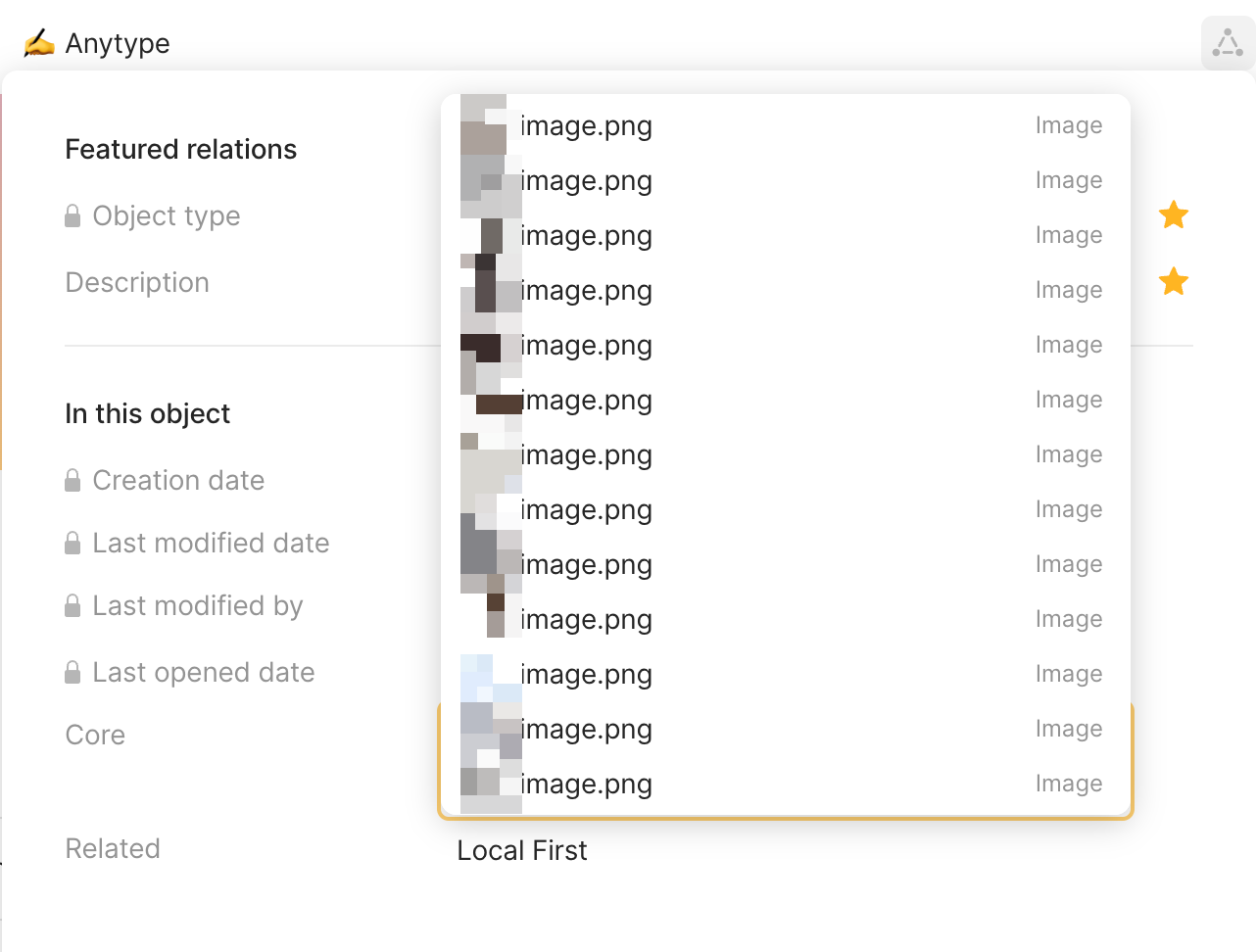
The object selection box is not fully displayed.
- When users have top and bottom multi instances of Anytype.
- Or it visually blocks the input space and cursor location.
- This blockage is not limited to relation pane, but also in block. (Not always though). Most often to me, when the input location is right around the middle of the display.
- Also, when running Anytype as half size left/right window, cursoring to ‘move to object’, object selection blocks the view of the option pane which prevent cursoring to the below option of ‘turn into object’

WHAT DO YOU RECOMMEND
- First option should always be visible
- Adjust location of pop up selection box (Consider scrolling and the input location as well)
- Allow adjustment to the number of object displayed to be selected, so it won’t block as much contents. Most of the time, 3-5 is enough for me.
HOW COULD IT BE DONE
- Control size of relation selection box, like selection based language input
– a maximum number of display per page (side note: numbered options supports keyboard based select relation - Detect UI size and input location, then adjust selection box size (something like link pane activated by cmd+k)
REAL WORLD USE CASES
Every users who use relation with objects enabled; especially, when users need to reference some parts of block or input,.
RECOMMENDED ALTERNATIVES
Allow archived objects to reduce the options displayed in the relation selection box. Something like FR (non-)Archived objects in recent views
ADDITIONAL CONTEXT
This is essential for multi-tasking and smoothness of keyboard input, including but not limited to the following feature requests.