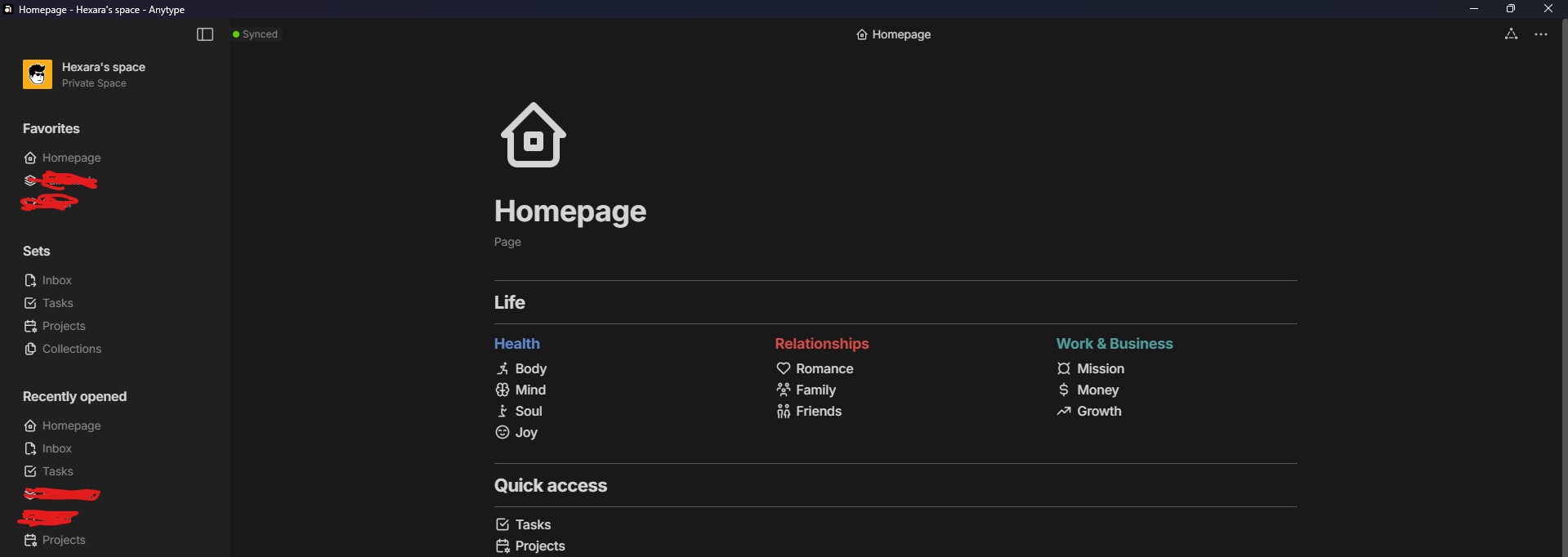
Hi there everyone!
Thanks to @Mick for what they started, Notion theme was shared by them here: Notion like UI (customization)
I tried to develop it further and add the complete palette of the dark mode in this .css here, you will find almost all parts of the UI follow the exact color codes of Notion whether it’s in light or dark mode:
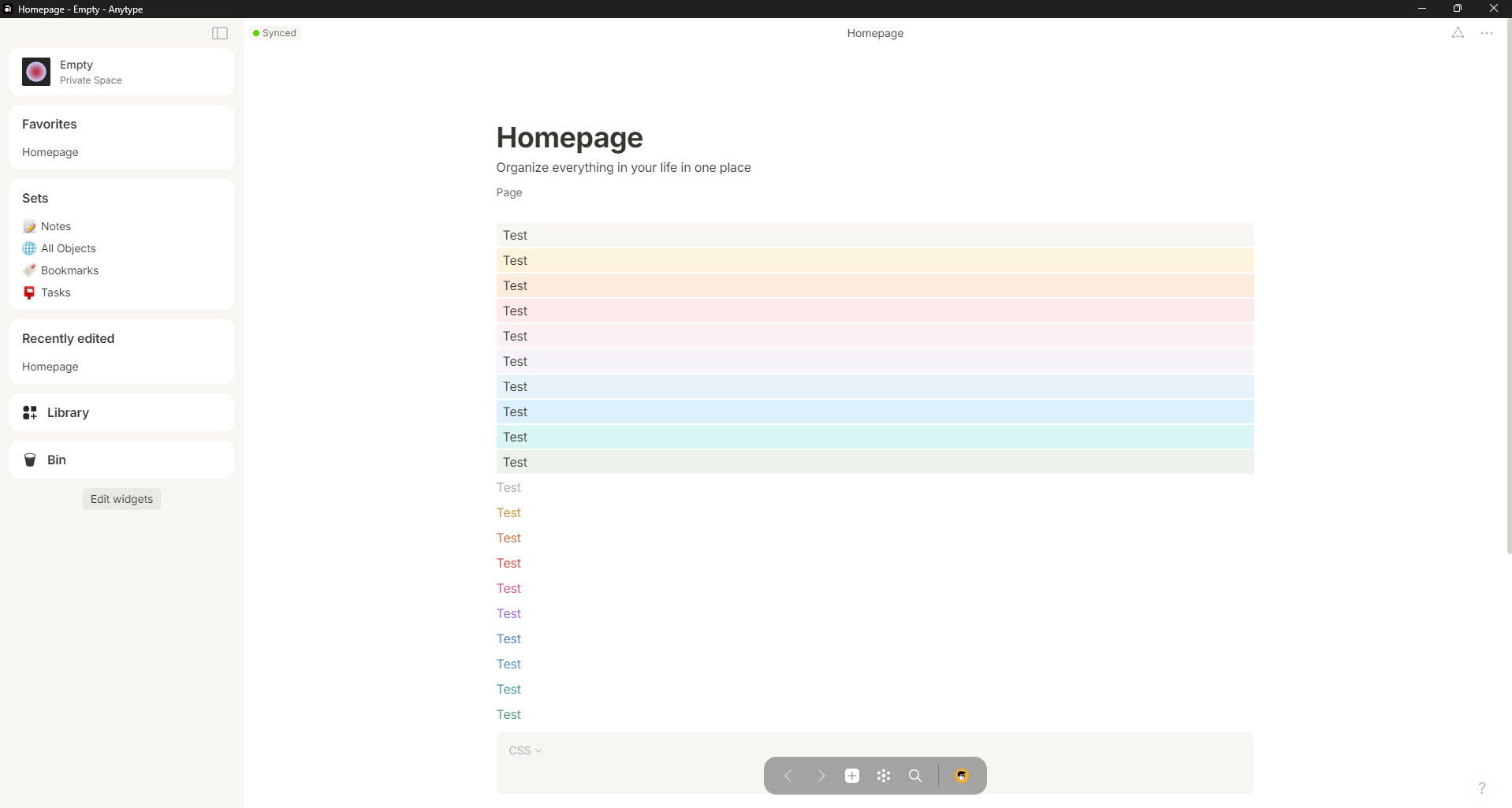
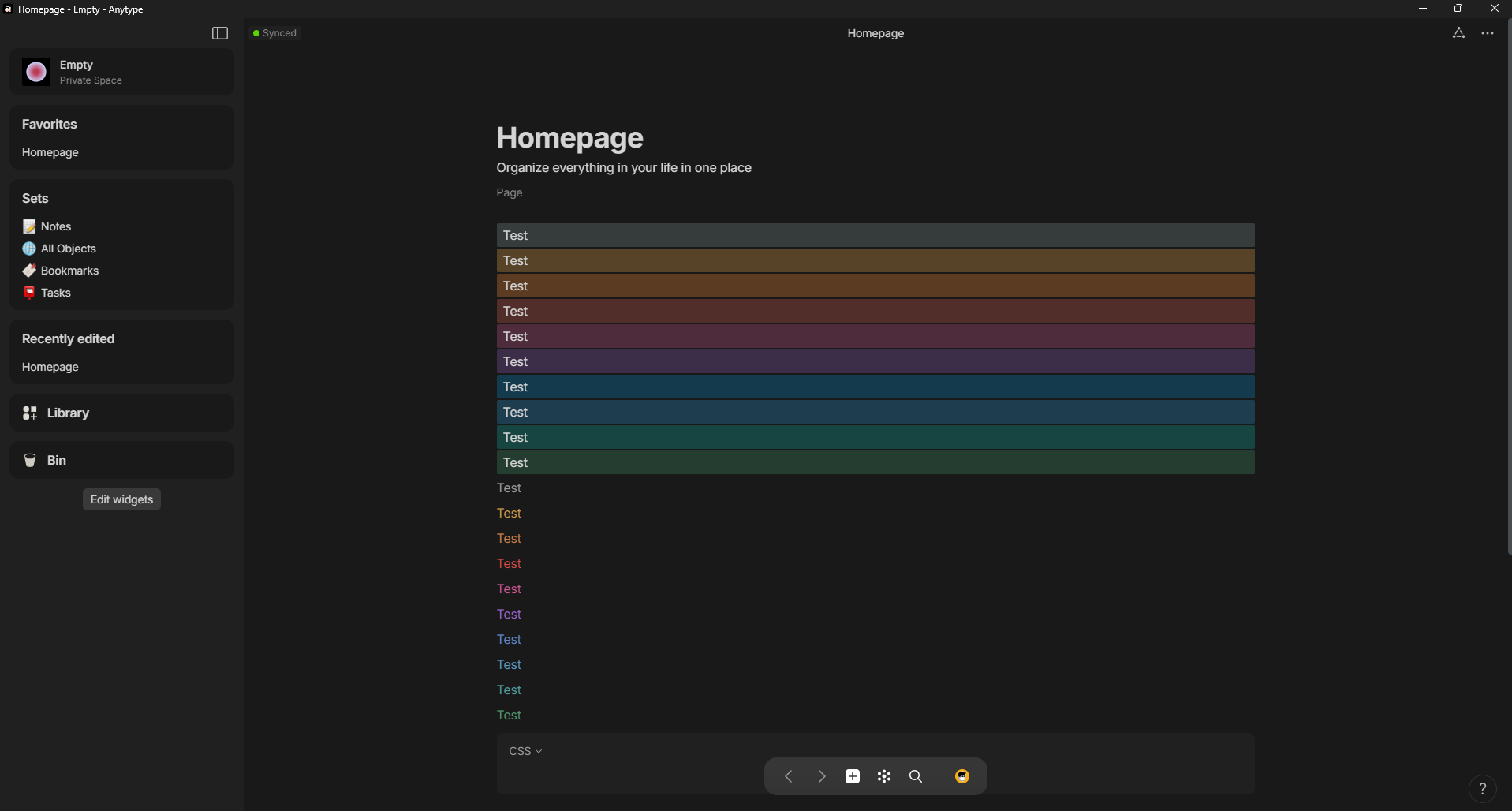
Code:
custom.zip (1.2 KB)
html.themeDark {
  --color-text-primary: #d4d4d4;
  --color-text-secondary: #898989;
  --color-text-tertiary: #898989;
  --color-shape-secondary: 	#303030;
  --color-shape-tertiary: 	#202020;
  --color-bg-primary: #191919;
  --color-bg-secondary: #202020;
  --color-bg-tertiary: #202020;
  --color-bg-loader: rgba(0,0,0,0.7);
  --color-system-accent-50: #9f6b00;
  --color-system-accent-25: #f09c0e;
  --color-system-selection: rgba(24, 163, 241, 0.15);
  ::-webkit-scrollbar {
    width: 8px !important;
    height: 8px;
    background-color: transparent;
}
::-webkit-scrollbar-thumb {
    background-color: #535454 !important;
}
.blocks .block.blockText.textCode>.wrapContent {
  background: #202020 !important;
}
.widget {
  background: transparent !important;
}
}

:root {
  --color-text-primary: rgb(55, 53, 47);
  --color-orange: rgb(199, 125, 72);
  --color-yellow: rgb(202, 152, 73);
  --color-red: rgba(212, 76, 71, 1);
  --color-pink: rgb(209, 87, 150);
  --color-purple: rgb(157, 104, 211);
  --color-blue: rgb(94, 135, 201);
  --color-lime: rgb(82, 158, 114);
  --color-green: rgb(82, 158, 114);
  --color-ice: rgb(90, 150, 190);
  --color-teal: rgb(82, 156, 158);
}


.widget.widgetCompact .body .item .inner {
  color: #898989;
}
.widget {
  background: transparent !important;
}

.bgColor-orange {
  background: rgb(251, 236, 221) !important;
}
.bgColor-yellow {
  background: rgb(251, 243, 219) !important;
}
.bgColor-lime {
  background: rgb(237, 243, 236) !important;
}
.bgColor-blue {
  background: rgb(231, 243, 248) !important;
}
.bgColor-purple {
  background: rgba(244, 240, 247, 0.8) !important;
}
.bgColor-pink {
  background: rgba(249, 238, 243, 0.8) !important;
}
.bgColor-red {
  background: rgb(253, 235, 236) !important;
}


html.themeDark .bgColor-orange {
  background: rgb(92, 59, 35) !important;
}
html.themeDark .bgColor-yellow {
  background: rgb(86, 67, 40) !important;
}
html.themeDark .bgColor-lime {
  background: rgb(36, 61, 48) !important;
}
html.themeDark .bgColor-blue {
  background: rgb(20, 58, 78) !important;
}
html.themeDark .bgColor-purple {
  background: rgb(60, 45, 73) !important;
}
html.themeDark .bgColor-pink {
  background: rgb(78, 44, 60) !important;
}
html.themeDark .bgColor-red {
  background: rgb(82, 46, 42) !important;
}```