My feedback on a fairly small import (one page with one inline database).
Instructions
The import instructions in-app are great! Here some feedback (really I’m nitpicking here):
- The instructions follow a different order than the one I had to follow to create the Notion integration, maybe they changed their creation flow?
- To make the integration show up, I had to refresh my notion page.
Import
The import was fast and went super well.
 What I did like
- Re-importing does not create duplicates

- Creation dates are preserved!

- A collection with any page imported is automatically created (and easy to delete if you don’t want it)

- Tags maintain their color

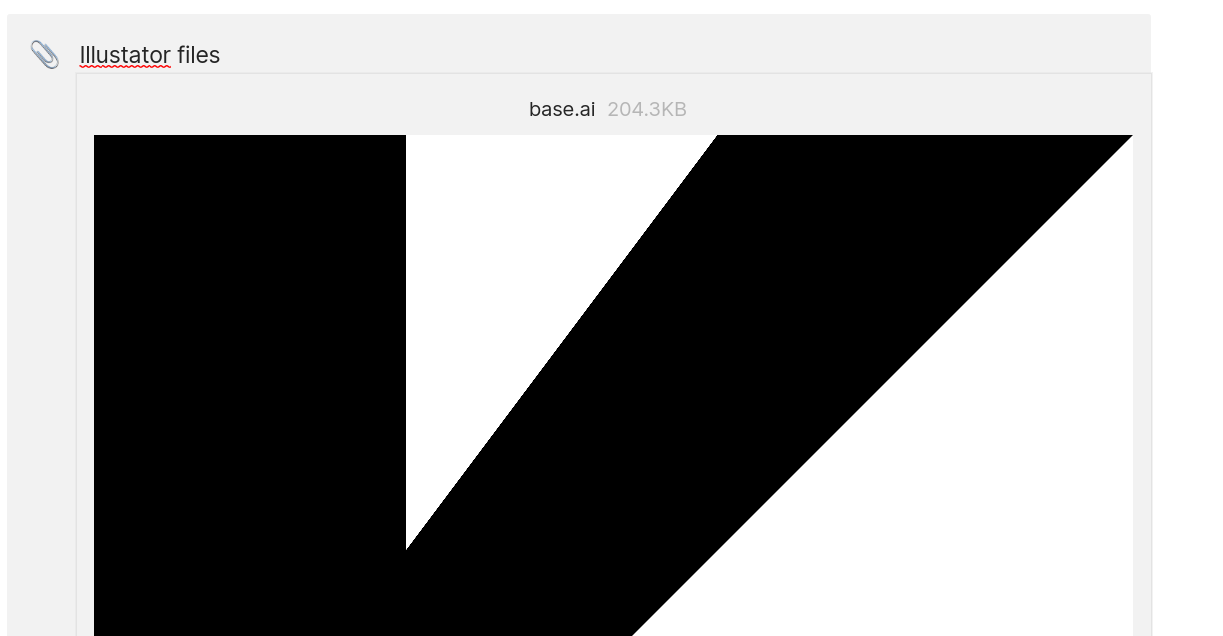
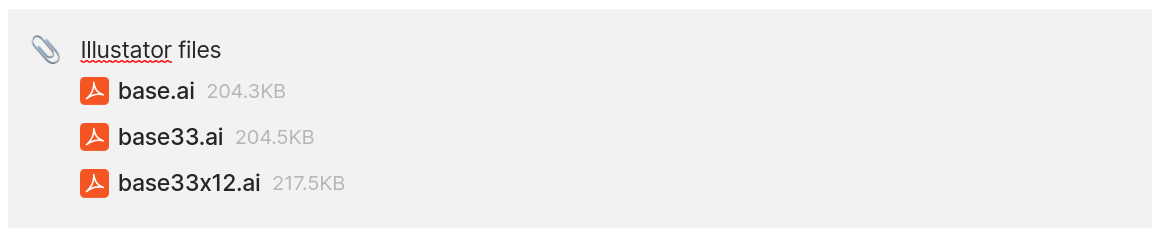
Also I found out something new, Anytype previews .ai files!
 What I didn’t like
Of course it’s annoying that some data formats are imported as text, especially date ranges, and other stuff like comments is not imported, but I’m confident that this will improve over time (maybe even with the help of plugins)
Also there are some things that I didn’t like when it comes to how some content is handled by default (all easily fixable “by hand”):
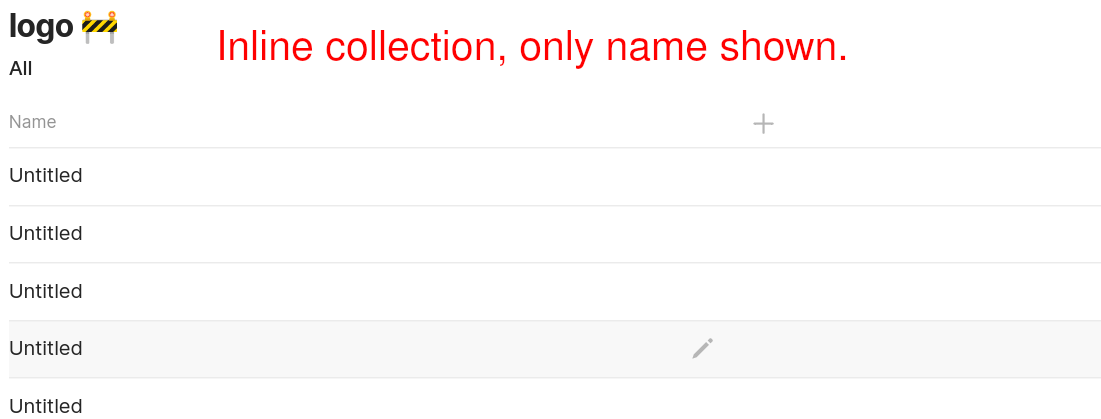
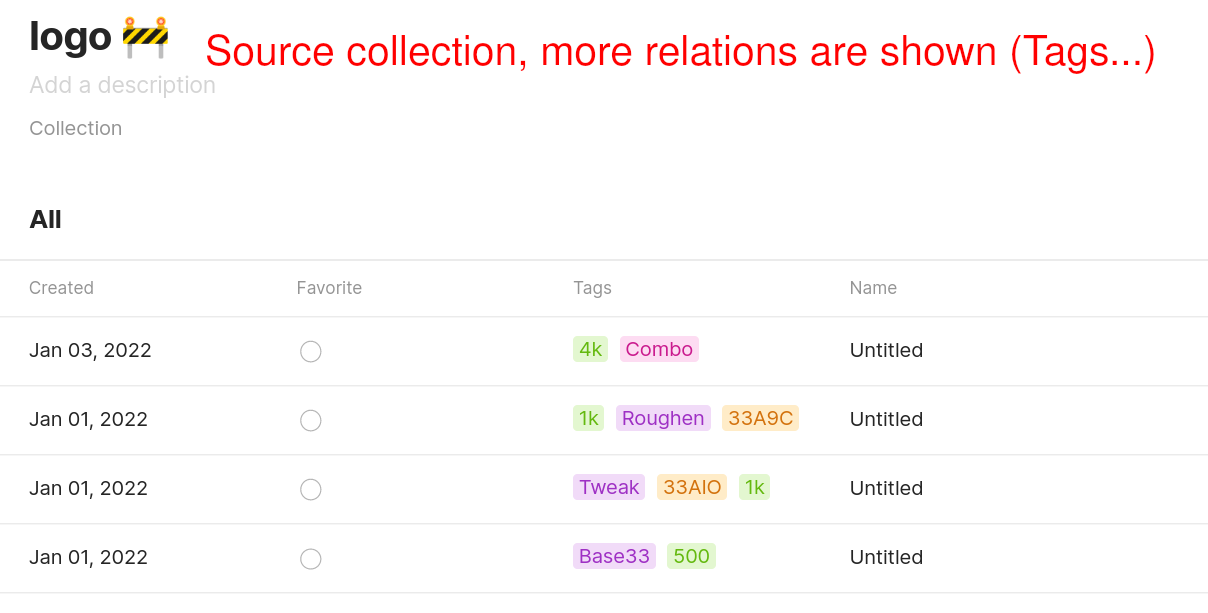
[details=“3. All pages are imported as a “page” object”]
This is fine actually but batch Type editing is very much needed to change the Type of imported pages 
[/details]
4. My page and database custom icon was not imported
5. The layout width was not automatically imported
Comparison
After some manual editing (see the points above):
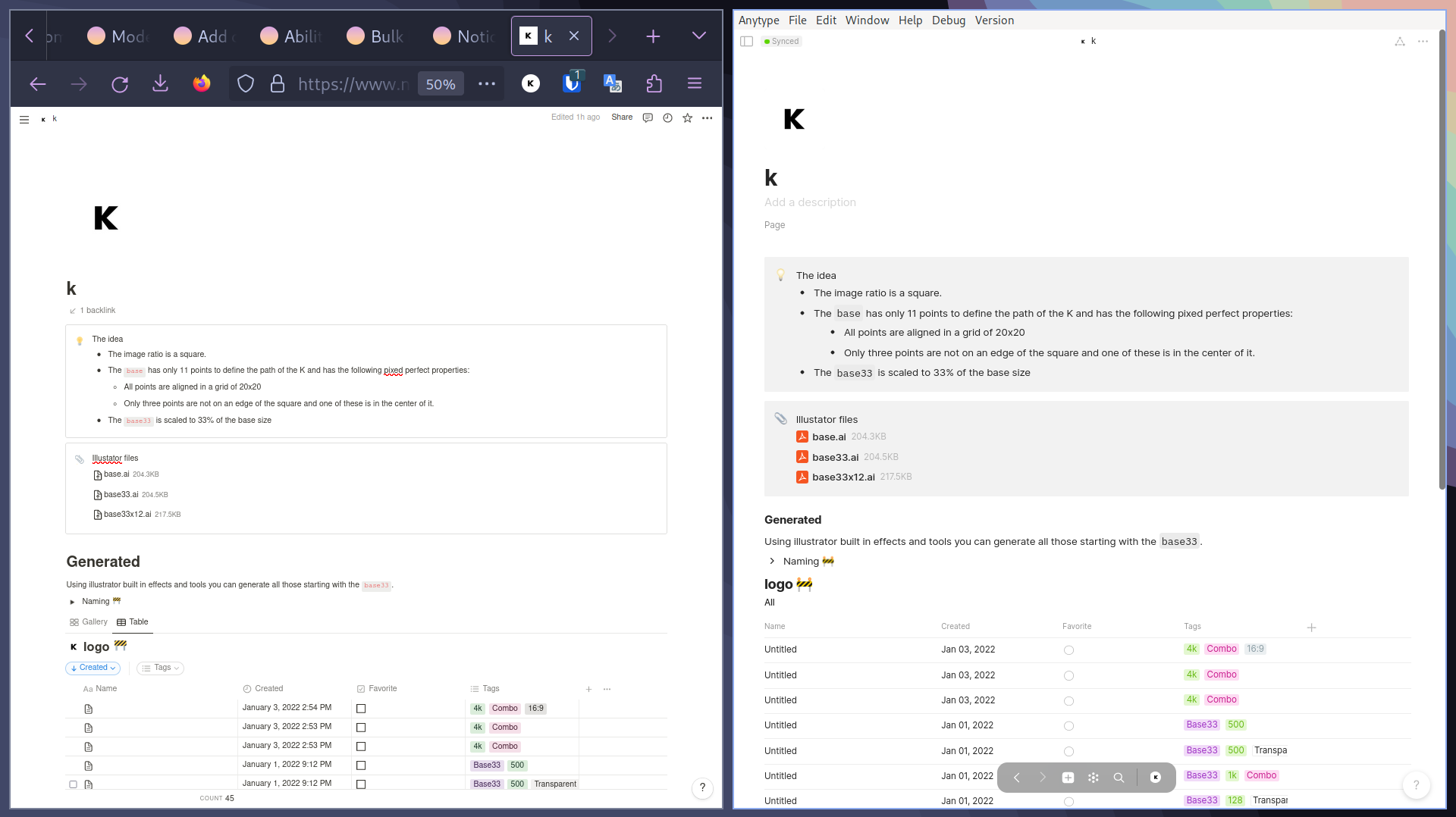
Looks great! 
(If I could, I would have voted in the middle of the first and second option, for more complicated imports, sometimes not all content was imported, maybe due to Notion not changing permissions fast enough, in the end the tool needs a lot of refinement and features to be complete but it’s already usable)