Hi, I am trying to import our database from Notion following the Internal Integration Secret step by step guide.
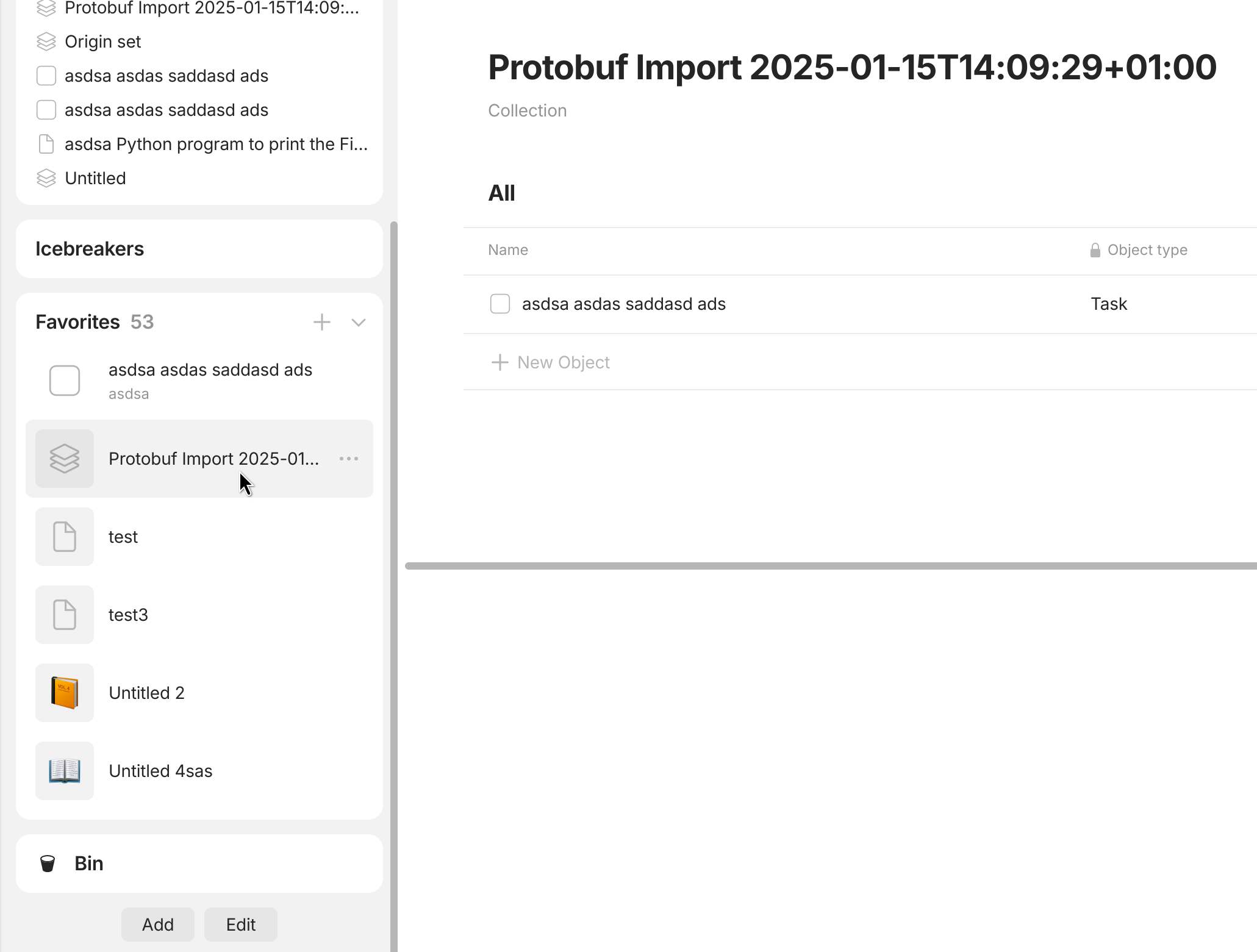
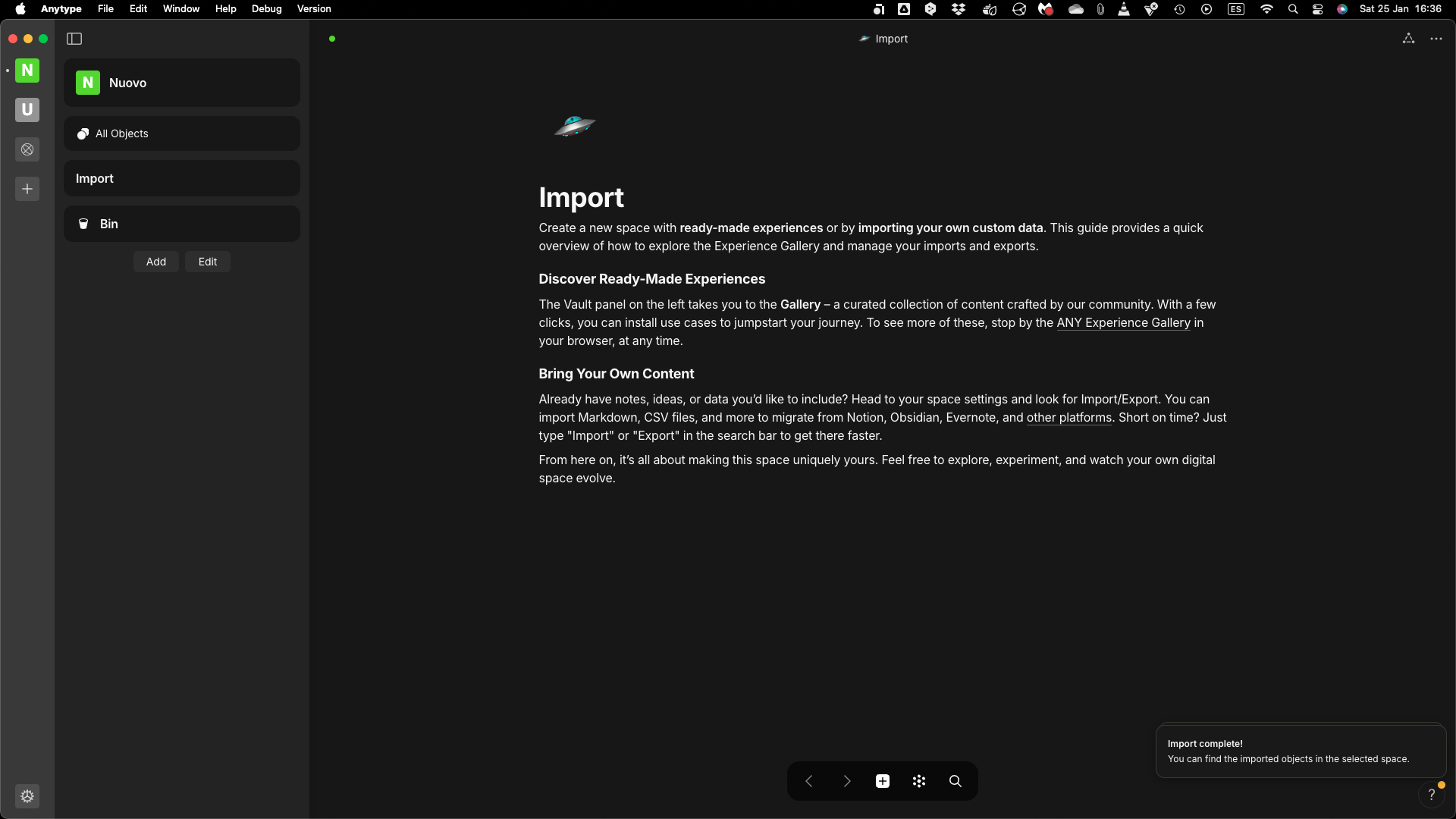
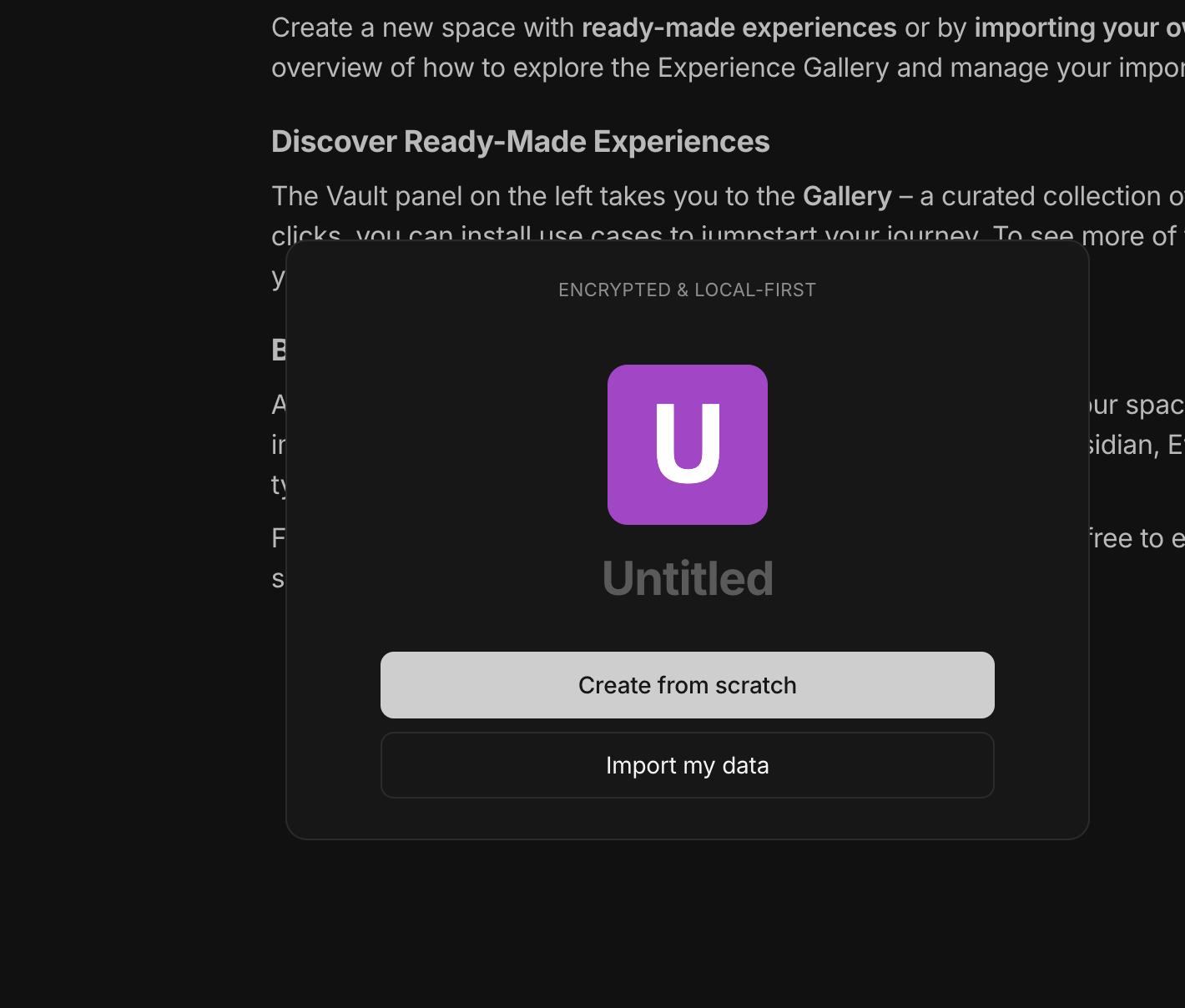
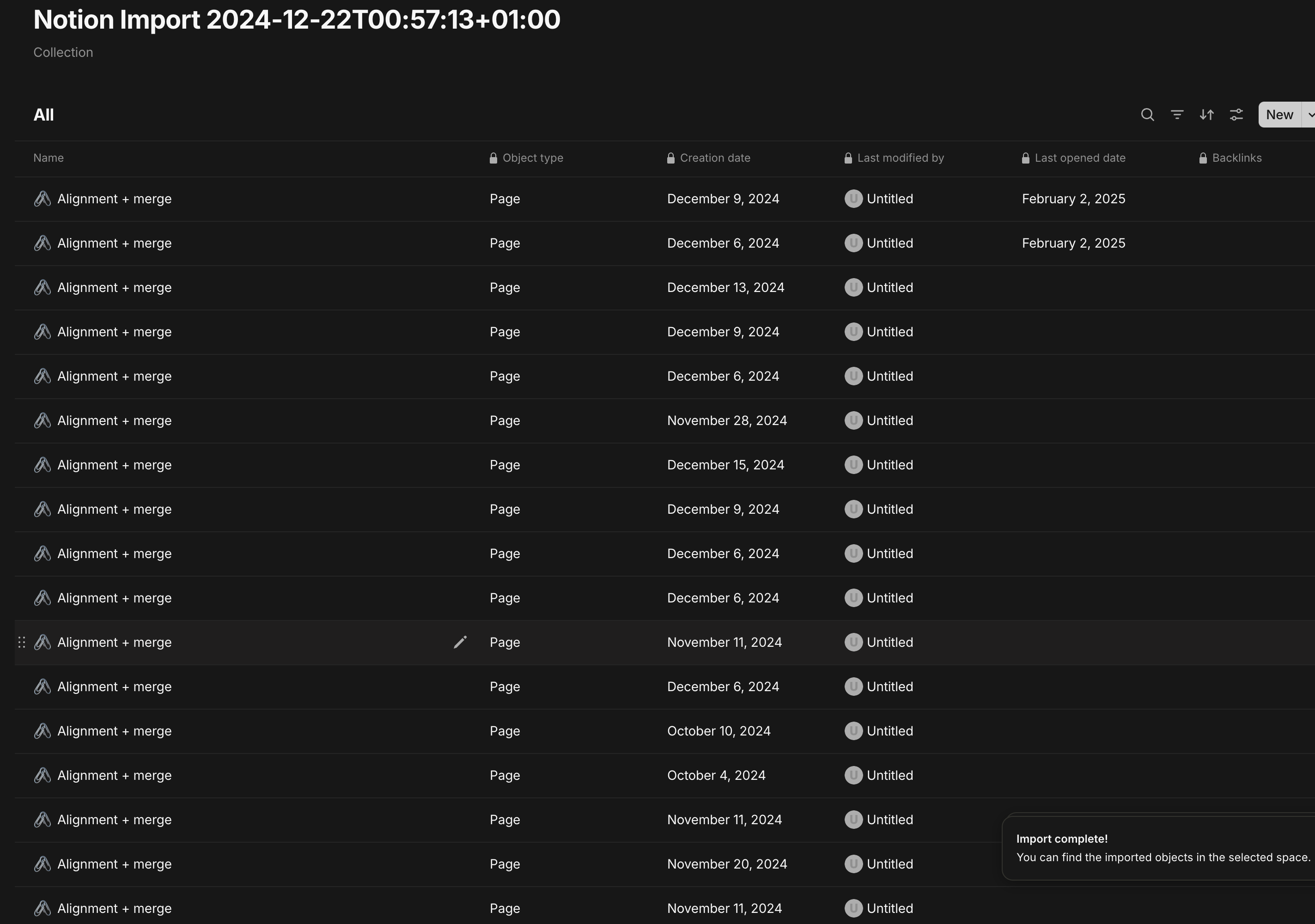
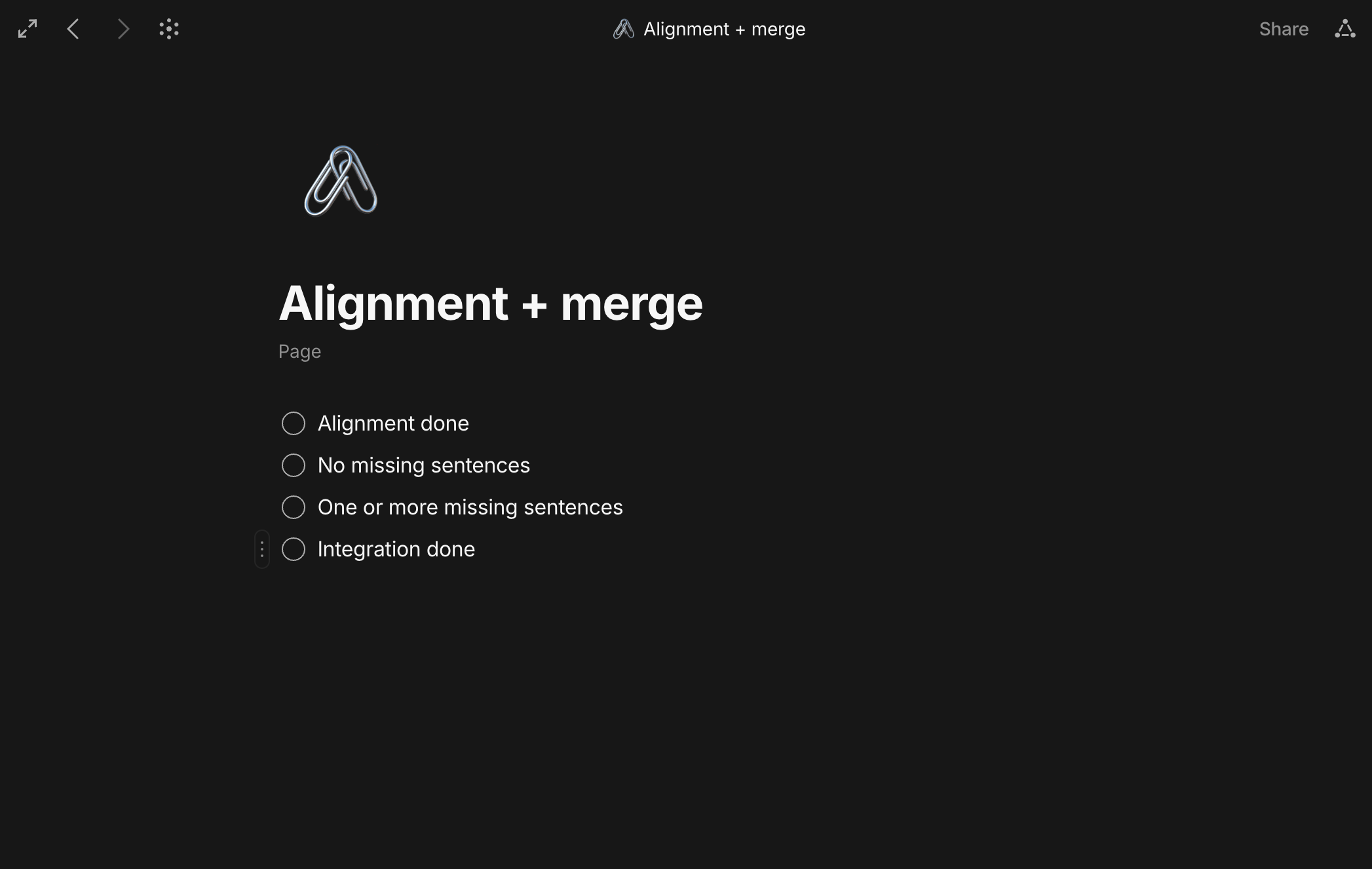
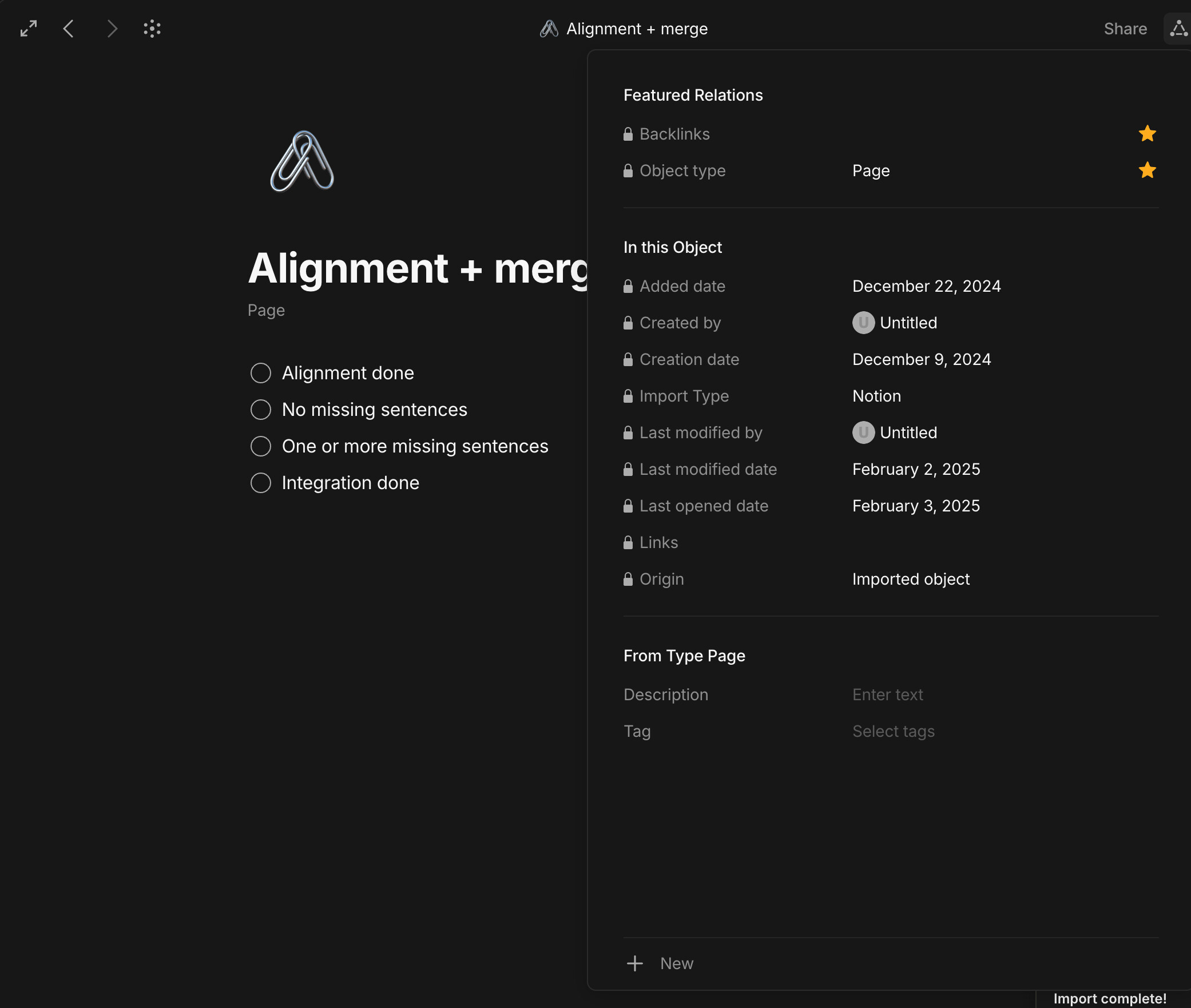
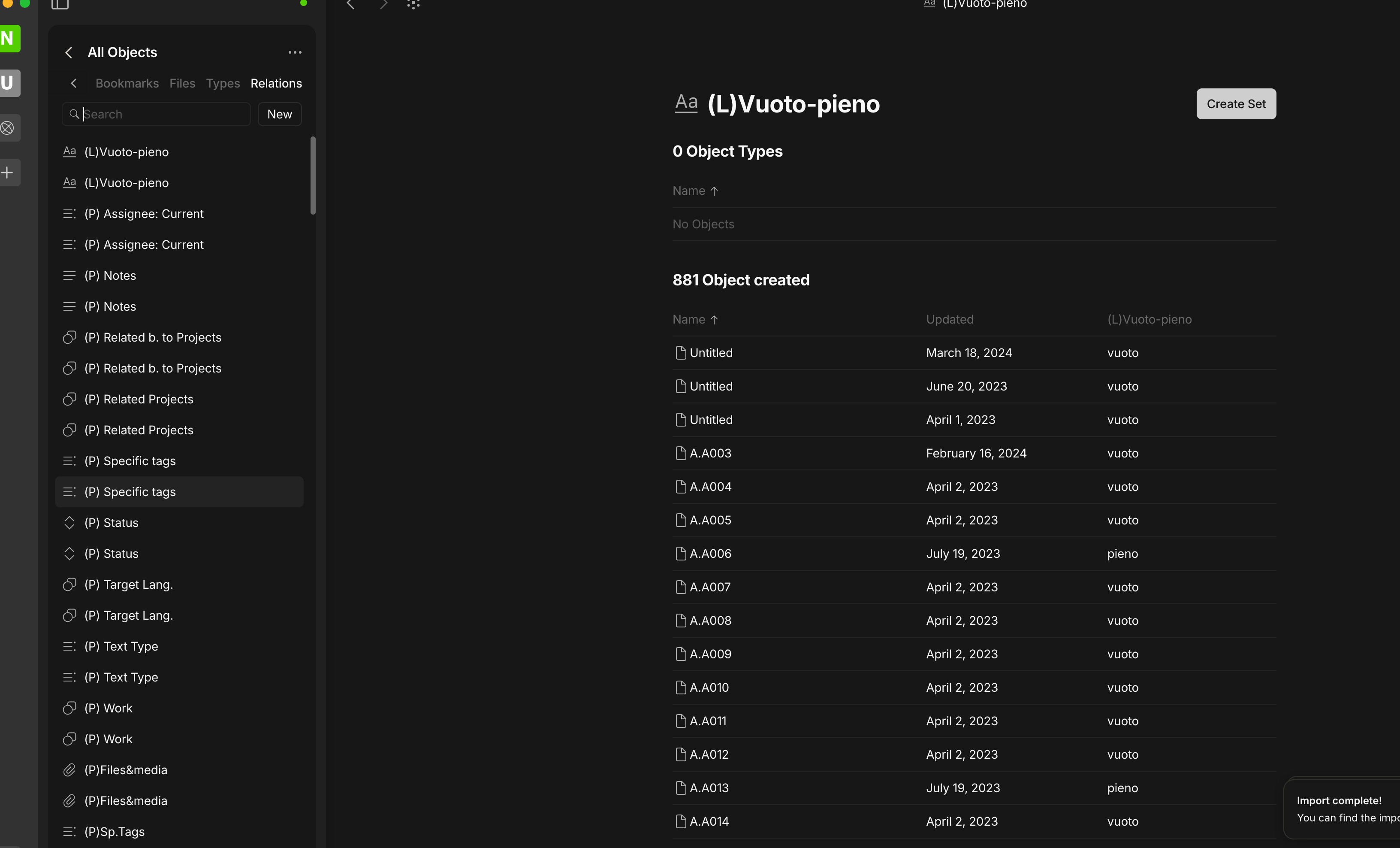
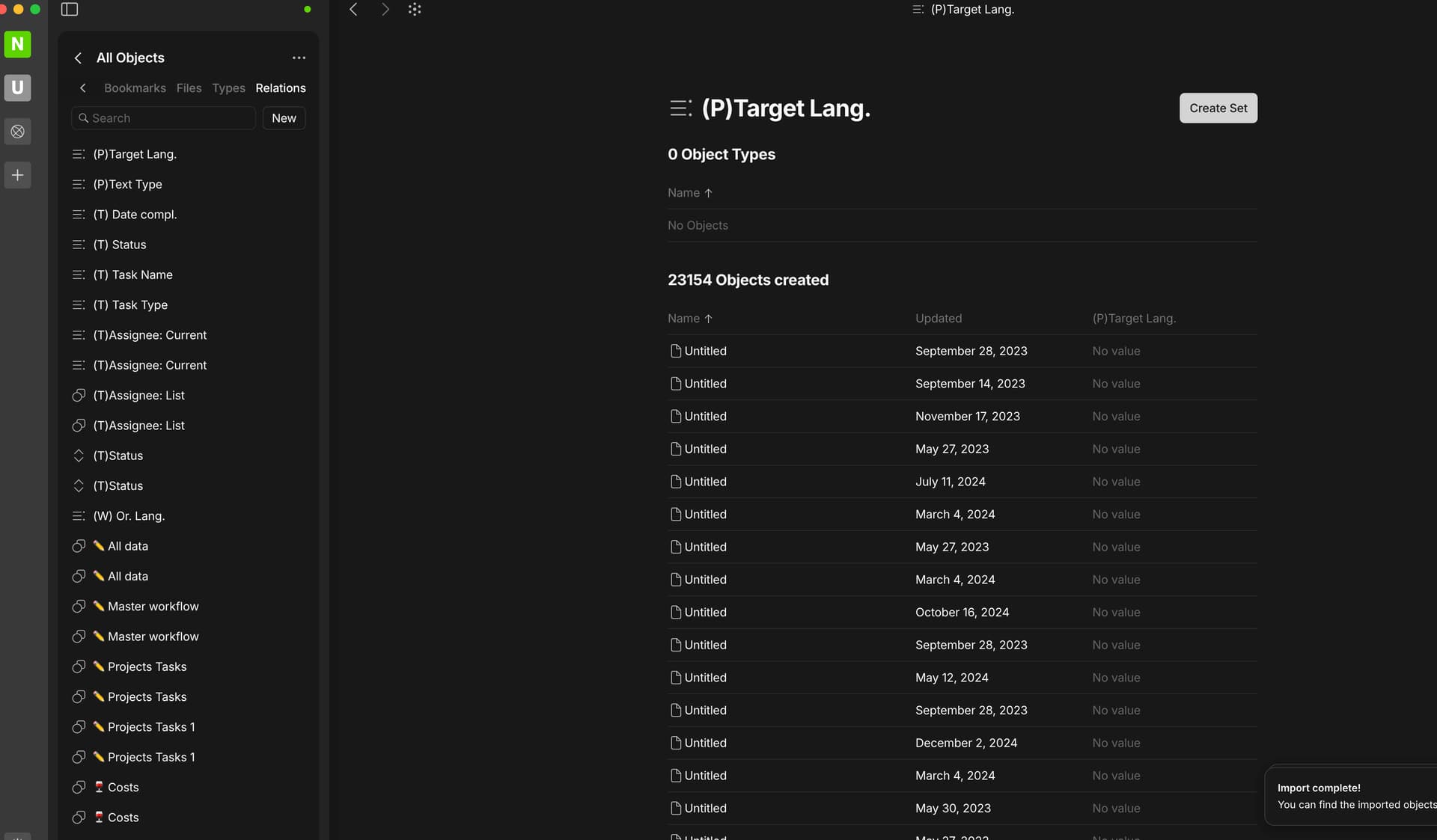
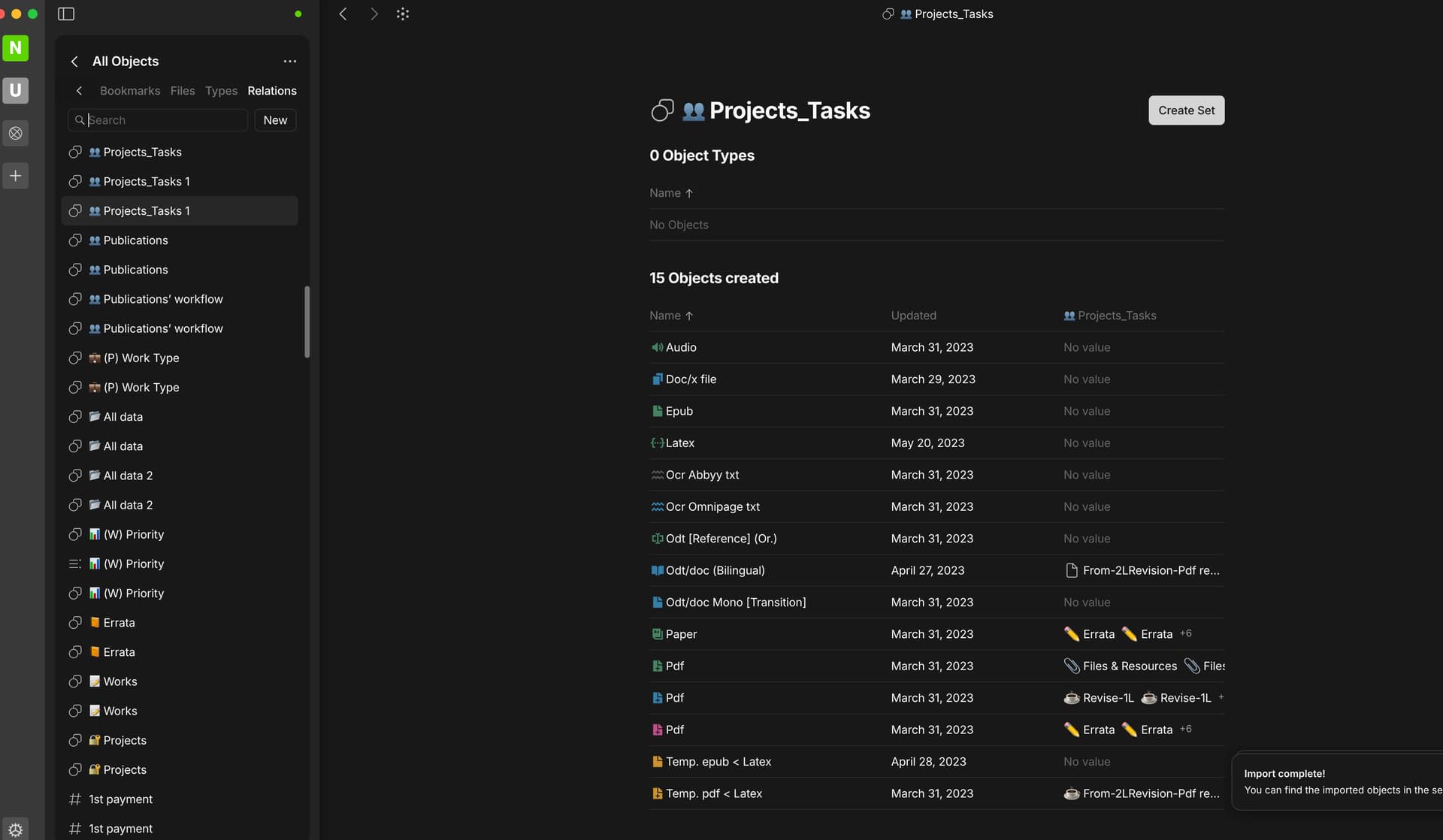
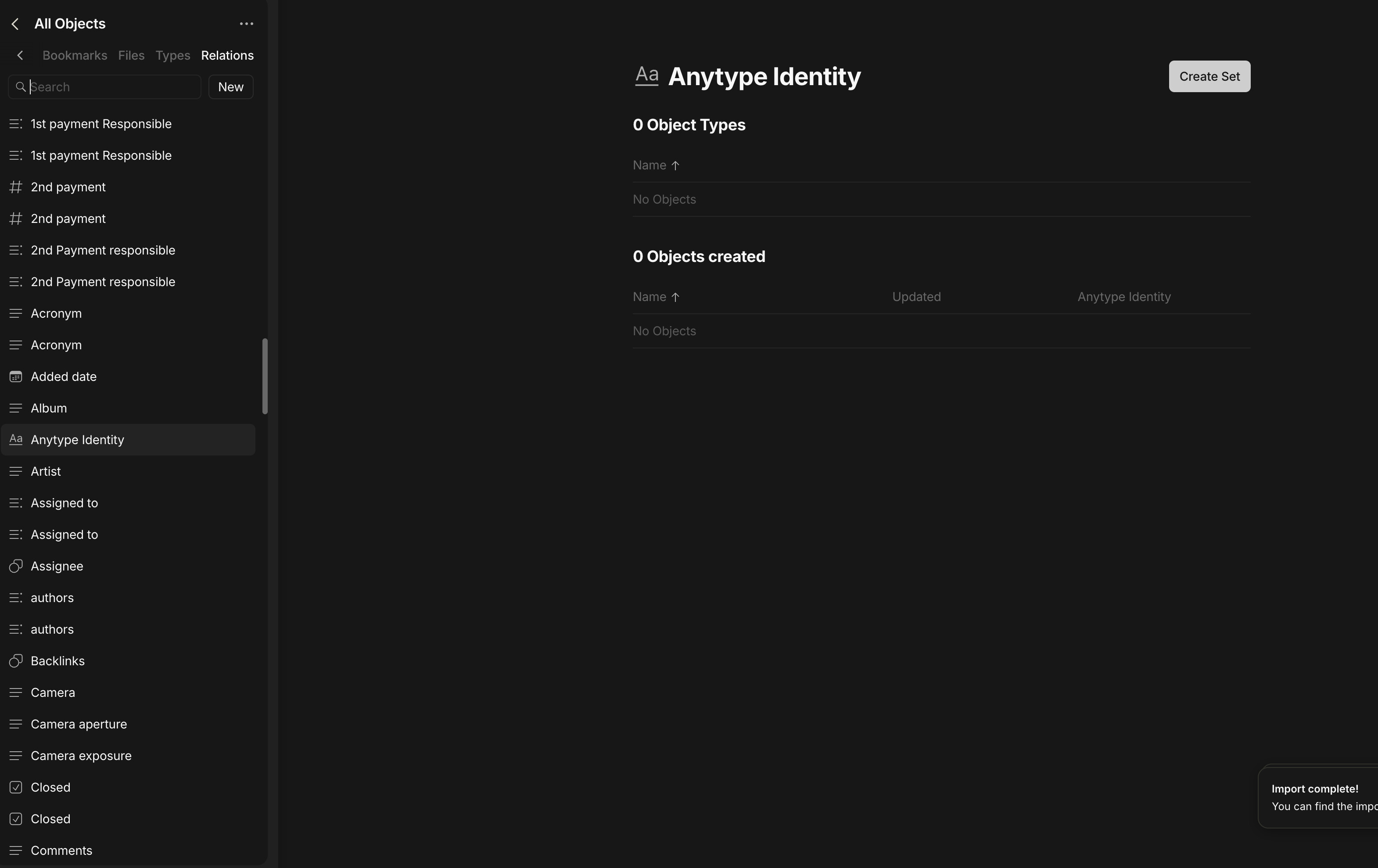
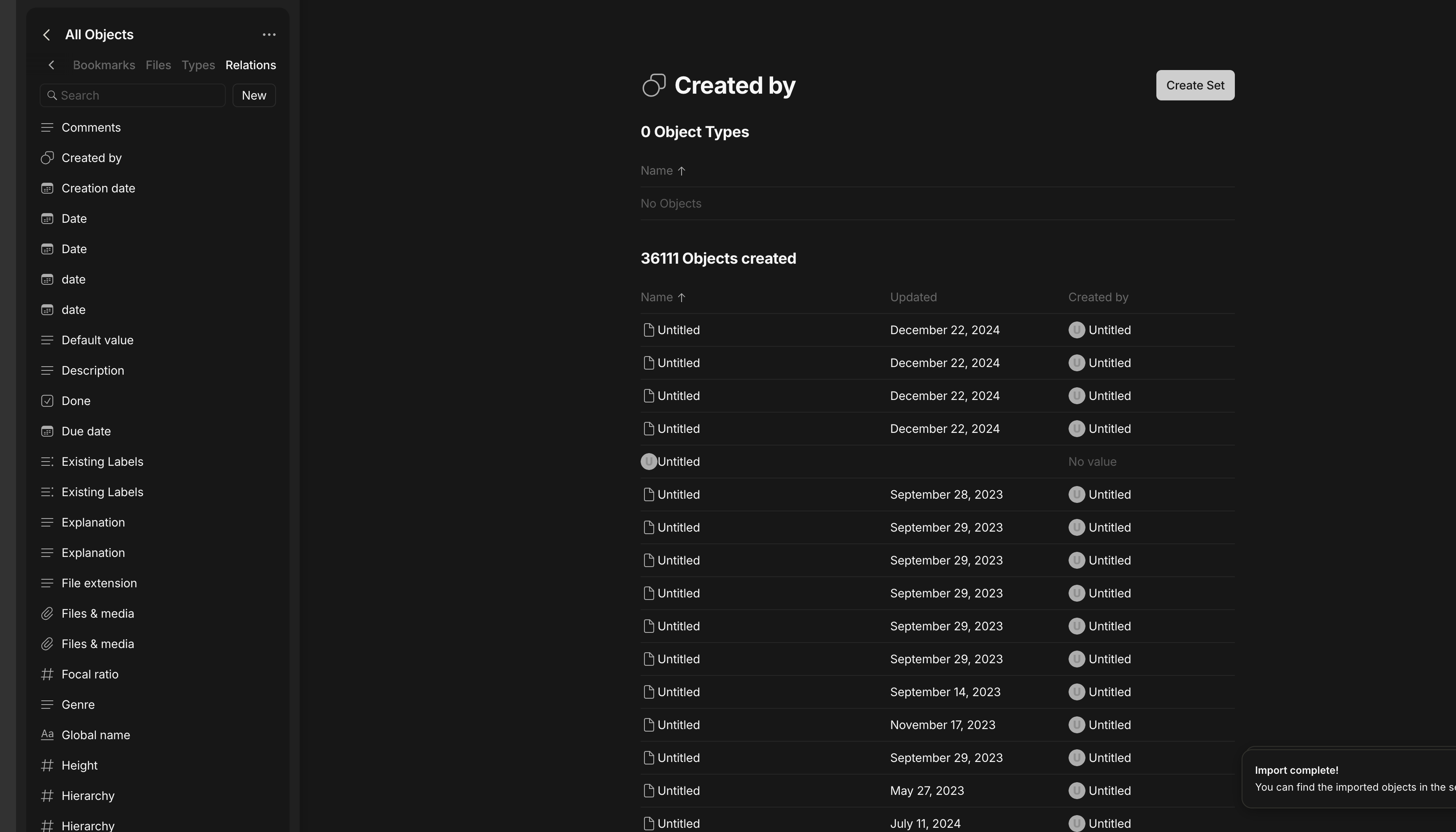
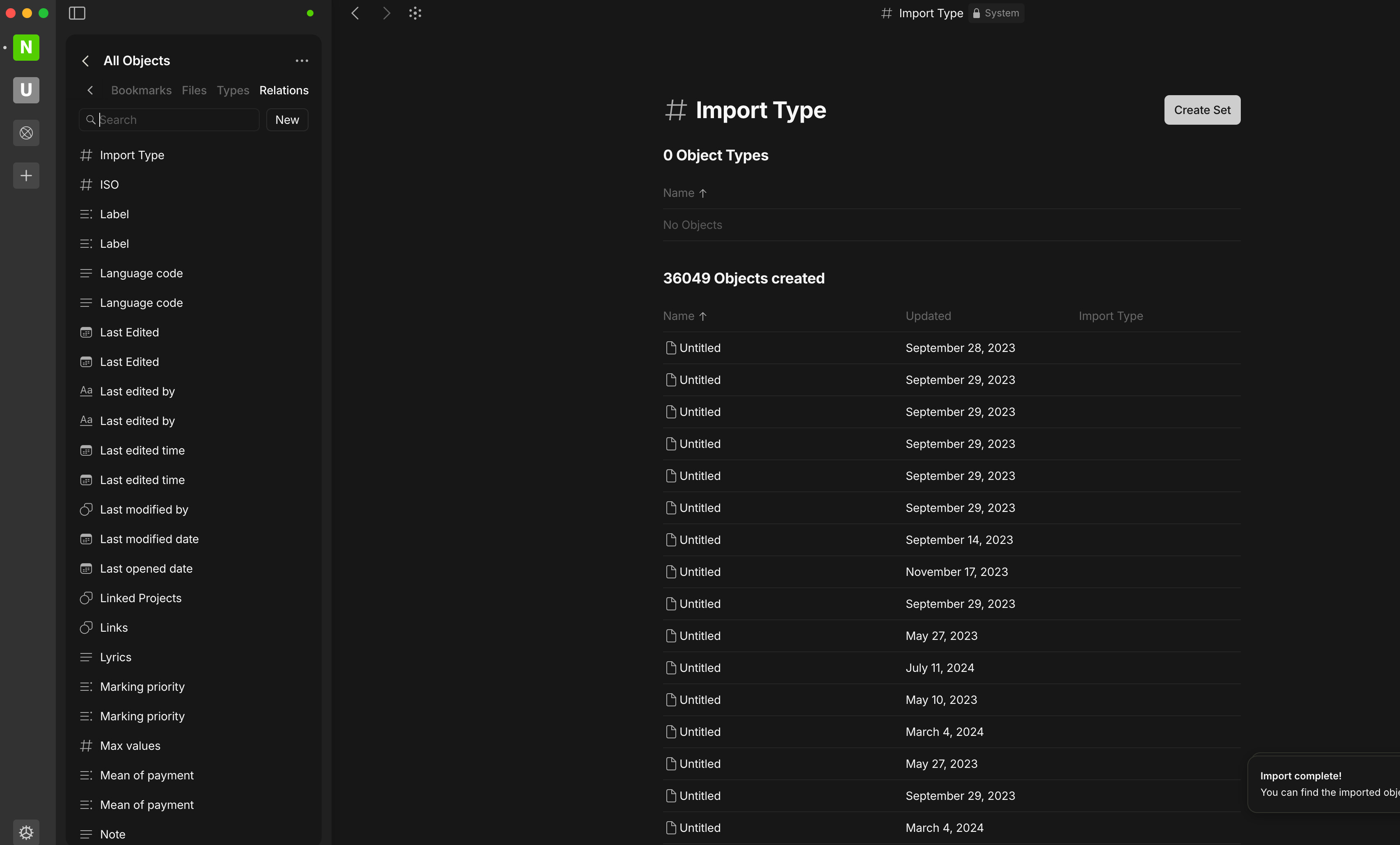
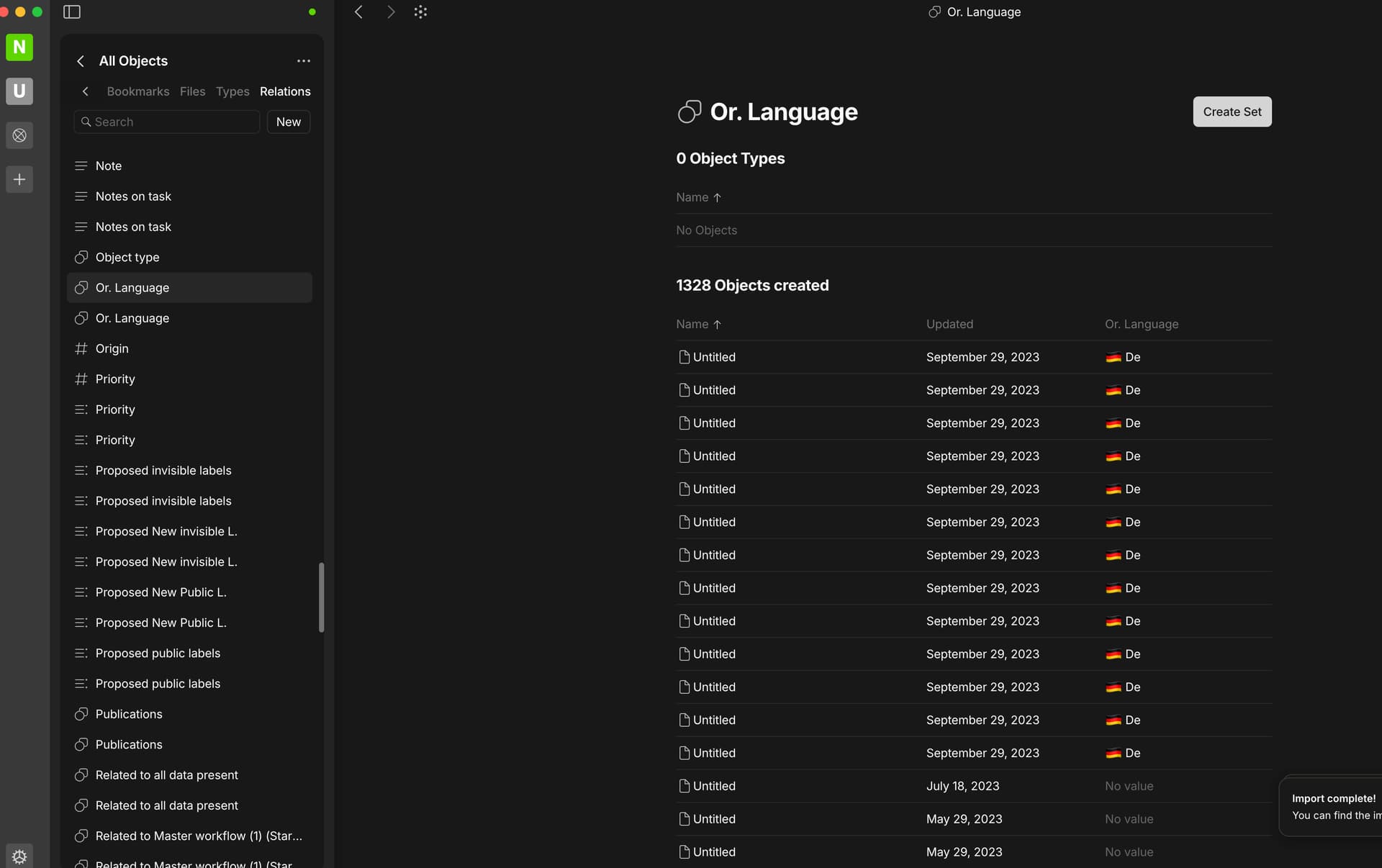
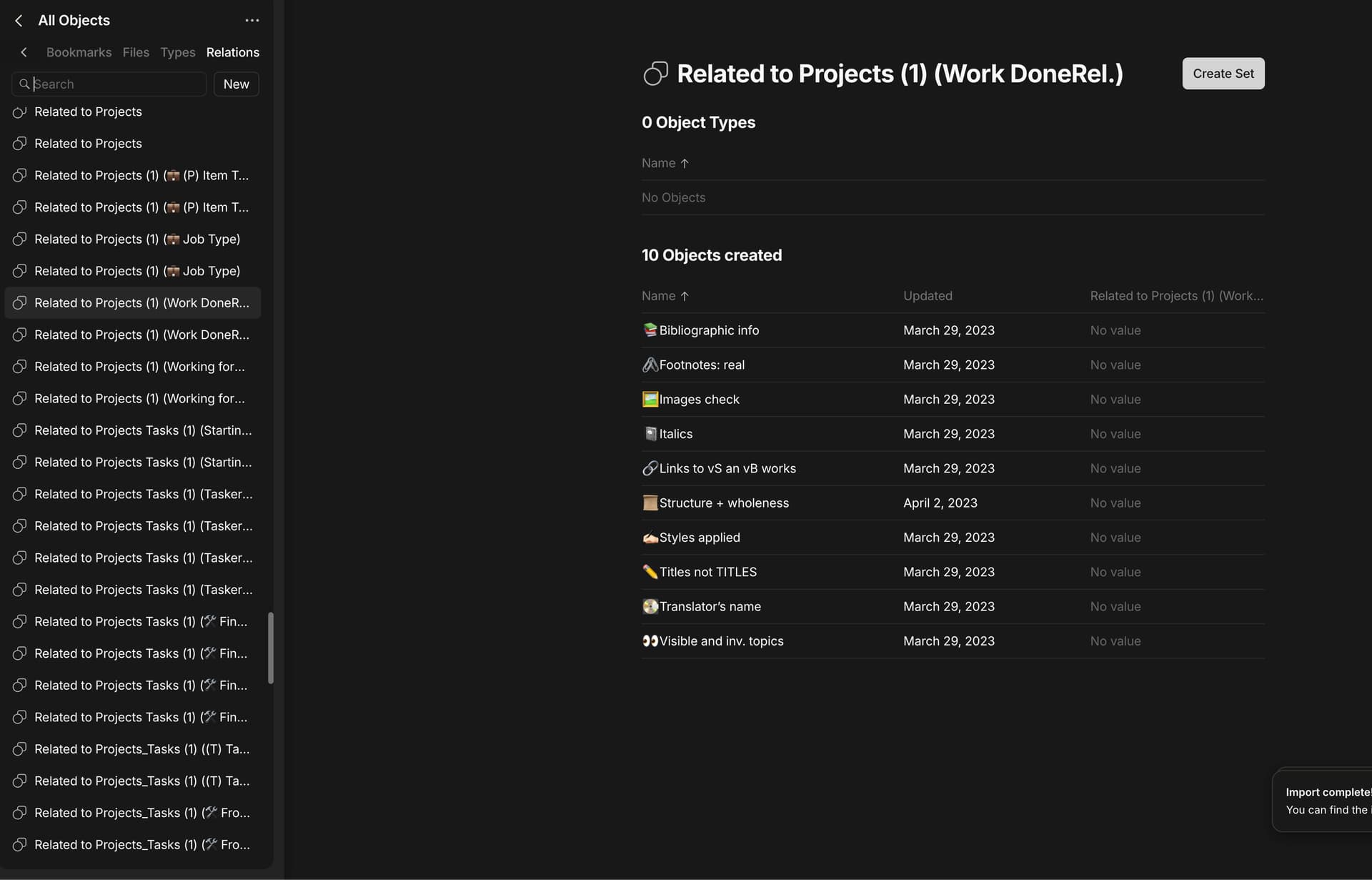
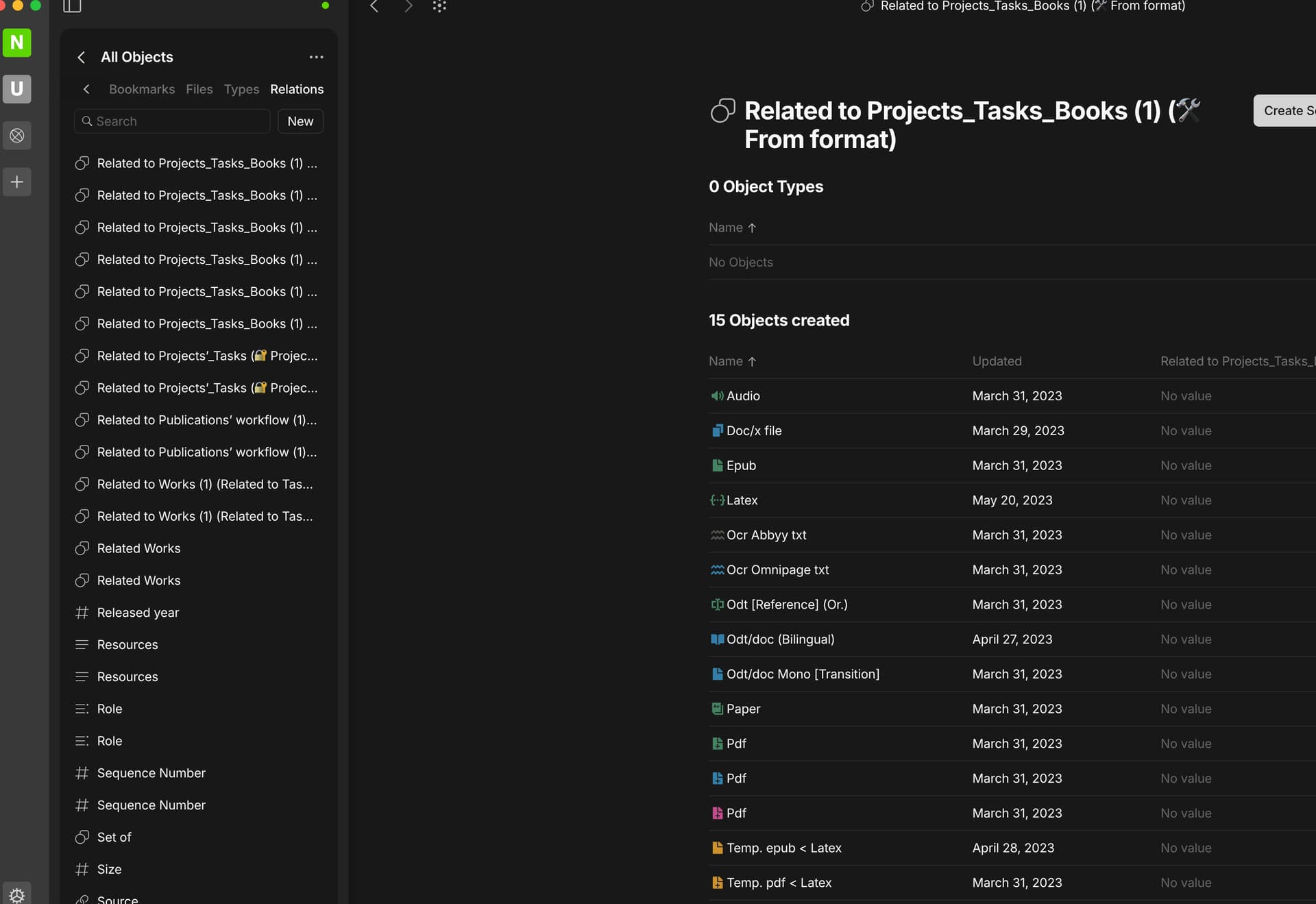
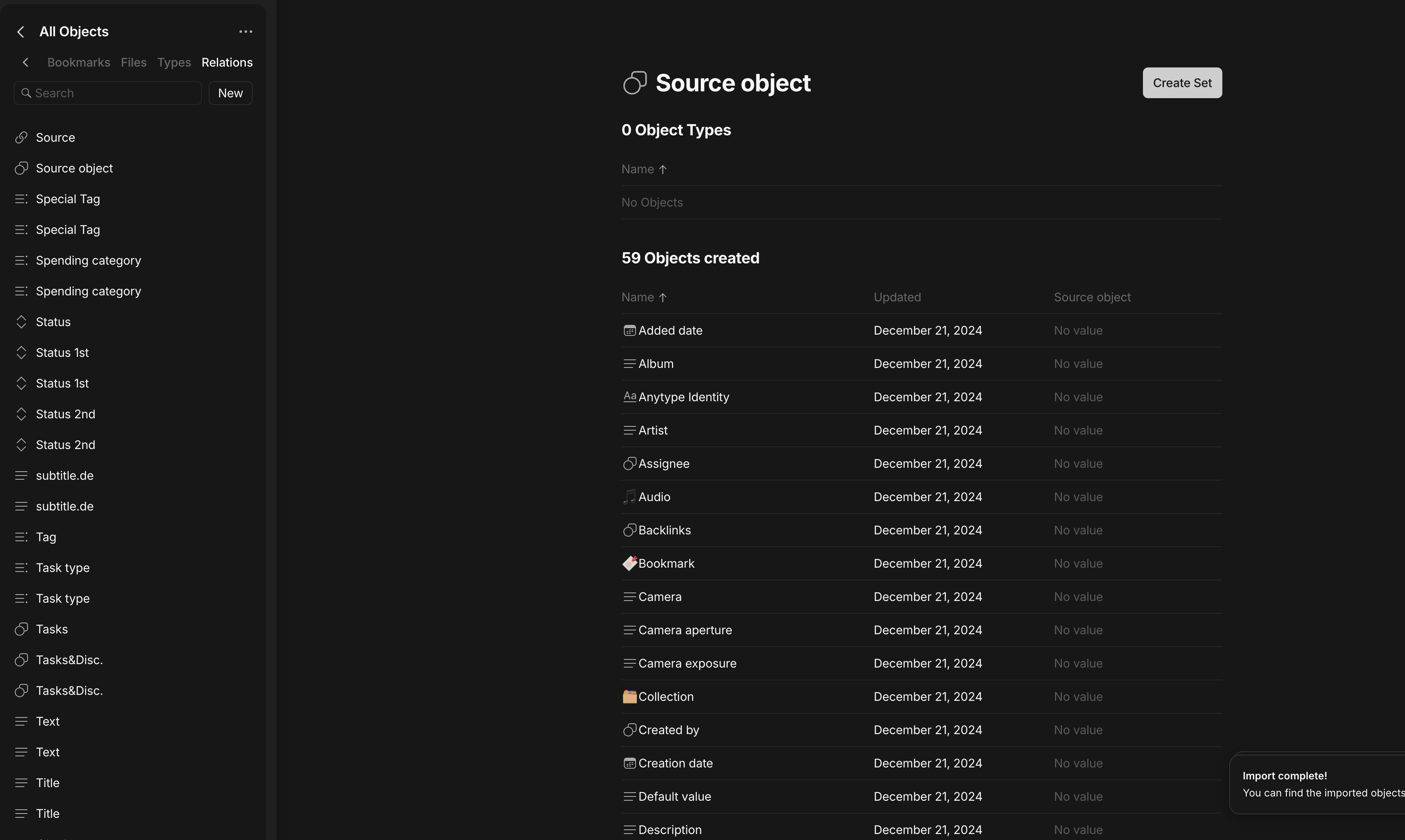
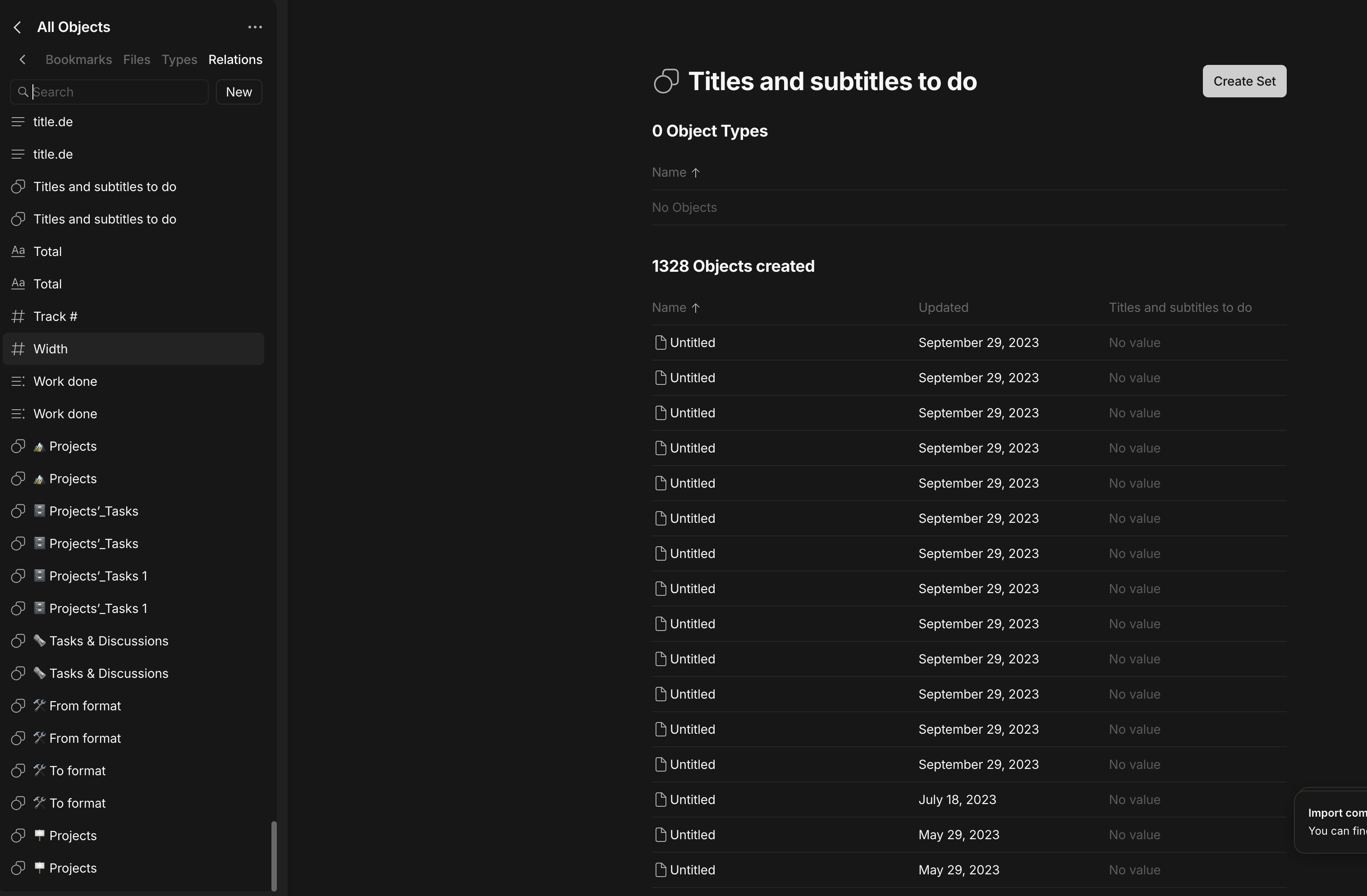
At the end of the process I get the following image but the database in Anytype is nowhere to be seen. As the data screenshot shows, something has been imported.
How To Reproduce It
Import from Notion
Wait until process complete
Look for the database
The Expected Behavior
One should see the db
Device
Mac mini m1
OS
15.2 (24C101)
Anytype Version
0.44.0
Network Mode
I guess selfhosted but I do not know
Technical Information
OS version: darwin arm64 15.2.0
App version: 0.44.0
Build number: build on 2024-12-16 16:53:50 +0000 UTC at #c04d64d52304c0fe8800032e74e49a7159abdbad (dirty)
Library version: v0.38.7
Anytype Identity: A612cWfFKjs2mKiAJJQfUfaLuw7FBTEFtrk7JgriR1QMN4y2
Analytics ID: Ma6Y2rhMUFyMid9ybCXiQnGaaWk3H2HUXU5AqarjKn1jA6oq
Device ID: 12D3KooWHLsCmBhCWsJ9AcAmbCPFp7uGx2MPowEvJSMY3mVNPW5r
At the end of the process I get the following image but the database in Anytype is nowhere to be seen. As the data screenshot shows, something has been imported.
Were you perhaps intending to share some screenshots?
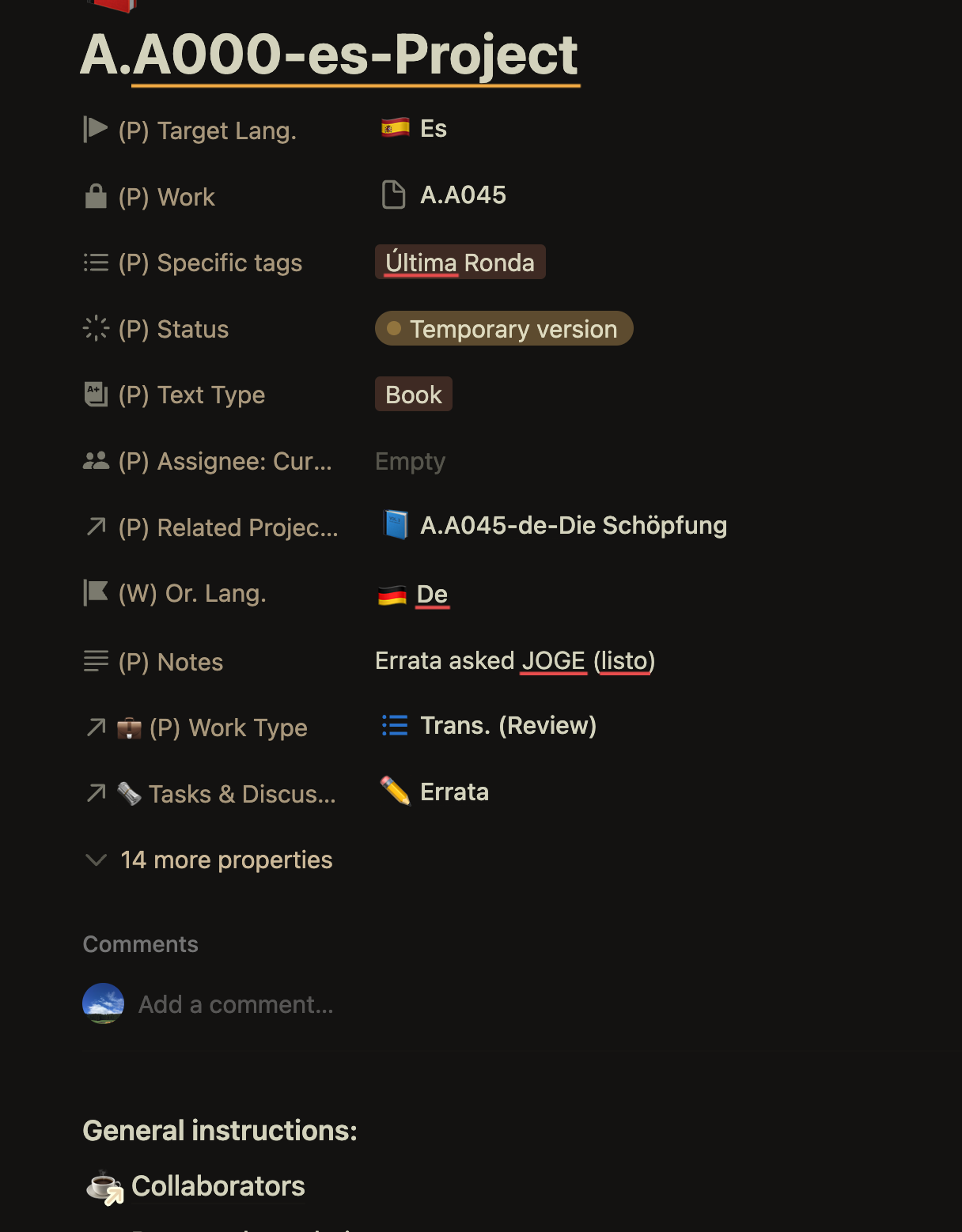
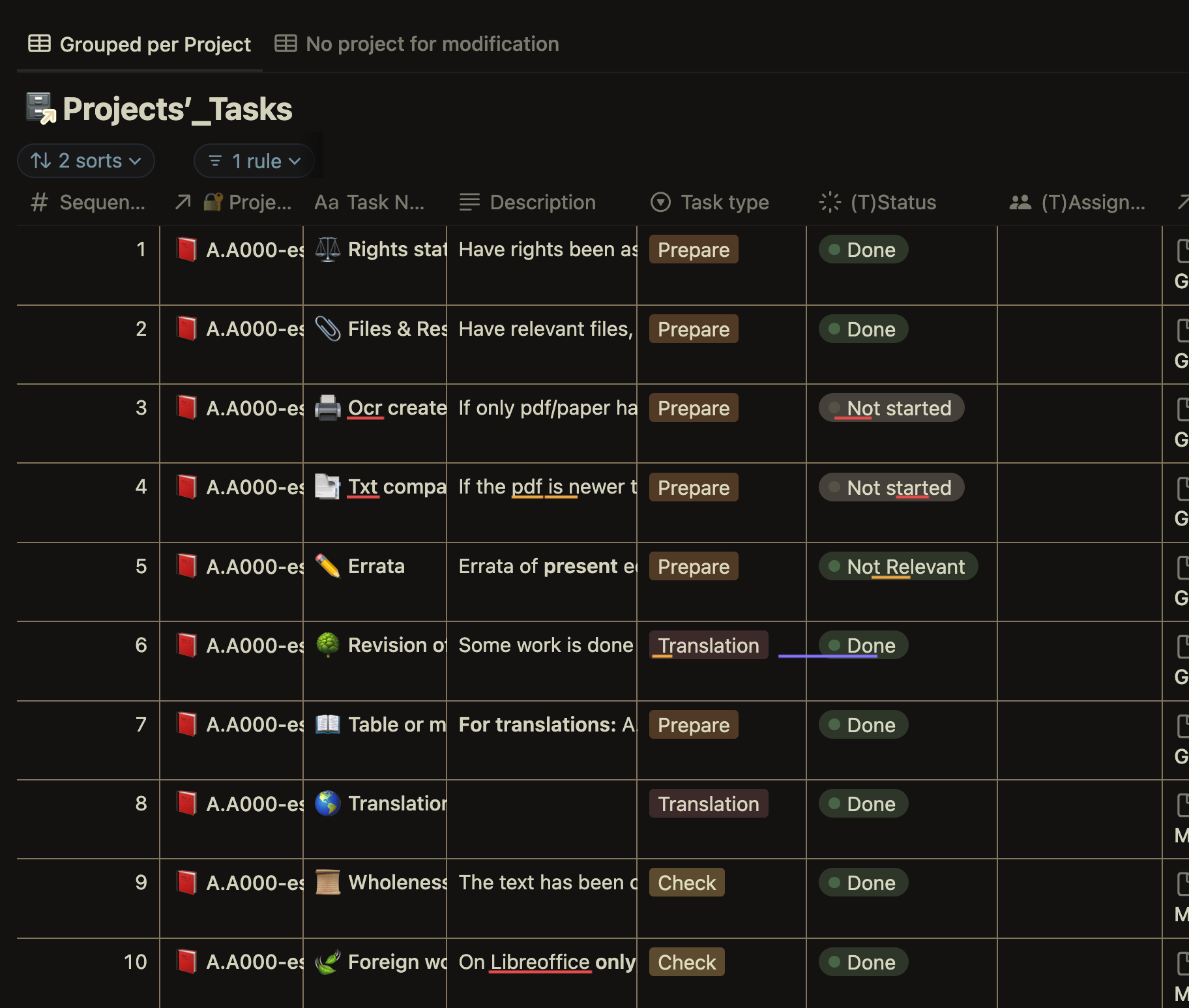
Actually I could understand that this feature is not available yet, however I guess that if all the relations of my tasks were present I could make a filter grouping project tasks under a single project.
Would you deem this realistic?
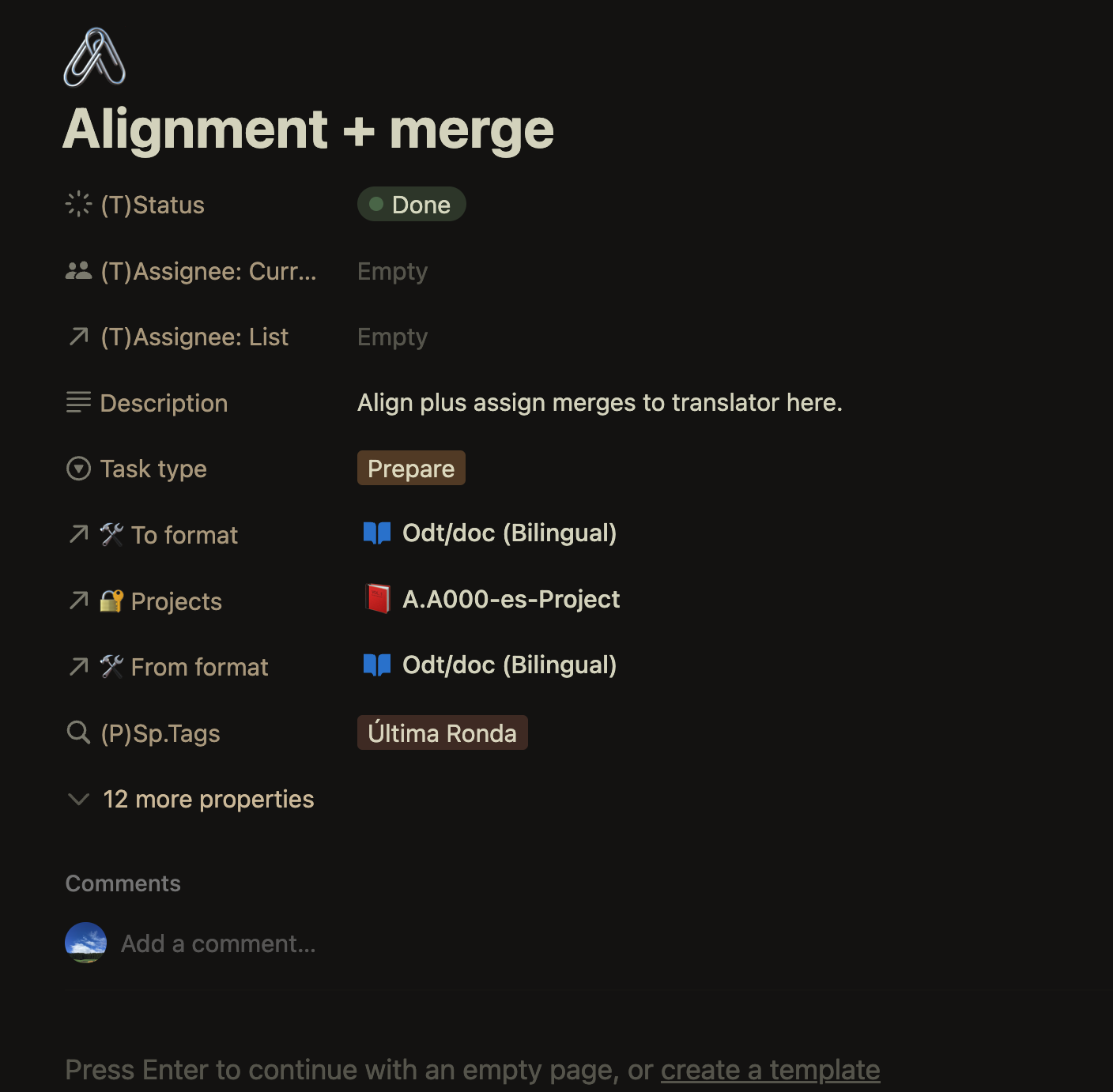
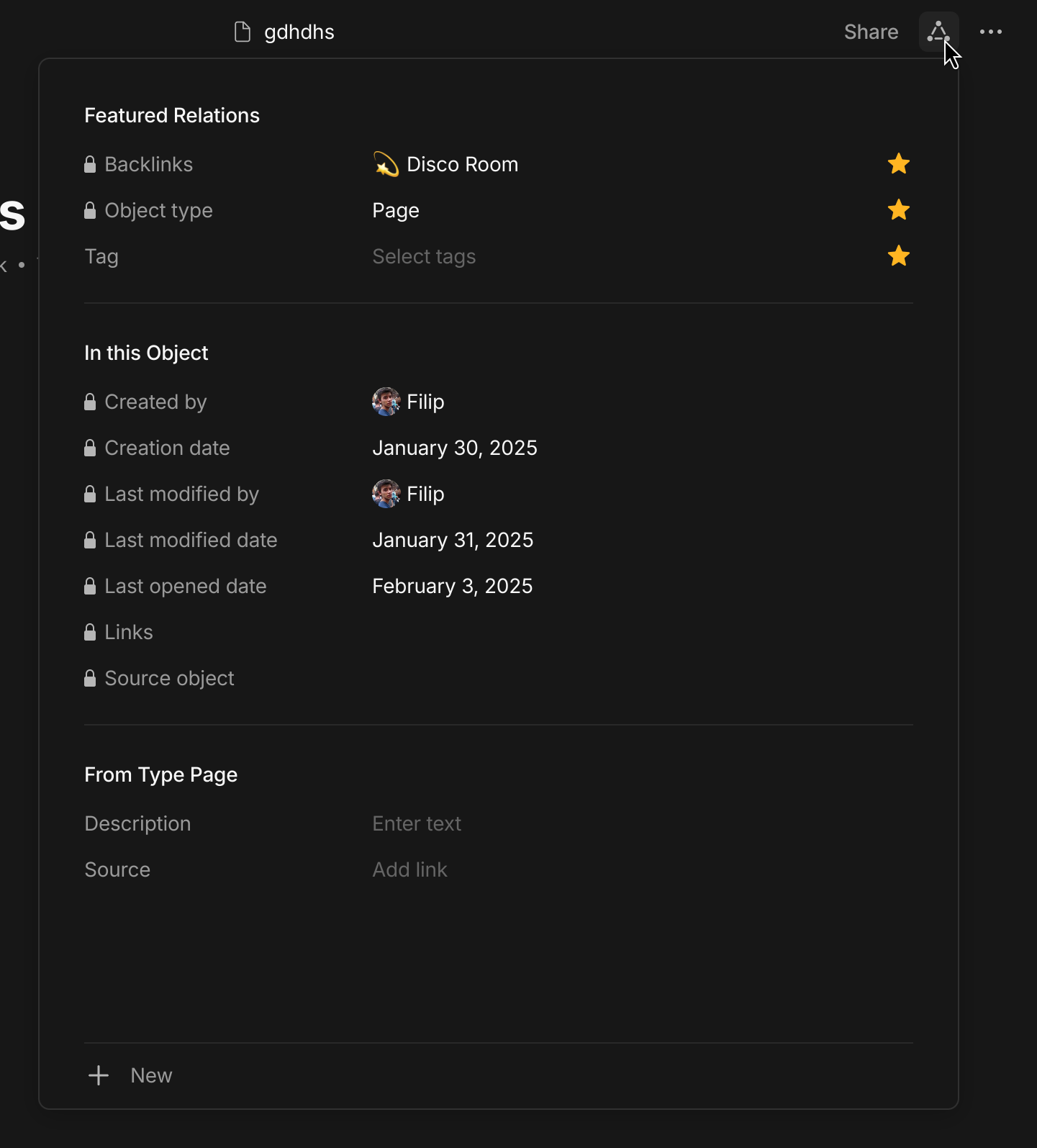
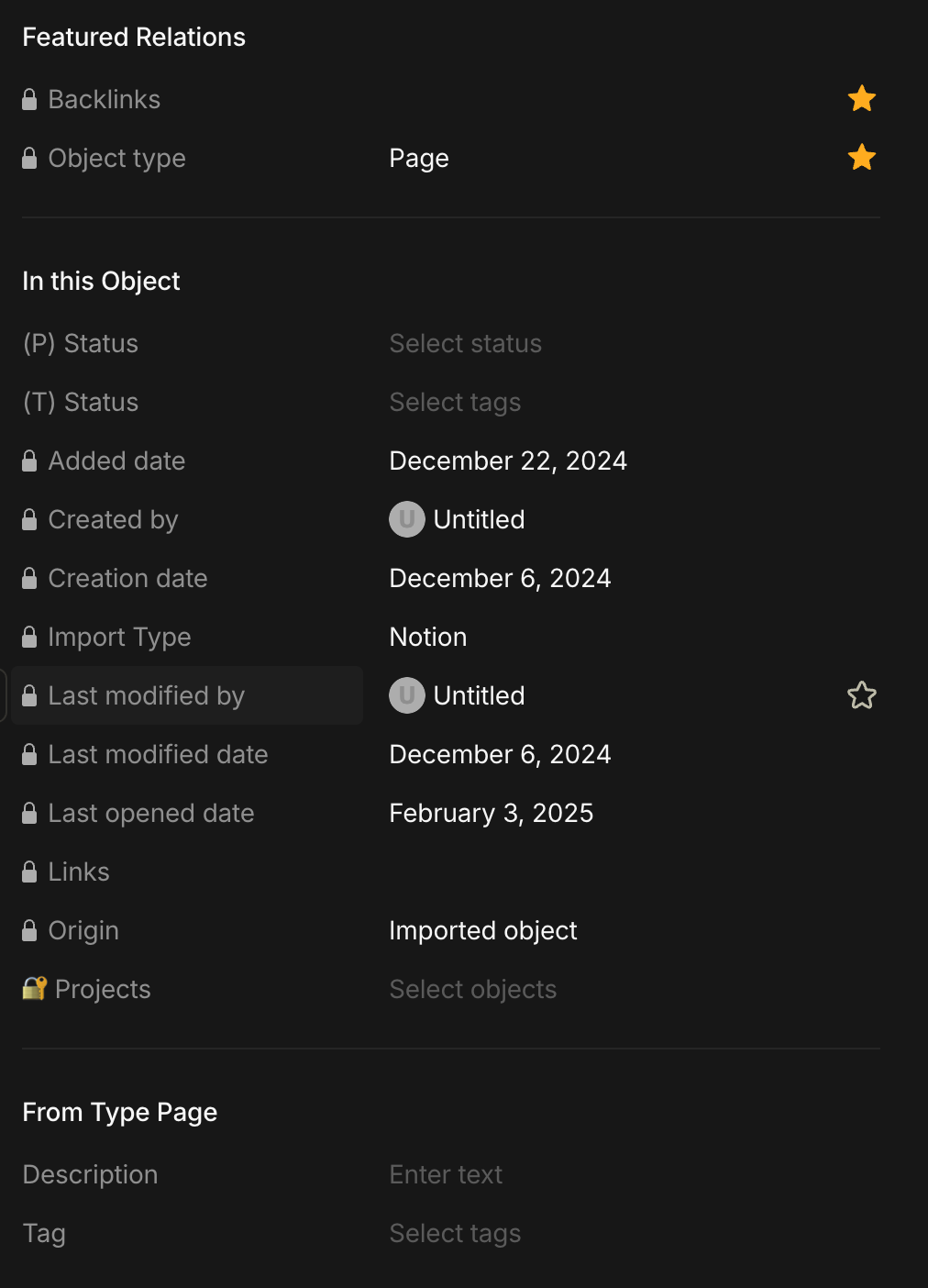
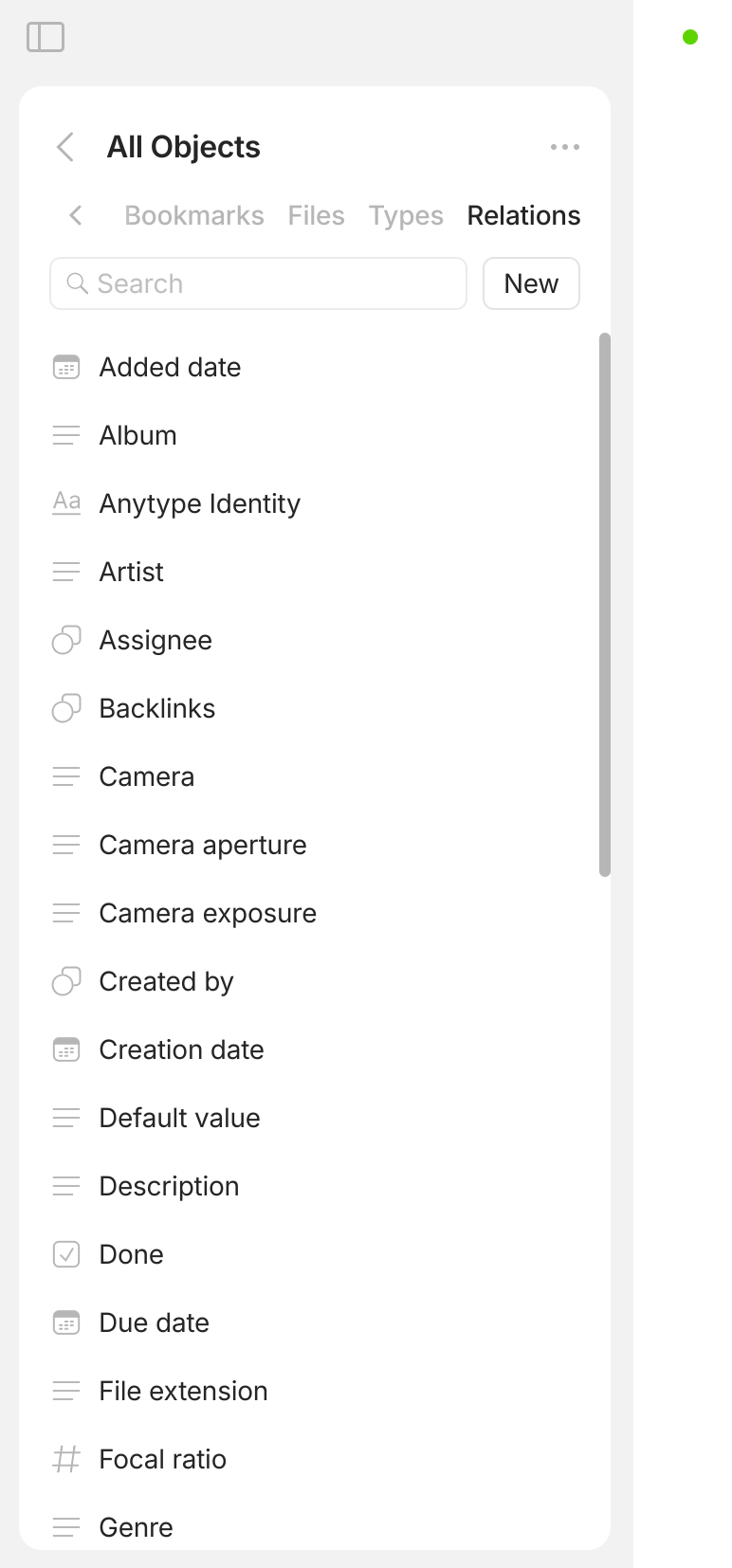
But after opening the button you suggested on the top right, I cannot see all the properties that should be there (around 20) but only:
How exactly did you import all of these from Notion?
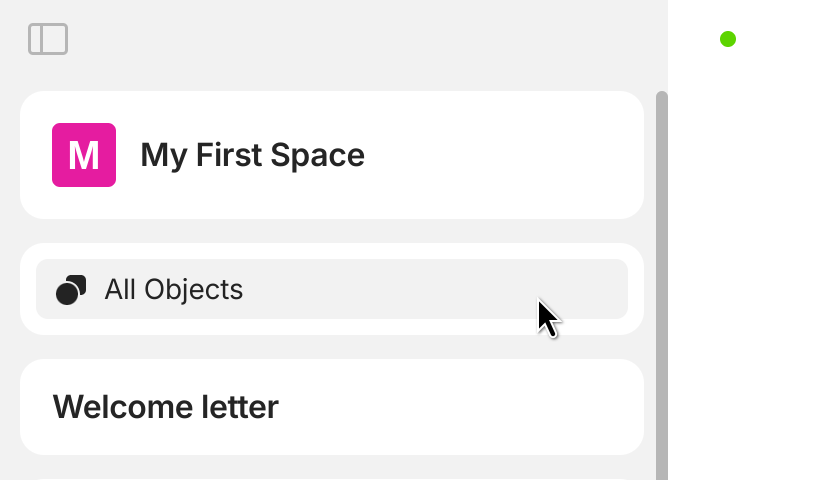
Could you please open your All Objects and check which Notion properties were imported properly, and which weren’t? It would be great if you shared a screenshot of this section as well.
Hi @Filip thanks again!
About your first question: I followed the instructions under File > import to Space > Notion > (followed the step by step guide) and entered the integration token
So, if you open the (T) Status and Projects relations in Anytype, do any objects show up there? It might just be that some of the objects weren’t imported correctly.