What do you need help with?
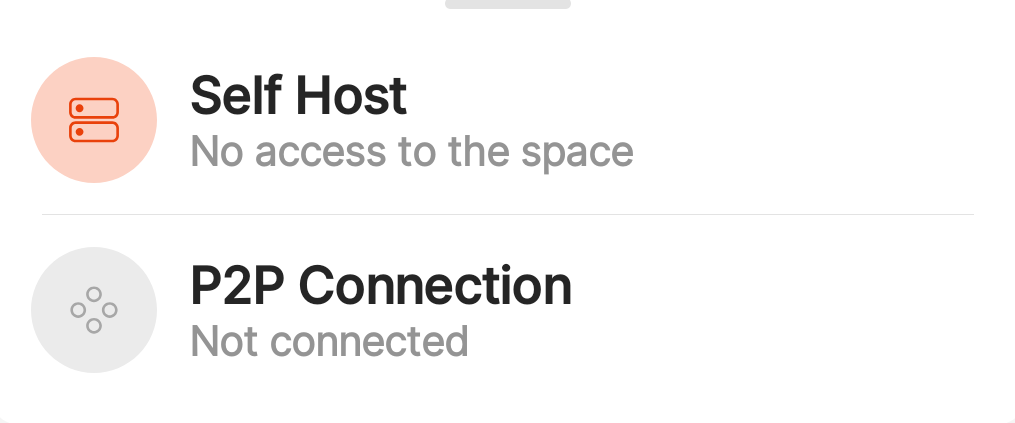
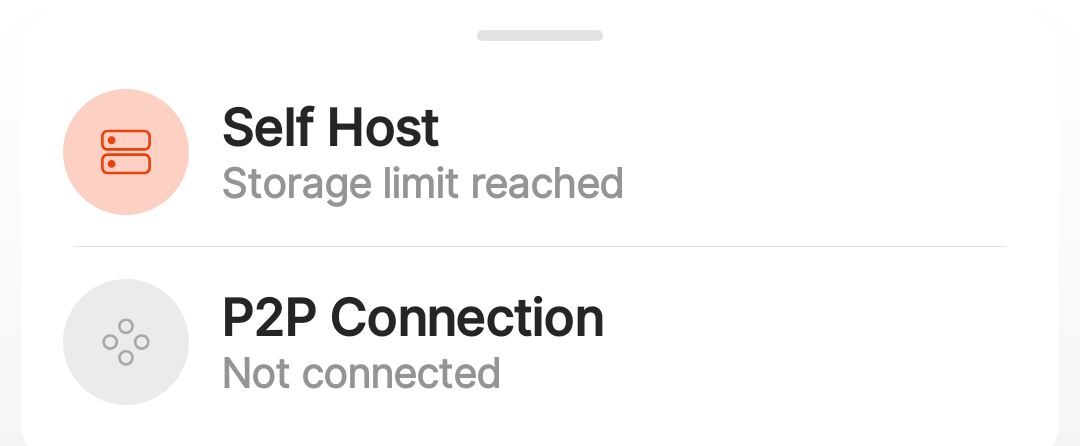
Getting two new errors on Android when connecting to self-hosted anytype instance.
- “Storage Limit Reached”
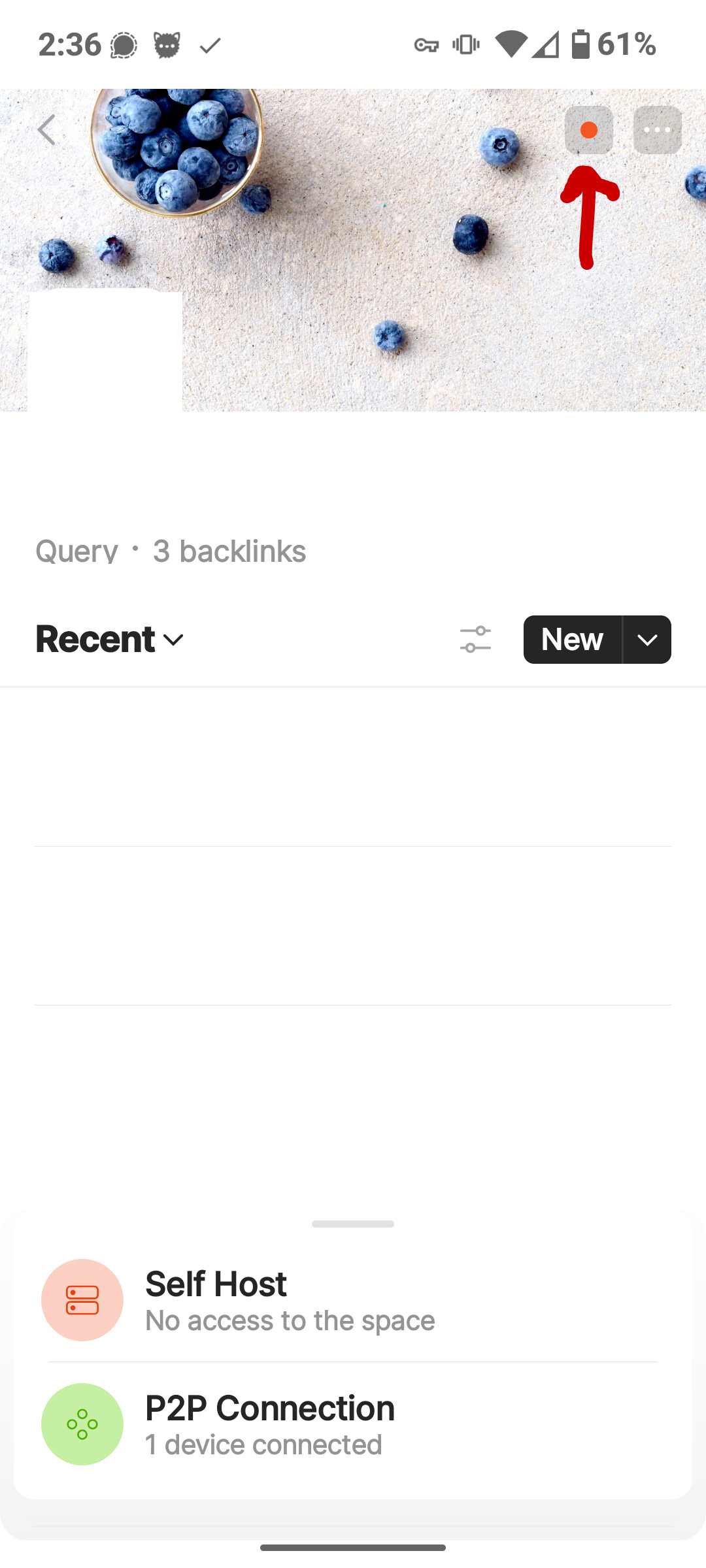
- “No access to the space”
Additional Context
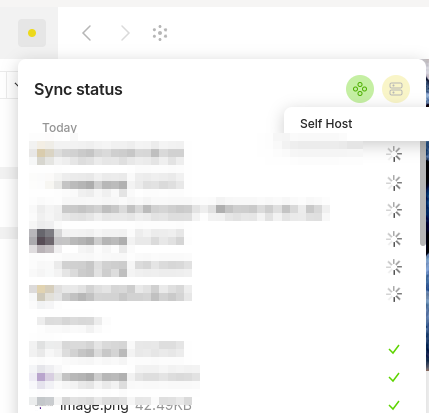
- Desktop client works fine.
- Android app showing errors referenced above.
I’ve been running anytype successfully for ~4 months and suddenly (starting just a couple days ago) my Android app is showing errors that sound like they’re space related but I have plenty of space on the server. Besides, if there were truly a space issue then the desktop client would have the same issue, but it doesn’t.
EDIT: Android currently has 64 GB free so that’s not the issue.
At first, it was showing the error but notes continued to sync. After another day or two all note syncing stopped working.
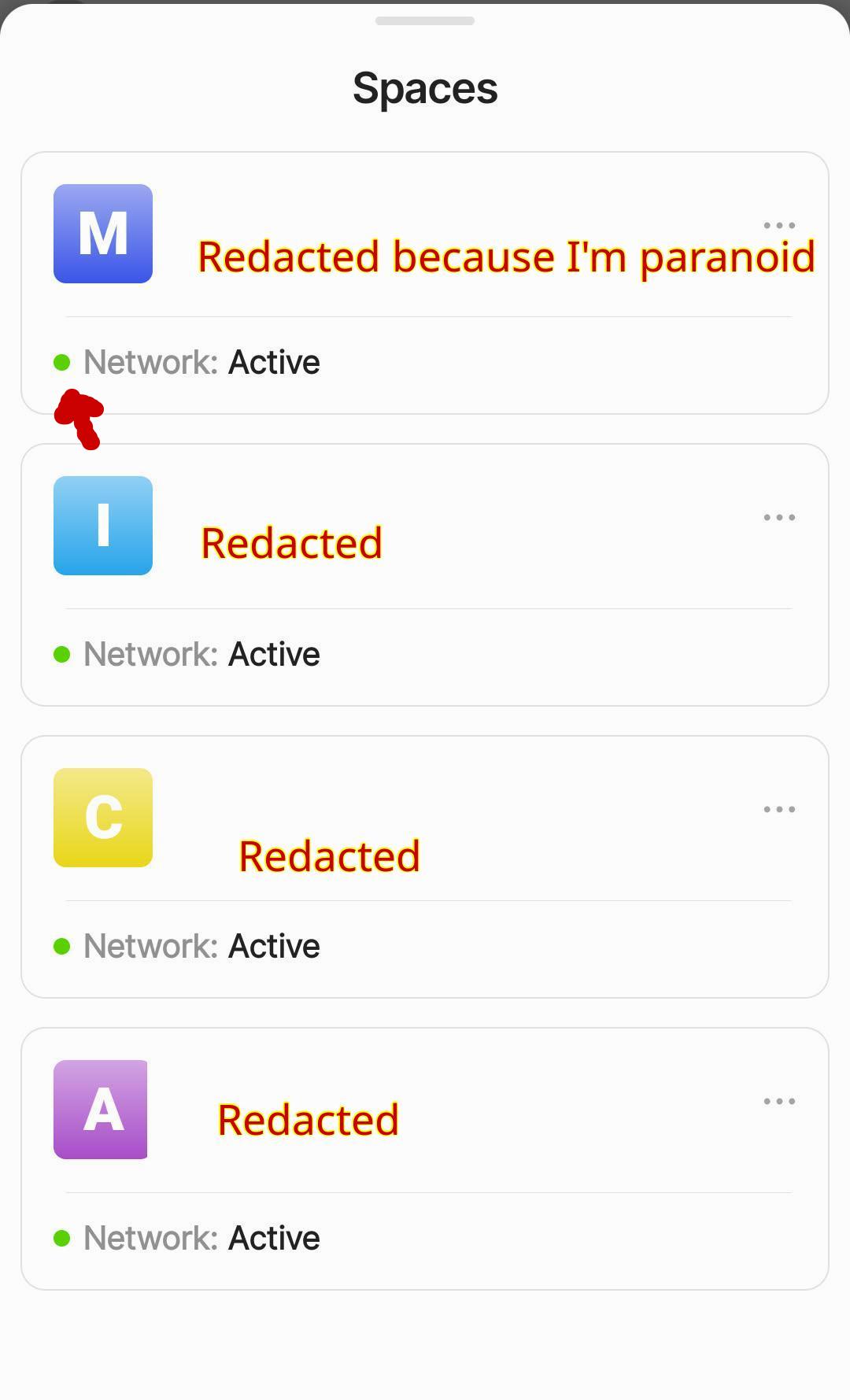
On the “Spaces” section of the android app it shows a green dot with “Network: Active” on all spaces.
Within any Space the status dot is red and syncing fails to work.
Attempted Fixes That Failed
- Clearing the Android cache and then uninstalling and reinstalling
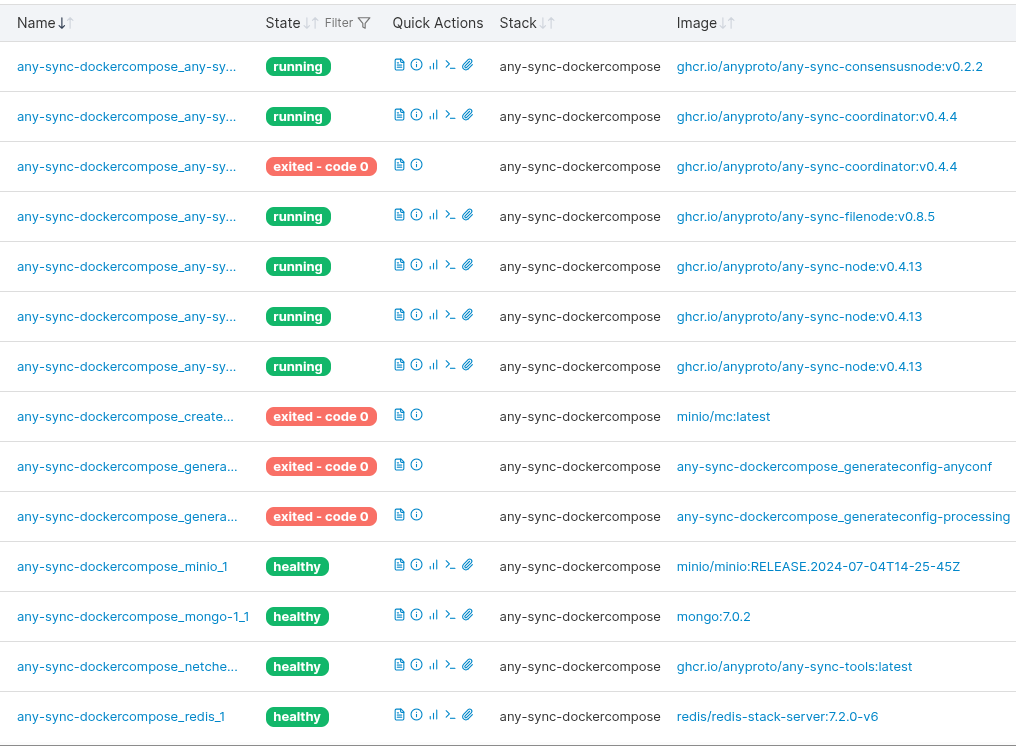
- Restarting the Docker containers
- Rebooting router
- Rebooting server
- Disconnecting VPN on phone
- Connecting locally (within home network)
None of these attempts made any difference so I’m stuck.
Image or Video
OS
Android 15
Anytype Version
v0.4.13
Network Mode
Self-hosted
Technical Information
Device: Pixel 7 Google
Android version: 35
App version: 0.38.20
Build number: 3820
Library version: 0.41.0-rc16
Account ID: A77MpfZu95caHDfRuRnZFtyJkhLGf7AHvYDnfBtEuWgUHdZx
Device ID: 12D3KooWFpQiLFynRFRT6M6ane4agkLc314dYQxAqNQQKjR1FqKL
Analytics ID: MeqcX9y9GCQeLUS4jiTWRqcZYwVrfzzm6sqJep61Cbd4dybC
Ethereum key ID: 0x271C22b5bAe9E0838a91f9a65d4Ca272C3Edd263