Hi! I need help recovering my local-only Anytype account.
Additional Context
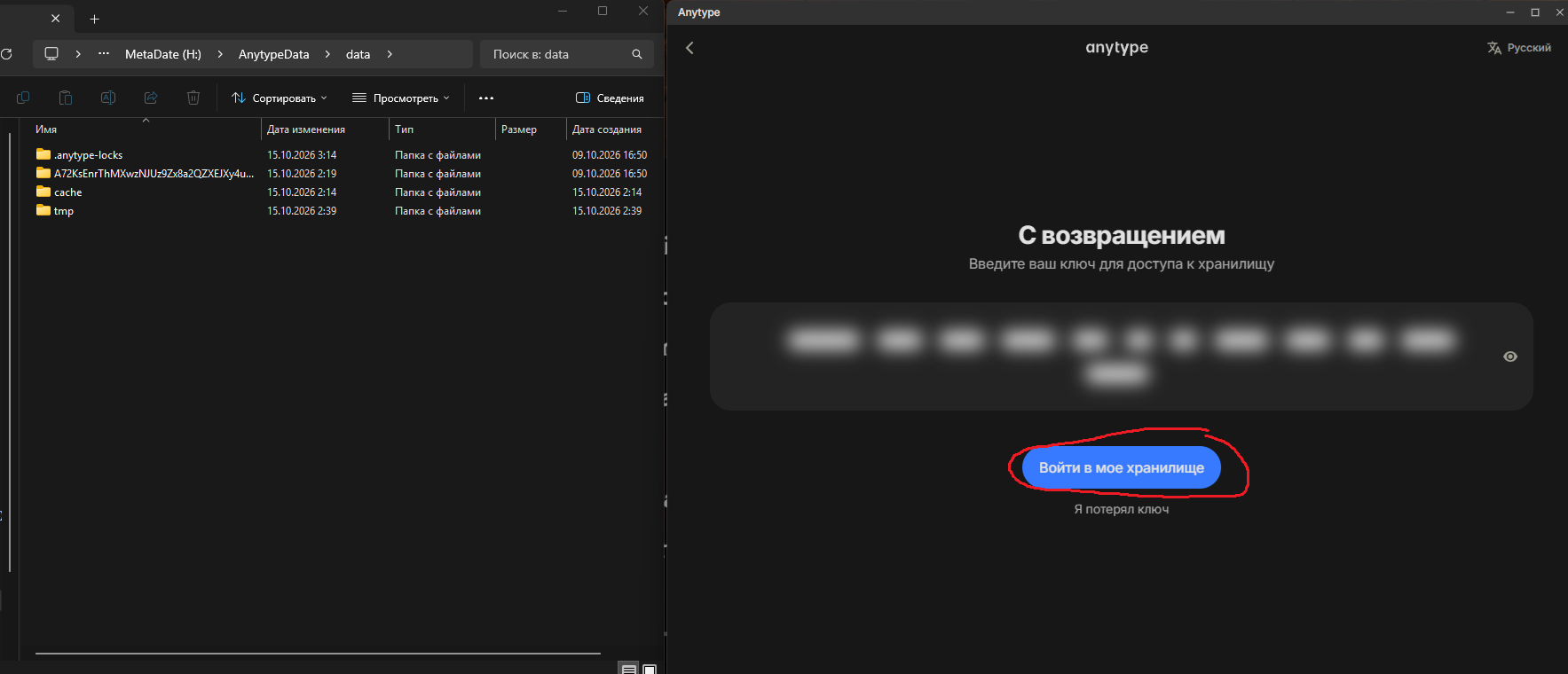
I was using Anytype v0.57.4 on Windows. After moving my Anytype data folder to another drive and moving it back (with the app fully closed), Anytype started showing the onboarding screen as if I were a new user.
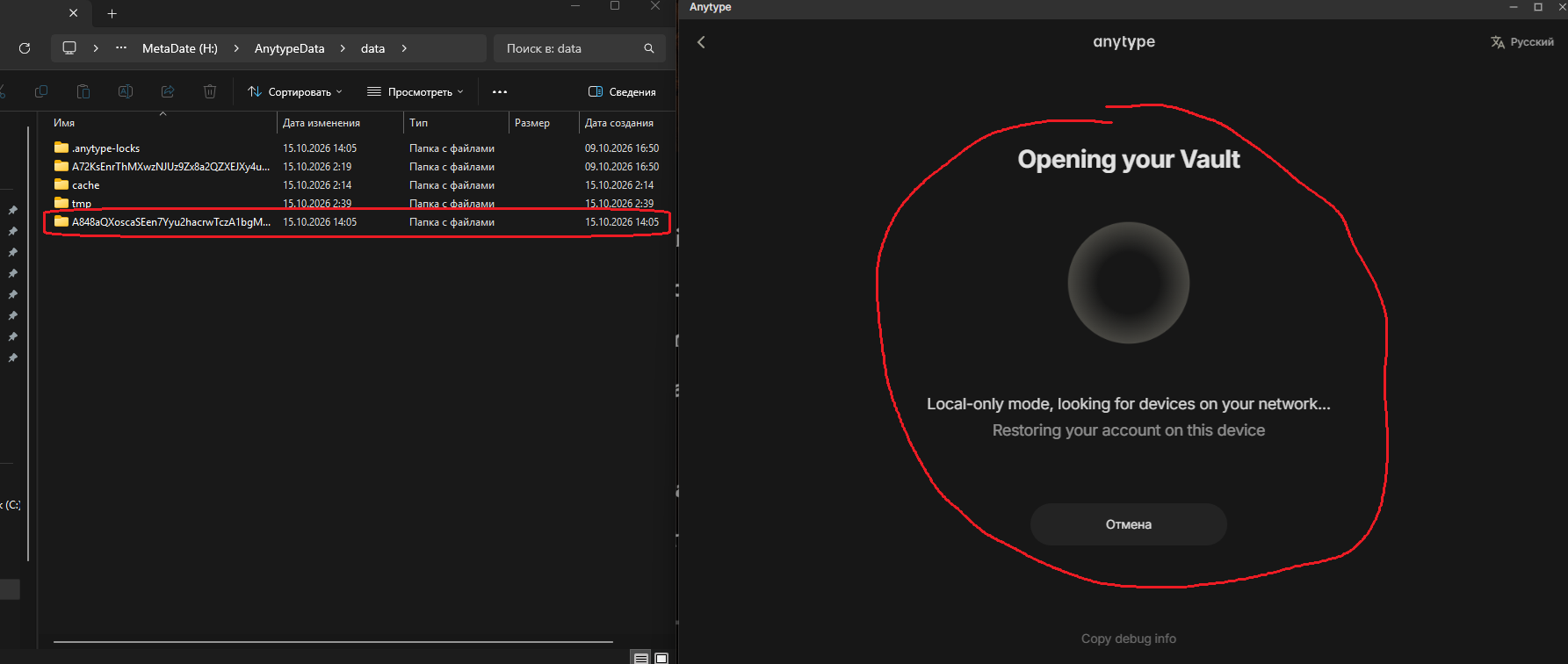
I still have my 12-word recovery phrase and the original data folder (~350 MB). However, when I select “I already have a Key” and enter my phrase, the app gets stuck on “Restoring your account on this device” / “Looking for devices on your network…”.
I have no other devices with this account. The original data files are still present, and I’ve made a backup.
Could anyone help me recover the account or troubleshoot why restoration is stuck? Thanks!
OS
windows 11
Anytype Version
Anytype v0.57.4
Network Mode
only local
Technical Information
Версия ОС: win32 x64 10.0.26200
Версия приложения: 0.57.4
Номер сборки: build on 2026-10-03 10:10:03 +0000 UTC at #f1874d96e1d079d4628d81d55dc536a185d50250
Версия библиотеки: v0.51.5
Some background from the local-only docs that may explain the “Looking for devices on your network…” screen: in local-only mode there’s no backup node, and syncing between devices only works over the same local network. So when you enter your Key on what looks like a fresh install, the app appears to be waiting for another device on your network to restore from, and with no other device there’s nothing for it to find.
Things to try, keeping your backup copy untouched:
Check the network setting on the onboarding screen. Click the gear icon in the top-right of the onboarding screen and make sure “Network” is set to “Local-only” (then Save) before entering your Key. Moving the data folder may have reset the app’s settings, and logging in with a different network setting may not match your local data.
Double-check the folder location. This isn’t from the docs, but it’s worth confirming the folder is back at exactly the original path and name, with the app fully closed while you move it, since the app showing onboarding suggests it isn’t finding your existing data.
Work from a copy. Try any restore attempts against a copy of your ~350 MB folder, not the only one you have.
To be upfront: the docs say Anytype can’t help recover data in local-only mode and point people to the community forum for recovery methods, so someone who has restored a local-only vault before may be able to say more. Posting the exact folder path before and after the move would help them.
Where did you move your Anytype folder into when you say ‘another drive’? We have a section in our documentation that explicitly explains why it should not be moved, particularly into network drives. Sync & Backup | Anytype Docs
May I ask why you moved these folders between your two local drives? During that period, what activity/actions were performed?
Did you export a backup of your spaces before conducting this? If you did, your fastest solution would be to just import it into a new vault since you’re a local-only user.
I wanted to transfer AnytypeData to another disk Y, but Anytype didn’t work there on disk Y, I transferred it back to disk H and it didn’t work on disk H anymore.
I’ve added this to our tracker, hopefully a dev on the team has the bandwidth to resolve this issue, but hopefully somebody else in the community can chime in if they’ve went through a similar issue.
When you initially moved your data to the other drive, were you able to login to your Anytype account?
Was there a new database file created in the original location when you moved your data?
Did you already share your debug information?
If you remove the transferred data from your data folder, can you login again?
If I had to guess, it looks like your account might have tried creating a new database in your original drive, and is now getting confused that there are two folders with conflicting data there. If you can login without the original data folder there, you should be able to change your data location in your account settings to a COPY of your original data folder, and that might load all your data into your graph. Mind you this is somewhat speculative so feel free to wait for a dev if you think that’s best.
when I transferred the data to another drive, I couldn’t log in to the account.
I find it difficult to answer, but I tried to create new databases and they were empty (fresh) and my database was not working.
how to do it?
if I delete the data, I just have a database created, I can’t log in.
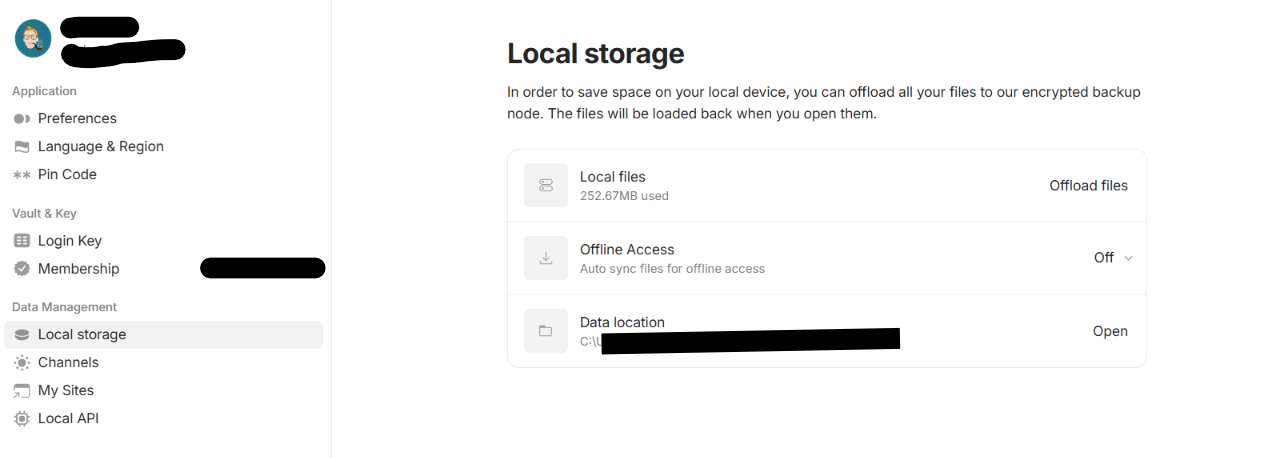
I can log in without using the original data folder, I’m trying to change the location of the data in my account settings to a copy of the original data folder, and I have a choice:
Click the “This is my first time here” button and create a new database
Click the “I already have a key” button, enter the key and log in to the download I wrote about above
In your opening vault picture, there’s a copy debug information button below the loading graphic.
Unfortunately this is probably an issue that the devs will have to step in to solve.
In the meantime, you might try to create a new database using the “This is my first time here” button, then later redirecting your data folder to a copy of your existing data. I doubt that will work without corrupting your data (hence using a copy) but it might be worth a try so you can at least access your data in the meantime.
Since it’s a locally saved account, it’s not like you’re losing a name reserved on the Anytype network by creating a new vault.
Nope,
The local encryption is one of the main selling points of anytype.
To be honest if you’re looking for a local, unencrypted, portable PKM, then another software like Obsidian might be a better fit for you. It you want it to still be a database, instead of md files, then maybe something like siyuan or trillium notes.
Also, I tried playing around with setting to a local network/ changing the data to see if there was a way to import, and I was unable to. Claude Opus looked at my test data and thought maybe there was an issue with the lock file. This is what it suggested: “Leftover lock file. Newer versions keep .anytype-locks\<accountID>.lock and .owner.json, which record the process ID that holds the account. Your copy has one marked "state": "holding". If one was copied while Anytype was running, or a background anytypeHelper.exe is still running, the app can think the account is in use. Fix: quit Anytype, end any anytypeHelper.exe in Task Manager, then rename the .anytype-locks folder to something like .anytype-locks.old.”
I imagine that devs would want your debug file too if there’s any help they can offer. Unfortunately since I don’t use local-only, this is the end of my knowledge.