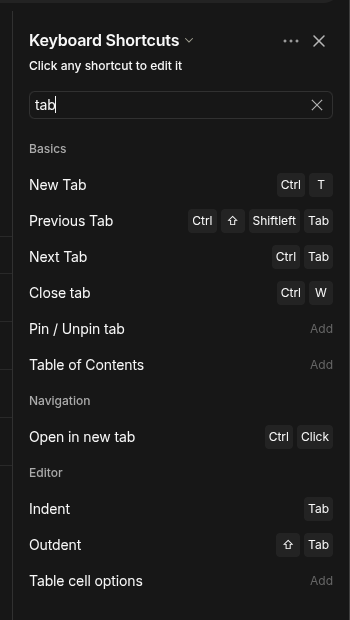
Seems like this is a holdover from when tabs didn’t exist; Ctrl + Tab changes spaces, where I’d expect it to change tabs like in a standard web browser. Same for Ctrl + Shift + Tab
HOW COULD IT BE DONE?
Make the default behavior, or add a setting so you can make Ctrl + Tab and Ctrl + Shift + Tab switch tabs instead of switching between spaces.
REAL WORLD USE CASES
Keyboard shortcuts are much more convenient then mouse navigation once you get used to it. If I want to write something, while looking at a reference document, using Ctrl + Tab to quickly flick between tabs would be very useful.
RECOMMENDED ALTERNATIVES
Mouse navigation between tabs; very inconvenient for speed.
ADDITIONAL CONTEXT
Ctrl + number key also changes between spaces. Personally, I never use Ctrl + number key to navgiate between tabs anywhere, but it’d probably be good for consistency to have that navigate between tabs too, if Ctrl + Tab is also set to switch between tabs. Might help for accessibility? Not sure
I think it’d still be more intuitive to have it the default, but thanks.
Also, it doesn’t solve being able to switch to a tab using Ctrl + number since that’s not a remapping option
Could you share a video of the issue and the version of the app you are using? Could you also share screenshots of your shortcuts menu? Have you tried other options and did they work?
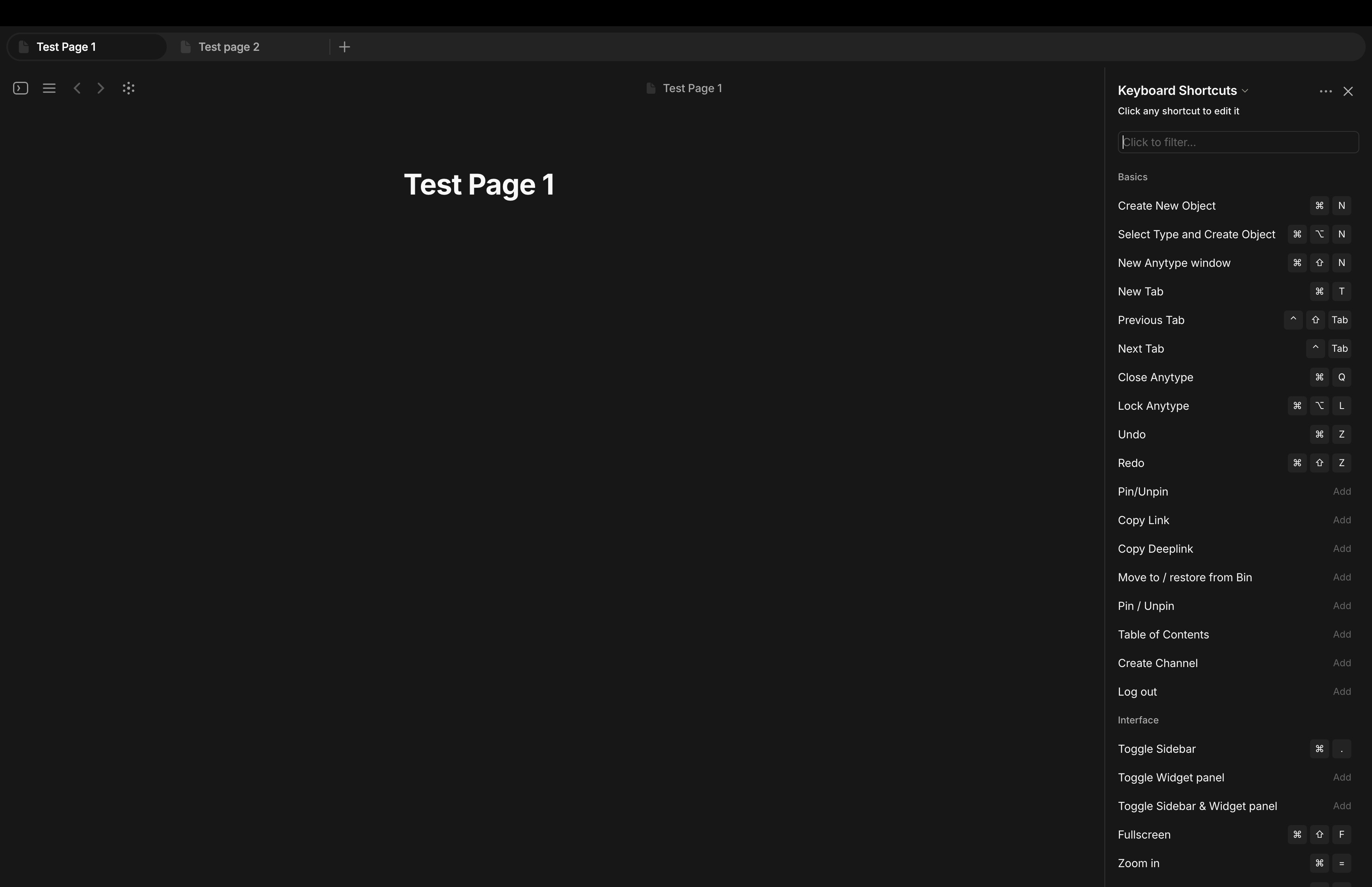
I have included the screenshot with shortcuts. Not included video as I have no way to show the keys I am pressing, but I was pressing them, and it didn’t work. I am on the latest 0.54.11 version on an M2 chip MacBook running the latest macOS.
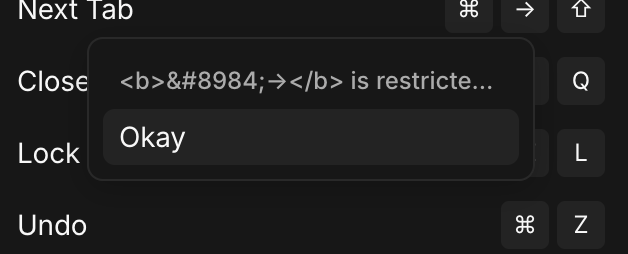
I have removed the key bindings for next and previous space, as that is not useful for me. But if I remember correctly, when I reassigned the keys, I got some error similar to screenshot 2 (these are not the same keys, but the error was similar to this), and I clicked reassign this key binding to current shortcut. I have assigned the command + right arrow to go to the end of the line.
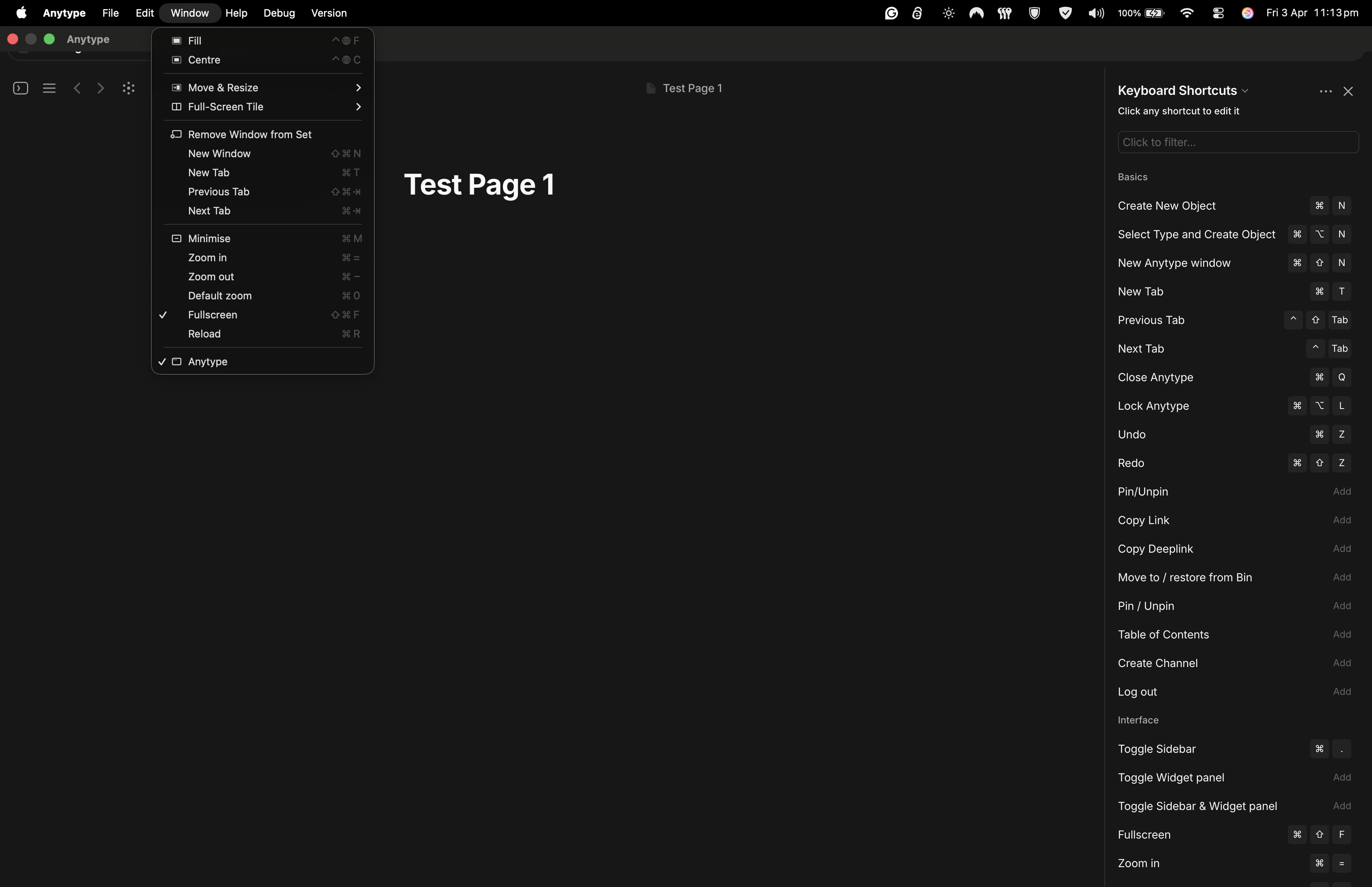
In the 3rd screenshot, you can see the window menu is still showing the old key binding, which no longer works.
I’m encountering the same issue as kishan. Reassigned my “Next Tab” and “Previous Tab” shortcuts to Ctrl + Tab and Ctrl + Shift + Tab respectively and they don’t work. I’m also on MacOS, MacBook Air M5, version 0.55.5