WHAT IS THE BUG
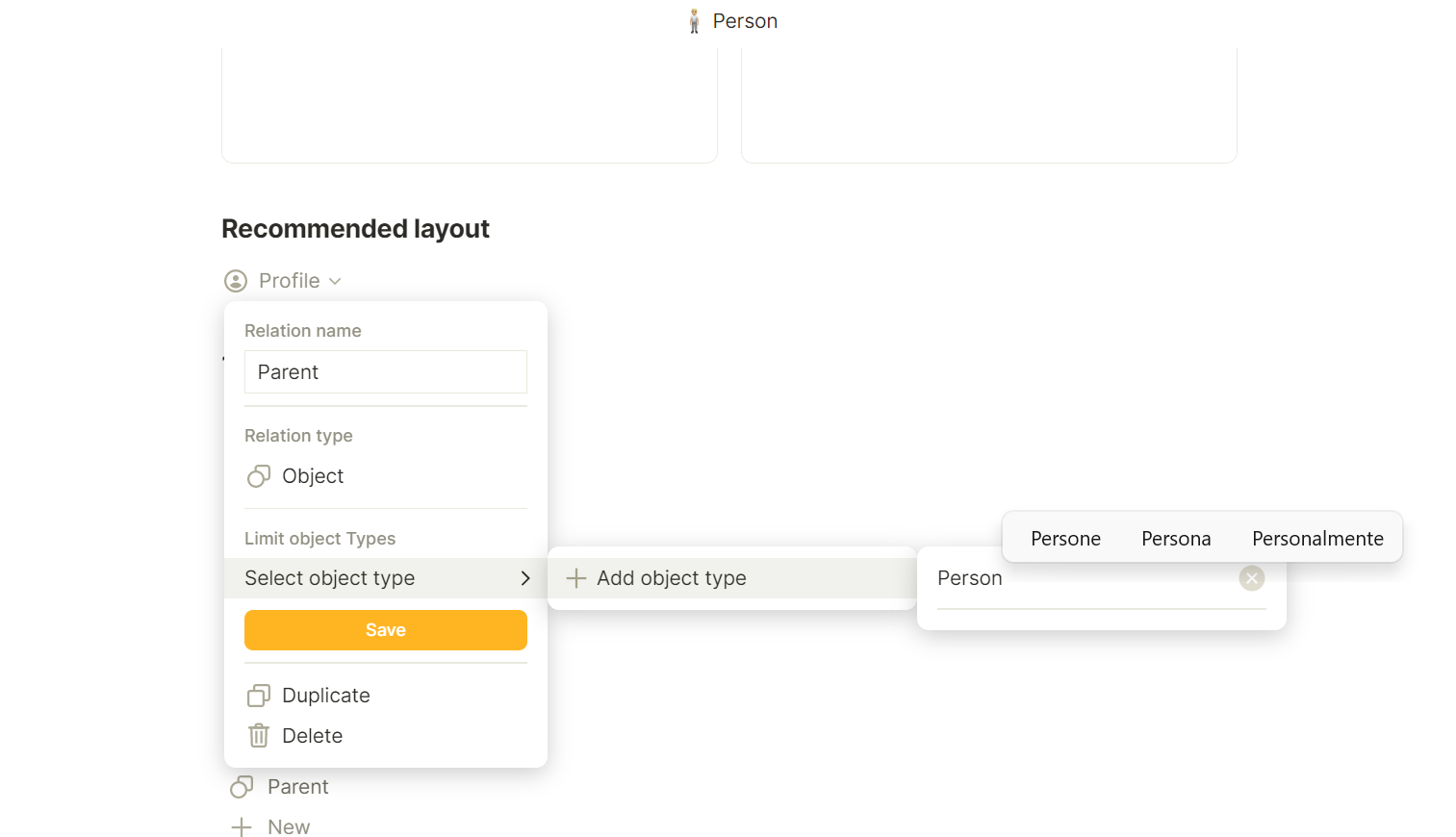
Cannot select any object type from the “Limit object Types” menu of a relation.
HOW TO REPRODUCE IT
- Open a type
- Add an object relation
- Open the “Limit object Types” menu “Select object type” (shouldn’t it be “Select object Types”?)
- Try to add any object
THE EXPECTED BEHAVIOR
The menu should show created and default objects.
SYSTEM INFORMATIONS
- OS: Windows 11
- Device: HP Envy 13
- Anytype Version: 0.28.0 & 0.28.13-beta
ADDITIONAL CONTEXT
As shown in the image I tried searching and it doesn’t work that way too.
UPDATE: happens in 0.28.0 too