Over 6 months ago, I had played around with Anytype and created a space dedicated to journaling by installing “Daily Journal” from the Gallery.
I haven’t really used Anytype since then and am now resurrecting my efforts. However, I’ve now decided that I’d prefer my daily journal to be part of my personal space rather than it being in a separate space. Since I’m unable to move the journal stuff to a new space, I decided to try to recreate the journal feature from scratch to help me learn Anytype. I’ve been able to largely replicate things but am pulling my hair out trying to get some basic things to work.
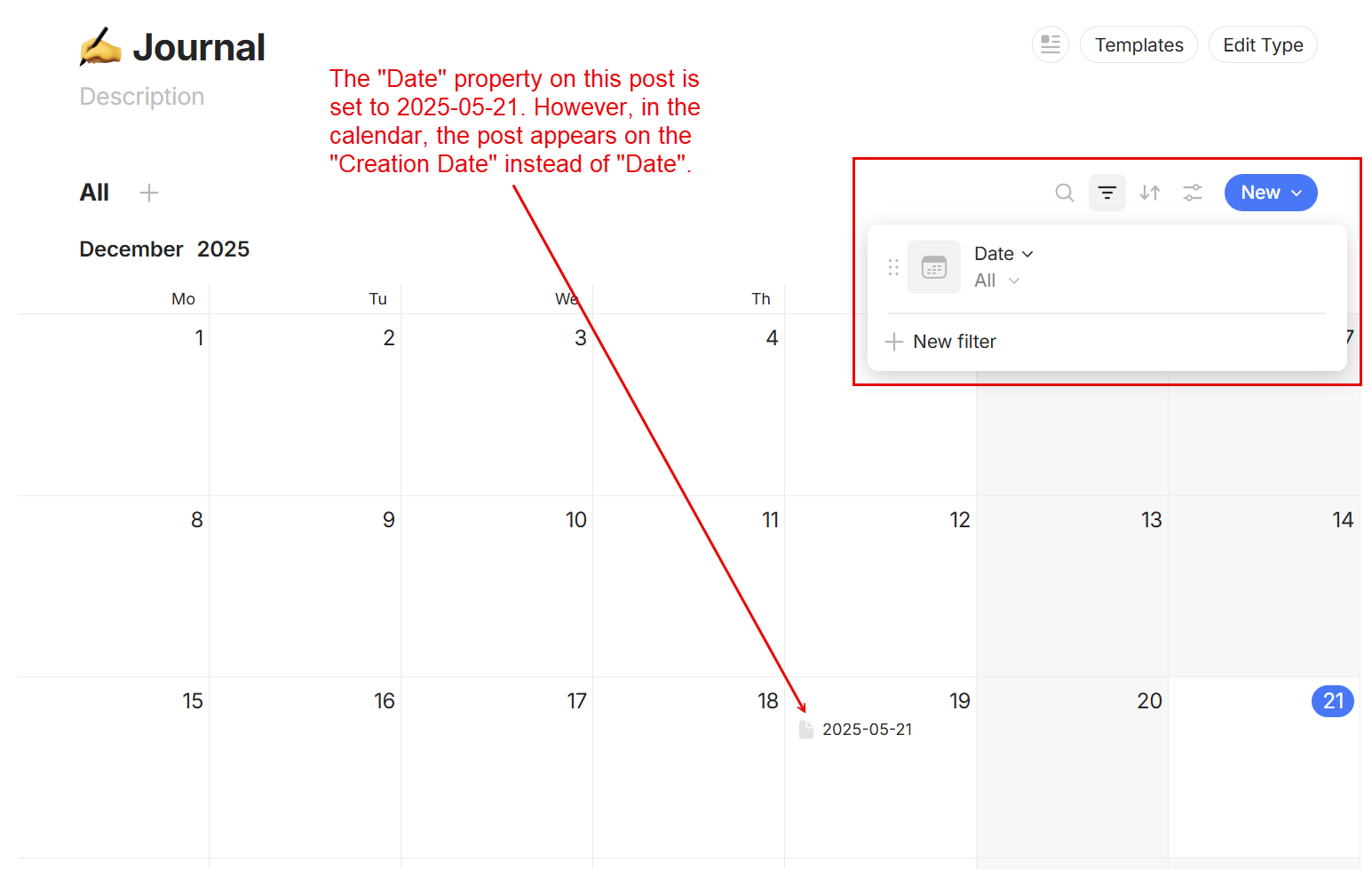
Since I want to backdate some entries, I created a new property called Date. I’ve set my objects (Journal Entry) page to calendar view and added a filter for Date. My journal entry has Date set to May 21, 2025 (which is of course different from the Creation Date). However, the entry continues to show up on today’s date and not the backdate (the Date property).
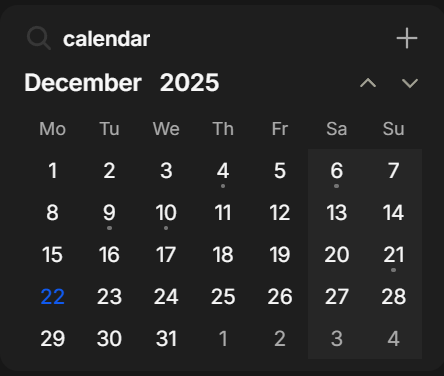
In addition, I noticed that with my old journal (the one installed over 6 months ago), I can hover over each date and a plus sign would appear enabling me to create an entry for that date. I can’t for the life of me figure out how to get the plus sign to appear on the new journal. The plus sign only appears for today’s date. Even if I freshly download Daily Journal from the Gallery, the plus sign only appears for today’s date.
OS
Windows 11
Anytype Version
0.52.4
Network Mode
Local only
Technical Information
OS version: win32 x64 10.0.26100
App version: 0.52.4
Build number: build on 2025-12-11 18:17:31 +0000 UTC at #baeee76122f0570bb9a18fbc6c688f12d272ccb6
Library version: v0.44.0-nightly.20251212.1
Anytype Identity: A78B3MVig8uSmwST2CwXaXsF7mGdz3yubThHNELueYPJ6UyN
Analytics ID: MbgFekFMR5gmwv38iYeb4Hk9XX4Wy5fxUmLaS8QmdRmi41KB
Device ID: 12D3KooWBjQJ8C7aJXs9gNoqJdfbp5GptW81tmUBqdvVz6WEyj5M
Ethereum Address: 0x408Df0d70cd13ae2Ba7aFD802F1B5A8a9e3B4BCc
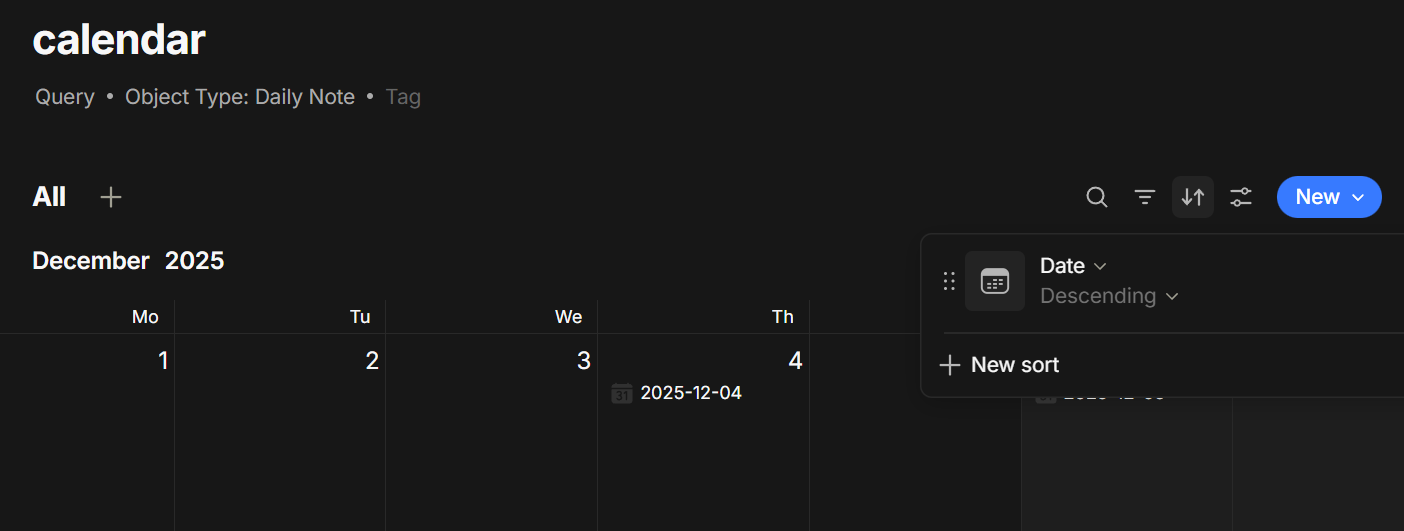
That’s exactly how I’d expect Anytype to work but at least for me, it doesn’t work that way. As mentioned, I created a new property named “Date” and the calendar is set to “Date” as shown:
Your “objects (Journal Entry) page” is a query, right?
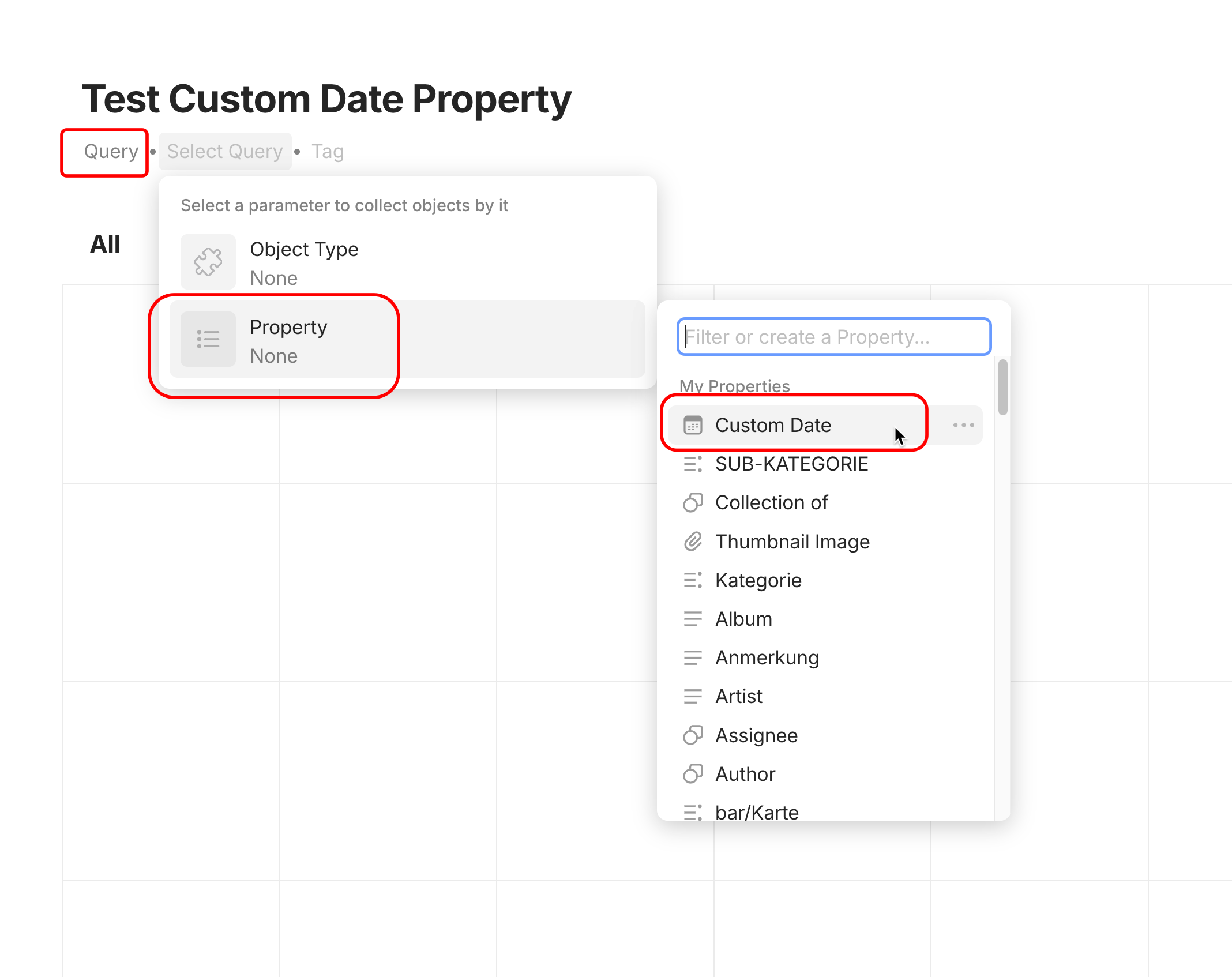
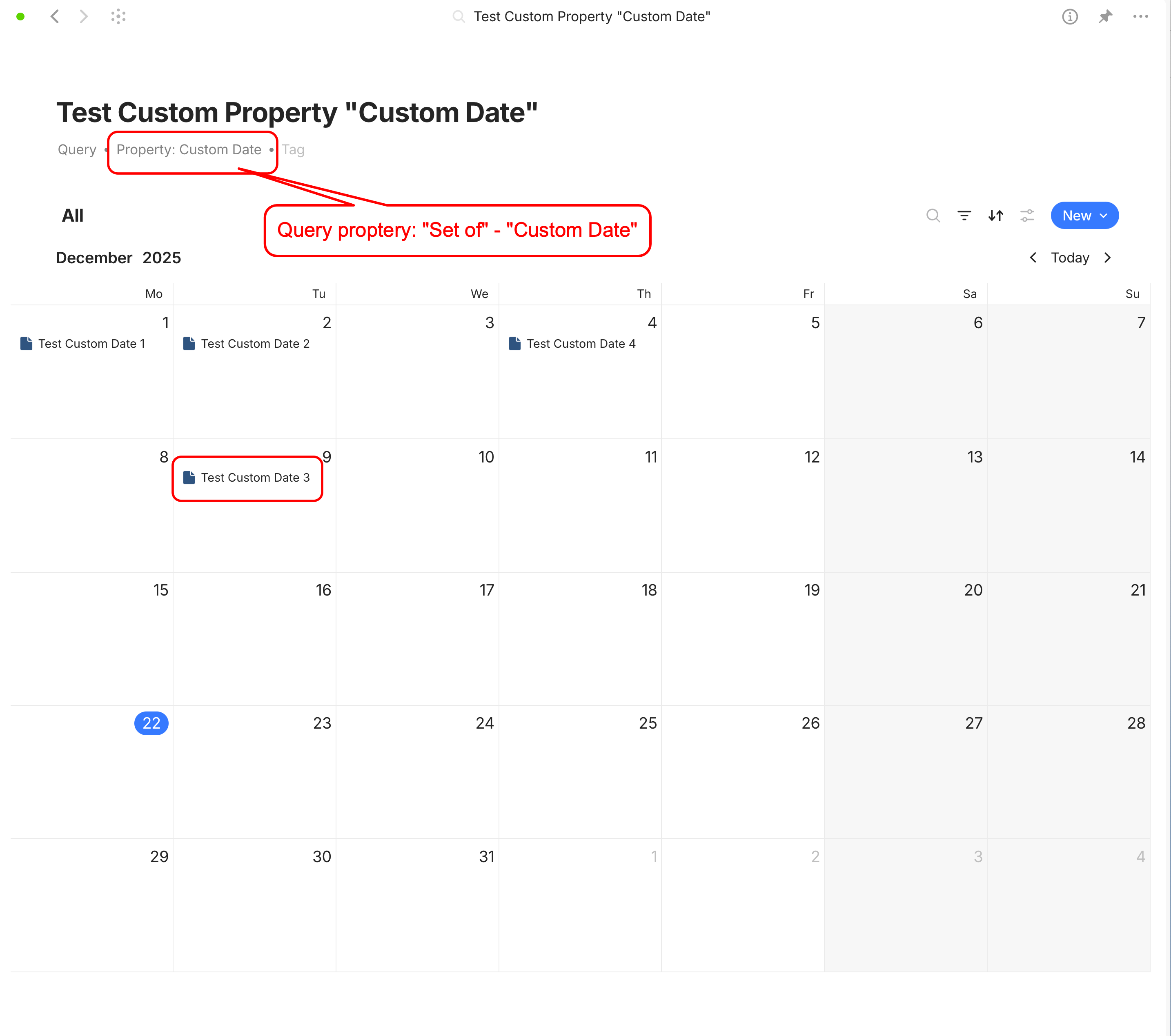
So you have to set the property of that query (Query property “Set of”) to “Property” an select your custom property “Date” as parameter.
If you now display that query in calendar layout, you will have what you want.
Additionally, you can filter the query regarding the object types you want to display (for example “page” or a custom object type, or even have no filter at all if you want to display all object types that have values of your custom date property).
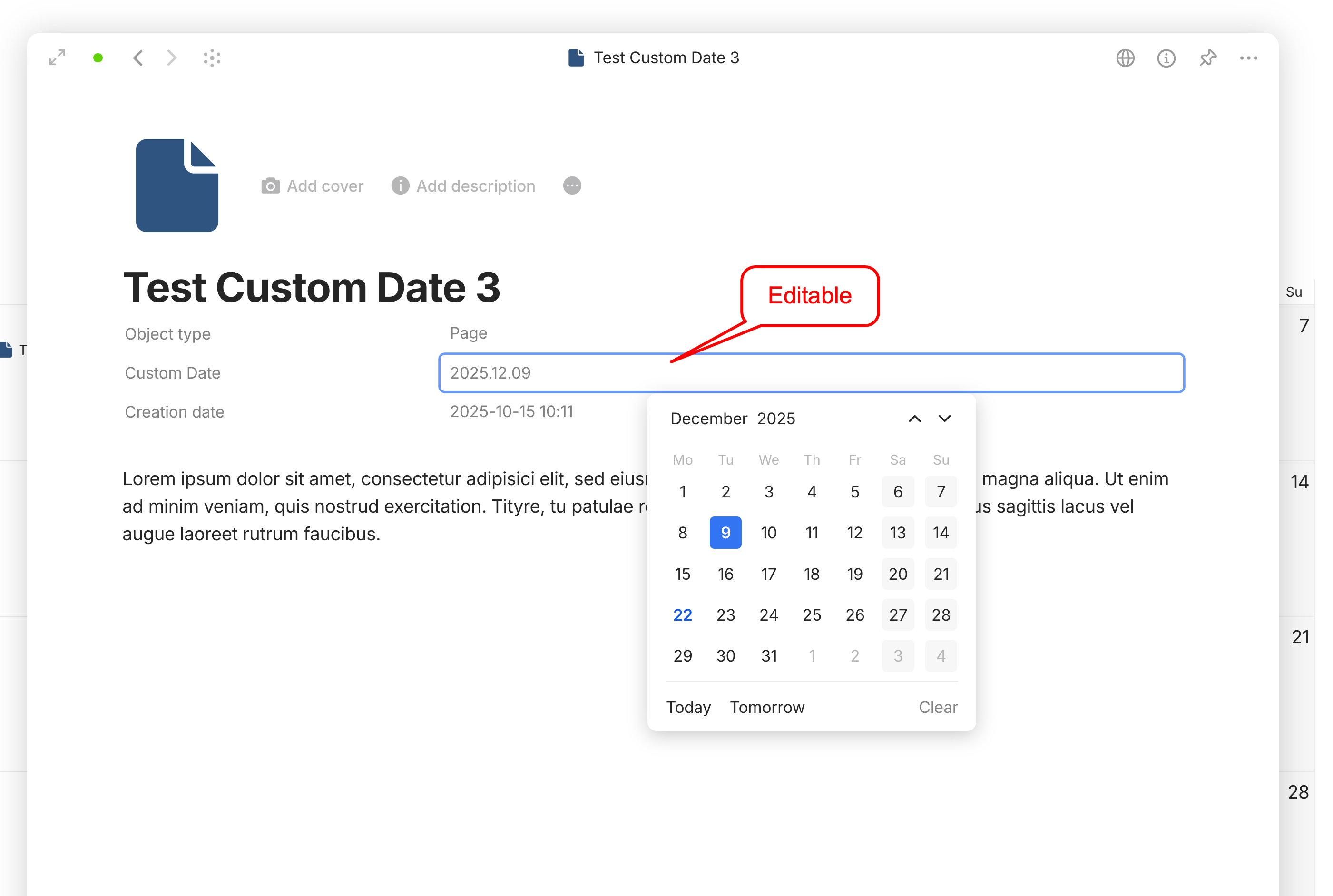
In the example below I have recreated your scenario with a custom property of type “Date” named “Custom Date”.
I know, I’m not consistent with the diary but it was more of an experiment to learn how exactly this thing with dates works. And eventually add some interesting items to it.
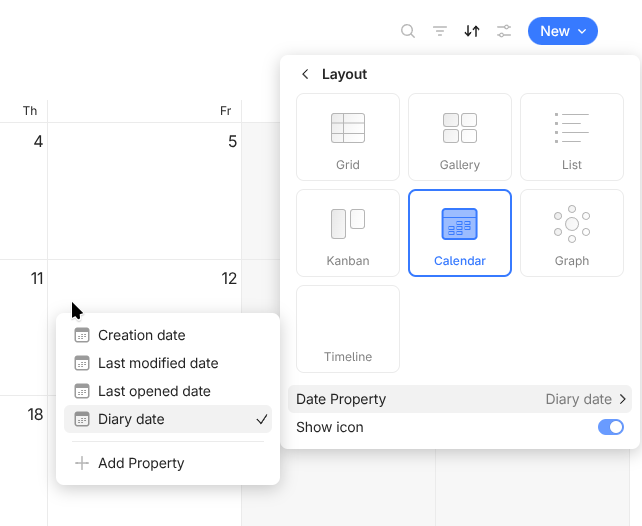
The missing screenshot, showing the field used for the calendar view:
Its not convoluted at all, I think it is the only way to do it for now. (I mean, to have a specific property to handle it).
Only tricky part now is the diary name (I have 2 solutions for that, but 1 involve the API and another involve a script that copies to clipboard the proper date text).
I still don’t know if it is better to have a Diary for a day, or have multiple entries with the same date:
Diary: date
Has all the entries of that current day
or
Diary entry: date and time
Has only one entry per object
The big plus of a Diary entry, is that links and properties are specific for that entry, not global to all entries, as it happens when using one Diary object for a whole day.
Depends on how complex the scenario is. Having just the Date property allows for having multiple entries for the same day. They can be differentiated by Title, for example, if they are topically different. That works for a few entries (depends on how long your day is!).