Nia_93
February 3, 2024, 11:11pm
1
Hello
I apologize in advance if this is the wrong section, as I’m not sure if there’s a bug happening or if I’m misunderstanding something.
Since Anytype doesn’t currently have formulas, I tried to store an excel file that I edit often in it.
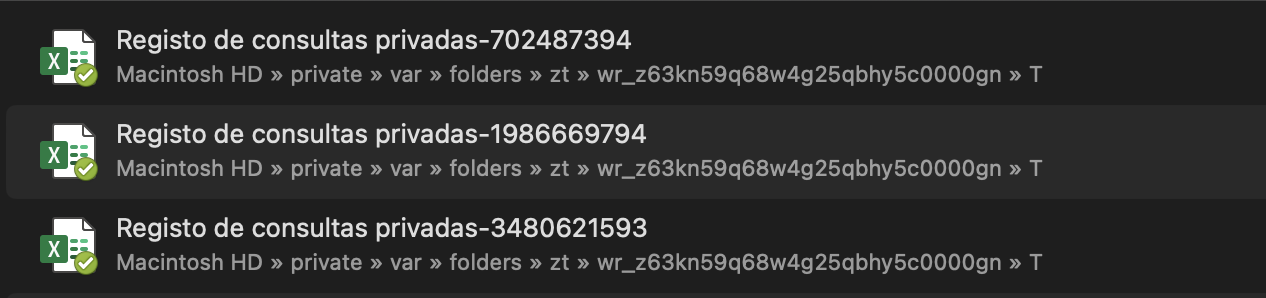
The edits don’t stick though, and after looking into it, it seems Anytype keeps creating copies of it everytime it’s opened.
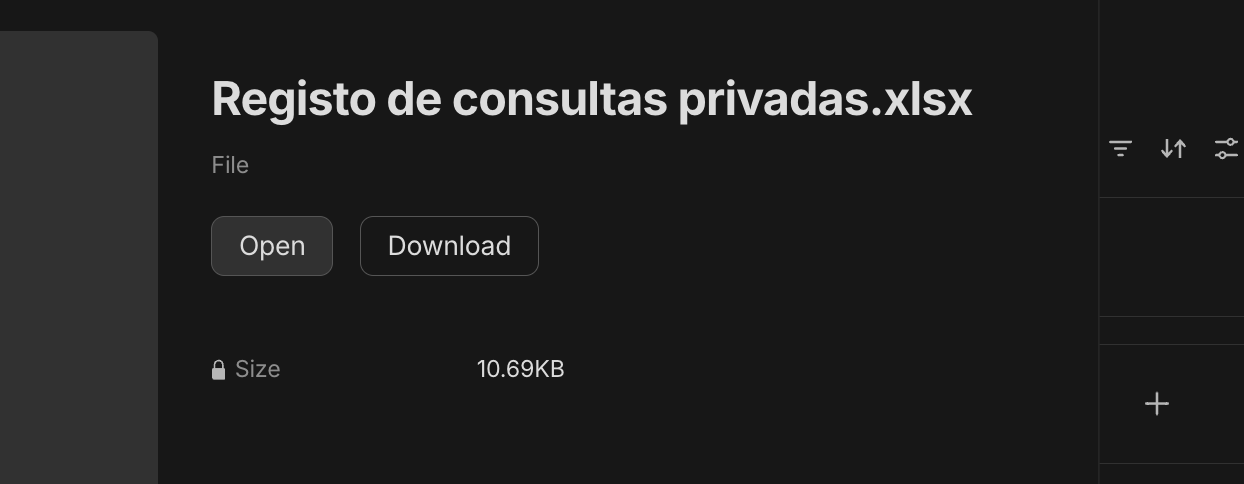
It’s opene from here:
And this happens:
Is there a way to store files that open externally, and save the edits that I’m missing?
Thank you kindly!
Hexara
February 3, 2024, 11:15pm
2
Hi there @Nia_93
This is the right category to ask your question. As for the answer, unfortunately Anytype doesn’t support editing the uploaded files, you have to re-upload any new copies of the file and delete the older ones.
When you click on “Open”, it actually downloads the file from Anytype’s space to your disk temporarily until you close it.
Nia_93
February 3, 2024, 11:24pm
3
Thank you @Hexara
That’s sad news… would this be something the team is planning to change? for local files it’d be nice to open and edit them easily.
Hexara
February 3, 2024, 11:29pm
4
You’re more than welcome! Here’s a feature request related to this issue, vote for it
Currently, when you attach one file and open it on Anytype Desktop, it will open in browser. If it’s an audio file or PDF, my browser can read it, but if it’s a different file, the browser will download it, resulting in a duplicate file.
I would like to open attachments like I open them from the file explorer. For example, if I open an attached PDF in Evernote, it will open with Adobe Reader (that is, the default PDF reader). Also, it allows to modify and save documents (eg Microsoft Word) with…