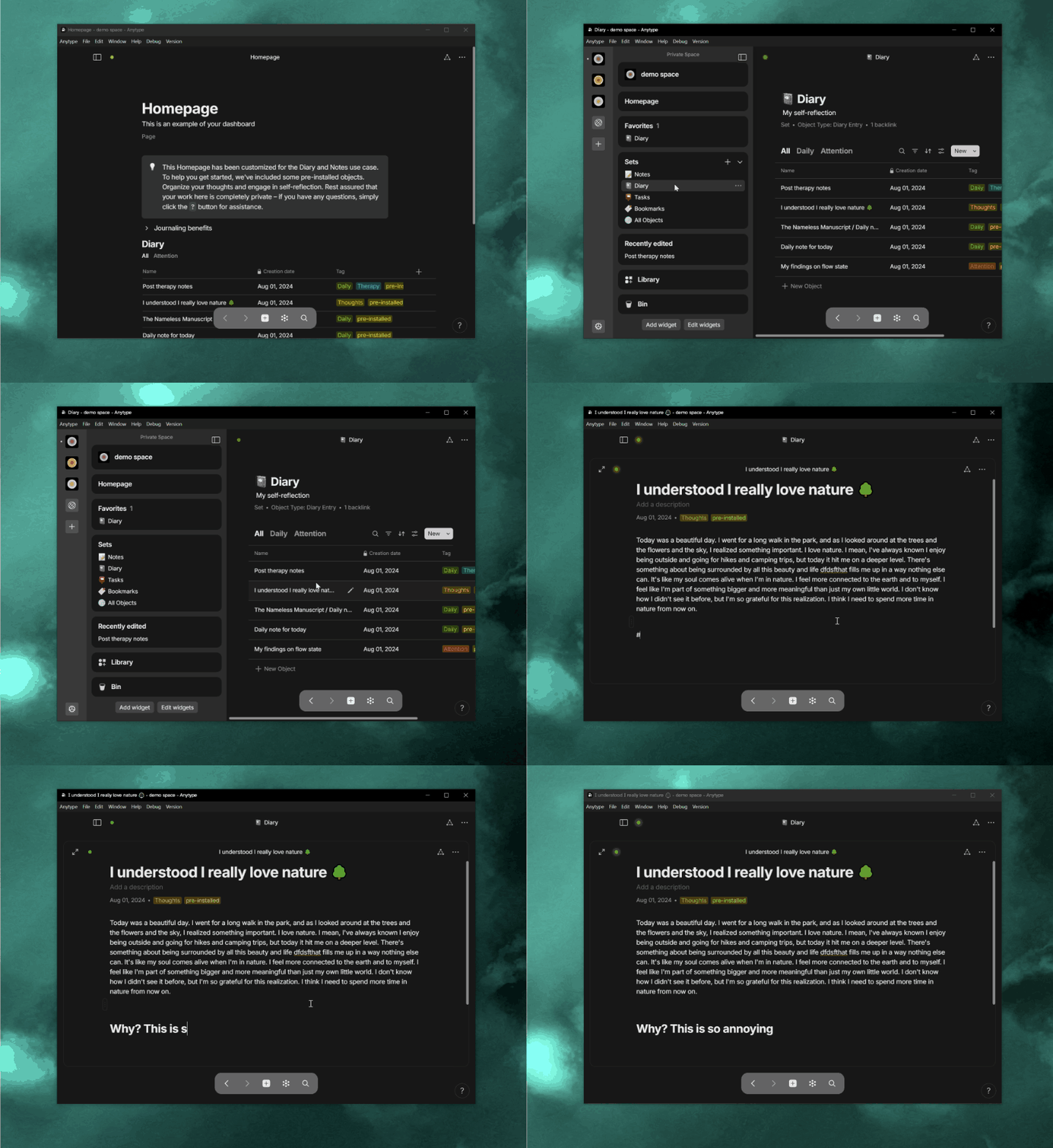
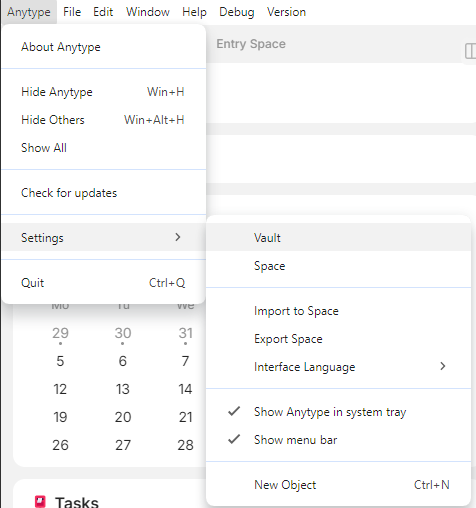
When I press the sidebar button in the top left, it the sidebar slides back out with the same behavior of moving your mouse to the side of the window, but it doesn’t stay out if I start typing. This moves the text around on my screen and I have to find where I was typing again. Is this the intended behavior?
Especially for desktop users, I have more than enough space on my screen to just leave it there, like was possible in the previous version.
How To Reproduce It
Update to 0.42
Image or Video
The Expected Behavior
The sidebar to not move back.
Device
Desktop PC
OS
Windows 10
Anytype Version
v42.0
Network Mode
AnySync
Technical Information
OS version: win32 x64 10.0.19045
App version: 0.42.0
Build number: build on 2024-07-31 08:28:58 +0000 UTC at #4a8c39e4e991d3e9d6819f5ff495c688415bc288 (dirty)
Library version: v0.35.0-rc12
Anytype Identity: A9WGqi8nxwQ78XG31vJ3bjchMW6dfZpyC87dz5aaywTGKErk
Analytics ID: cfc23b79-e339-4eab-b730-9155e97931c5
Device ID: 12D3KooWK2hmSZhWH6LBREaH9FyNiQ3pzp5uCgJ99AK3eZ9zxLqx
But the behavior was different.
Previously when I clicked on the button to show the sidebar and decided to hide it, I moved the mouse to show it OR clicked it again to permanently show it again.
Now this behaviour was pretty different.
When I updated it was hidden by default and auto-hid itself.
When I now clicked on the sidebar button, it showed (like when I moved the mouse) and went away again and did not stick.
So this behaviour is new and irritated me after updating and thought it was a bug.
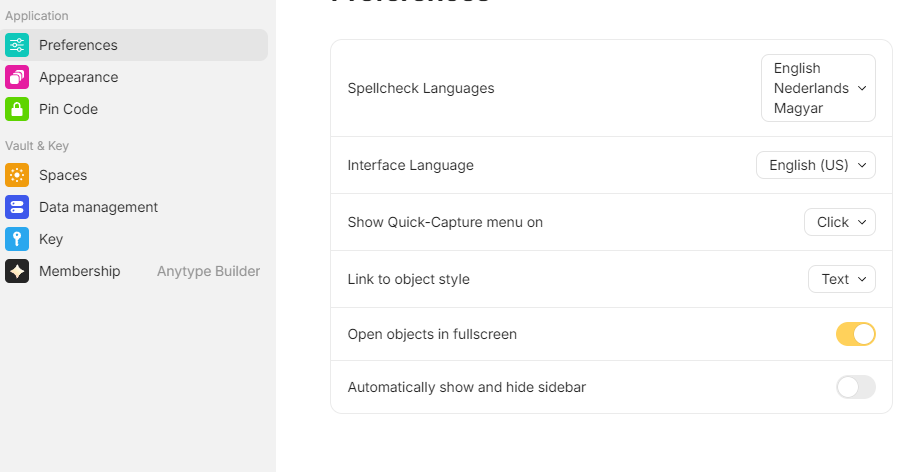
Apparently this should only happen if you had this option enabled previously before this option was temporarily removed in the pre-release versions. For other users, this option shouldn’t have been enabled by default.
Fair enough. It wasn’t written anywhere in the changelog because the sidebar went through so many iterations that it was probably just an oversight. It might not make sense to switch back to the old default now, since everyone will have likely adjusted to the new setup before the next update.
Perhaps a side-note could be added to the what’s new page if this is fetched online?
If someone also thinks it’s a bug or gets irritated you can quickly point to it.
I’m not sure if this option was enabled in the preferences or not but I always toggled the sidebar permanently via the icon on the top left.
If I wanted the auto hide feature, I just toggled it to hide as I could still show it via hovering.
If I wanted to show again, I just toggled the button again and it was permanently visible again.
I did not use the pre releases.
As mentioned, the variable used for storage has been the same as in previous versions. In the old version, you could have auto-hide enabled while keeping the sidebar in fixed mode.
Our developer has already updated the variable name today, so it won’t default to true anymore. We’ll include this change in a patch release early next week and update the release notes accordingly.
Currently notes are committed with the app, but we just discussed yesterday the idea to fetch them from our server. Thanks for the feedback!
In fact, there are many things that this update didn’t consider, such as what is mentioned in this post. I’ve seen similar reactions from people in other communities (including myself, who has been using the beta version).
The reason is that the new behavior is completely different from before, which leaves people unsure how to achieve the desired results without guidance, especially for those who don’t have much time to spend figuring out where the settings are.
For a product in development, it’s normal not to consider every problem. However, if Anytype can quickly focus its efforts on the issues encountered after a release and resolve them promptly, then the problems shouldn’t be too significant.
When I click any item from the sidebar, it suddenly disappears after about 1 second, forcing into full screen whatever I clicked, which destroys my context and sense of place while browsing around (the sidebar is my anchor navigation and keeping it visible allows me to know where I am and navigate quickly between different sections, which is what I’m almost always doing)
It did not behave like this before, and with the sidebar constantly disappearing I find it hard to actually use the app. It feels like a “focus mode” but I can’t see any way to disable it, and these constant animations and loss of crucial UI elements literally makes it hard for me to access the data I have spent so much time adding. It makes me feel like the UI is unstable.
How To Reproduce It
Click on anything from the sidebar
Wait a second
The Expected Behavior
The sidebar stays where it is, and doesn’t constantly disappear forcing constant work to temporarily see it again and try to regain context