WHAT IS THE BUG
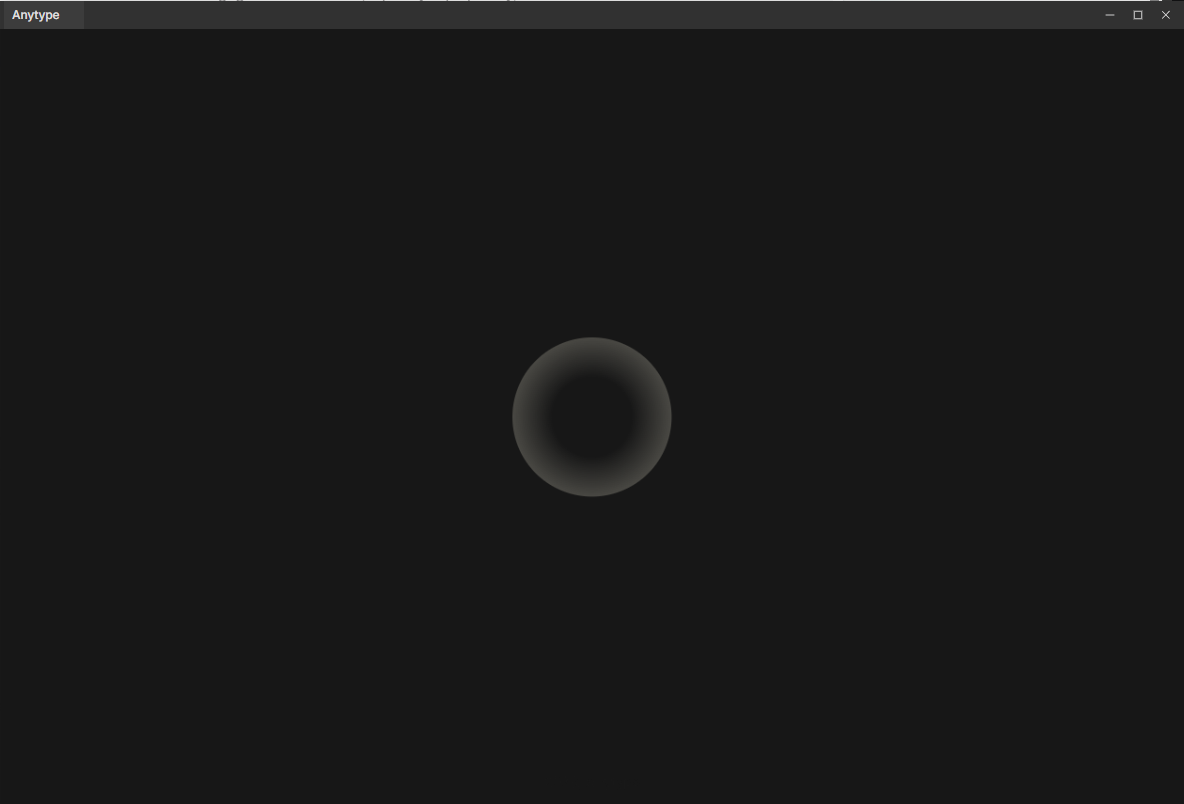
Manually deleting data to reset the Vault causes the Anytype app to get stuck in an infinite loading loop during the initialization process, preventing it from starting normally.
HOW TO REPRODUCE IT
- In a self-hosting environment, stop the Docker containers (
docker compose down) and completely delete the server data files. - On the desktop machine where the app is installed, navigate to the
anytype/datapath while the Anytype app is still running. - Delete all encrypted vault folders, leaving only the
cacheandtmpfolders. - Completely close and restart the Anytype app.
- Observe that the app gets stuck in an infinite loading screen during the initialization process and fails to launch.
Note:
- I have simply documented the exact steps I took; not all of these conditions may be strictly necessary to reproduce the issue.
- The issue persists even if the
cacheandtmpfolders are also deleted afterward.
THE EXPECTED BEHAVIOR
If the vault data is missing or lost, the app should display a recovery screen or redirect the user to the initial onboarding/welcome page.
ADDITIONAL CONTEXT
clearing both cache and data on the Android app works normally, redirecting the user to the initial page.
TECHNICAL INFORMATION
Provide your setup info:
Desktop: Top Menu > Help > Tech Info
운영체제(OS) 버전: win32 x64 10.0.19045
앱 버전: 0.55.4
빌드 번호: build on 2026-05-04 16:31:34 +0000 UTC at #545ed723e3e227b1f0906ec57aaf4adea24d06ec
라이브러리 버전: v0.50.4
