Apologies if this has been addressed before or if I am using the wrong terminology.
I am looking to try and indent blocks so that they become sub-blocks in a list of text on the Android App. To do this on the Desktop app, I would just use Tab and Shift+Tab to change the indentation level. As a previous Notion user, on their android app there is a formatting option to indent, but there is not obvious equivalent in the Anytype Android App. I have worked out that I can drag and drop blocks of text, but not worked out how to create new indentations in the android app.
I am not certain if:
A) this is a feature in the android app, but I haven’t found it (user error)
B) this is not a feature in the android app
Still the same on version 0.34.26 on android. Can you share a recording of your attempt, so we can see what went wrong?
One thing to note is that your object/page should be Done or in saved mode. Meaning, the cursor is not present. You can’t make the block move no matter how long you hold if the cursor is still there. So, the steps would be:
Type your bullet list including your sub-entries
Hit Done
Hold the block you want to indent and wait for it to be movable, like in video (long press, not tap, otherwise the cursor will reappear)
Drag the block under the intended parent block.
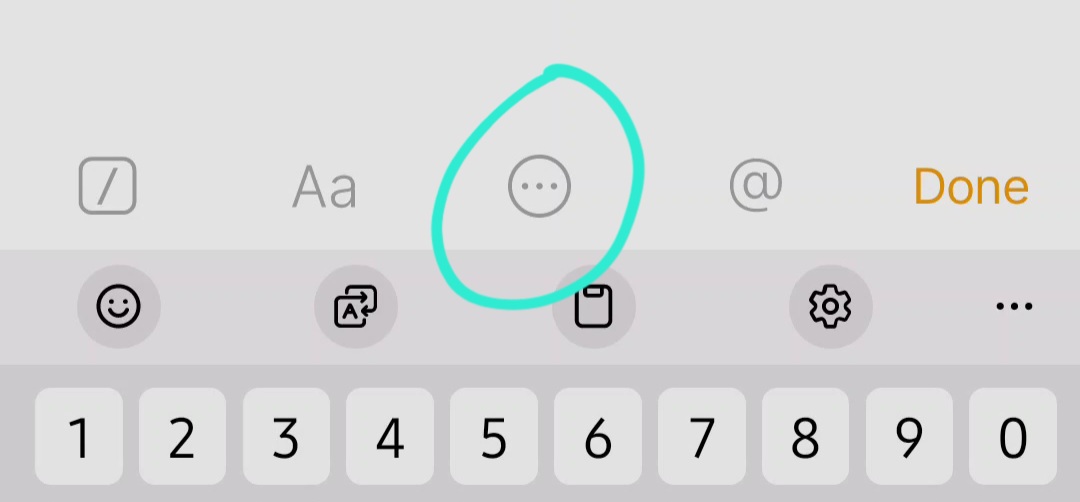
I think some people don’t discover it right away because they expect to move it by selecting (the three dots that make the block color orange). You don’t need to do that to move the block.
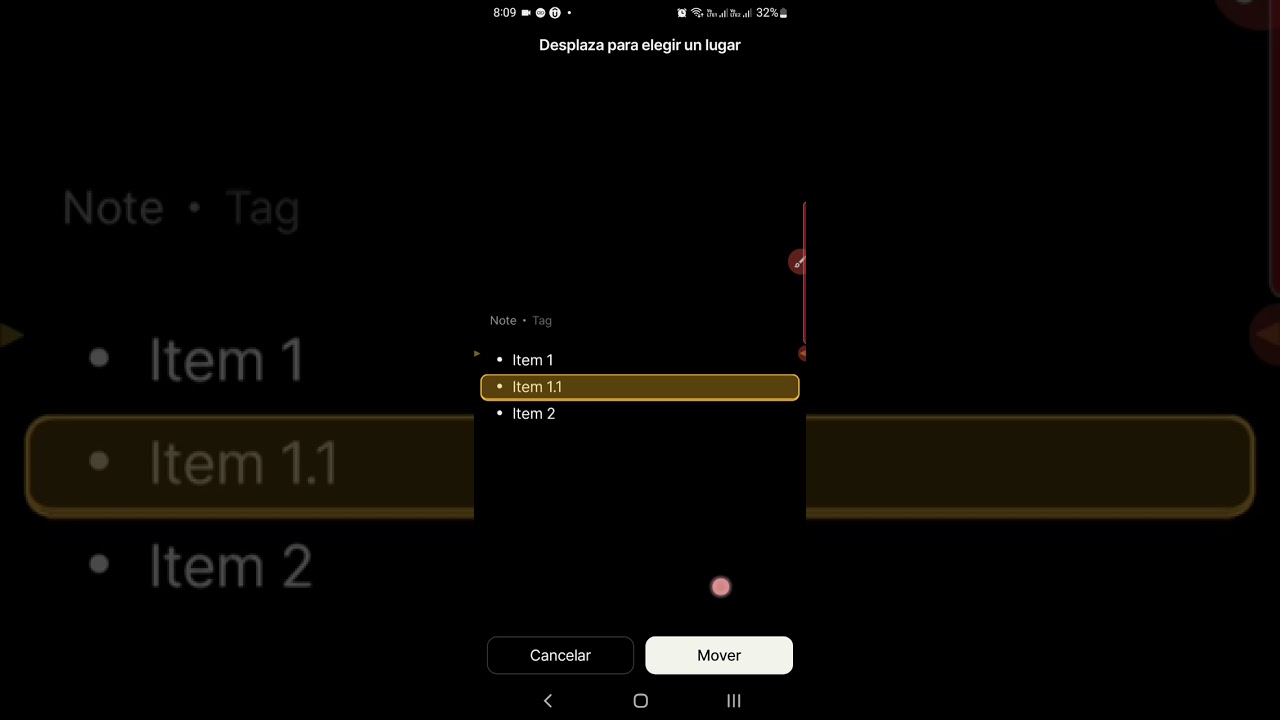
The actual procedure on my Android phone required me to long press the item, then select the MOVE action and then drag the screen up or down. That way I was finally able to move items within a hierarchy.
However I found a bug: an item will only move upward in the hierarchy if there is enough space between the item and the top of the page. Has that bug been already identified?
Here I am showing a failed attempt followed by a sucessful attempt after adding some white space at the beginning of the note
That does look like a bug, as I’m able to move it up the hierarchy on my phone. You can submit it as a separate bug report.
As for the indentation, I tried your method and I’m surprised to find that it works. I don’t think this is the case before, I know people have been requesting a way to indent besides drag-and-drop for ages. Perhaps the team can clarify if this is a new feature or an old one that we never noticed.
But to clarify, what you’re doing is triggering this feature:
From experience, it happens when you tap and let go of your finger.
To move blocks (and indent) faster, you need to hold the block and don’t release or move your finger until you see the block ‘pop up’. This allows you to move things around without going through the menu.
I made a recording to show the difference of the two: