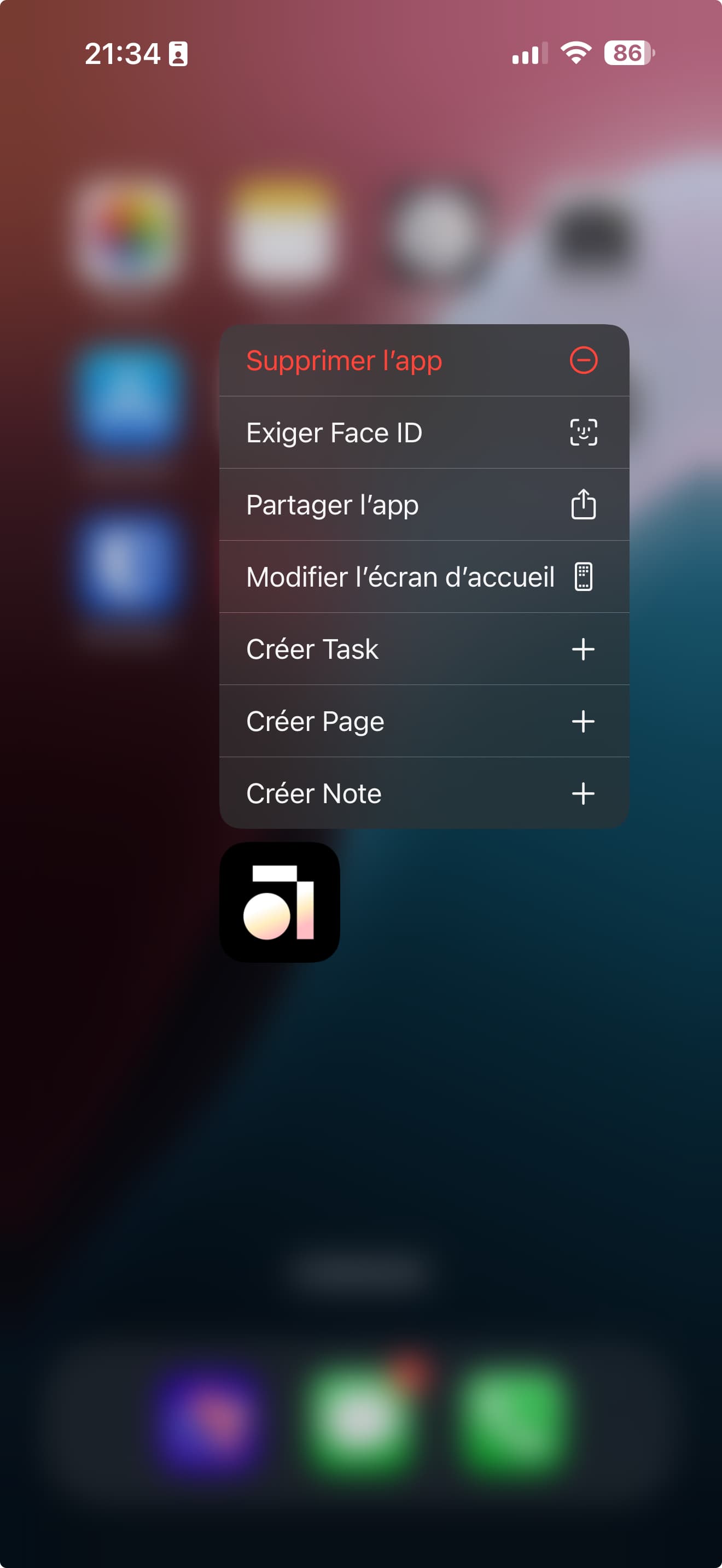
Hello, I would like some help to set up quick note capture on an iPhone.
Context: I recently switched from Android to iOS. On Android, I used to place icons for creating notes and tasks on my main screen. On iOS, the icons appear correctly, but I can’t figure out how to place
them on the screen. I tried adding them to the Action button or by creating a shortcut, but I haven’t found a solution yet.
Do you have any idea how I can do this?
OS
IOS 18.2.1
Anytype Version
v0.38.7
Network Mode
AnySync
Technical Information
Appareil : iPhone17,2
Version de l’OS : 18.2.1
Version de l’application : 0.34.0
Numéro de version : 58
Version de la bibliothèque : v0.38.7
On Android, with the Nova launcher, I could place and move quick action icons anywhere on the screen. On iOS, this option doesn’t exist.
I no longer have my old phone, so I can’t show a screenshot from Android. But here’s a screenshot from iOS: you can see the available options, but it’s not possible to add them as widgets or icons on the home screen.
I used this feature for quick note-taking, which is something people often request.