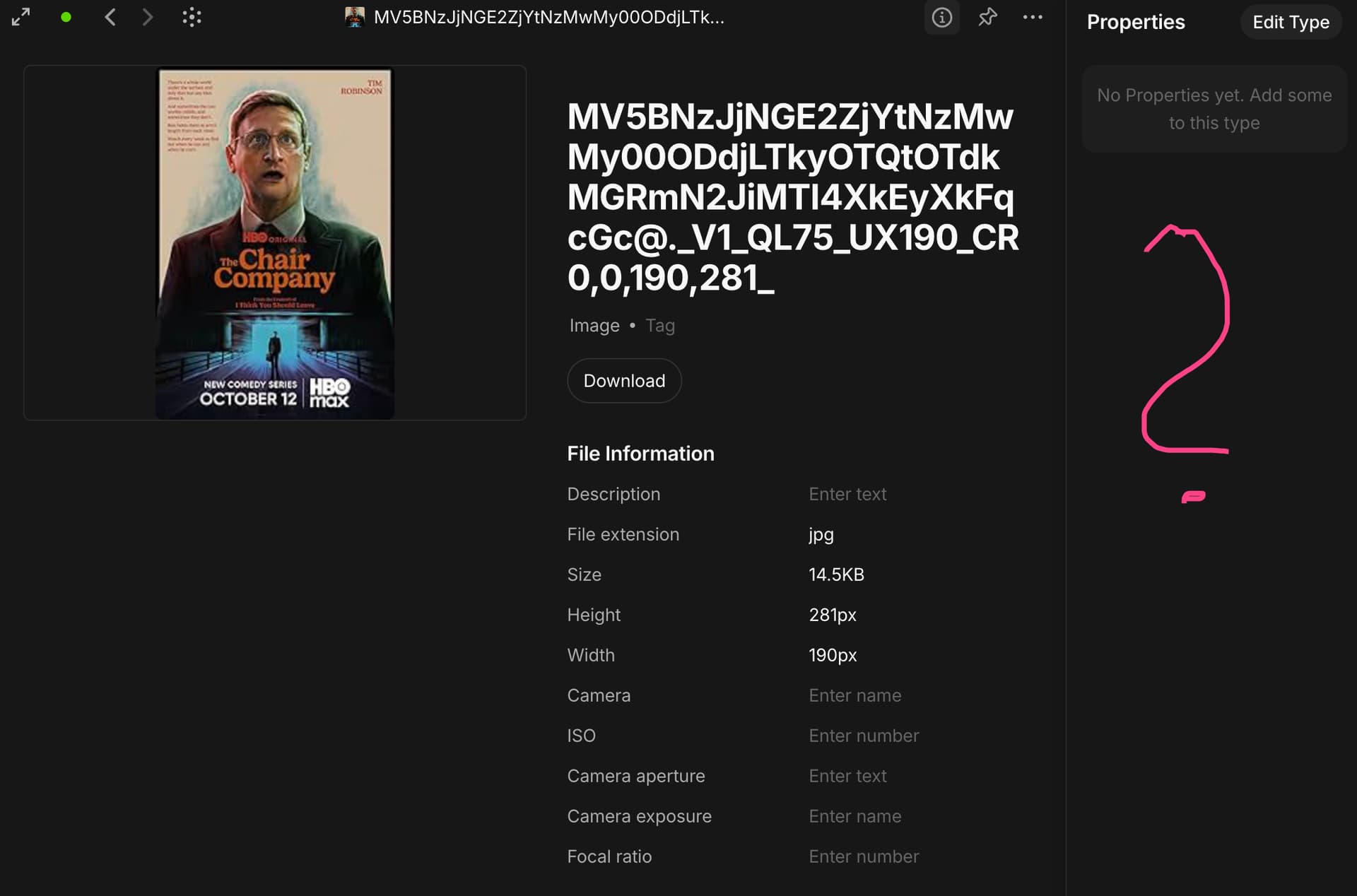
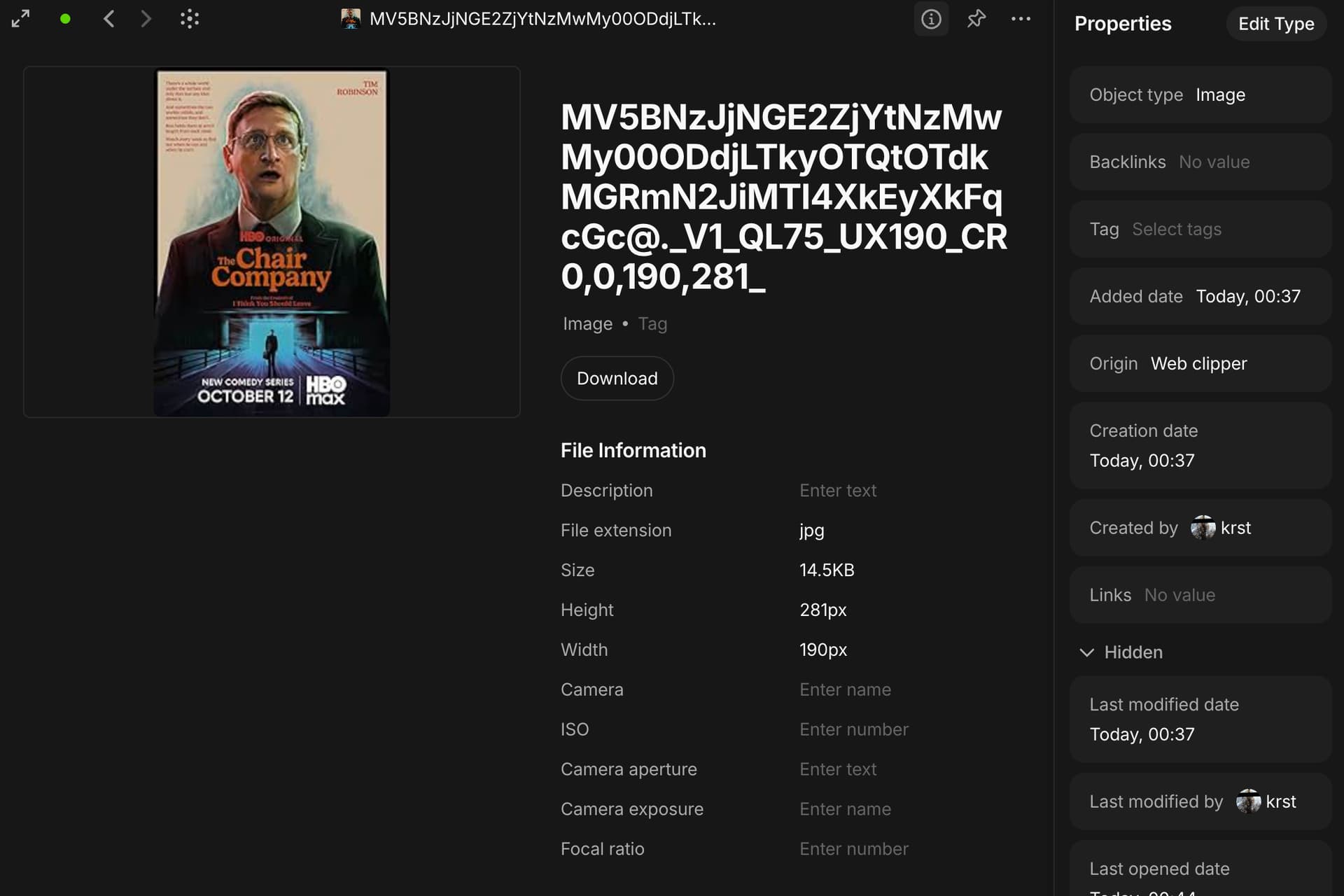
When using the web clipper, the webpage is added to my objects as a page;
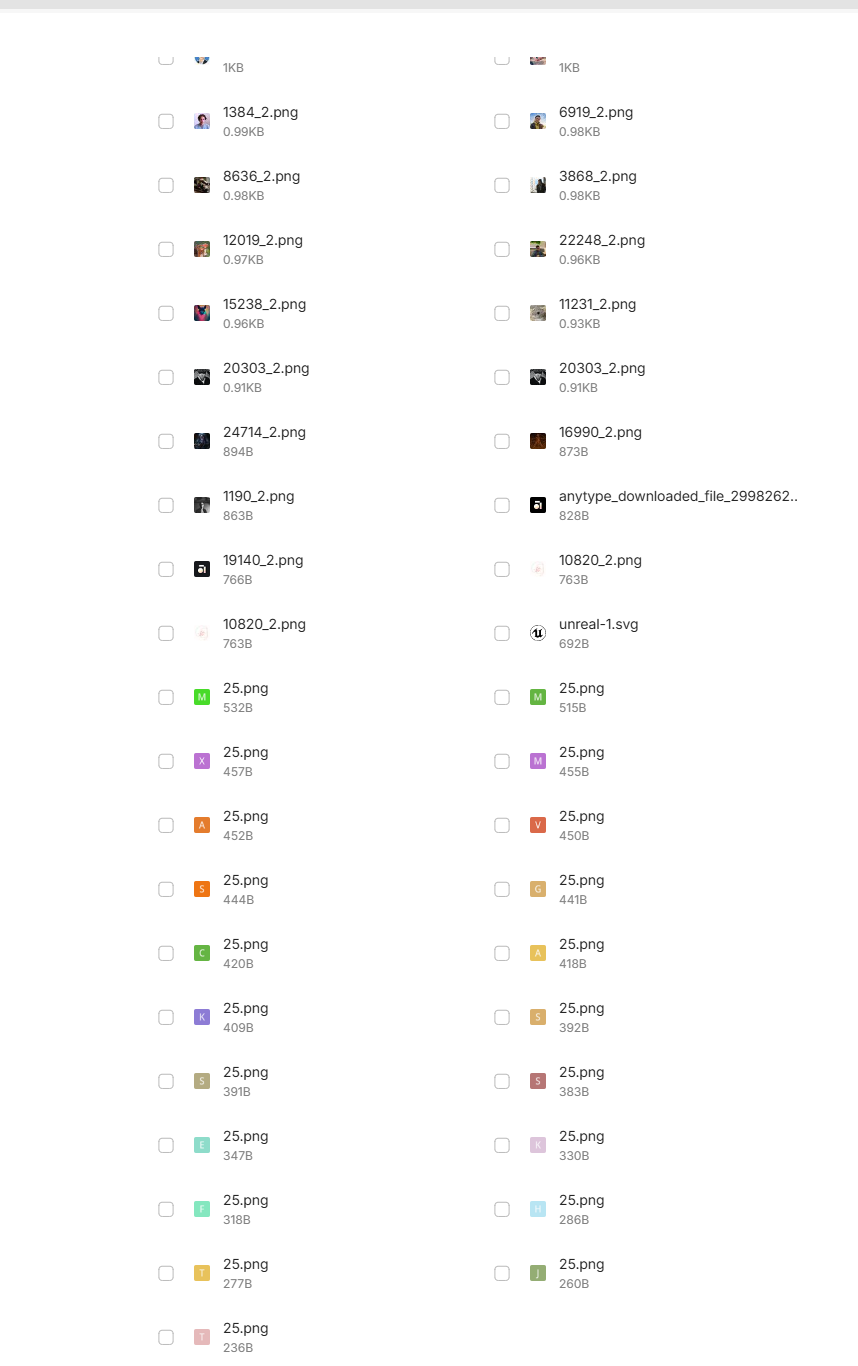
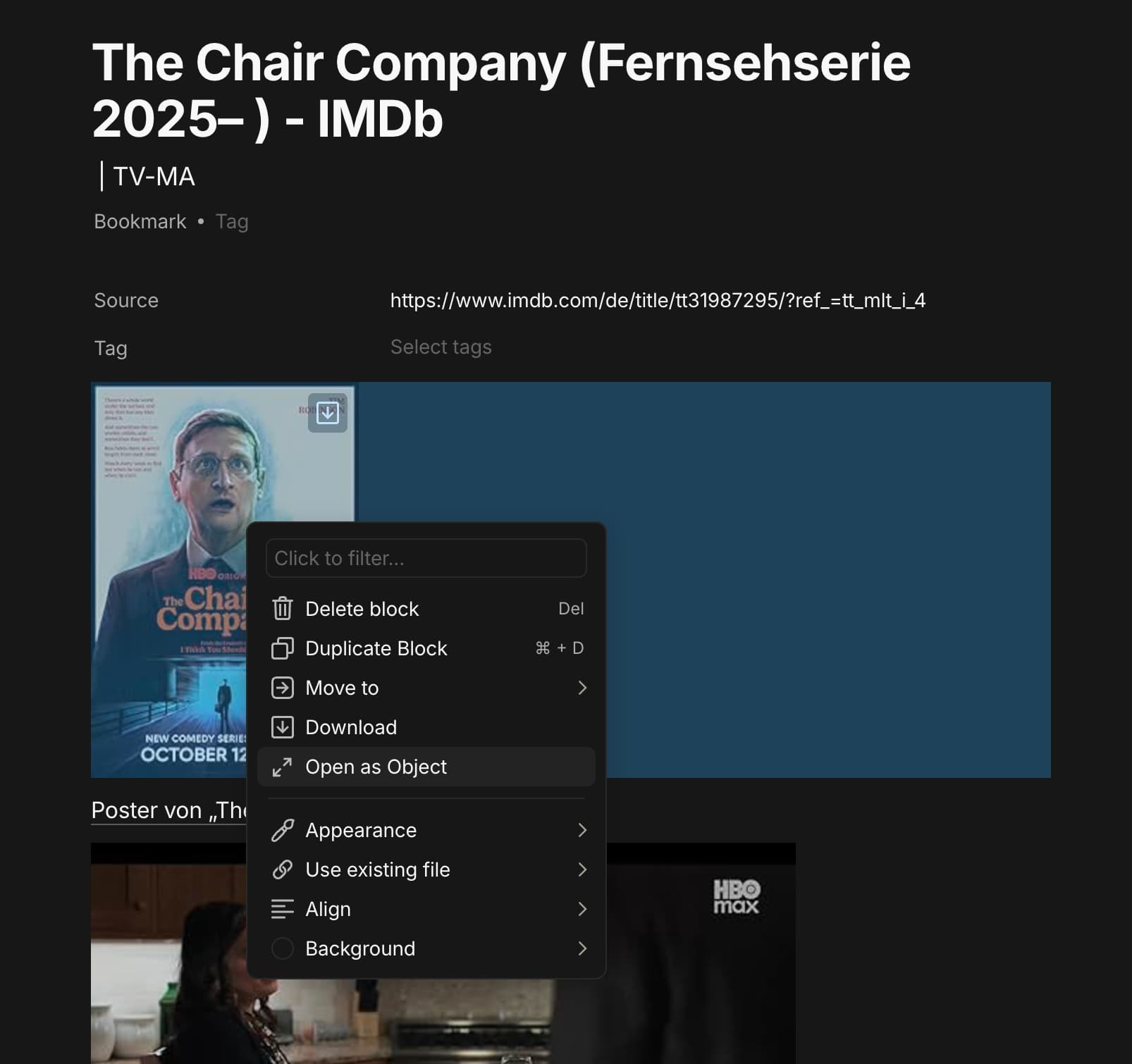
Inside that page, there’re some embedded images, on deleting those images by “Delete block” option or by deleting the whole web-clipped page, those images are still found in that channel/space’s storage.
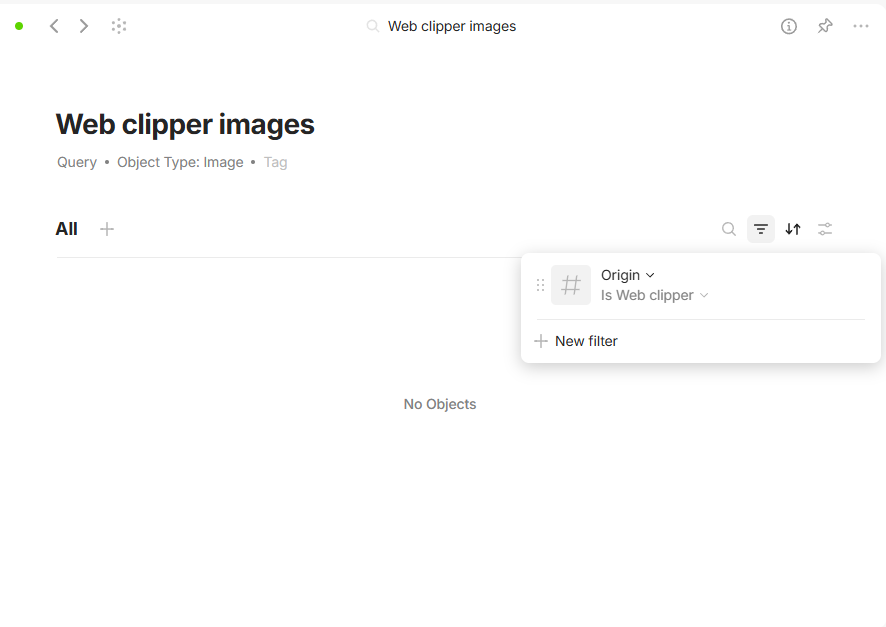
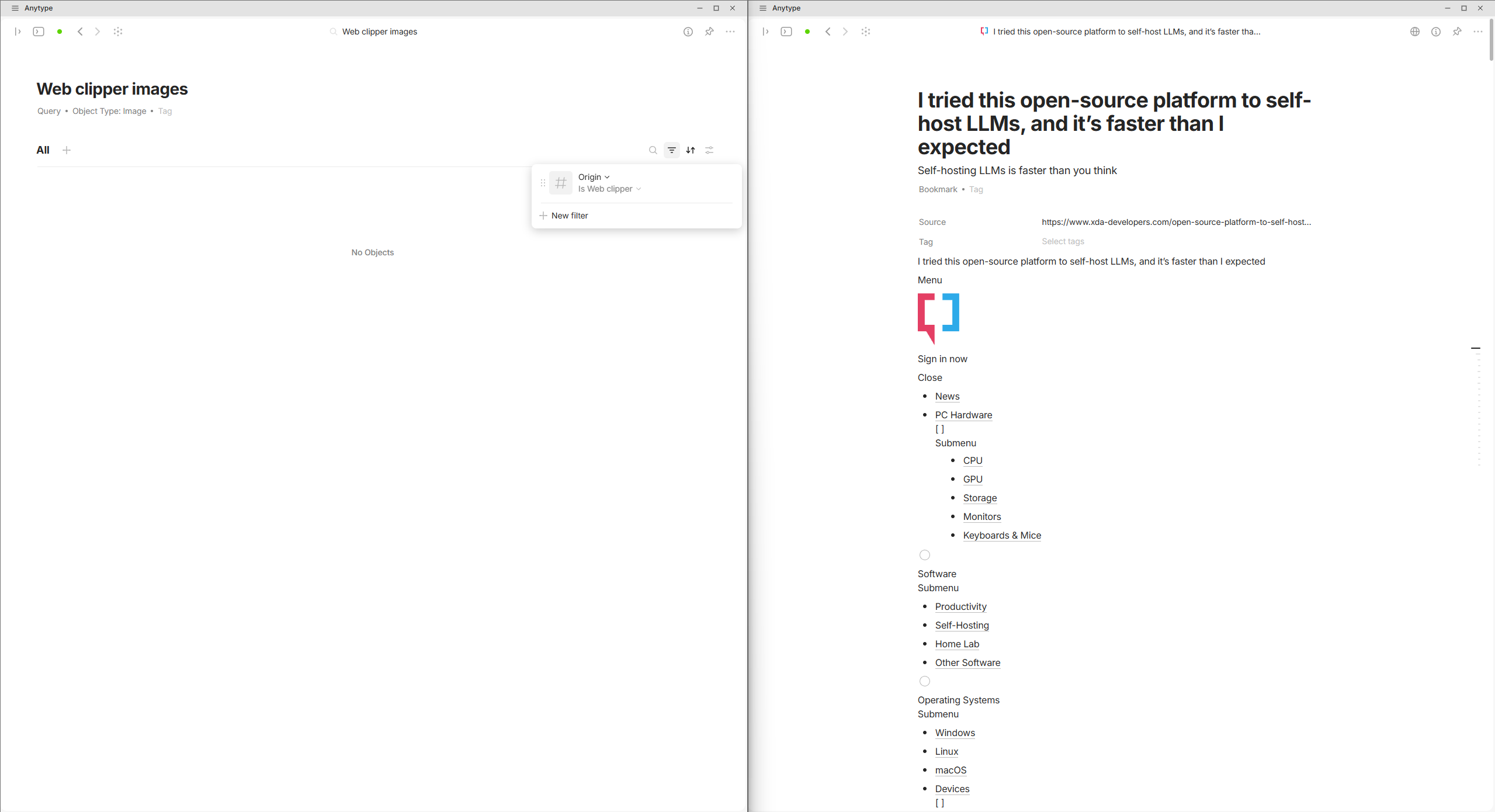
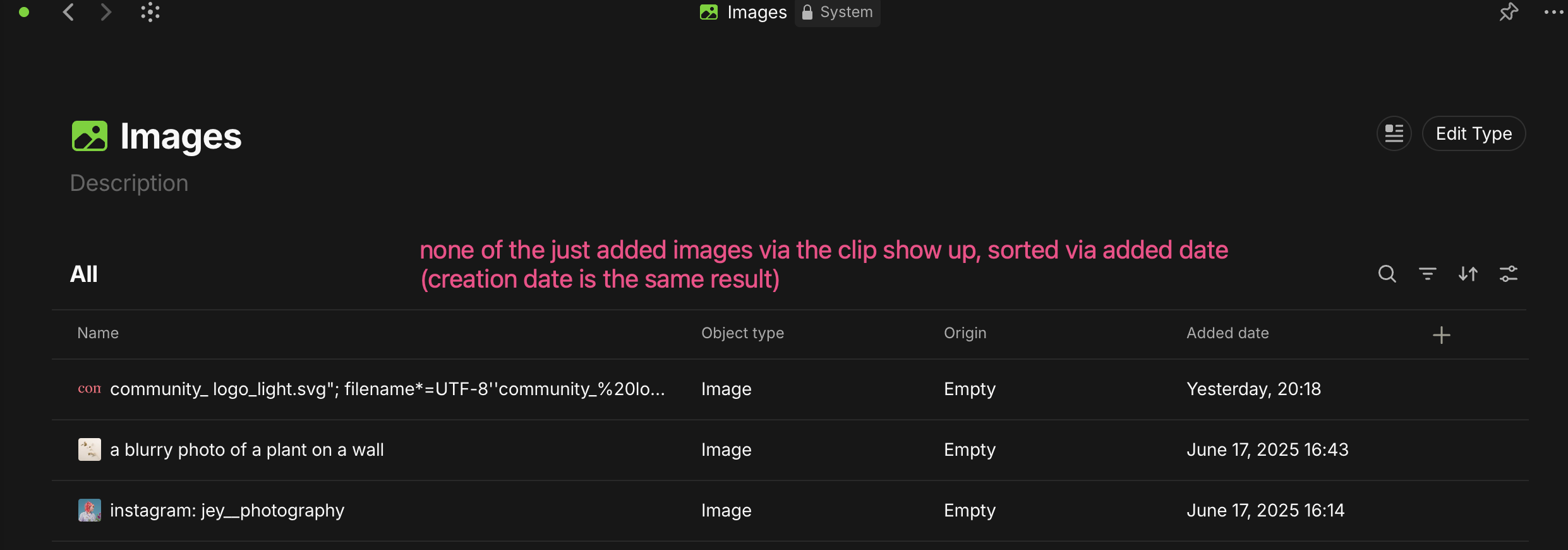
This becomes a real mess with webpages that contain tons of images, especially that those images can’t be filtered/selected based on specific criteria in the Images query.
I could have selected Images with links to/from a specific page and delete them in one step rather than manually selecting them in the Channel’s remote storage window.
OS
Windows 11 25h2
Anytype Version
0.51.1
Network Mode
AnySync
Technical Information
OS version: win32 x64 10.0.26200
App version: 0.51.1
Build number: build on 2025-11-24 13:22:00 +0000 UTC at #56332997cccf1a5126ad0a7789013a1fc37b2f59
Library version: v0.45.5
Anytype Identity: ABAj6wUqK6ovHRXfWcdsAgn9HNDs79n6S99gys16Ea963Nvg
Analytics ID: f5730973-abbc-4ac1-a216-eeb3e63d57bf
Device ID: 12D3KooWD6nJ2ZwAyCwXGBqWBAFAd7C19uEKy9oyM4ipnbbGBuSJ
Ethereum Address: 0x7340E3Aa3B78908cdb76521fd84CC5BddbdAf7d5
That’s one of the reasons why backlinks for images are so important.
It would help a lot to clean up the mess.
But there are more reasons why backlinks are indispensable.
And another problem, those images were being added actively as if the page was downloading to my space, mid-downloading images, I permanently deleted the clipped page and those images kept being downloaded/added to the remote storage.
I don’t use the web clipper, I do the copy & paste manually. Although it’s more work, I prefer to have full control about what lands in my Space.
There is still the problem with many many images that may be trash, but unfortunately, without backlinks it’s simply impossible to decide if they are really trash.
And no, as far as I know there is no usable way to get rid of them.
We simply need the Backlinks.
With backlinks, we could simply use a Query to get rid of the thrash manually. Or later, we could use AI or the API if they add the feature to integrate self written Addons.
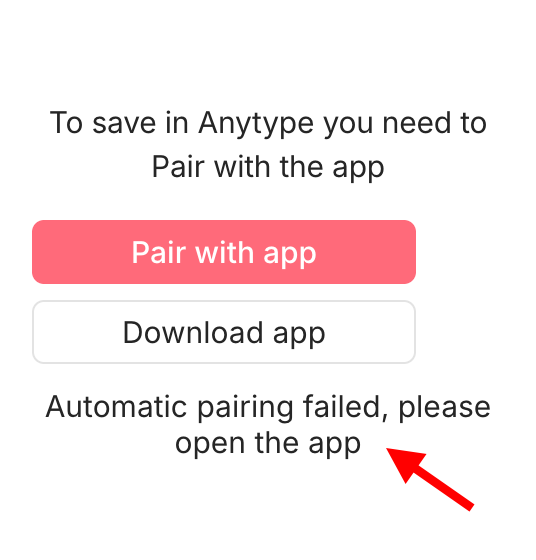
I also had an issue with pairing today. I restarted anytype, opened a new tab in the browser and I was able to pair again. perhaps this also helps in your case