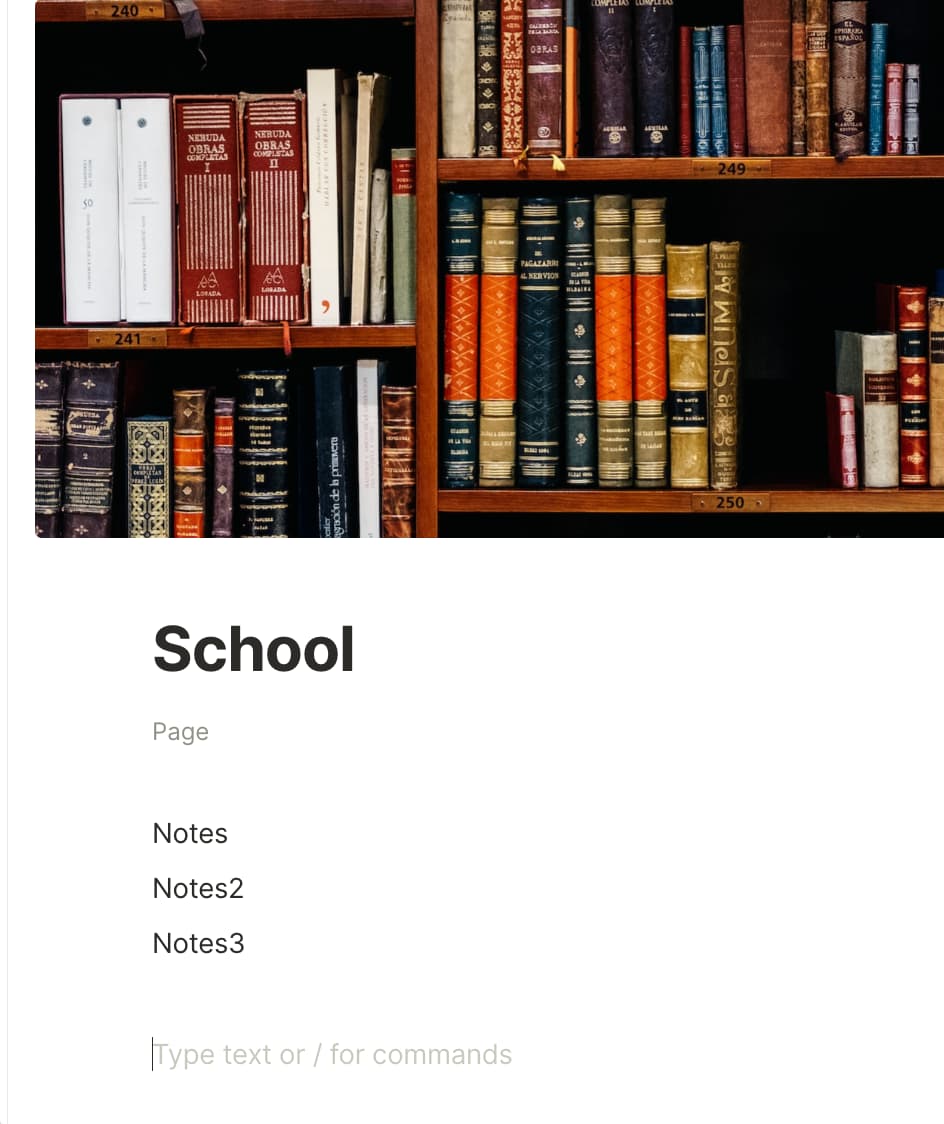
There is no ability to hide the object type at the top of a page, and it is located in a bad place. You also can’t move it elsewhere.
As it is, the Object Type is located below a Page Tile in light gray. There is a lot of vertical spacing between the Object Type and the Page Title, as well as between the Object type and Page Content.
WHAT DO YOU RECOMMEND
Automatically hide the Object type metadata, and display it elsewhere.
HOW COULD IT BE DONE
-
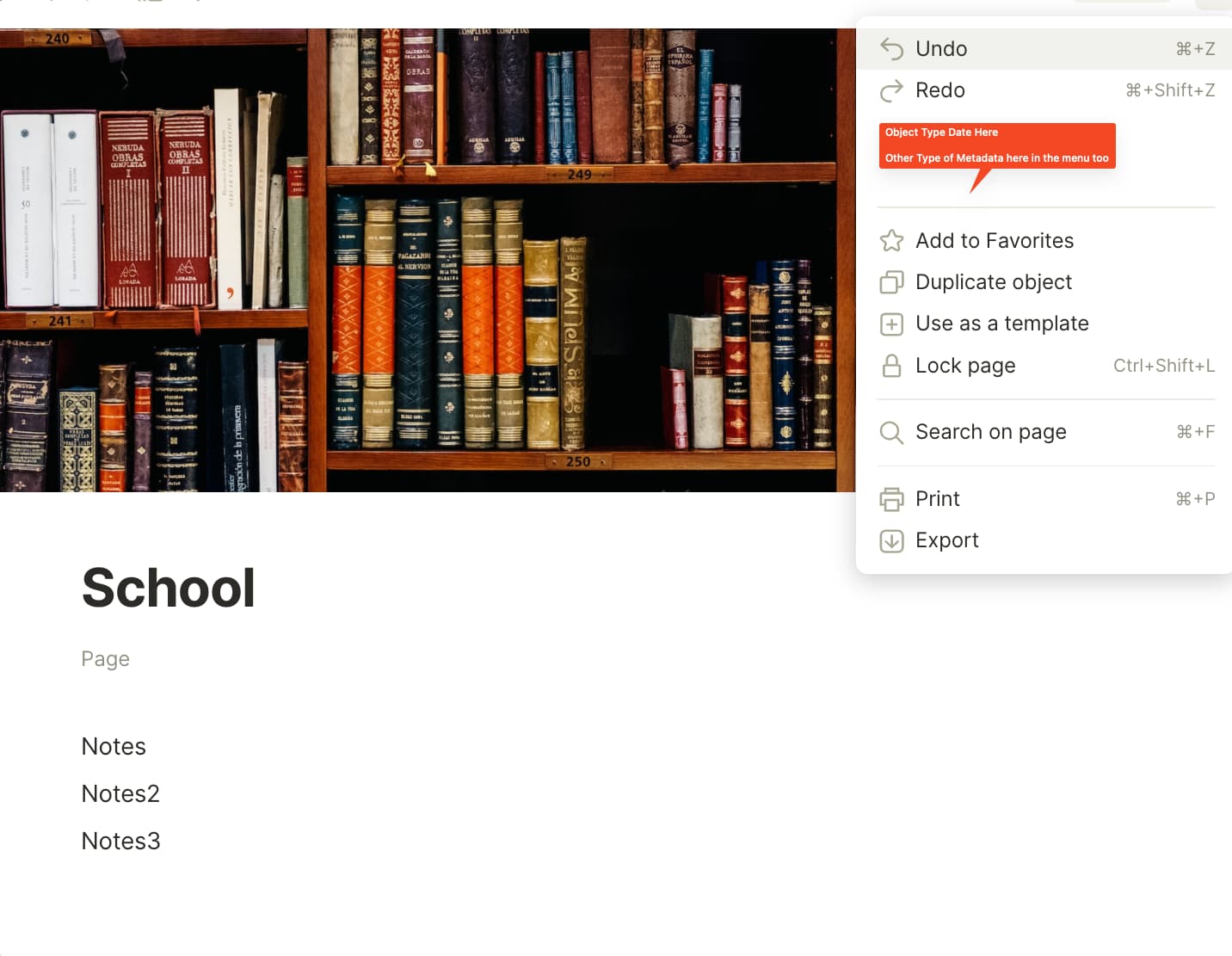
Put this kind of metadata in the top right menu of the page. This would probably work for both desktop and mobile pretty easily.
-
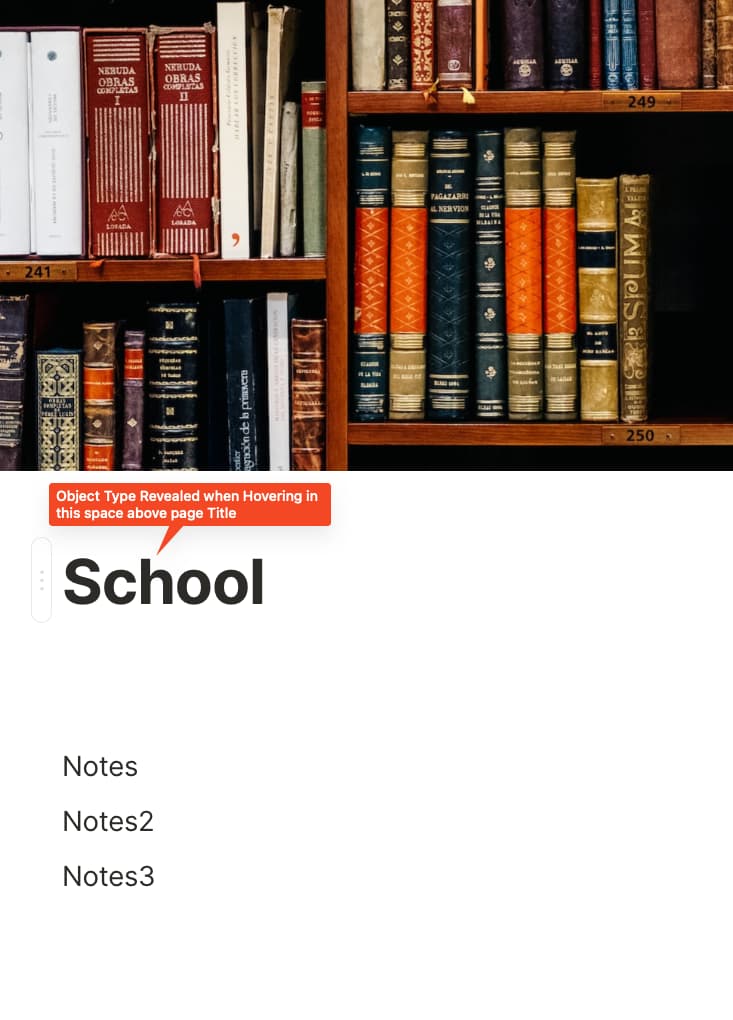
Hide it in the space located above the page title. When Hovering in this space, reveal the Object Type text. Notion kind of has something like this where you hover above the Page Title for other info.
-
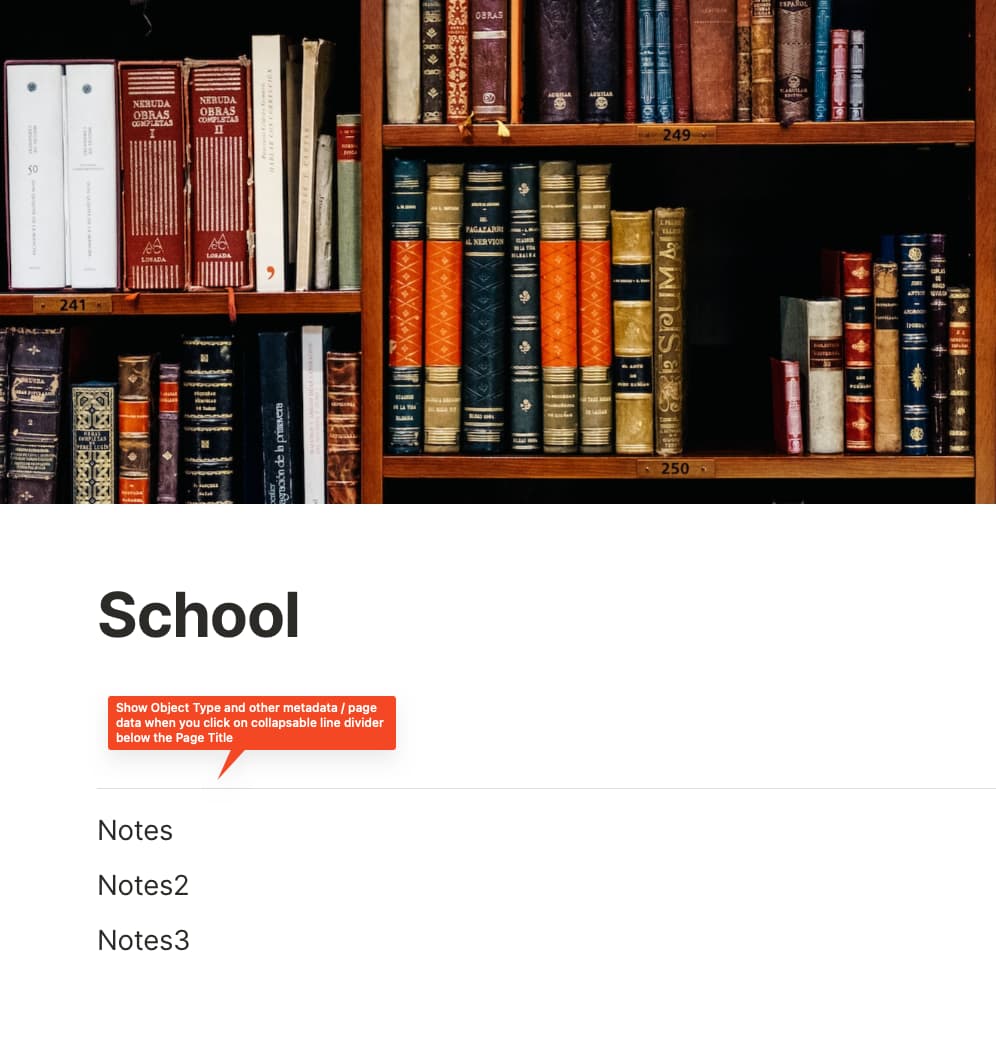
Create a collapsable drop down that hides page data like this. Could be a line divider. Like this one least because it creates more visual divide.
REAL WORLD USE CASES
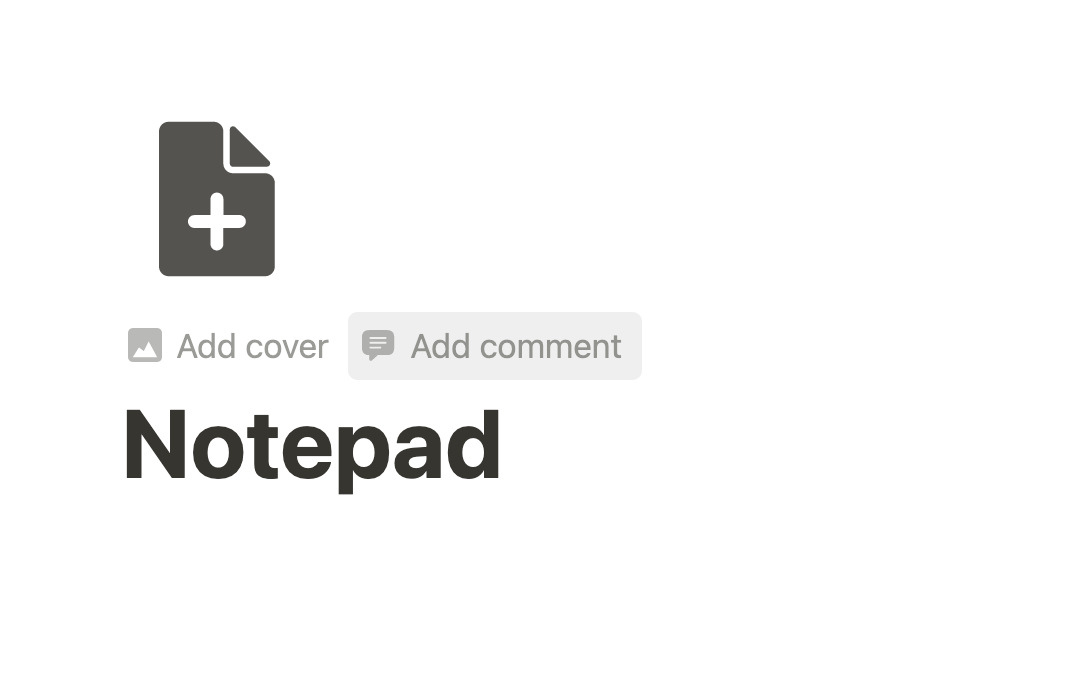
As it is, there’s a lot of wasted space on the page, and unnecessary text on the page as well. I know if something is a page, or a note, or other type. If I don’t need to see that it’s a page, or who wrote it, or what day it was made, this kind of info should be able to be hidden so that there is a clean, minimal page with just the content of the page.
RECOMMENDED ALTERNATIVES
Could be others than the three I said, I like number 2 the best in terms of on desktop.