Expected Result
HEIC images should be fully rendered and viewable within Anytype, same as JPG/PNG images, since the app already correctly recognizes them as image files.
Actual Result
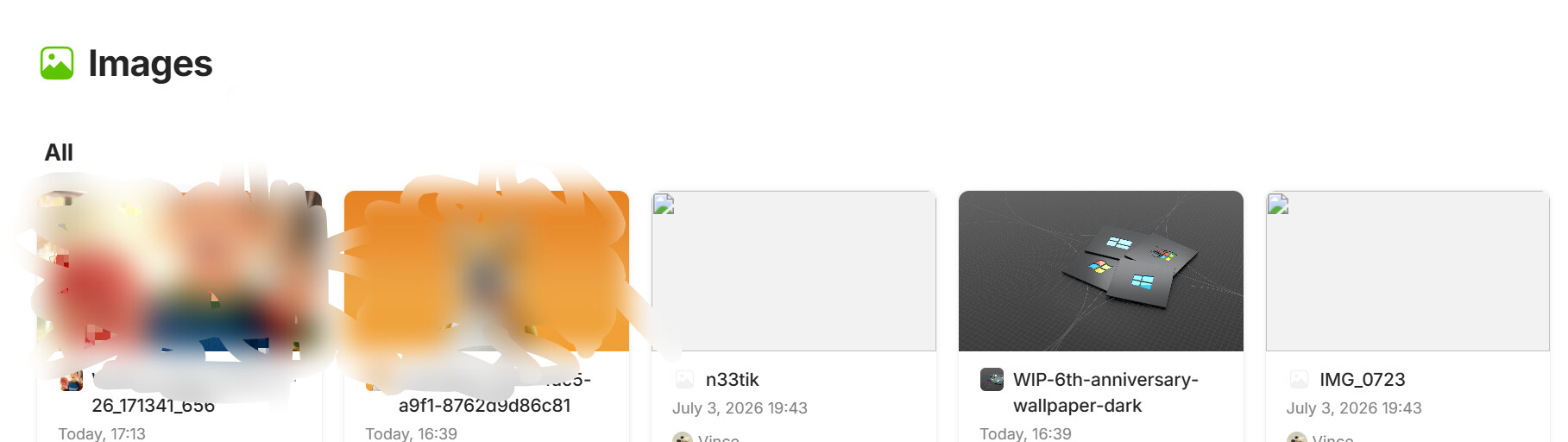
- The file is correctly detected as an Image type and appears in the Images category / gallery
- However, the image content cannot be parsed or displayed — the preview area shows a placeholder, broken icon, or blank state instead of the actual picture
- The file is recognized by type but the decoder/renderer fails to process HEIC encoding