What’s The Bug?
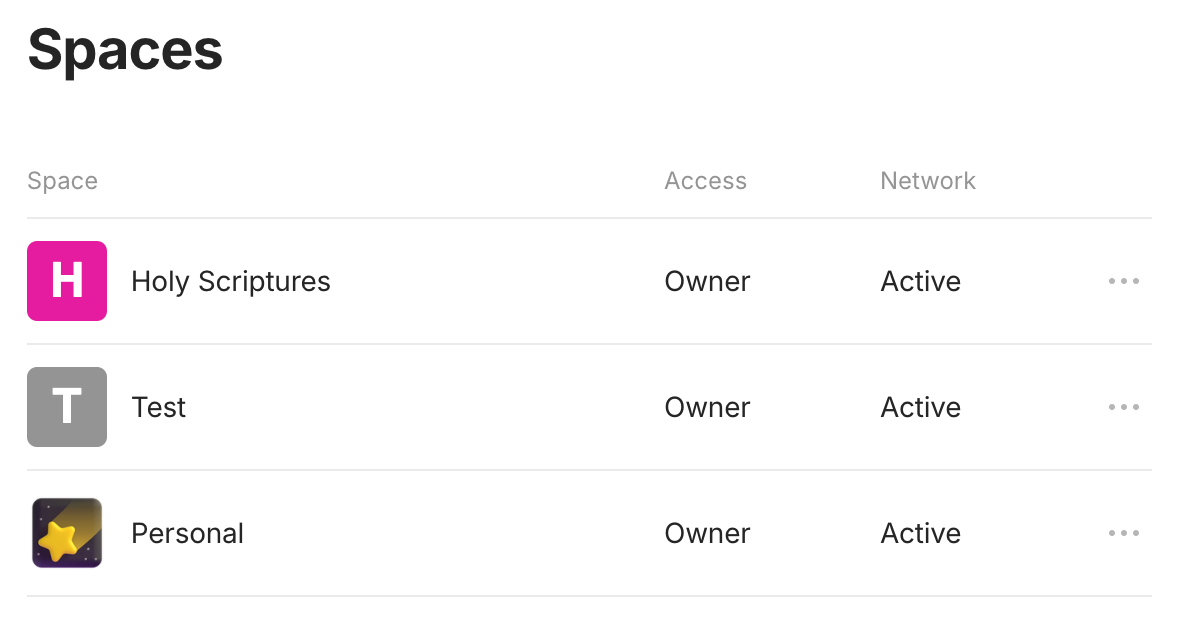
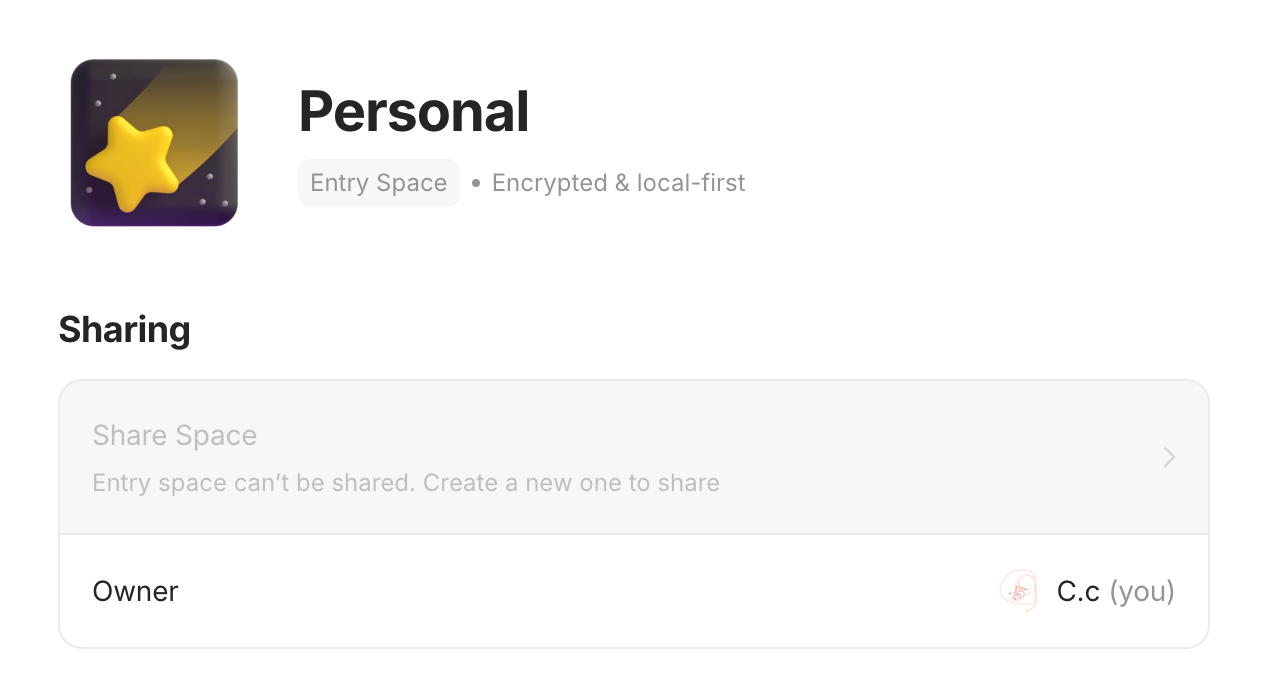
My entry space (which is the legacy entry space before entry space could be deleted in v.0.44) is no longer displayed at entry, despite it being the “entry space” as displayed in individual space setting.
A different private space is displayed at entry, despite it being “Private space” in individual space setting. This private space is the first listed space in general space setting.
How To Reproduce It
- Use Anytype as normal (Didn’t export and re-import entry space after v.0.44 update)
- Open Anytype, or refresh Anytype, or open a new window of Anytype (Cmd+N)
- Entry space is not displayed as entry space

- Try re-ordering space in the space and widget sidebar (nothing changed; although I am not sure this is intended to enable change of entry space)
Image or Video
The Expected Behavior
Entry space as entry space
Additional Context
- Did I miss/ignore some settings? Is there a current way to switch entry space, other than export and import?
Device
MacBook Air M1
OS
Sequoia 15.1.1
Anytype Version
v0.45.3 (Bug might have occurred since v.0.44)
Network Mode
AnySync (probably irrelevant)
Technical Information
OS version: darwin arm64 15.1.1
App version: 0.45.3
Build number: build on 2025-02-17 15:22:27 +0000 UTC at #f1ceda0a1457dbf982d8b3fd8479ccdcb95df6d3 (dirty)
Library version: v0.39.11